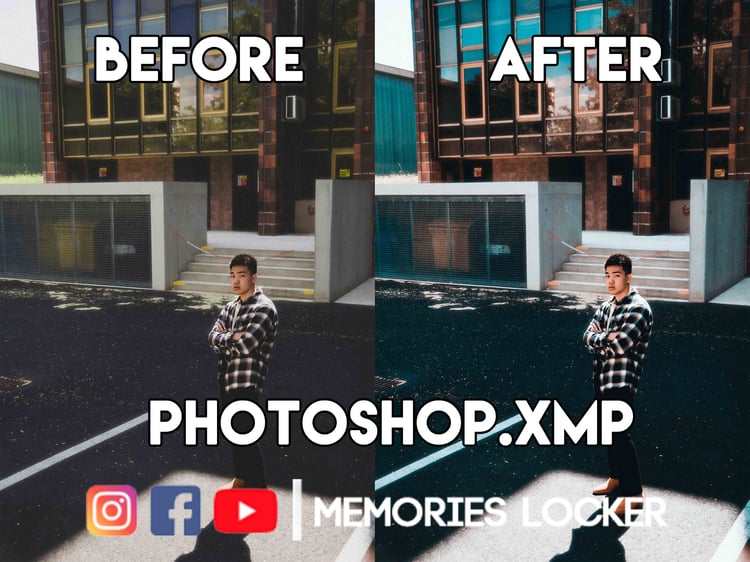
Ml-1 Photoshop XMP
On Sale
$1.00
$1.00
MAC >> Locate your User Library. Select "Go to" in the finder and hold down the Option key. Select "Library". Please navigate to the "Settings" folder >> User / Library / Application Support / Adobe / Camera Raw / Settings. Copy the Preset folder (ACR .xmp files) inside.
PC Windows >> Navigate to the "Settings" folder >> C: \ Documents and Settings \ User \ Application Data \ Adobe \ CameraRaw \ Settings. Copy the Preset folder (ACR .xmp files) inside.