
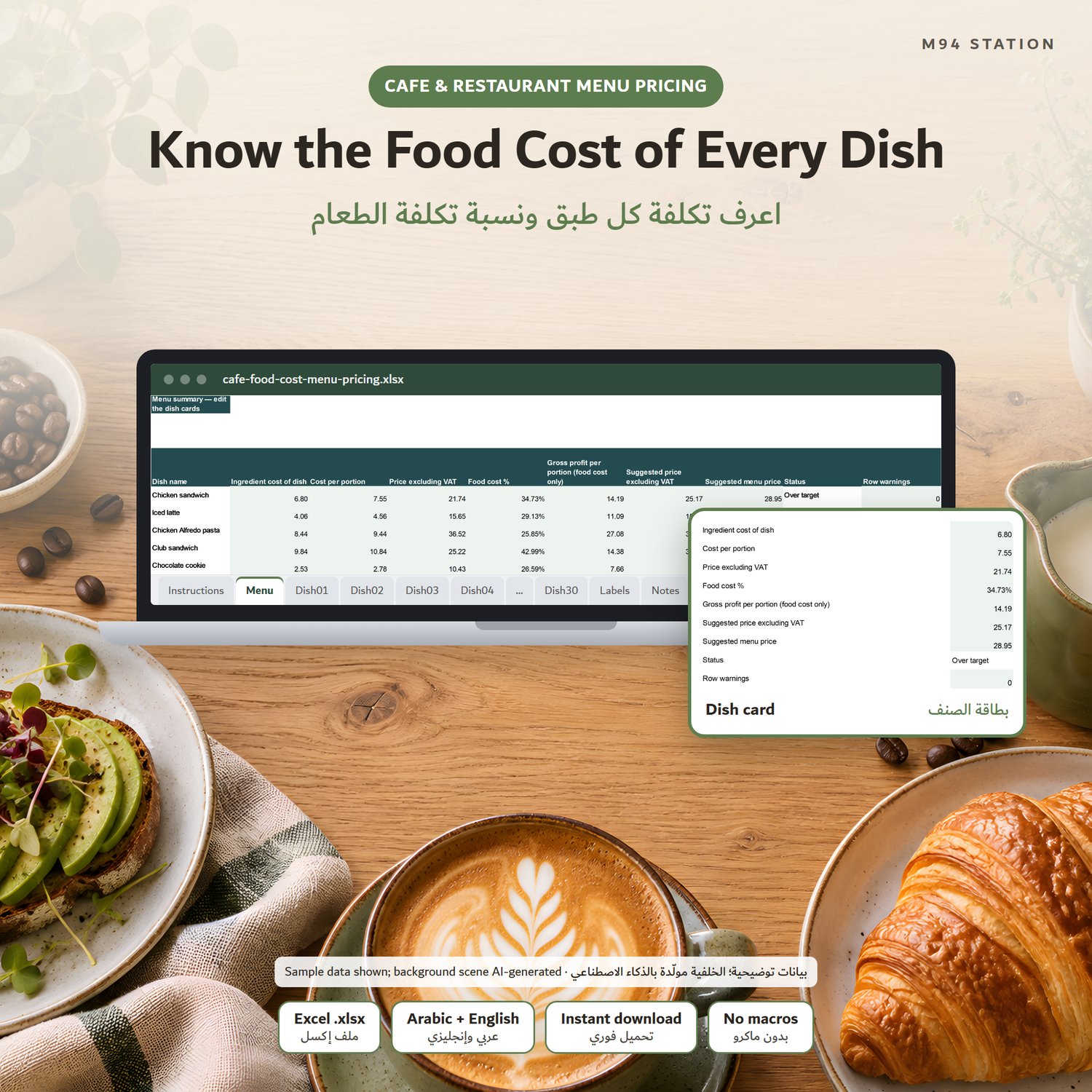
Cafe Food Cost Calculator - Restaurant Menu Pricing Sheet
Food cost calculator for cafes and restaurants: see what each dish or drink costs per portion, what food-cost percentage your menu price gives you, and what price you need to hit your target.
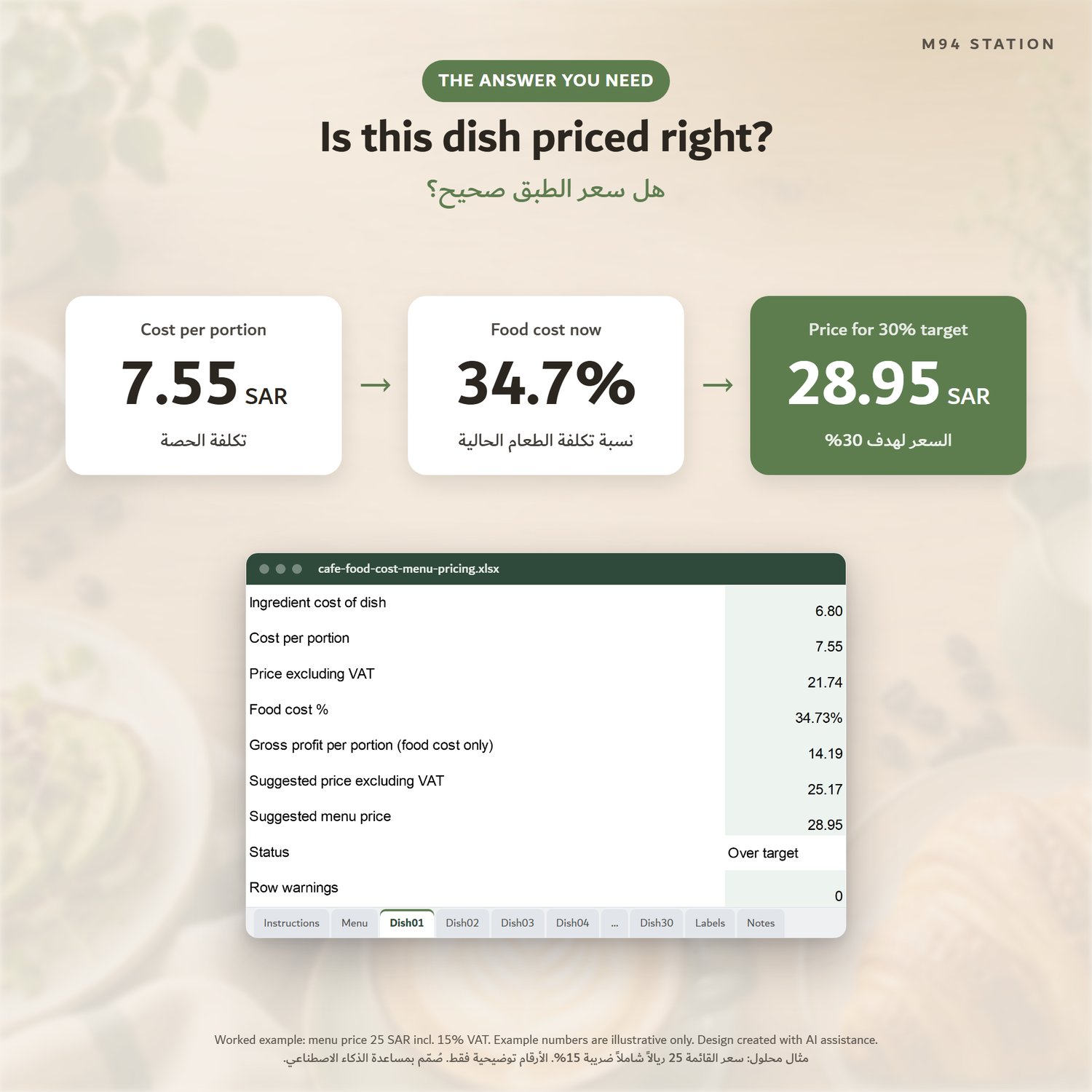
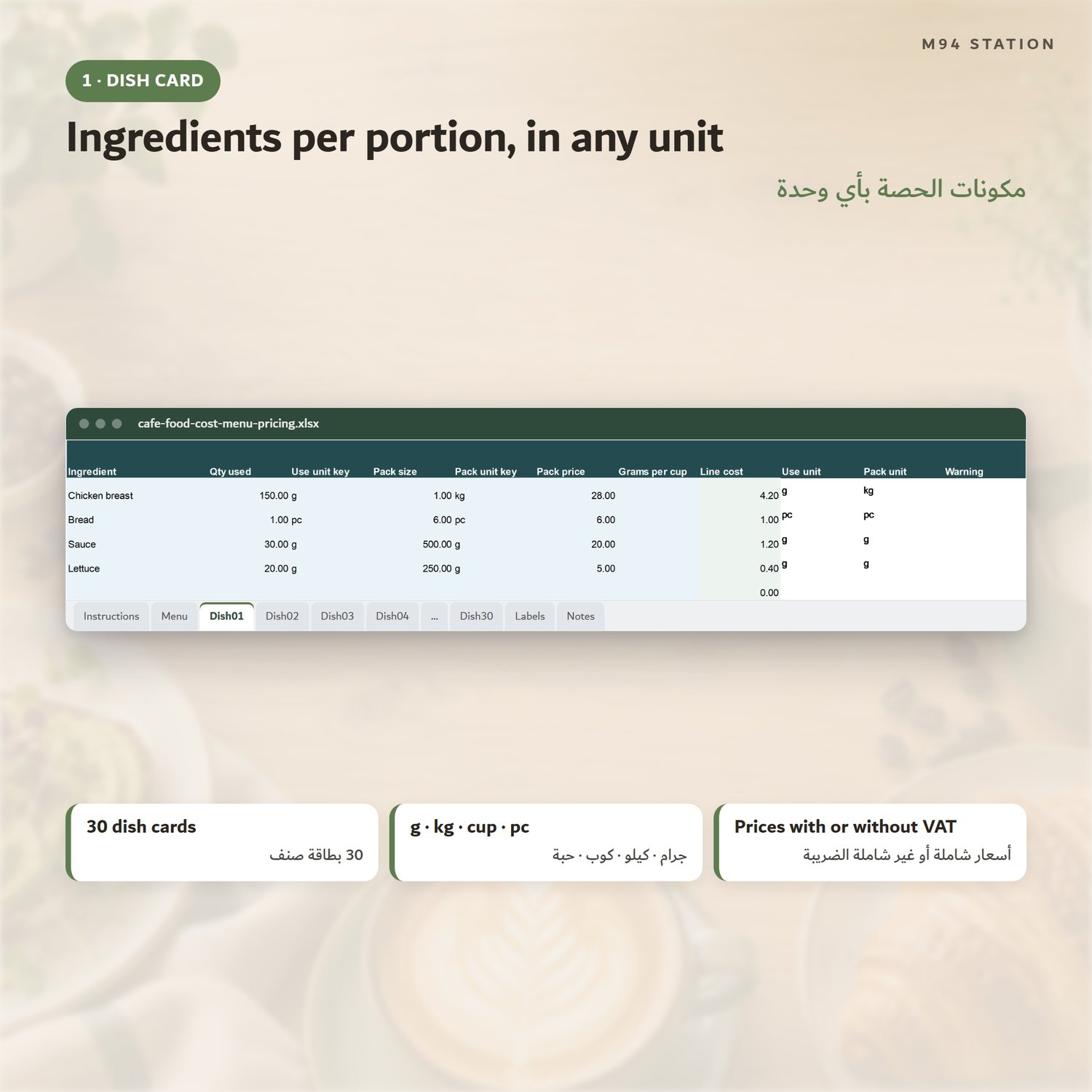
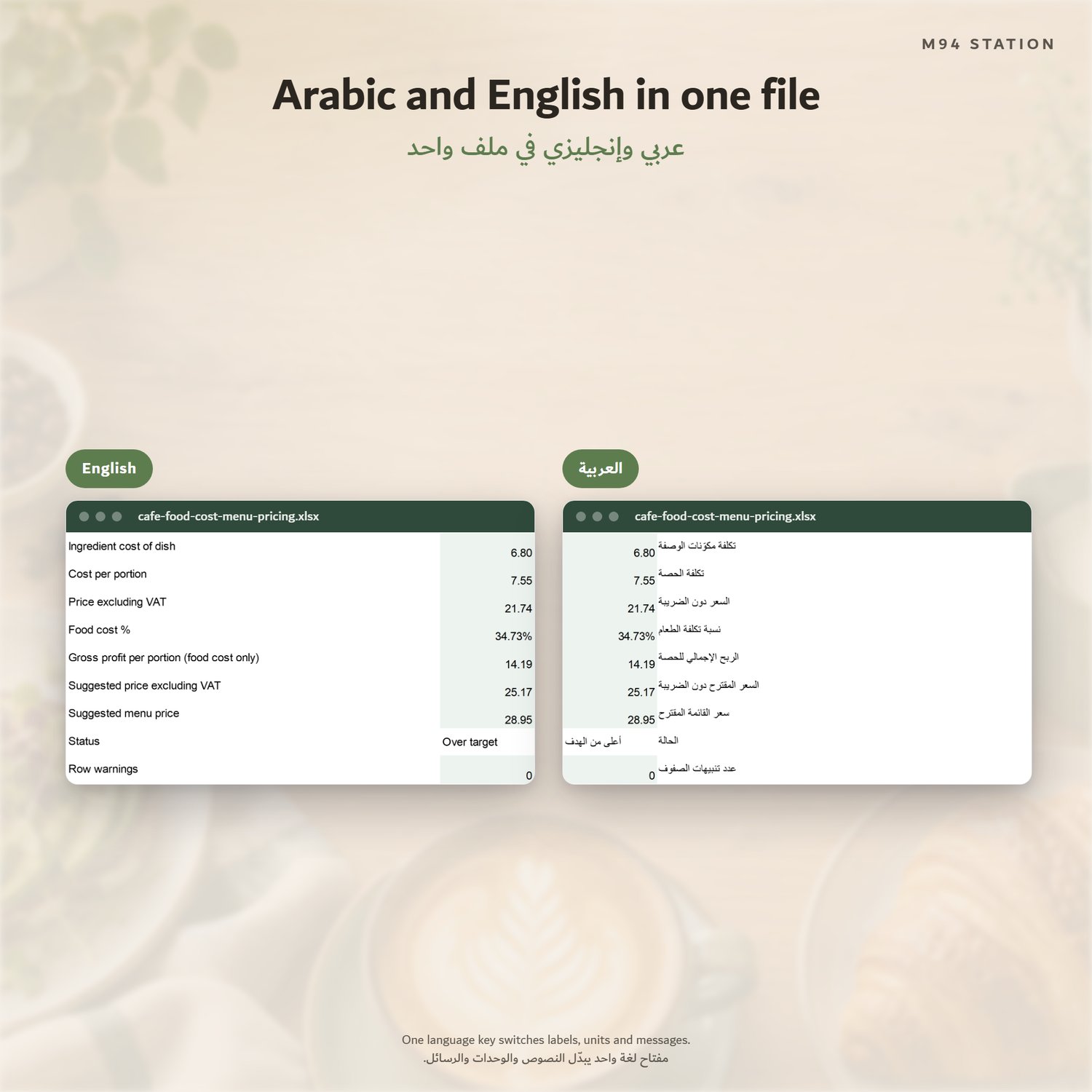
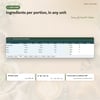
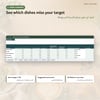
Build each dish on its own card: up to 12 ingredient lines, the pack size and pack price you paid, the amount used, portions per recipe, and extra cost per portion such as the cup, lid or garnish. The sheet converts grams, kilograms, cups and pieces, then shows cost per portion, food-cost %, gross profit per portion and an OK / Over target status. Gross profit here counts ingredients and extra cost only, not labour or rent. It also gives a suggested menu price for your target food-cost %, rounded up so it always meets the target.
Set your VAT rate once, say whether your menu prices include VAT, and every card shows the basis it uses. Food-cost % is measured on the price without VAT.
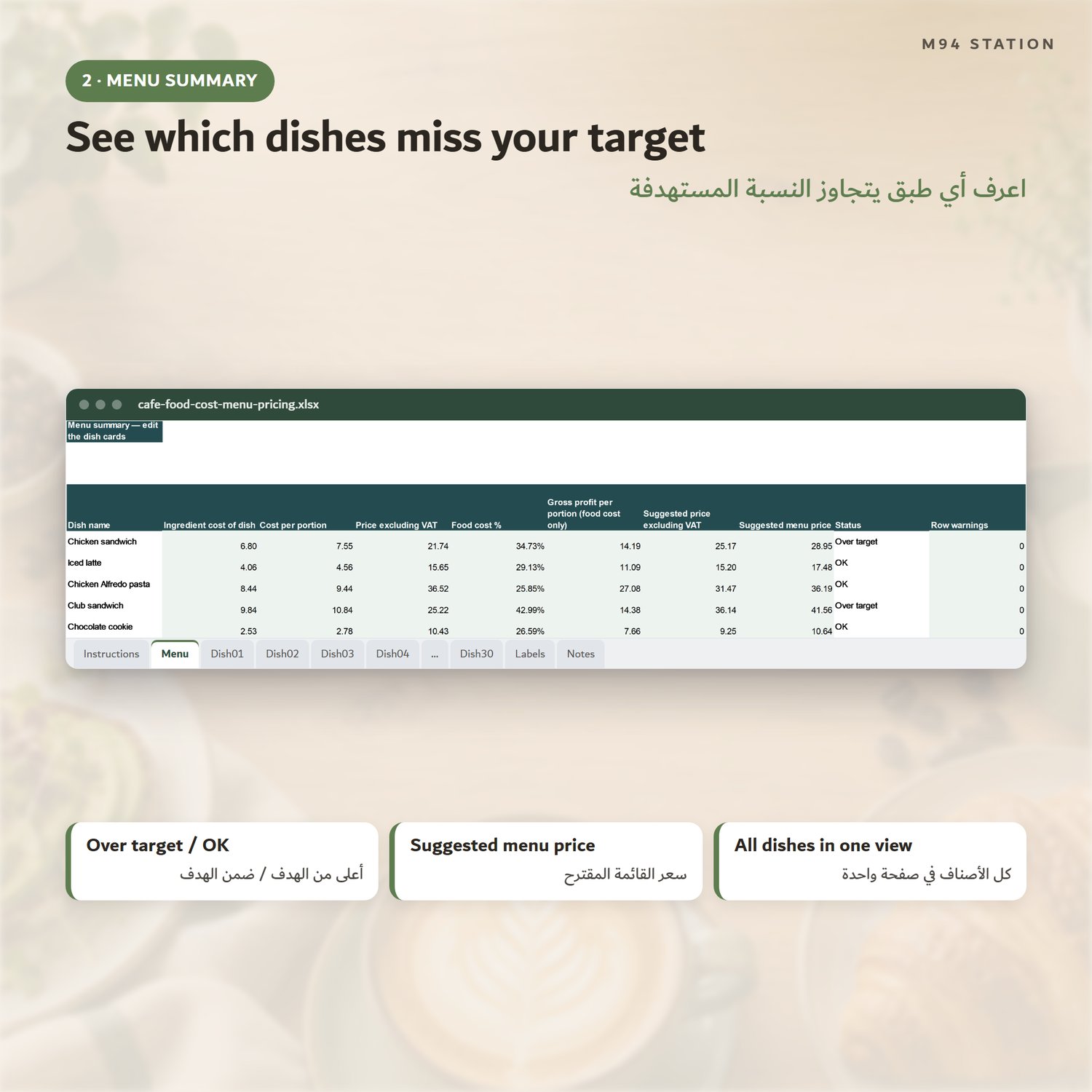
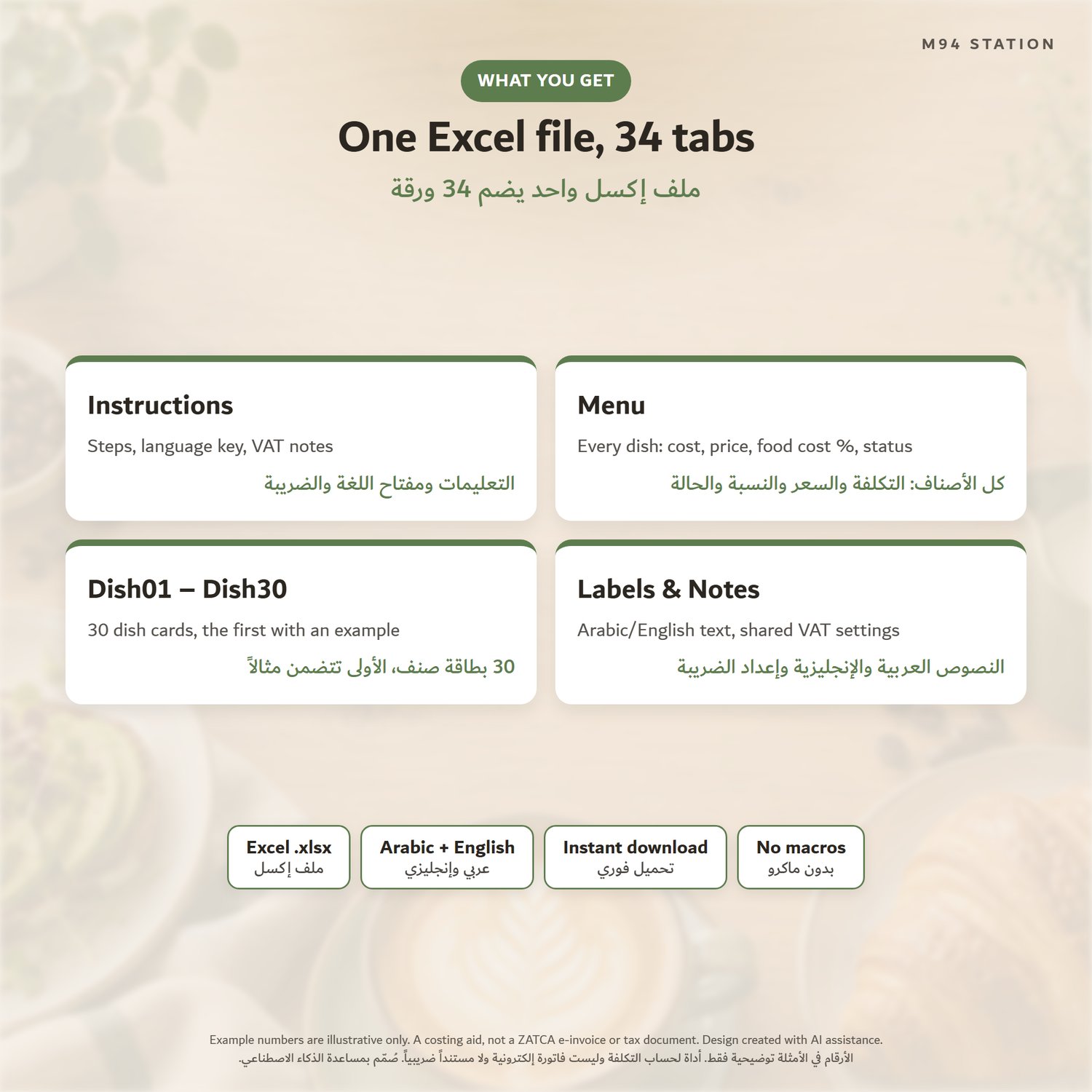
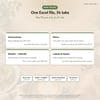
Inside (34 tabs): Instructions, a Menu summary that lists every dish with its cost, price, food-cost % and status, 30 dish cards (the first holds a worked example), a Labels sheet with the locked English and Arabic texts, and a Notes sheet with the shared VAT settings. A row with missing or mismatched data is flagged and counted in a warning total; flagged rows are counted as cost 0 until you fix them.
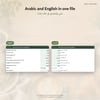
The workbook is Excel format (.xlsx) only, with no macros. A language key on the Instructions sheet (1 = English, 2 = Arabic) switches labels and messages. Inputs are open; formulas are locked (no password). For Arabic right-to-left layout, turn on right-to-left sheet direction in your spreadsheet app.
Example numbers are illustrative only. A costing aid, not accounting or tax advice, and not a ZATCA e-invoice or tax document. Design and formulas built with AI assistance and checked against test cases.
What you get
- Excel workbook (.xlsx), no macros, no external data links
- Instructions sheet (first) with the language key
- 30 dish cards, each with 12 ingredient lines; the first holds a worked example
- Units: g, kg, cup, pc for the amount used (grams per cup entered per ingredient); pack units are g, kg, pc
- Portions per recipe and extra cost per portion (cup, lid, garnish)
- Cost per portion, food-cost %, gross profit per portion (ingredients and extra cost only), OK / Over target status
- Suggested menu price for your target food-cost %, rounded up
- VAT rate and "prices include VAT" setting (Notes sheet), basis shown on each card
- Menu summary sheet listing all 30 cards
- Locked Labels sheet with the English and Arabic texts (34 tabs in total)
- Warnings for incomplete ingredient rows
- Language key (1 = English, 2 = Arabic) for labels, unit names and messages
- Input cells open, formula cells locked (no password)
Example numbers are illustrative only. This is a costing aid, not accounting or tax advice, and not a ZATCA e-invoice or tax document.
حاسبة تكلفة الأطباق وتسعير المنيو للكافيهات والمطاعم - قالب جدول بيانات
حاسبة تكلفة الطعام للكافيهات والمطاعم: اعرف تكلفة كل طبق أو مشروب للحصة الواحدة، ونسبة تكلفة الطعام اللي يعطيها سعر المنيو الحالي، والسعر اللي تحتاجه لتحقق النسبة المستهدفة.
لكل صنف بطاقة مستقلة: حتى 12 سطراً للمكوّنات مع حجم العبوة وسعرها والكمية المستخدمة وعدد الحصص في الوصفة والتكلفة الإضافية لكل حصة مثل الكوب والغطاء والتزيين. يحوّل الجدول بين الجرام والكيلو والكوب والحبة، ثم يعرض تكلفة الحصة ونسبة تكلفة الطعام والربح الإجمالي للحصة وحالة "ضمن الهدف" أو "أعلى من الهدف". الربح الإجمالي هنا يخصم المكوّنات والتكلفة الإضافية فقط، بدون العمالة والإيجار. ويقترح سعر منيو يحقق نسبتك المستهدفة، مقرّباً للأعلى حتى لا ينزل عن الهدف.
حدّد نسبة الضريبة مرة واحدة، واختر هل أسعار المنيو شاملة الضريبة أم لا، ويظهر الأساس المستخدم على كل بطاقة. وتُحسب نسبة تكلفة الطعام على السعر قبل الضريبة.
داخل الملف (34 ورقة): التعليمات، وورقة Menu تجمع كل الأصناف مع التكلفة والسعر والنسبة والحالة، و30 بطاقة صنف (الأولى فيها مثال جاهز)، وورقة Labels محمية فيها النصوص العربية والإنجليزية، وورقة Notes لإعدادات الضريبة المشتركة. السطر الناقص أو غير المتطابق يظهر له تنبيه ويُحسب في إجمالي التنبيهات، ويُحسب بتكلفة صفر إلى أن تصححه.
ملف Excel (xlsx) فقط، بدون ماكرو. رمز اللغة في ورقة التعليمات (1 = English، 2 = العربية) يبدّل النصوص والرسائل. خانات الإدخال مفتوحة والمعادلات مقفلة (بدون كلمة مرور). للعرض من اليمين لليسار فعّل اتجاه الورقة من تطبيق الجداول.
الأرقام في الأمثلة توضيحية فقط. الجدول أداة مساعدة لحساب التكلفة وليس نصيحة محاسبية أو ضريبية، وليس فاتورة إلكترونية ولا مستنداً ضريبياً وفق متطلبات هيئة الزكاة والضريبة والجمارك (ZATCA). صُمّم القالب وصيغه بمساعدة الذكاء الاصطناعي وفُحص بحالات اختبار.
الأرقام في الأمثلة توضيحية فقط. هذا الجدول أداة مساعدة لحساب التكلفة وليس نصيحة محاسبية أو ضريبية، وليس فاتورة إلكترونية ولا مستنداً ضريبياً وفق متطلبات ZATCA.
FAQ / الأسئلة الشائعة
EN
- How does it handle VAT? You enter a VAT rate (default 15%, editable) once on the Notes sheet, and choose whether your menu prices include VAT (1 = Yes, 0 = No). If they do, the sheet removes VAT before calculating food-cost %, and adds it back to the suggested menu price. The rate is your input, not legal advice.
- Is this a tax invoice? No. It is a costing aid, not a ZATCA e-invoice or tax document.
- Can I edit it? Yes. Ingredient, price, portion, target and VAT cells are open. Formula cells are locked; protection uses an empty password, so no password is needed, as stated on the Instructions sheet.
- How do I type the target food-cost %? As 30% (or 0.30), not the bare number 30.
- Can I add more than 30 dishes? The file includes 30 dish cards. To add more, copy a card yourself after unprotecting it. The Menu summary lists only the 30 included cards.
- What about currency? Amounts have no currency; enter prices in your own currency. No conversion is done.
- Can I get a refund? Please see the store policy.
AR
- كيف يتعامل مع ضريبة القيمة المضافة؟ تدخل نسبة الضريبة مرة واحدة في ورقة Notes (الافتراضي 15% وتقدر تعدلها) وتختار هل أسعار المنيو شاملة الضريبة (1 = نعم، 0 = لا). إذا كانت شاملة فالجدول يخصمها قبل حساب نسبة تكلفة الطعام، ويضيفها إلى السعر المقترح. النسبة مدخل منك وليست استشارة نظامية.
- هل هو فاتورة ضريبية؟ لا. هو أداة لحساب التكلفة وليس فاتورة إلكترونية ولا مستنداً ضريبياً وفق متطلبات ZATCA.
- هل أقدر أعدّل عليه؟ نعم. خانات المكوّنات والأسعار والحصص والهدف والضريبة مفتوحة. والمعادلات مقفلة، والحماية بكلمة مرور فارغة (لا تحتاج كلمة مرور) كما هو مذكور في ورقة التعليمات.
- كيف أكتب نسبة تكلفة الطعام المستهدفة؟ بصيغة 30% (أو 0.30)، وليس الرقم 30 مجرداً.
- هل أقدر أضيف أكثر من 30 صنفاً؟ الملف فيه 30 بطاقة صنف. لإضافة المزيد كرّر بطاقة بنفسك بعد فك الحماية، وورقة Menu تعرض البطاقات الثلاثين المضمّنة فقط.
- وش العملة؟ المبالغ بلا عملة محددة؛ اكتب أسعارك بعملتك ولا يتم تحويل عملات.
- هل أقدر أسترجع المبلغ؟ يرجى مراجعة سياسة المتجر.