
LOT 9B — Photoshop Panel
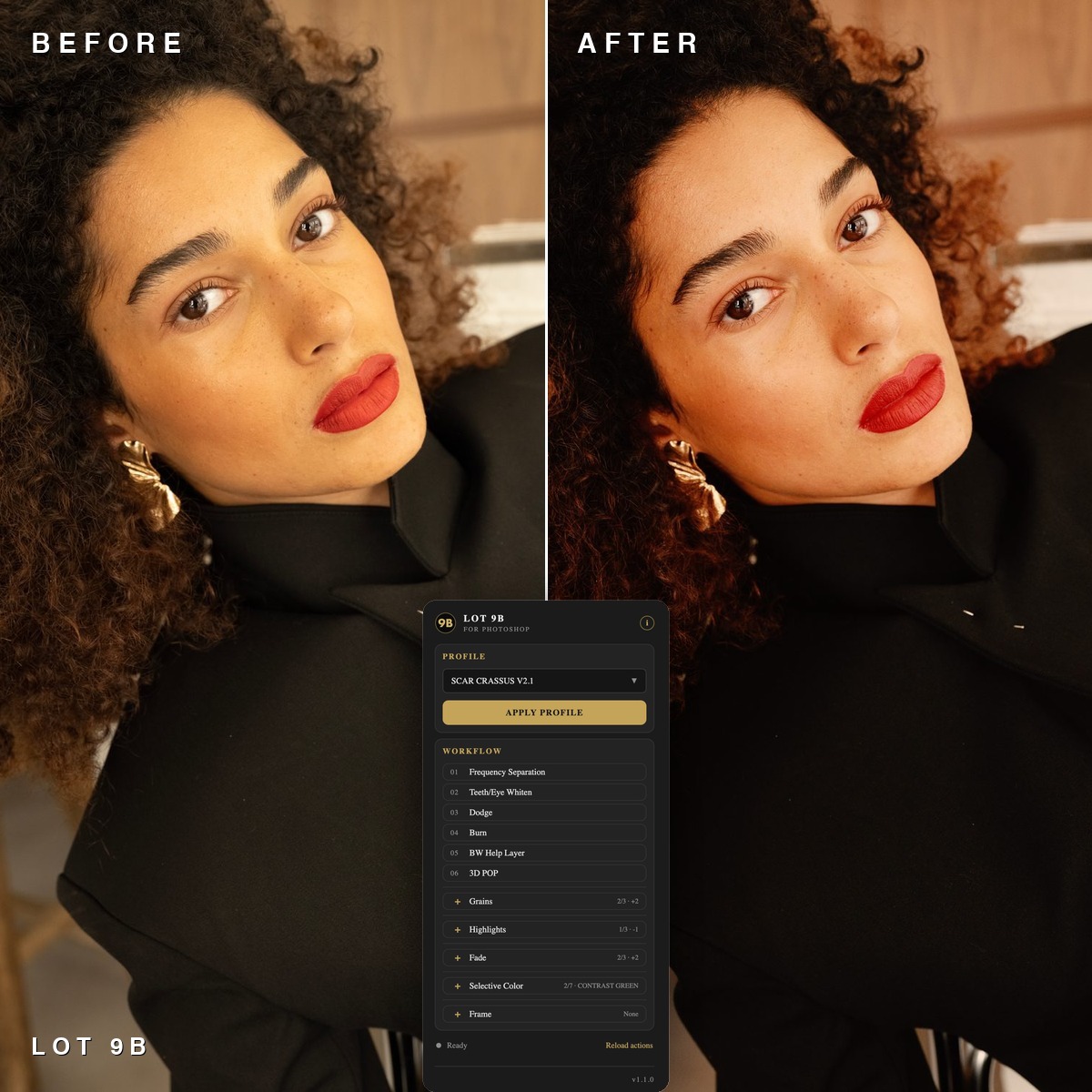
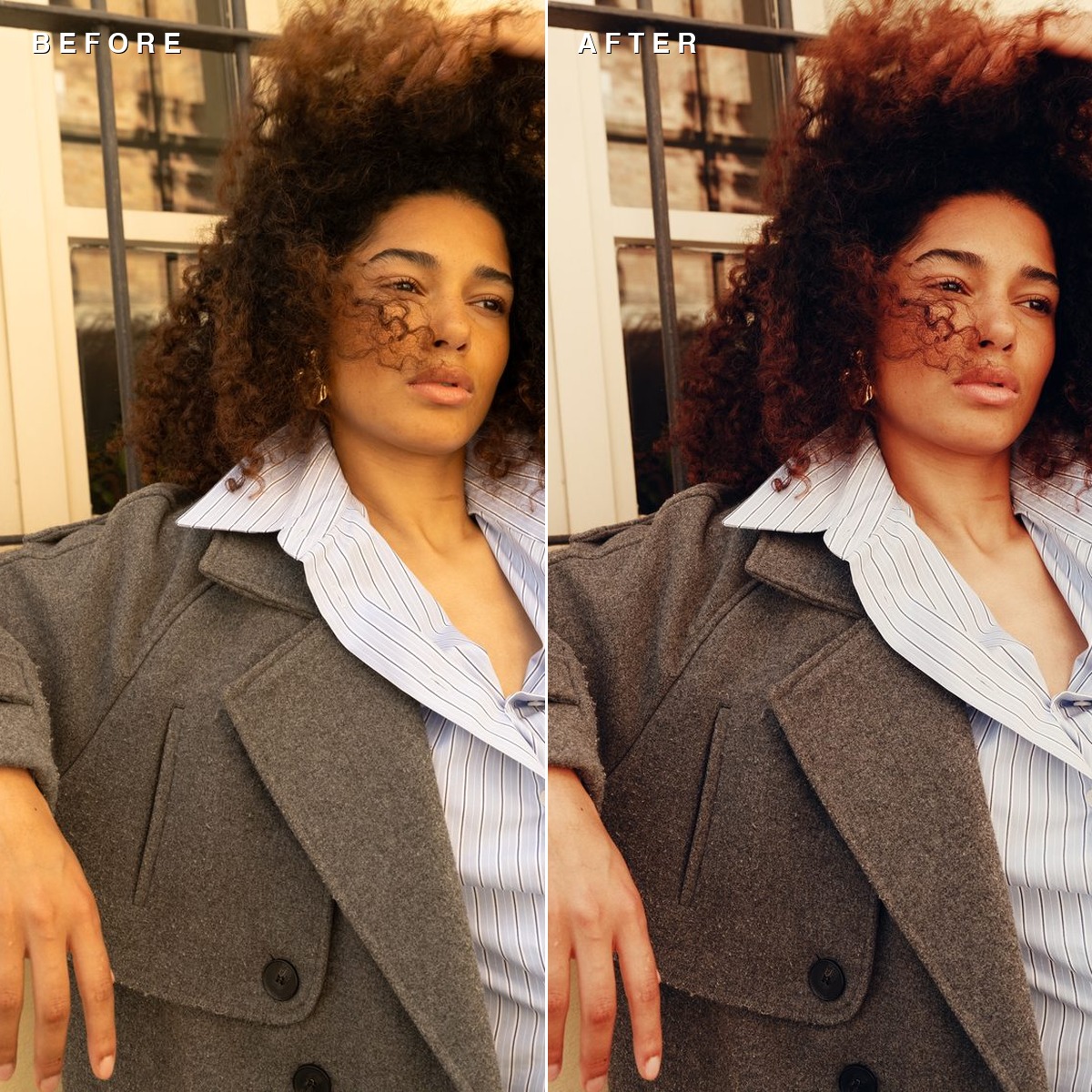
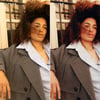
LOT 9B is a Photoshop panel that puts film-inspired colour and the whole retouching workflow in one place — so you stop jumping between Camera Raw, actions and adjustment layers.
What's inside
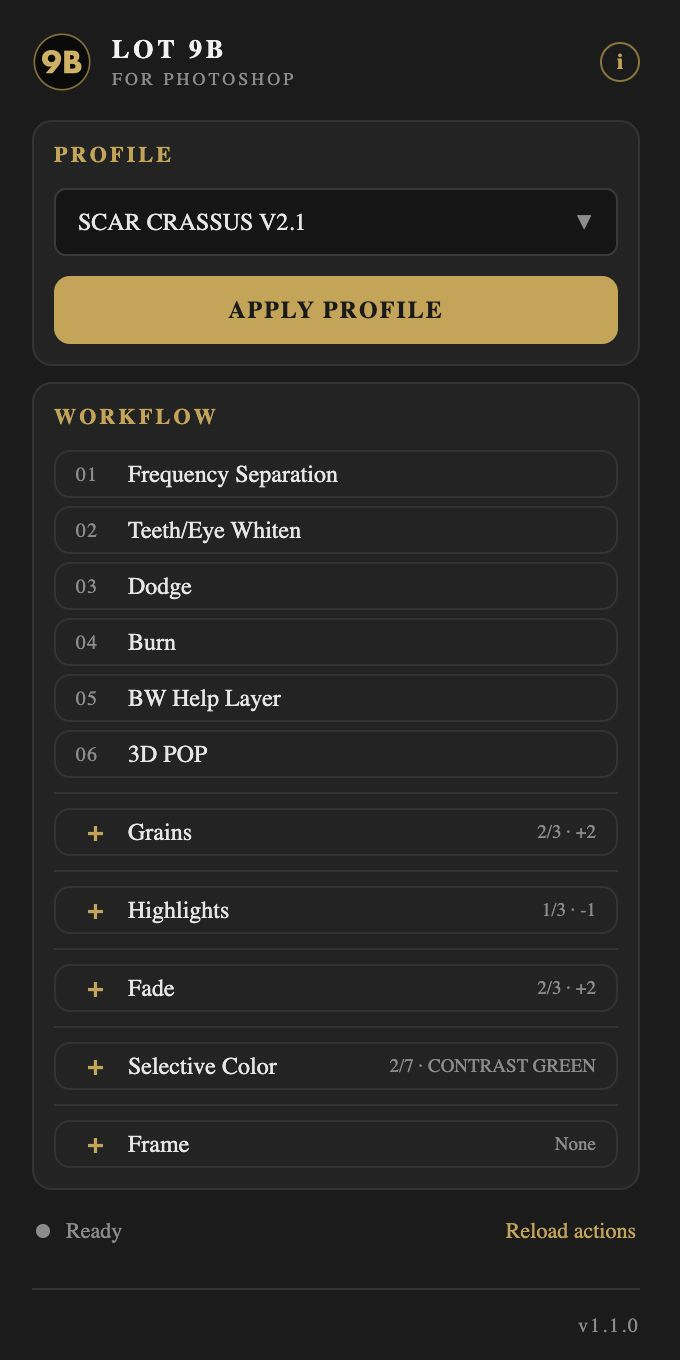
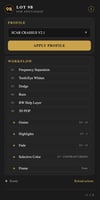
- 11 LOT 9B profiles — AURI, CAERULEUS, CHROMA, CHROMA BLOOM, CRASSUS, CRASSUS V2, CRASSUS V2.1, GOLD WARM, LACTEUS, LACTEUS WASHED, WARM
- 6 workflow actions — Frequency Separation, Teeth/Eye Whiten, Dodge, Burn, BW Help Layer, 3D POP
- Press-to-cycle rows — Grains, Highlights, Fade, Selective Color. Press again for the next level, again to switch it off. Each press replaces the previous layer, so nothing stacks.
- Frame — one-click presentation framing in a new document
- Optional .xmp profiles for Camera Raw / Lightroom, included in the download
How it works
Pick a look, press Apply. The profile opens in Camera Raw with an amount slider, so you decide how strong it sits. Then run the retouching actions top to bottom — they create editable layers you can mask, lower or switch off.
What you get
- LOT-9B.ccx — the panel (one-time install)
- Profiles folder — 11 .xmp files (optional, for Camera Raw / Lightroom)
- README with install steps
- Shortcut to the full video walkthrough
Requirements
Photoshop 2022 (v23) or newer · macOS or Windows · Creative Cloud desktop app for the one-time install. No internet needed after install. The panel does not collect or send any data.
Install (2 minutes)
- Unzip the download.
- Double-click LOT-9B.ccx → "Install locally". Adobe shows an "unverified plugin" warning because this wasn't bought on Adobe's marketplace — that's expected for plugins sold directly.
- Open Photoshop → Plugins → LOT 9B → drag it into your panel dock.
Watch it in action
Support
info@2928production.com — I answer personally.
Licence
One licence per customer. Use the panel and the looks on your own personal and client work. Please don't resell, share or redistribute the panel, actions or profiles.