
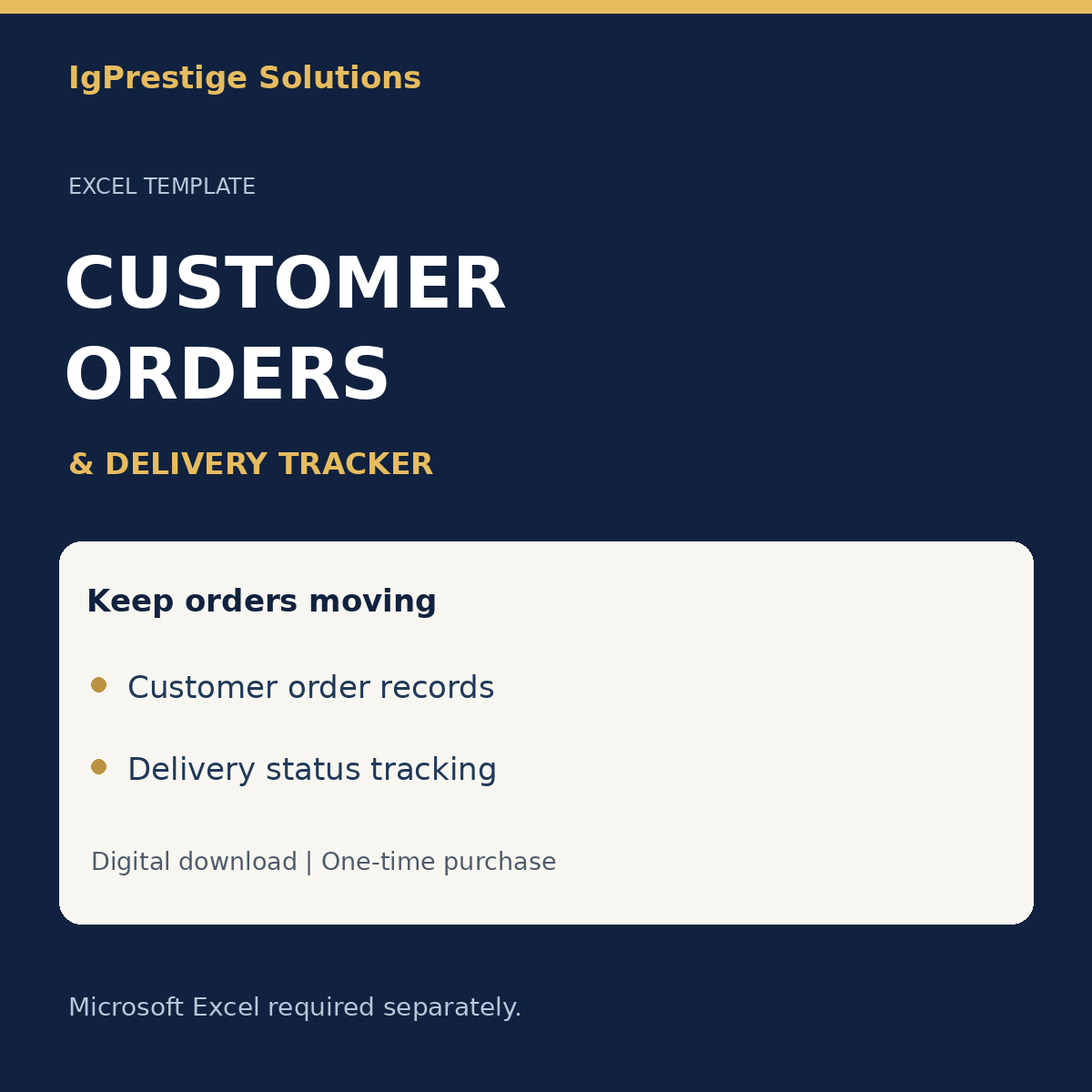


Customer Order & Delivery Tracker — Excel Template
QUICK DEMONSTRATION — FICTIONAL EXAMPLE
1. Enter an order total of 120 and received-to-date payments of 30.
2. The tracker calculates a balance due of 90 and shows Part paid.
3. Enter the delivery due date and keep the order status and delivered date up to date. Review the delivery flag alongside the payment status.
Use one currency throughout. Browse the gallery for the workbook layout.
Track customer orders, deposits, balances and delivery deadlines in one Excel file.
YOUR DOWNLOAD INCLUDES
• Space for 500 customer orders.
• Status options from Requested to Delivered or Cancelled.
• Balances due, part-paid and overpaid payment flags.
• Scheduled, due-today and overdue delivery flags.
• Outstanding-balance and overdue-delivery totals.
• A fictional worked example and clear instructions.
£5 once. Microsoft Excel required separately. No macros or product subscription.
One row per whole order. Update order totals, cumulative payments and delivery statuses manually. Use one currency. Cancelled orders are excluded from balances; review refunds separately. Resolve invalid or duplicate records before relying on totals.
No live shop or courier connection, automated messages, stock updates, tax calculations or payment collection. This is a separate workbook and is not included in the five-tool Small Business Essentials Bundle.
Digital download only. One purchaser may use the template in their own business. No resale or redistribution.