
Revit Corbel Placer Extension | Automated Precast Column pyRevit Tool
The Problem:
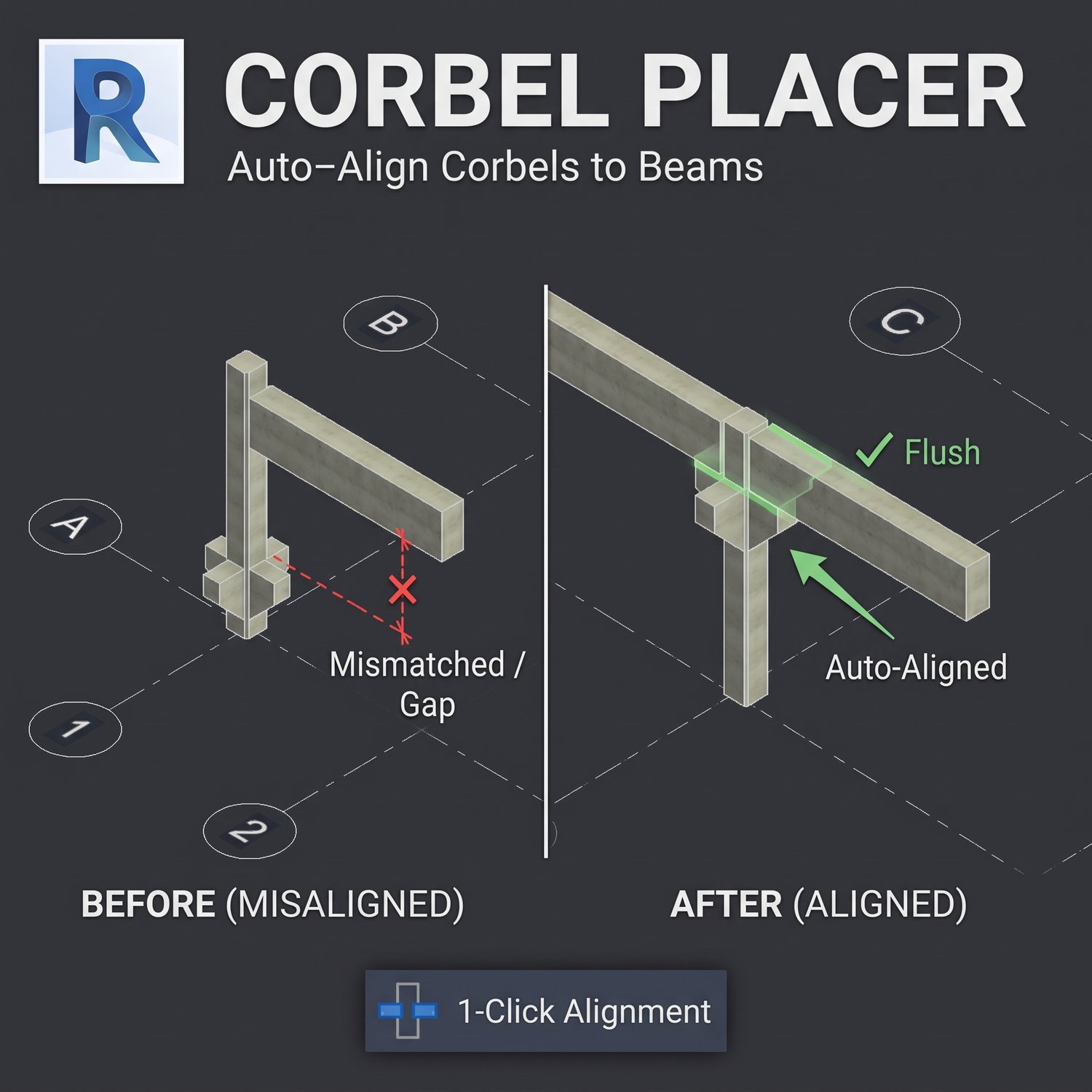
When modeling precast concrete structures in Autodesk Revit, adjusting column corbels (bearing seats) to accurately support connecting beams requires tedious manual calculations. BIM modelers and structural engineers must constantly update the "Corbel Distance" parameter whenever beam depths, slopes, or overall elevations change. This repetitive process slows down coordination and introduces the risk of modeling inaccuracies or clashes.
The Solution:
The Corbel Placer Extension is a custom pyRevit automation tool designed to eliminate manual elevation calculations for precast assemblies. With a straightforward two-click workflow, the script calculates the exact 3D spatial difference between the column top and the beam soffit, instantly aligning the corbel flush against the underside of the structural framing element.
Key Features:
- Instant Alignment: Automatically snaps precast column corbels to the exact underside of selected connecting beams without manual data entry.
- Dynamic Calculation: Instantly adapts to varying beam depths, changing elevations, and different project units (metric or imperial).
- Execution Reporting: Generates an immediate pyRevit UI report that details the applied drop dimensions and verifies the alignment status for quality control.
Compatibility:
- Compatible with Autodesk Revit.
- Requires the pyRevit add-in to be installed prior to use.
How to Install & Use:
- Download and extract the Corbel-Placer.extension zip file to a permanent local directory.
- Open Revit, navigate to the pyRevit tab, and open Settings.
- Under Custom Extension Directories, click "Add Folder" and select the parent folder containing the extracted .extension directory.
- Save the configuration and let pyRevit reload.
- To use, click the Corbel Placer tool in the custom ribbon tab, select your precast column, and then select the connecting beam.