
King’s TikTok LIVE Studio Streamer Bundle!!
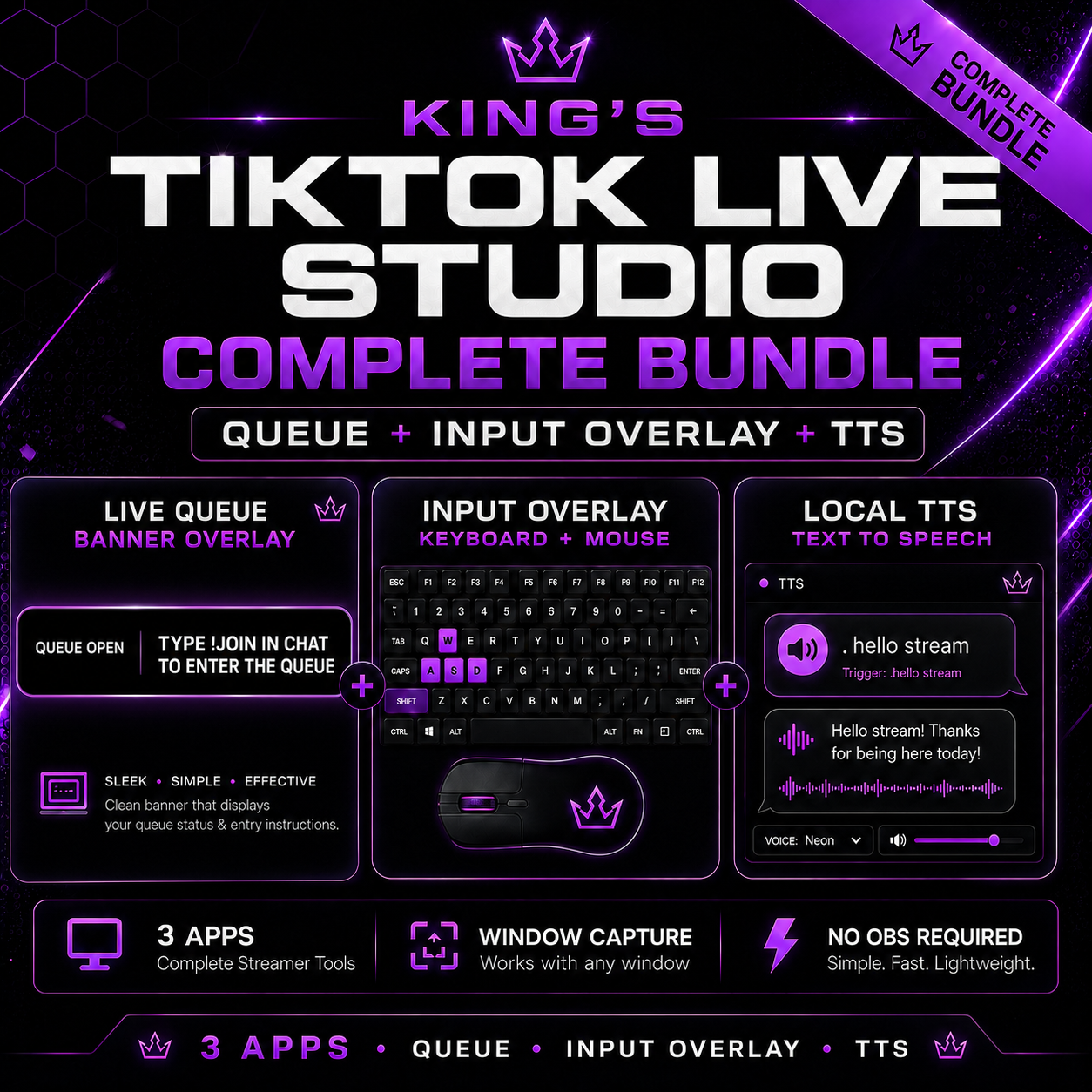
A lightweight local streamer bundle for TikTok LIVE Studio that includes a TikTok chat queue overlay and a keyboard/mouse input overlay viewer.
This bundle is made for TikTok LIVE Studio streamers who want extra stream tools without needing OBS. Both tools run locally on your Windows PC and open in clean Microsoft Edge app-style overlay windows, so they can be captured inside TikTok LIVE Studio using Window Capture.
Included Apps:
King’s TikTok Stream Queue App
A local TikTok LIVE queue overlay that lets viewers join a stream queue using chat commands.
Viewer command:
- !join
Streamer/mod commands:
- !next
- !clear
- !kick username
The queue appears in a clean local overlay window that you can capture in TikTok LIVE Studio.
King’s TikTok LIVE Studio Input Overlay Viewer
A lightweight input overlay viewer that displays your keyboard and mouse inputs in a small local overlay window.
TikTok LIVE Studio does not support the same input overlay workflow that many streamers use in OBS. This tool gives you a local workaround by reading your keyboard and mouse inputs on your PC, displaying them in a small overlay window, and letting TikTok LIVE Studio capture that window.
What This Bundle Does
- Adds a TikTok chat command queue overlay
- Lets viewers join a live queue with !join
- Gives the streamer queue control commands
- Displays keyboard and mouse input through a local overlay window
- Works with TikTok LIVE Studio through Window Capture
- Opens clean Microsoft Edge app-style overlay windows
- Runs locally on your Windows PC
- No OBS required
Requirements
- Windows PC
- Node.js LTS installed
- Microsoft Edge installed
- TikTok LIVE Studio
- A TikTok account that can go live
- Your own compatible PNG/JSON input overlay asset files for the input overlay viewer
Important Input Overlay Asset Note
The input overlay viewer does not include third-party PNG or JSON keyboard/mouse overlay assets. You must provide your own compatible input overlay asset files.
Required input overlay asset filenames:
- wasd.png
- wasd-full.json
- mouse.png
- mouse-no-movement.json
The queue app does not require these asset files. They are only needed for the input overlay viewer.
Compatible Input Overlay Files
This bundle does not include keyboard/mouse overlay PNG or JSON preset files. To use the input overlay viewer, add your own compatible Input Overlay-style preset files to the assets folder.
You can create your own preset files, use files you already own, or get compatible presets from the official Input Overlay project:
https://obsproject.com/forum/resources/input-overlay.552/
What Is Included
- TikTok Stream Queue App
- Input Overlay Viewer App
- Install files
- Start files
- Setup instructions
- Empty assets folder for your own input overlay files
- App-style overlay window launch setup
What Is Not Included
- No third-party PNG input overlay assets
- No third-party JSON input overlay layout files
- No OBS plugin
- No controller support
- No text-to-speech app
- No gift alerts
- No follower alerts
- No TikTok chat overlay
Disclaimer
This is an independent local streamer tool bundle. It is not affiliated with TikTok, OBS, Microsoft Edge, or the Input Overlay project. Third-party names, tools, presets, and assets belong to their respective owners.