




AI Solopreneur Business OS | Offline Business Dashboard, CRM, Finance & Content Planner
Run your solo business from one private, offline-first workspace.
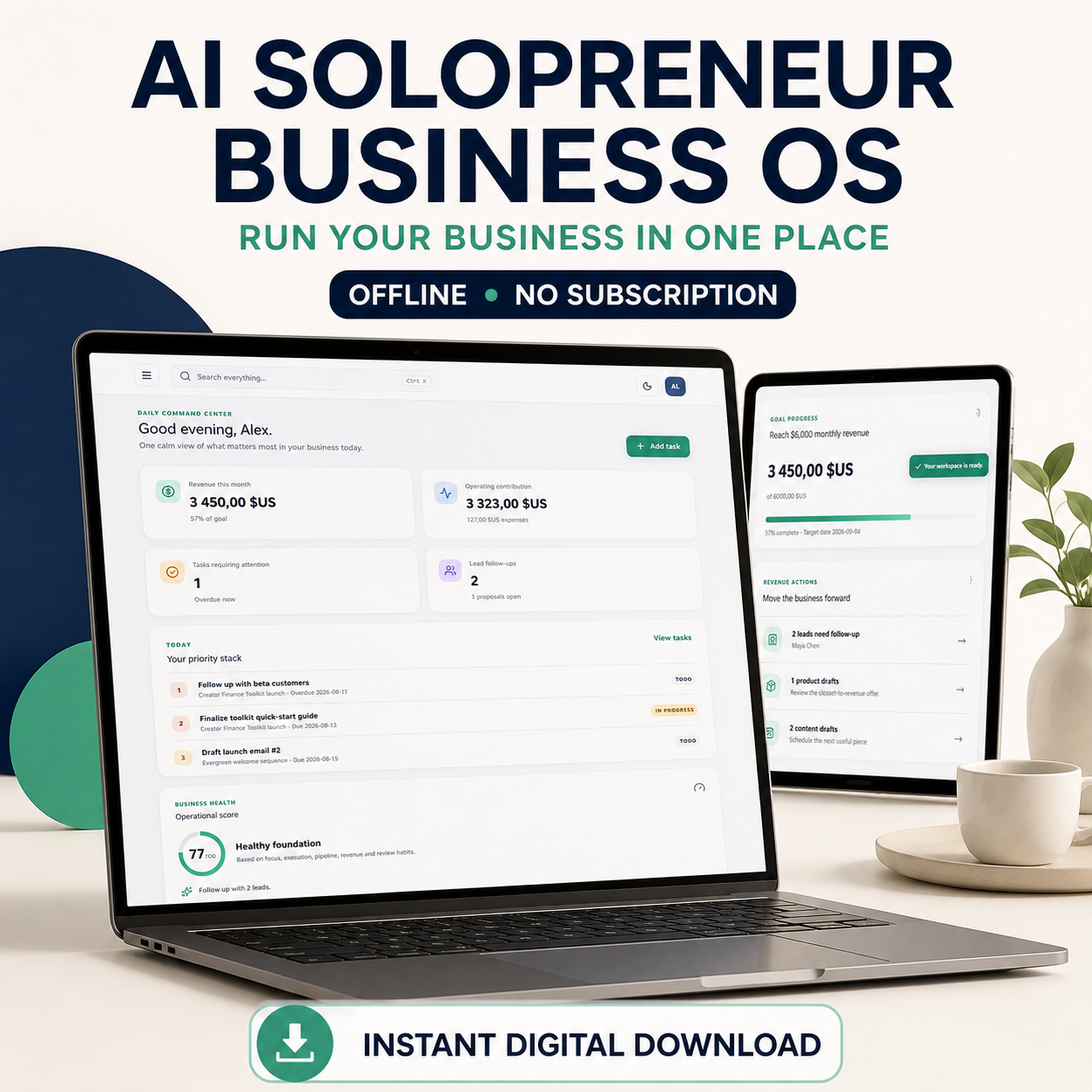
AI Solopreneur Business OS is a complete browser-based application for solo founders, freelancers, creators, consultants, coaches, and digital product sellers who want to manage their work without paying for another monthly subscription.
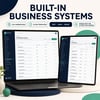
Organize your goals, projects, tasks, customers, products, finances, content, ideas, workflows, and business reviews from one responsive dashboard.
WHAT YOU CAN MANAGE
• Daily priorities and overdue tasks
• Goals, KPIs, projects, and progress
• Leads, customers, and follow-up dates
• Products, prices, and recorded sales
• Income, expenses, and operating contribution
• Content and social media planning
• Business ideas and opportunities
• Weekly and monthly reviews
• AI workflows and operating procedures
• Global search across your business records
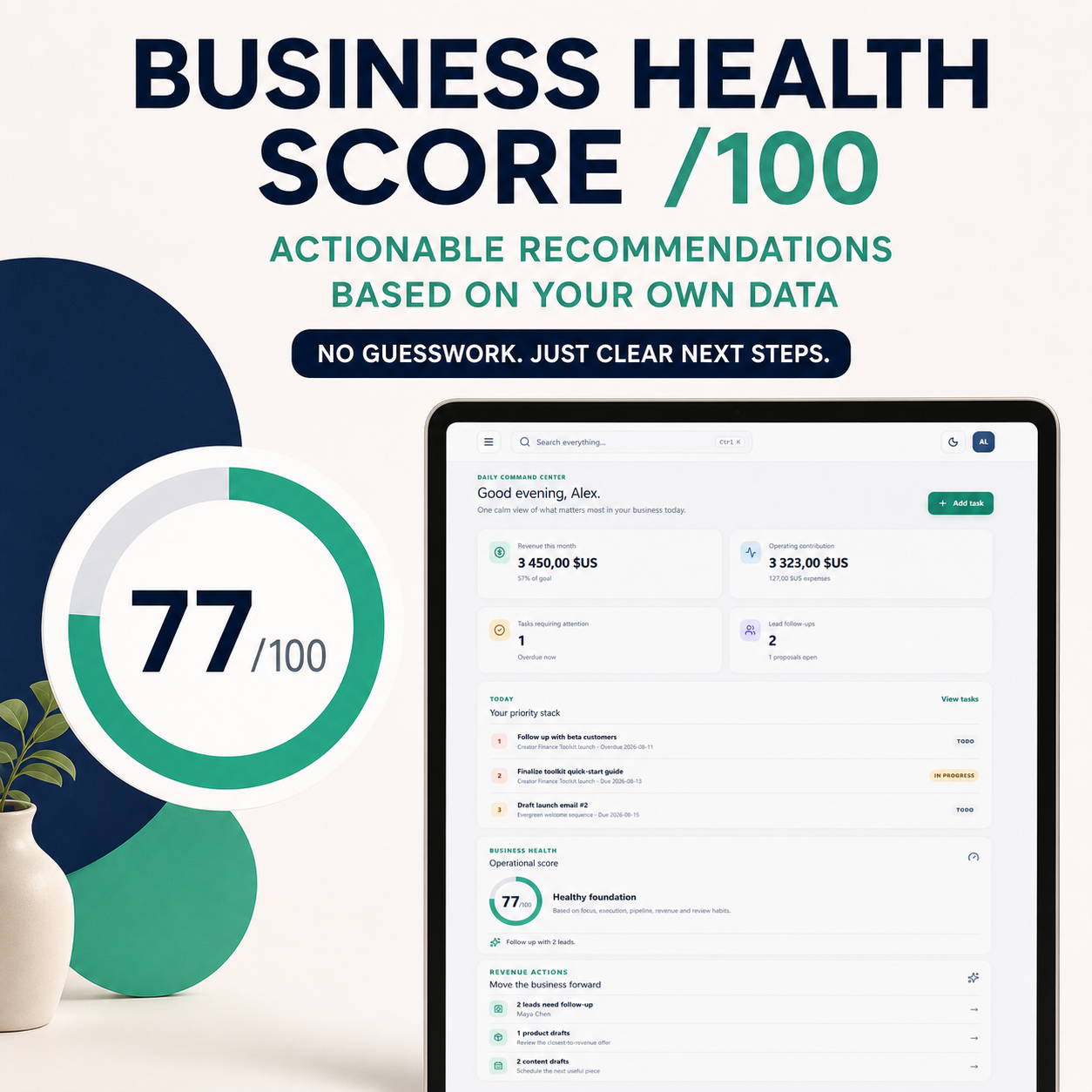
DAILY COMMAND CENTER
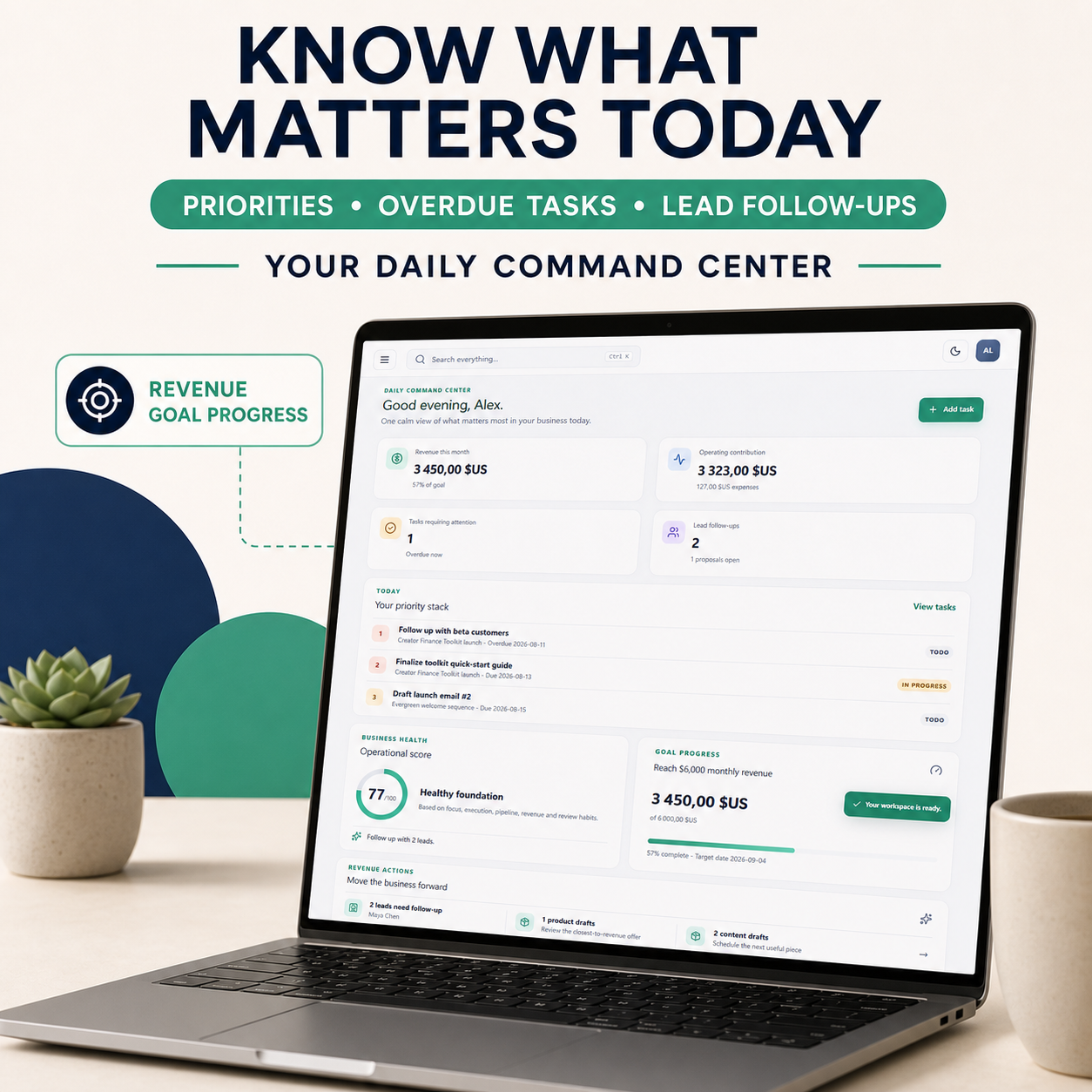
See the most important information for your business in one place:
• Today’s priorities
• Overdue tasks
• Leads requiring follow-up
• Monthly revenue-goal progress
• Product and content actions
• Business Health Score out of 100
• Actionable recommendations based on your records
The Business Health Score is descriptive, not predictive, and does not guarantee business results.
WHAT IS INCLUDED
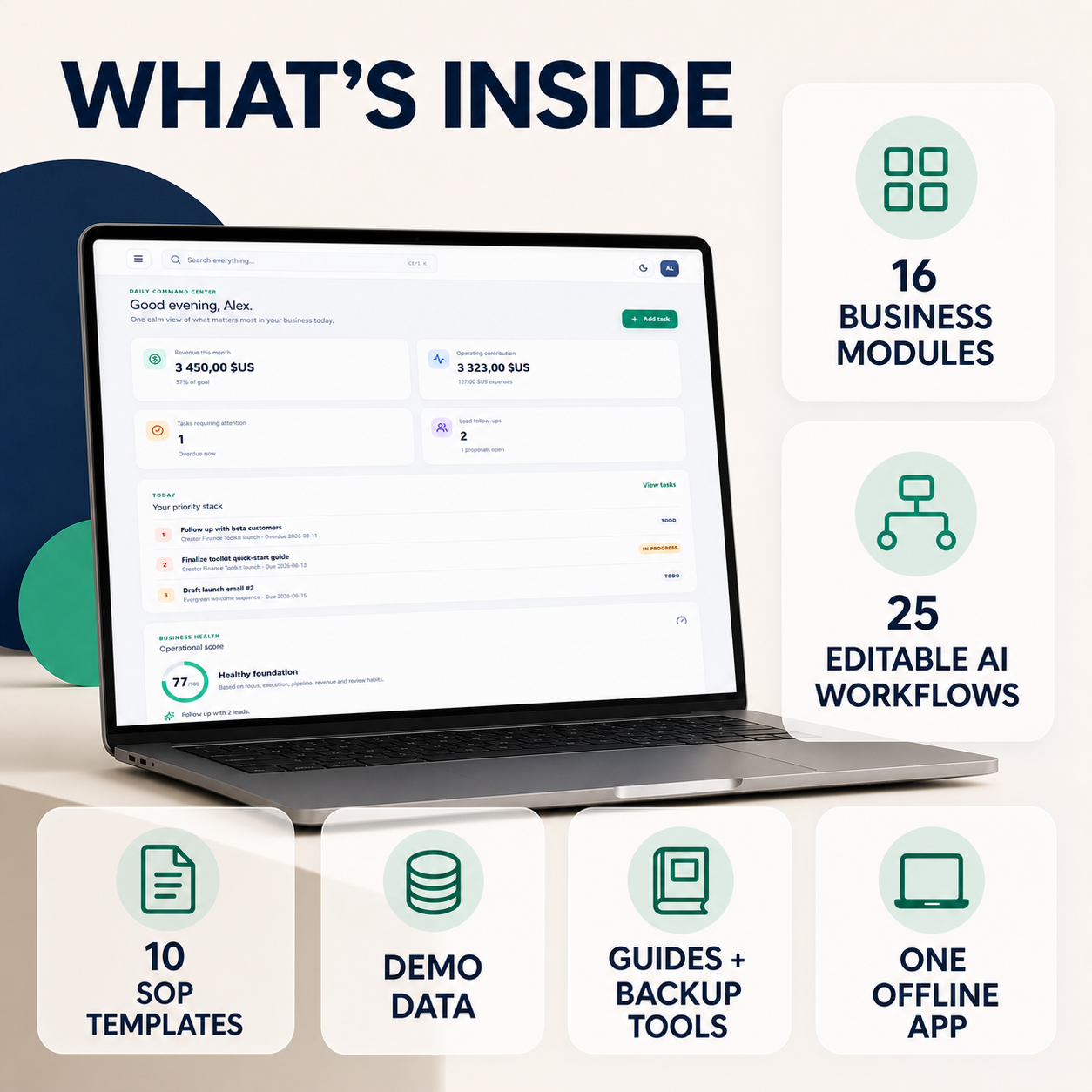
• 1 self-contained offline HTML application
• 16 business modules and data controls
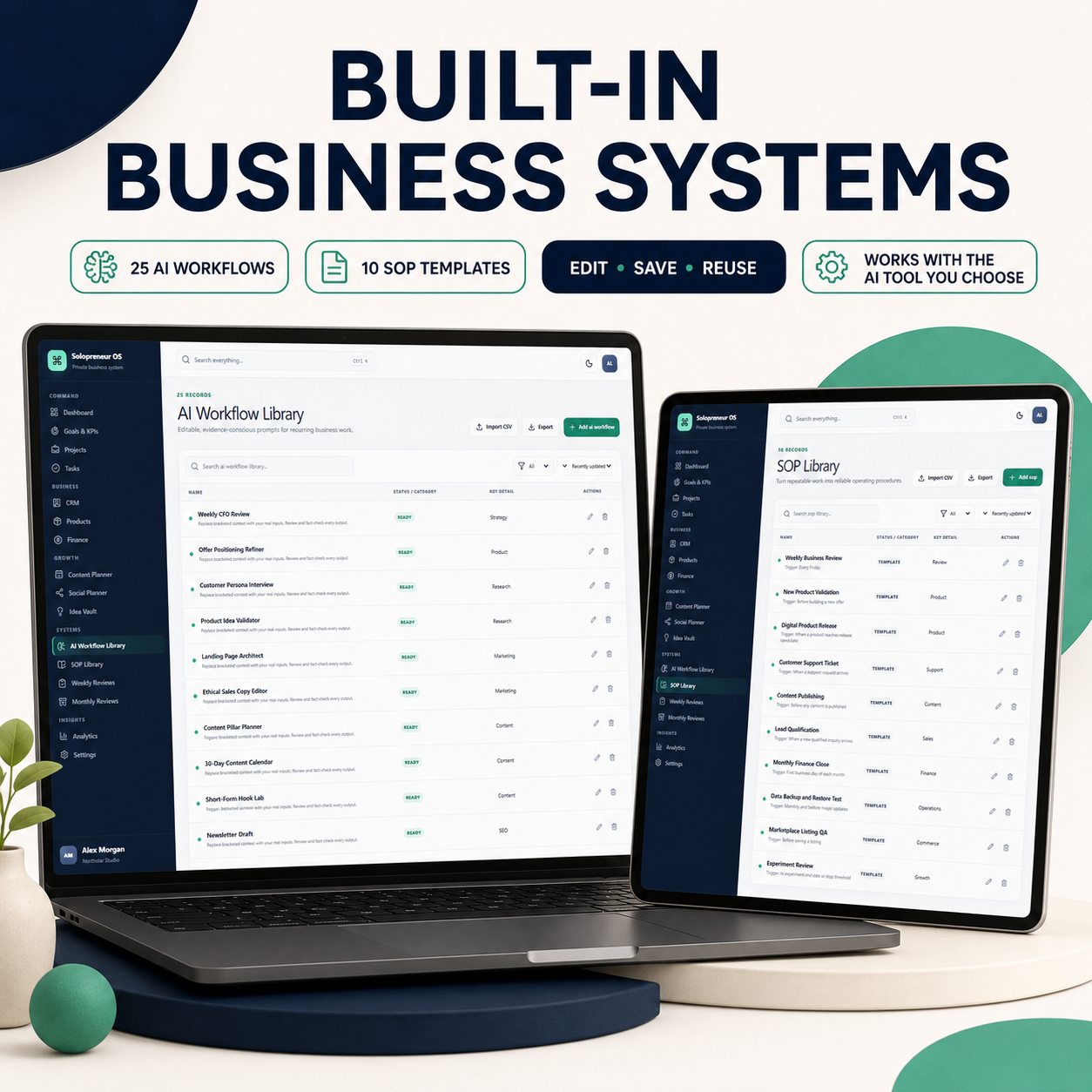
• 25 editable AI business workflows
• 10 editable SOP templates
• Realistic demonstration data
• Reset to Demo Data option
• Start Fresh option
• JSON backup and restore
• CSV import and export
• Light, dark, and system themes
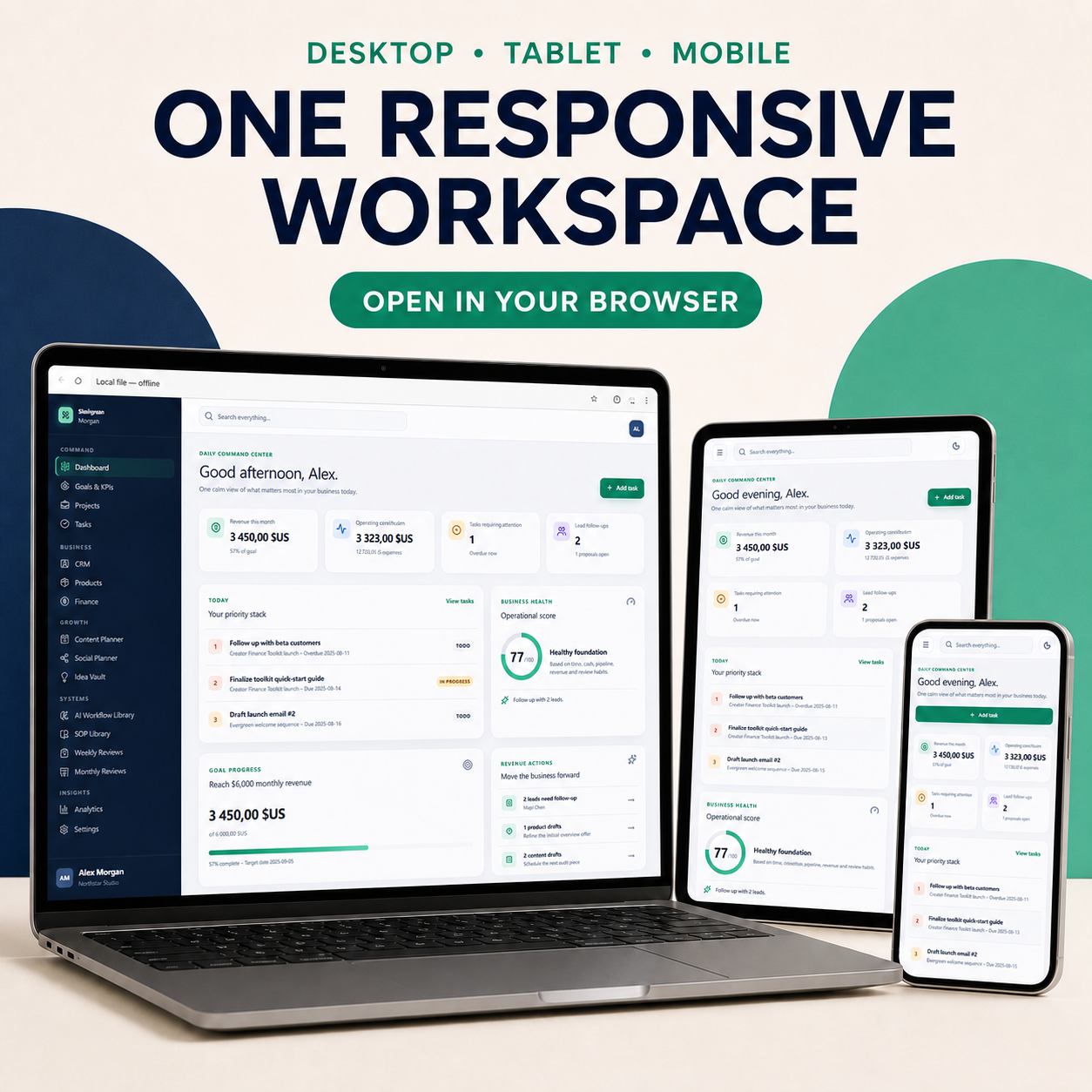
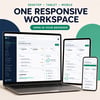
• Responsive desktop, tablet, and phone layouts
• Quick Start guide
• Complete User Guide
• Feature reference
• Troubleshooting guide
• Example CSV files
• Personal and business-use license
HOW IT WORKS
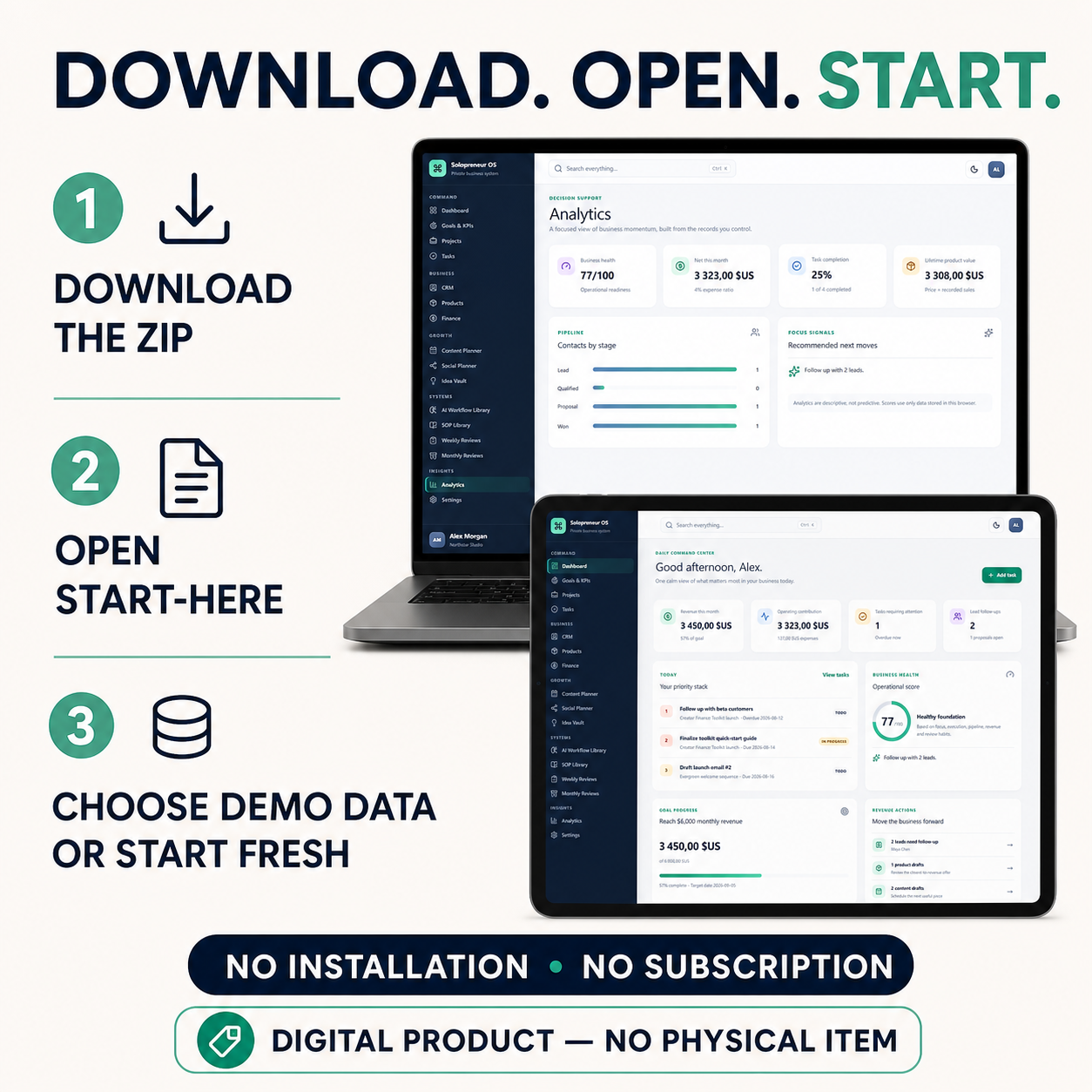
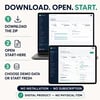
1. Download and extract the ZIP file.
2. Open START-HERE.html.
3. Launch the Business OS in your browser.
4. Explore the demonstration data or start with a clean workspace.
No installation, account, API key, external server, or monthly subscription is required.
AI WORKFLOW LIBRARY
The application includes 25 editable prompts for recurring business activities such as:
• Product validation
• Offer positioning
• Customer research
• Content planning
• Ethical sales copy
• Pricing scenarios
• Revenue experiments
• Lead follow-up
• Proposals
• Customer support
• SOP creation
• Business reviews
No embedded AI service is included. You can copy the workflows into the AI assistant you already use.
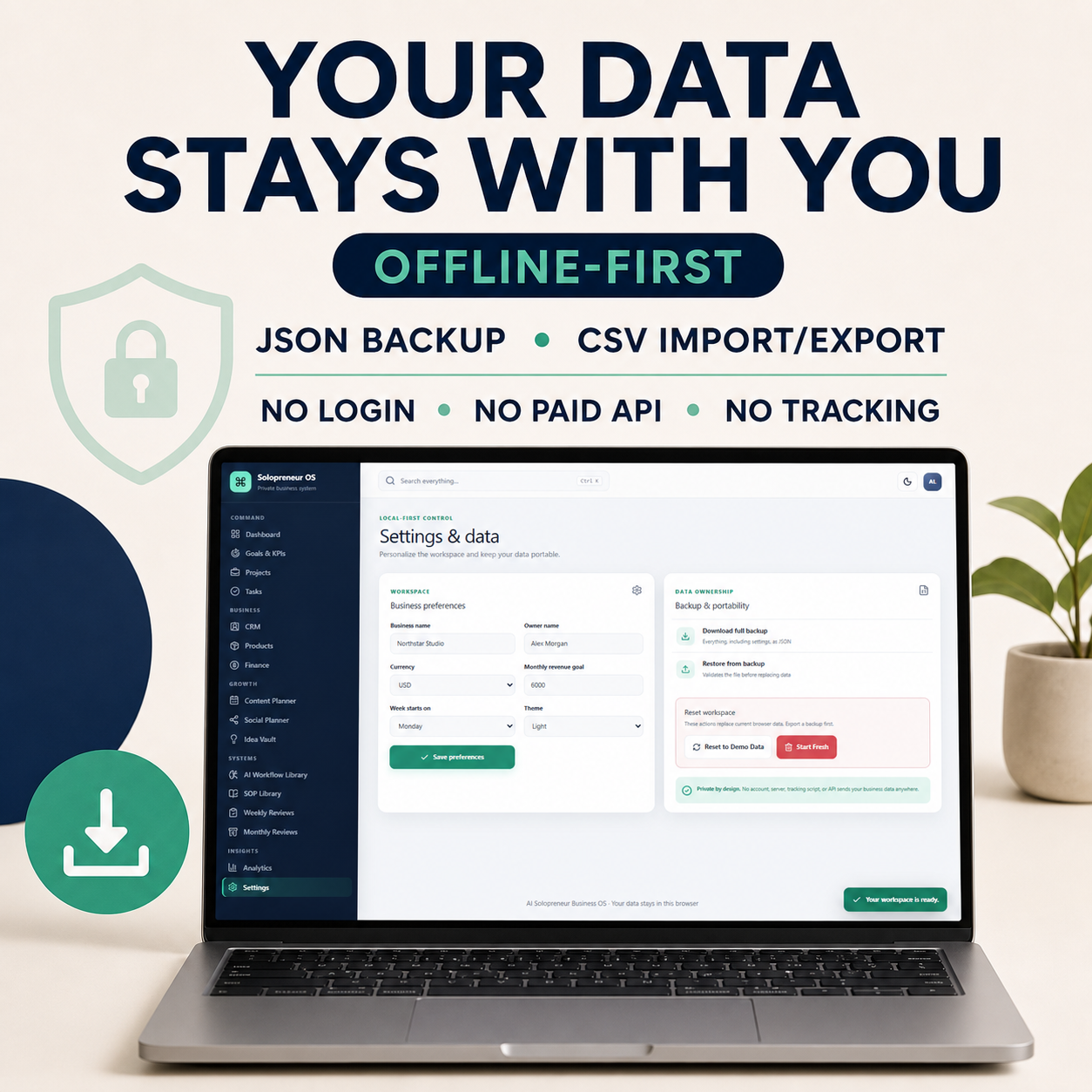
PRIVATE AND OFFLINE-FIRST
Your business records stay in the local storage of your browser profile.
The application contains:
• No analytics tracker
• No advertising pixel
• No authentication system
• No cloud synchronization
• No paid API connection
You can download a complete JSON backup and export individual modules as CSV files.
TECHNICAL REQUIREMENTS
• A current desktop browser
• JavaScript and local storage enabled
• The ZIP file must be fully extracted before opening
• Tested in Microsoft Edge
• Responsive browser layout for desktop, tablet, and phone screens
This is a browser-based product, not a native mobile application.
IMPORTANT
• Digital download only
• No physical item will be shipped
• No AI subscription is included
• No cloud synchronization or multi-user collaboration
• This product does not provide legal, tax, accounting, or financial advice
• Results depend on the information and actions entered by the buyer
• Back up your data before clearing browser storage or changing computers
LICENSE
The purchaser may use and modify the product for personal use and for their own business.
Redistribution, sharing, sublicensing, resale, repackaging, or inclusion of the product or its source files in another product is prohibited.
Please read the included LICENSE.txt file for the complete terms.
AI-ASSISTED CREATION DISCLOSURE
This original software product was created, reviewed, and tested with the assistance of AI coding tools. Marketplace device scenes were produced using AI image-generation tools and real screenshots from the finished application.