



Subscription Audit Worksheet Google Sheets | Subscription Tracker, Auto Monthly & Annual Cost Calculator
On Sale
$5.99
$5.99
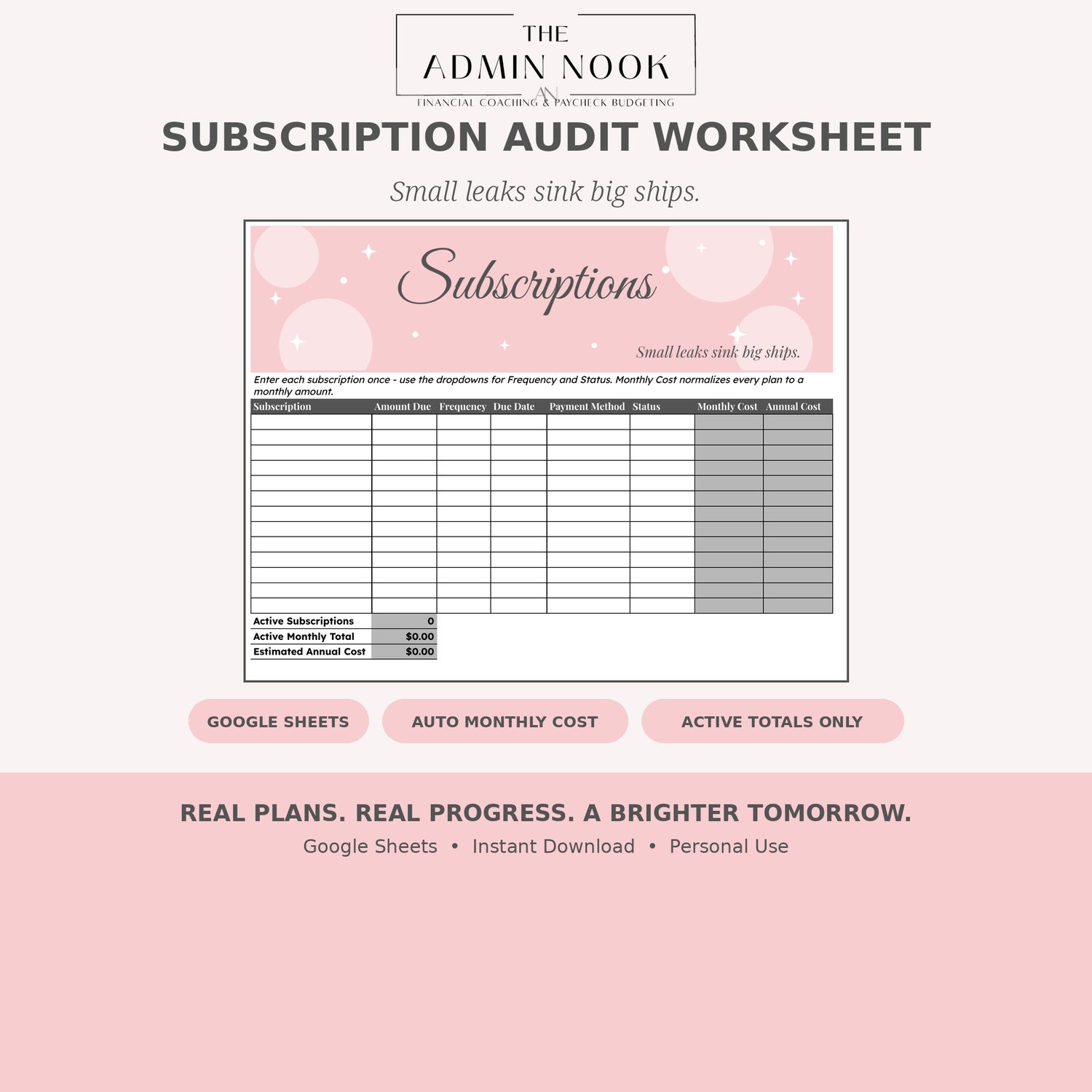
How many subscriptions are you actually paying for — and what are they really costing you each month?
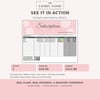
This worksheet puts every subscription in one place, then does the math for you:
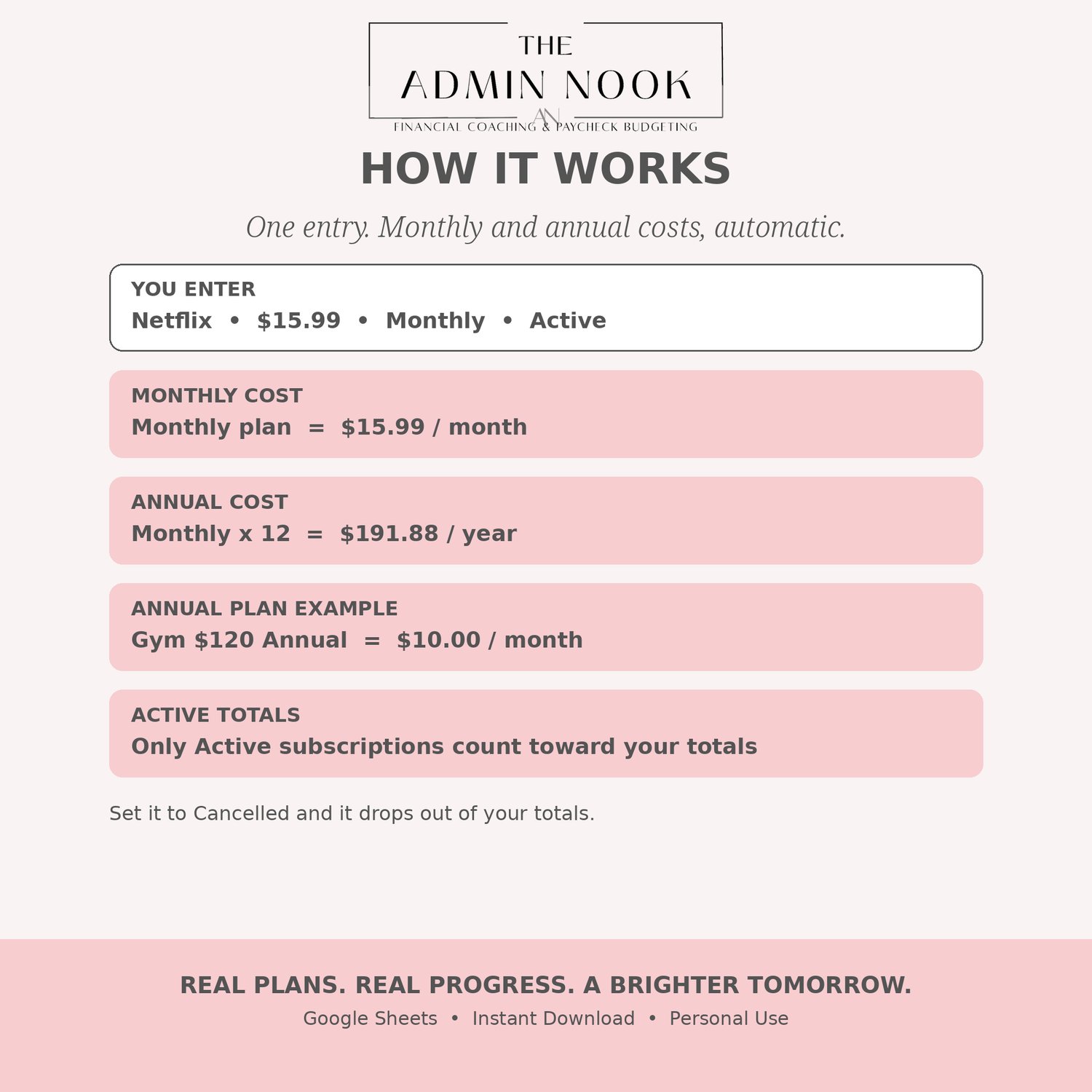
- Monthly Cost — every plan normalized to a monthly amount, whether you pay monthly, quarterly, or annually
- Annual Cost — what each subscription really costs you per year
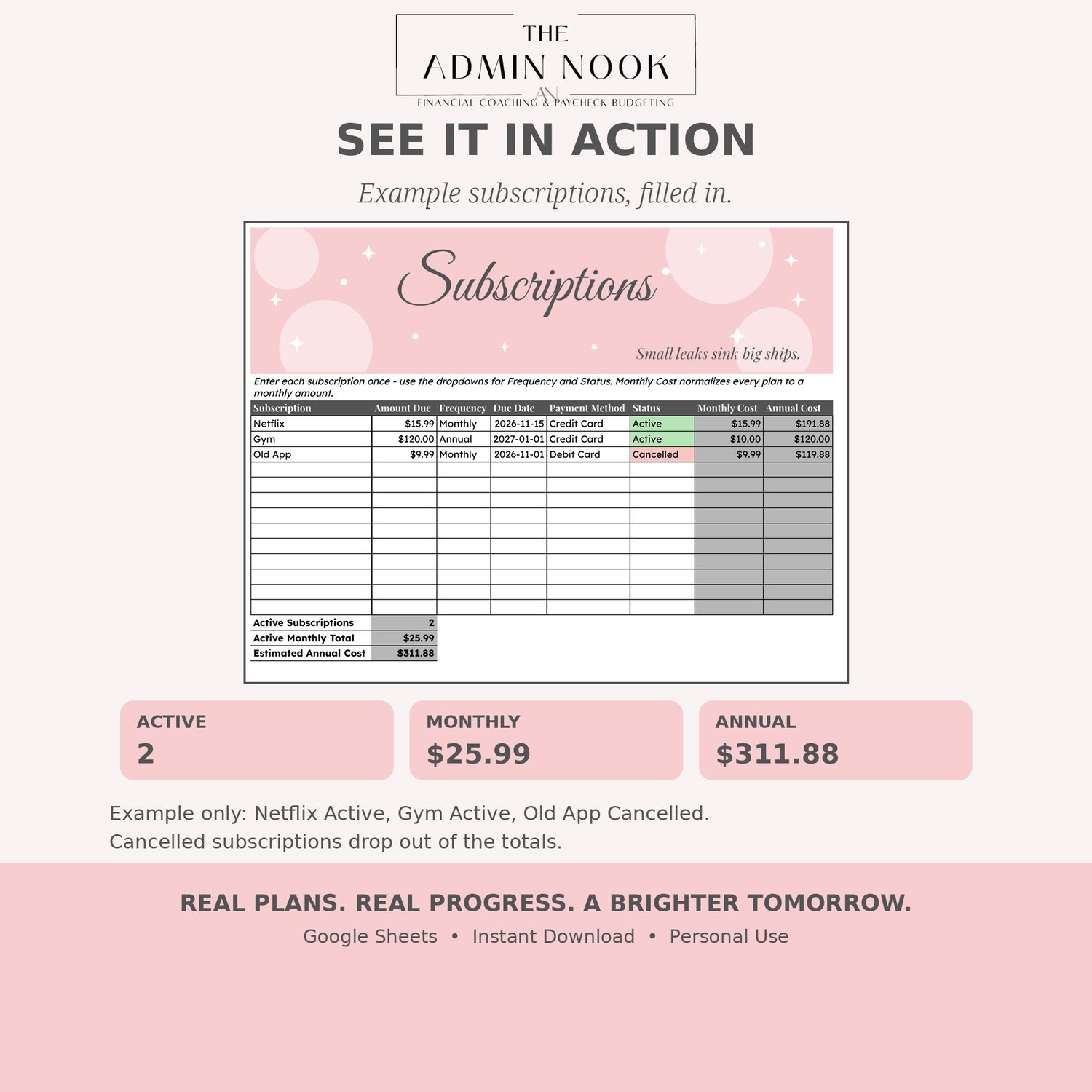
- Active totals only — set a subscription to Cancelled and it drops out of your totals, so you see what you're actually still paying for
Track up to 13 subscriptions, with totals at the bottom for active subscriptions, active monthly total, and estimated annual cost.
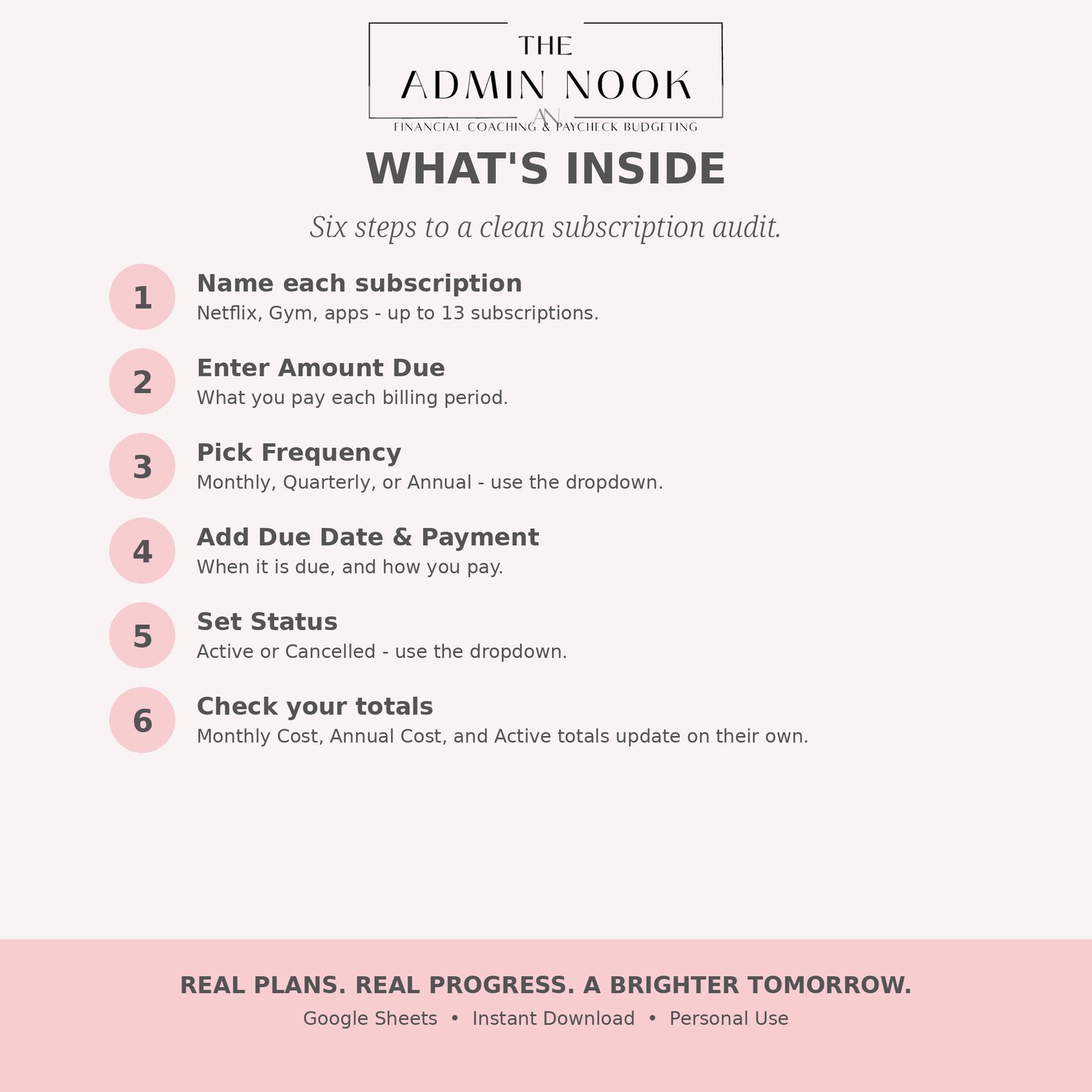
Use the dropdowns for Frequency (Monthly, Quarterly, Annual) and Status (Active, Cancelled) — no formulas to write.
Perfect for: streaming services, apps, gym memberships, software, boxes, and any recurring charge you want to audit — and cancel with confidence.
What you get:
- 1 PDF with your Make-a-copy link and setup instructions
- Google Sheets worksheet — blank and ready to use
- Auto monthly and annual costs, plus active-only totals
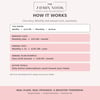
How it works:
- Purchase and download the PDF
- Click the link and Make a copy in Google Sheets
- Enter each subscription once — use the dropdowns for Frequency and Status, and Monthly Cost and Annual Cost update automatically
Google Sheets is free with a Google account. For personal use.