


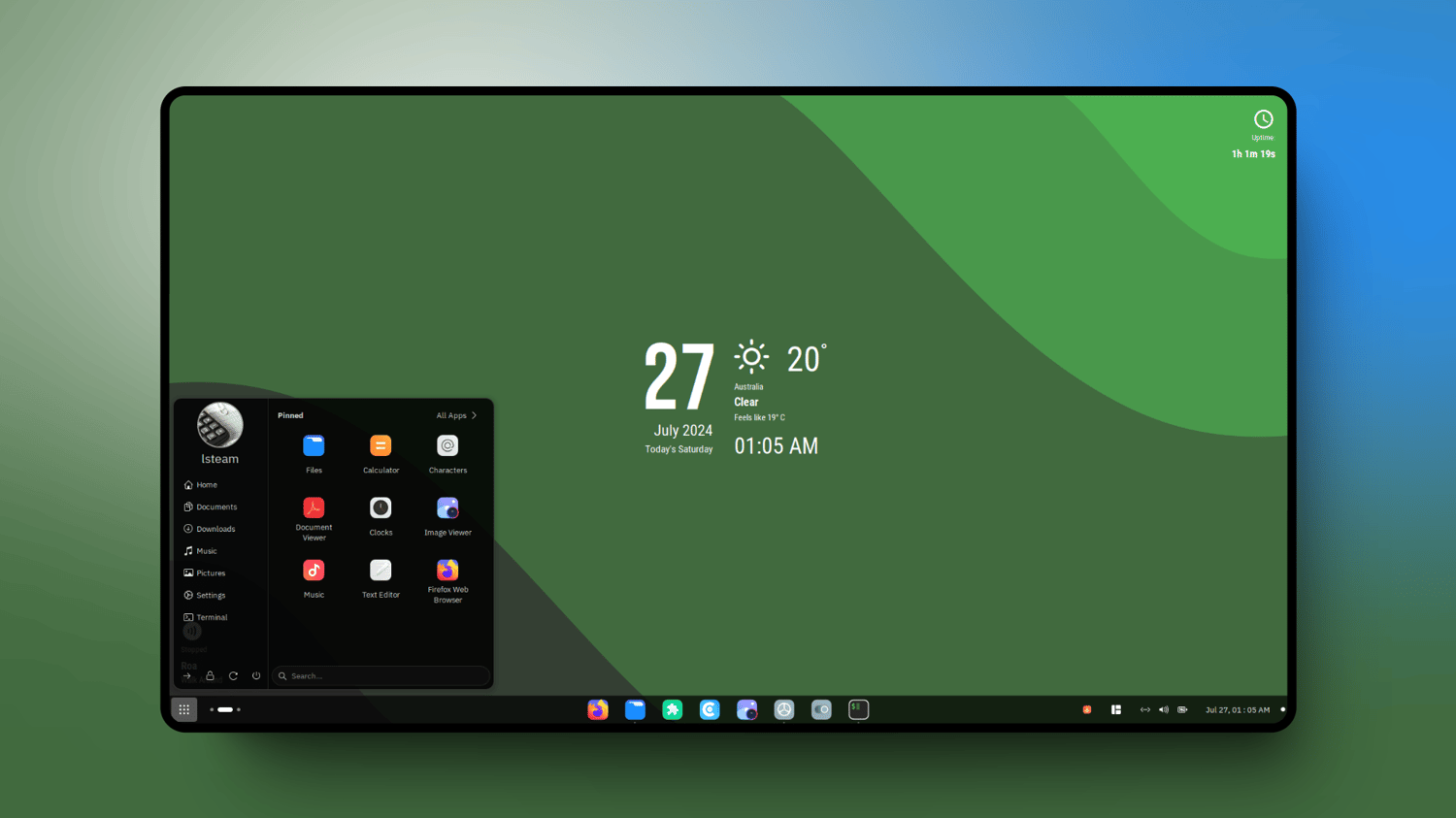

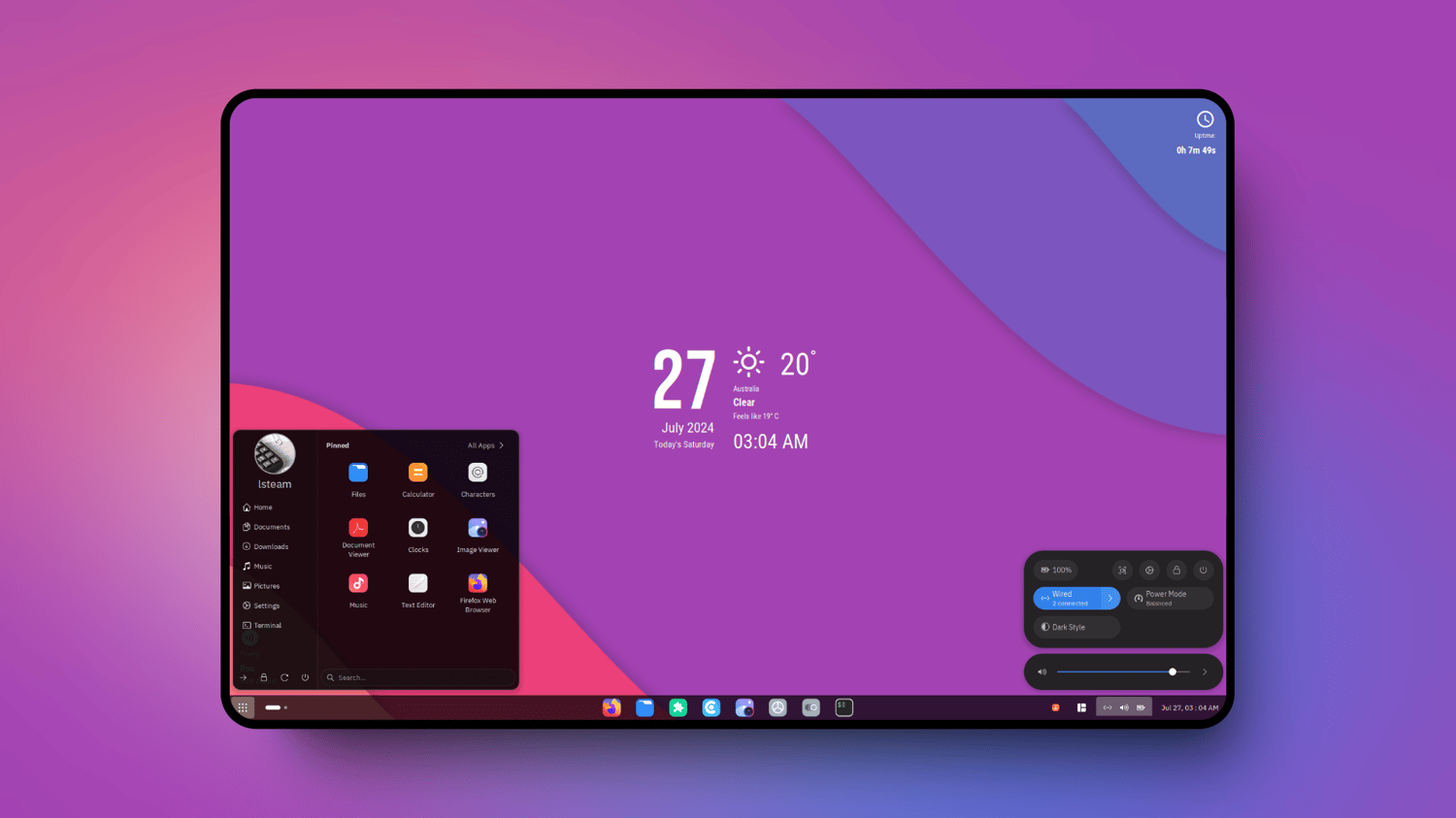

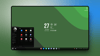
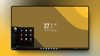


Documentation - Make GNOME Desktop Look Fresh and Elegant with Orchis Theme
Discover how to give your GNOME desktop a clean, elegant, and consistent appearance with the Orchis Theme. This documentation provides a complete, structured guide for applying the Orchis Theme to the GNOME desktop with a focus on visual elegance, consistency, and system stability. It is written to ensure reproducible results across supported GNOME versions and Linux distributions.
Supported GNOME Versions
- GNOME 46
- GNOME 48
- GNOME 49
Supported Linux Distributions
- Ubuntu 24.04 LTS
- Fedora 42 Workstation
- Fedora 43 Workstation
- Manjaro Linux 25 GNOME Edition
- openSUSE Tumbleweed
- Debian 13 with GNOME
Instructions are distribution- and GNOME-version aware. Steps are ordered, deterministic, and written to eliminate ambiguity during installation, configuration, and validation.
Documentations Scope:
- It systematically covers the entire customization process, starting with initial setup and resource downloads.
- The guide proceeds through the installation of core visual components, including the GTK theme, icon and cursor themes, fonts, and wallpapers.
- It further enhances the desktop experience by detailing the installation of productivity-enhancing tools like GNOME extensions, the ZSH shell with Starship prompt, and essential GNOME applications.
- The documentation also covers system monitoring widgets (Conky and Cava) and system information display tools (Fasfetch).
- It includes practical system configuration steps such as enabling Flatpak and AppImage support.
- It outlines the installation of the GNOME Orchis configuration, adding a Plymouth boot theme, and customizing the Firefox browser.
Format
Documentation is provided exclusively in HTML format. The content is optimized for fast browser access, clear structure, and continuous updates without format divergence.
Intended Outcome
Following this documentation results in a clean, elegant, and consistent GNOME desktop powered by the Orchis Theme, reproducible across all supported systems.