

All-in-One Budget Dashboard
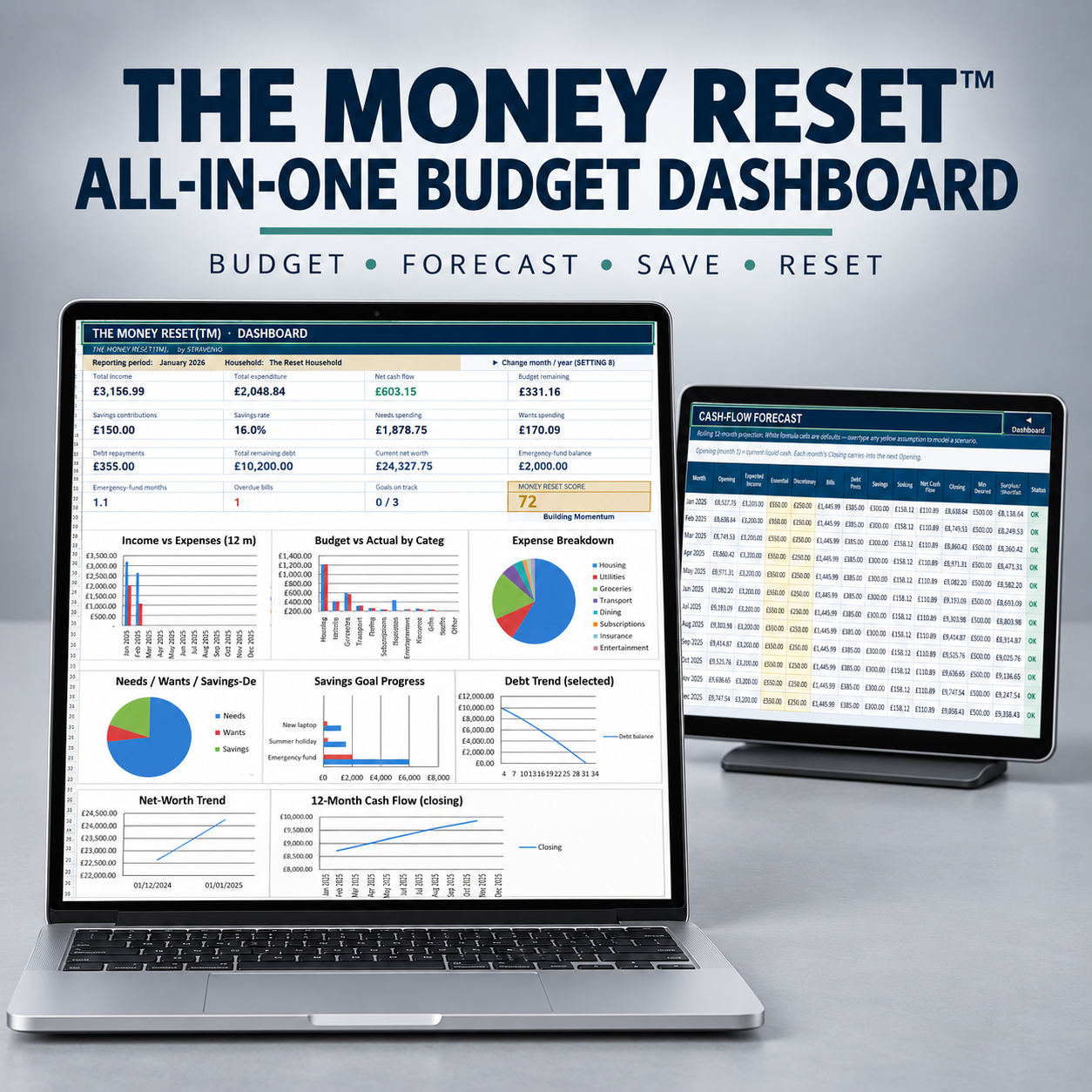
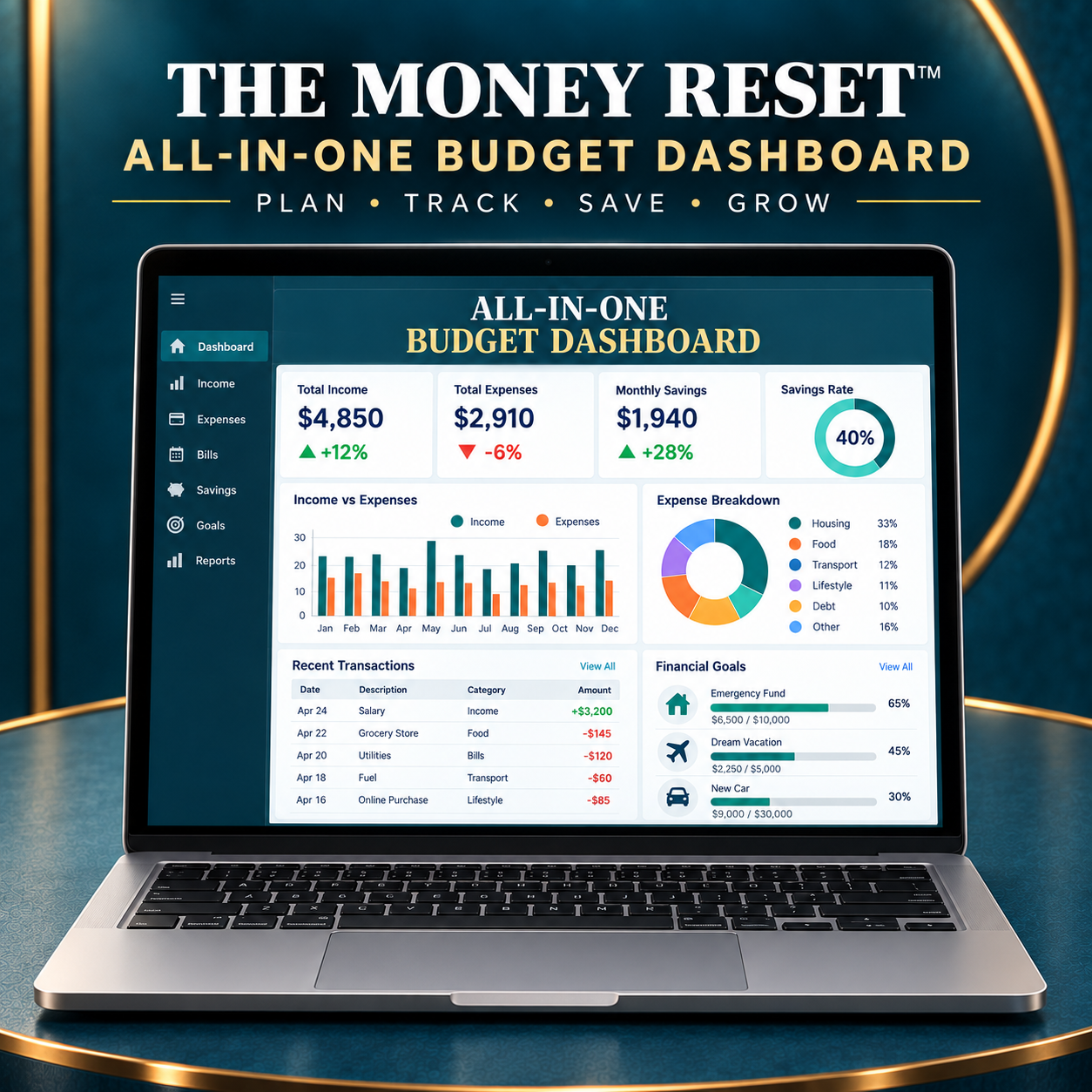
All-in-One Budget Dashboard gives you a complete set of tools for organising, monitoring and improving your finances.
1. Customer Budget Dashboard
A clean Excel workbook ready for you to personalise with your own financial information. It includes:
- Monthly income and expenditure tracking
- Budgeted versus actual spending
- Needs, wants and savings analysis
- Expense breakdown by category
- Monthly savings-rate calculation
- Savings contributions and goal tracking
- Debt-payment and remaining-balance tracking
- Emergency-fund monitoring
- Overdue-bill alerts
- Net-worth calculation and trend tracking
- 12-month cash-flow overview
- A Money Reset Score
- Customisable categories, accounts and settings
- Changeable currency and reporting period
2. Completed Worked Example
A fully completed version of the dashboard containing realistic sample information. Use it to understand how each section works before entering your own figures.
3. Cash-Flow Forecast
Plan ahead with a rolling 12-month financial forecast covering:
- Opening cash balance
- Expected income
- Essential and discretionary spending
- Bills and debt payments
- Savings and sinking-fund contributions
- Monthly net cash flow
- Projected closing balance
- Minimum desired balance
- Monthly surplus or shortfall
- Automatic financial-status indicators
You can also change the highlighted assumptions to test different financial scenarios.
4. Quick-Start Guide
A straightforward PDF guide explaining how to open, set up and begin using your dashboard.
5. Google Sheets Setup Support
The package includes supporting resources for transferring and setting up the dashboard in Google Sheets:
- Google Apps Script file
- Make-a-copy and import instructions
- Setup guidance for completing the conversion correctly
6. Formula and Assumptions Register
A supporting reference explaining the formulas, calculations and assumptions used throughout the system.
7. Change Log
A version record showing important updates and improvements made to the dashboard.
8. Quality-Assurance Confirmation
A supporting document confirming that the workbook has been reviewed and tested for functionality, calculations and usability.
File Formats Included
- Excel customer workbook (.xlsx)
- Excel worked example (.xlsx)
- Quick-start guide (.pdf)
- Google Apps Script file
- Setup and import instructions
- Formula and assumptions reference
- Change log
- Quality-assurance confirmation
Everything is supplied as a digital download. No physical product will be delivered.