Debt Payoff Planner – Snowball vs Avalanche Excel Template
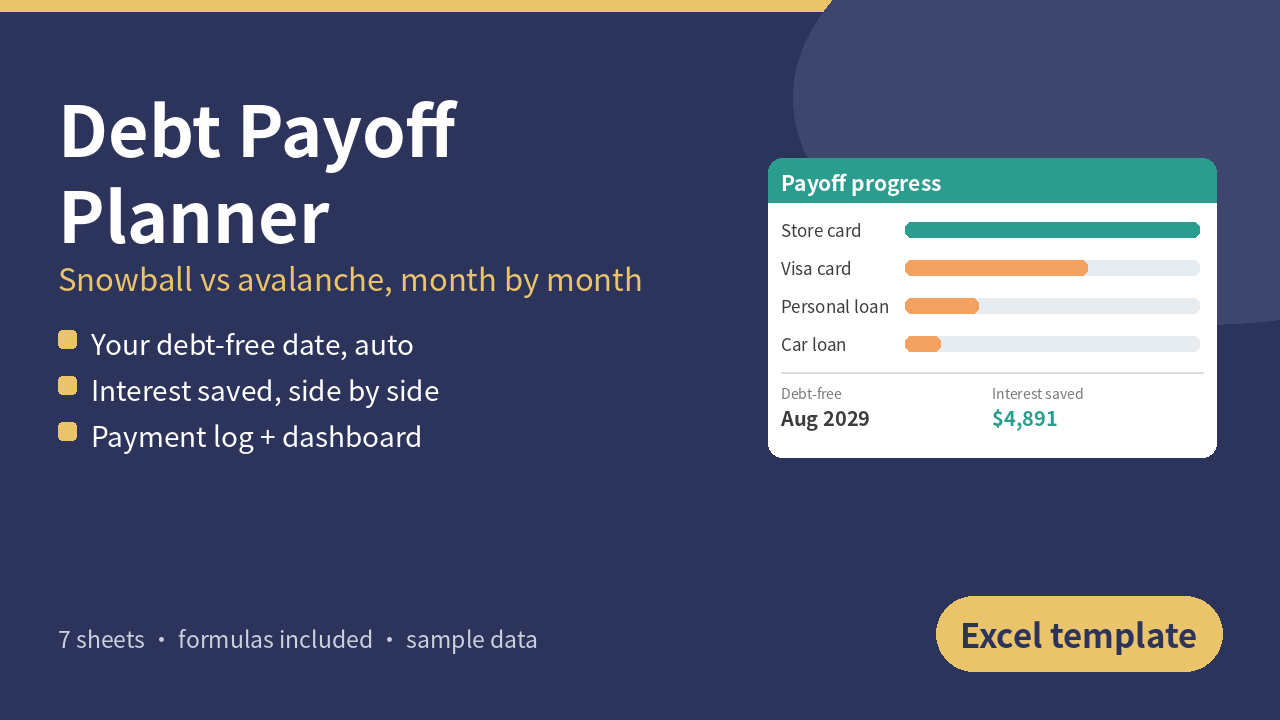
See exactly when you'll be debt-free and how much interest each strategy costs. One Excel file that compares the debt snowball and the debt avalanche month by month, with no app or subscription.
Debt Payoff Planner is a clean, fully automatic workbook:
- Settings: currency symbol, the month of your first payment, how much extra you can pay on top of your minimums, and your strategy: Snowball (smallest balance first), Avalanche (highest APR first) or Custom order (your own priority numbers).
- Debts: up to 15 debts with name, type, balance, APR, minimum payment, due day and custom priority. Monthly interest is shown for each debt, and a warning appears if a minimum payment doesn't even cover the interest.
- Payoff Plan: a month-by-month schedule for up to 360 months (30 years). Payment and remaining balance for every debt, plus total interest, every month. When a debt is paid off, its minimum rolls into the next one automatically, so your total monthly payment stays the same. Payoff month, payoff date and total interest for each debt.
- Strategy Compare: Snowball, Avalanche, your plan and "minimums only" side by side: months to debt-free, debt-free date, total interest, total paid, interest saved, the month of your first paid-off debt, and the payoff order for each strategy. Includes a chart of total interest by strategy.
- Payment Log: type in the payments you actually make. A progress table shows planned vs actual for each debt, whether you're ahead or behind, an estimated balance and % paid off.
- Dashboard: total starting debt, paid so far, estimated balance now, % paid off, debt-free date, months to go, total interest, interest saved, payoff order, a balance-over-time chart (your plan vs minimums only) and a progress doughnut chart.
How it calculates: monthly interest (APR / 12) and fixed minimum payments. Your lender may calculate interest daily or change your minimum, so treat the results as a close estimate, not a statement. This is a planning tool, not financial advice.
Works with any currency. Built for Excel 2016+ (Windows and Mac), Excel mobile, WPS and LibreOffice; Google Sheets works too, though charts may look slightly different.
Sample data is included so you can see it working. Replace the shaded cells with your own debts and you're ready to go.
What you get: 1 × .xlsx file (7 sheets) + a quick-start guide (.txt). Instant download.
License: personal use. Please don't resell.