
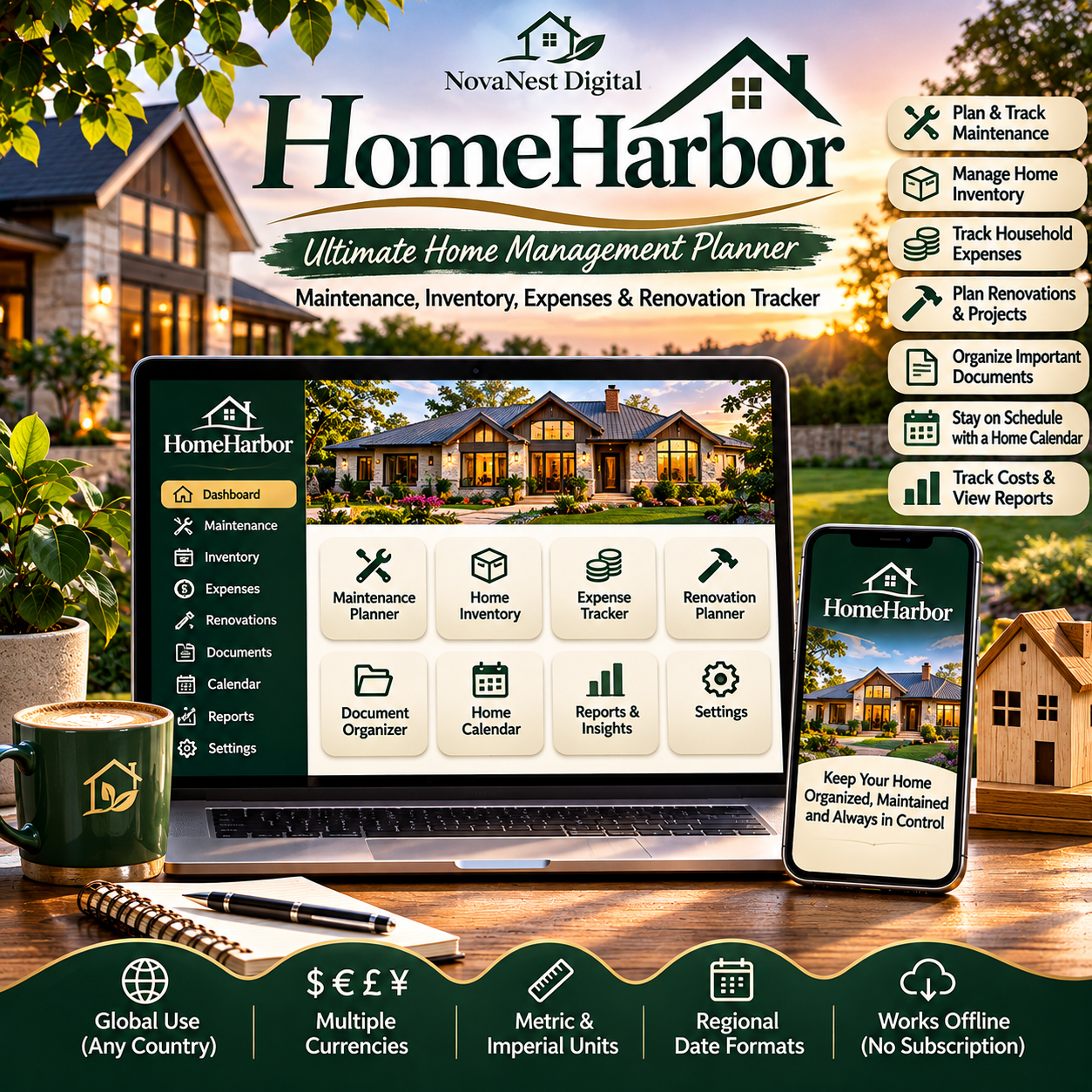
HomeHarbor – Ultimate Home Management Planner | Maintenance, Inventory, Expenses & Renovation Tracker
🏡 HomeHarbor – Ultimate Home Management Planner
Your Home. Beautifully Organized. Everything in One Place.
Managing a home involves more than paying bills and keeping things tidy. From routine maintenance and household expenses to appliance warranties and renovation projects, there's always something to remember.
Introducing HomeHarbor Home Management Studio — an interactive digital home organizer designed to help you manage your property, track important information, and plan for the future.
Whether you're a first-time homeowner, managing a busy family household, or organizing your forever home, HomeHarbor brings your essential home management tools together in one convenient application.
✨ Less Stress. Better Organization. A Happier Home.
🏡 EVERYTHING YOU NEED TO MANAGE YOUR HOME
🔧 1. Home Maintenance Planner
Stay organized with your home's regular maintenance requirements.
✔ Schedule maintenance tasks
✔ Track upcoming work
✔ Record completed maintenance
✔ Organize recurring responsibilities
✔ Keep important maintenance notes
From servicing your air conditioning to checking smoke detectors, keep your maintenance responsibilities organized.
📦 2. Home Inventory Manager
Keep a convenient record of important household possessions.
✔ Record appliances and equipment
✔ Track purchase information
✔ Store warranty details
✔ Organize inventory categories
✔ Maintain useful product information
Perfect for keeping track of major appliances, electronics, furniture, and household equipment.
💰 3. Household Expense Tracker
Understand where your household money goes.
✔ Record home-related expenses
✔ Organize spending by category
✔ Track maintenance costs
✔ Monitor household expenditure
✔ Review financial summaries
Make more informed decisions about your home's ongoing expenses.
🛠️ 4. Renovation & Project Planner
Turn your home improvement ideas into organized projects.
✔ Create renovation projects
✔ Set project budgets
✔ Record estimated costs
✔ Track actual expenses
✔ Monitor project progress
Whether you're remodeling a kitchen, updating a bathroom, or planning a garden makeover, HomeHarbor helps keep your project information together.
📁 5. Important Document Organizer
Keep track of essential household paperwork.
✔ Record insurance information
✔ Organize warranty references
✔ Track important documents
✔ Maintain useful notes
✔ Keep household records easier to find
Note: Document records and references are not a substitute for securely storing the original documents.
📅 6. Home Calendar & Task Planning
Stay ahead of household responsibilities.
✔ Review scheduled maintenance
✔ Keep track of important dates
✔ Organize upcoming tasks
✔ Plan household activities
✔ Maintain a clearer overview of your responsibilities
📊 7. Reports & Household Insights
Get a clearer picture of your home management activities.
✔ Review household expenses
✔ Monitor maintenance records
✔ Track renovation spending
✔ Understand project progress
✔ View useful household summaries
🌍 8. International Settings
Designed for households around the world.
✔ Select your preferred currency
✔ Customize regional date formats
✔ Choose metric or imperial measurements
✔ Adapt the planner to your location
HomeHarbor is designed for international use, making it suitable for customers across different countries.
💾 9. Offline Access & Data Management
Manage your home information without relying on a constant internet connection.
✔ Open the application in a compatible browser
✔ Work offline
✔ Store records locally
✔ Export data backups
✔ Restore previously saved information
✔ Export supported records to CSV
No ongoing subscription is required.
💎 WHY CHOOSE HOMEHARBOR?
🏡 All-in-One Home Organization — Keep essential household records together.
🔧 Stay Ahead of Maintenance — Organize recurring tasks and important responsibilities.
💰 Better Expense Awareness — Track home-related spending and project costs.
📦 Organized Household Inventory — Maintain useful information about important possessions.
🛠️ Smarter Renovation Planning — Manage project budgets and progress.
🌍 International Flexibility — Customize currency, dates, and measurement preferences.
💻 Convenient Digital Format — Access your planner through a compatible web browser.
💾 Backup & Export Options — Keep copies of your important household records.
✨ One-Time Purchase — No monthly subscription.
👨👩👧👦 WHO IS HOMEHARBOR FOR?
HomeHarbor is ideal for:
🏡 First-time homeowners
👨👩👧👦 Families managing busy households
🔑 Property owners
🛠️ DIY and home improvement enthusiasts
💰 Budget-conscious homeowners
📦 People organizing household inventories
🌿 Anyone who wants a more organized home
Whether you're managing a small apartment or a large family house, HomeHarbor provides a flexible way to organize your household information.
💻 HOW DOES IT WORK?
STEP 1: Purchase and download HomeHarbor.
STEP 2: Open the HTML application in a compatible web browser.
STEP 3: Customize your regional settings.
STEP 4: Add your household information, maintenance tasks, inventory, and expenses.
STEP 5: Organize projects, documents, and upcoming responsibilities.
STEP 6: Export regular backups to help protect your records.
No complicated installation or ongoing subscription is required.
🎁 WHAT YOU RECEIVE
Your purchase includes:
🏡 HomeHarbor Interactive Home Management Studio (.html)
🔧 Home maintenance planning tools
📦 Household inventory management
💰 Home expense tracking
🛠️ Renovation and project planning
📁 Important document organization
📅 Household calendar and task planning
📊 Reports and financial summaries
🌍 International settings
💾 Local storage, backup, restore, and supported CSV export features
🌿 A MORE ORGANIZED HOME STARTS HERE
Imagine knowing when your next maintenance task is due.
Having your appliance information organized.
Understanding your household expenses.
Keeping renovation projects under control.
And having your important home records together in one convenient place.
That's what HomeHarbor is designed to help you achieve.
🏡 GET HOMEHARBOR FOR JUST $24.99!
✨ One-time purchase
✨ Instant digital download
✨ Interactive home management tools
✨ No monthly subscription
✨ Designed for worldwide households
HomeHarbor — Your Home. Your Haven. Beautifully Managed.
Created by NovaNest Digital.
📌 IMPORTANT PRODUCT INFORMATION
Digital Product: HomeHarbor is a downloadable digital application. No physical product will be shipped.
File Format: HTML (.html).
Compatibility: Designed for modern desktop and laptop web browsers. Features and appearance may vary depending on your browser and device.
Offline Application: The application is designed to work without a constant internet connection. It does not automatically connect to banks, insurers, utility companies, or maintenance providers.
Local Data Storage: Your records are stored locally in your browser. They are not automatically synchronized between devices.
Backups: Clearing browser data, changing browsers, or using private browsing may cause stored information to be lost. Export backups regularly and keep them in a secure location.
Currency Settings: Changing the displayed currency does not automatically convert existing monetary amounts using live exchange rates.
Document Management: The document organizer is intended for tracking document information and references. Keep original documents and sensitive information in appropriate secure storage.
Disclaimer: HomeHarbor is an organizational tool, not a substitute for professional financial, legal, insurance, construction, or property maintenance advice.
Delivery: Your digital download will be available after successful purchase.