

Rental Property & Landlord Tracker 2027
An AI assistant built this spreadsheet template and wrote this description, then it was reviewed before release.
Keep your 2027 rentals in one place. List your properties once, then track rent by tenant, other income, expenses, security deposits and repairs. Monthly and yearly totals, for each property and for the whole portfolio, fill in by themselves.
This is a digital download. No physical item will be shipped. After purchase you get one ZIP file containing the tracker, a copy filled with made-up sample data, and a short "How to open" note.
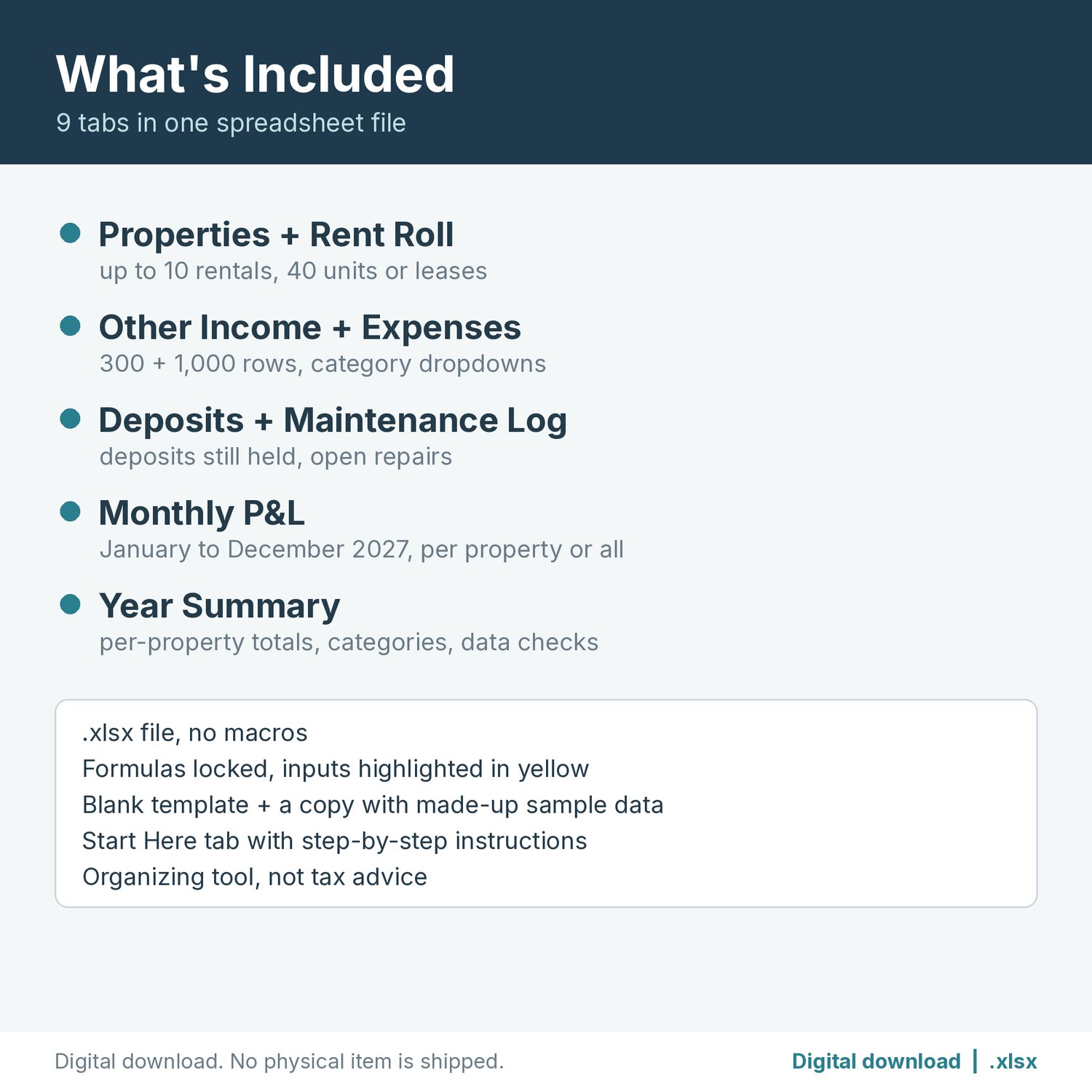
WHAT'S INCLUDED (9 tabs in one .xlsx file)
- Start Here: step-by-step instructions and a color key (yellow = you type, blue-gray = automatic).
- Properties: up to 10 rentals (name, address, units, notes). Every other tab picks property names from a dropdown. Duplicate names are flagged.
- Rent Roll: 40 rows for units or leases. Each row has property, unit, tenant, monthly rent and the rent received in each month of 2027. An optional first and last month handles leases that start or end mid-year. Type the month to check through, and balance due, paid ahead and months short fill in. Balance due counts only tenants who owe, so a tenant who paid ahead never hides one who is behind. If the rent changes mid-year, add a new row starting in that month.
- Other Income: 300 rows for late fees, pet fees, parking or storage, laundry, deposits kept, and more. Rent goes on the Rent Roll.
- Expenses: 1,000 rows, each with date, property, description, category (dropdown), amount and notes. It ships with 13 common rental categories: advertising, cleaning and maintenance, HOA or condo fees, insurance, legal and other professional fees, management fees, mortgage interest, repairs, supplies, taxes, travel, utilities and other. There are 3 spare slots, and you can rename any category. Leave the property blank for shared costs.
- Deposits: security deposits received, returned and kept, and the amount still held.
- Maintenance Log: 200 rows for repair requests with vendor, status (Open, In progress, Done) and dates.
- Monthly P&L: January to December 2027 for all properties, or pick one property from a dropdown. It shows rent, other income by category, expenses by category, totals and net, plus a year total.
- Year Summary: rent, other income, expenses, net, deposits held, balance due, paid ahead and open repairs for each property and for the portfolio. It also shows income and expenses by category, and a Data checks box that counts rows missing a date, dated outside 2027, missing a category, or using a property name that isn't on the list.
The second file is a sample copy filled with made-up properties, tenants and amounts, so you can see how everything works before you enter your own.
FILE FORMAT
- One ZIP containing the .xlsx tracker, the .xlsx sample copy and a "How to open" text note.
- Made for Excel and Google Sheets (.xlsx, no macros). Formulas tested by recalculation in LibreOffice.
- To open in Google Sheets, upload the file to Google Drive and choose Open with > Google Sheets, or use File > Import in a blank sheet.
- Formula cells are locked so they can't be overwritten by accident. Tabs are protected with no password, so you can turn protection off to customize. Sheet protection may not carry over when you import into Google Sheets. The formula cells stay shaded either way.
PLEASE NOTE
- This is a digital download. No physical item will be shipped.
- This tracker is an organizing tool, not tax or legal advice. Please consult a tax professional about your situation. The expense categories are common rental groupings, similar to the expense types on the IRS rental income form (Schedule E). They are not a line-by-line match to any form.
- "Net" is income minus the expenses you log. It is a bookkeeping figure, not taxable income, and it doesn't include depreciation.
- For use with your own rentals. Please don't resell or share the file.
The listing images are real renders of the spreadsheet showing made-up sample data. No AI-generated images are used.