


Gmail quote follow-up for n8n, client license (up to 5 client businesses)
This is the client license of the Gmail quote follow-up template. It's the same workflow, setup guide and sheet as the single-business version, with a license that lets you install it for up to 5 client businesses and charge them for your work. Building only for your own business? The single-business version is here: https://payhip.com/b/OyN5V
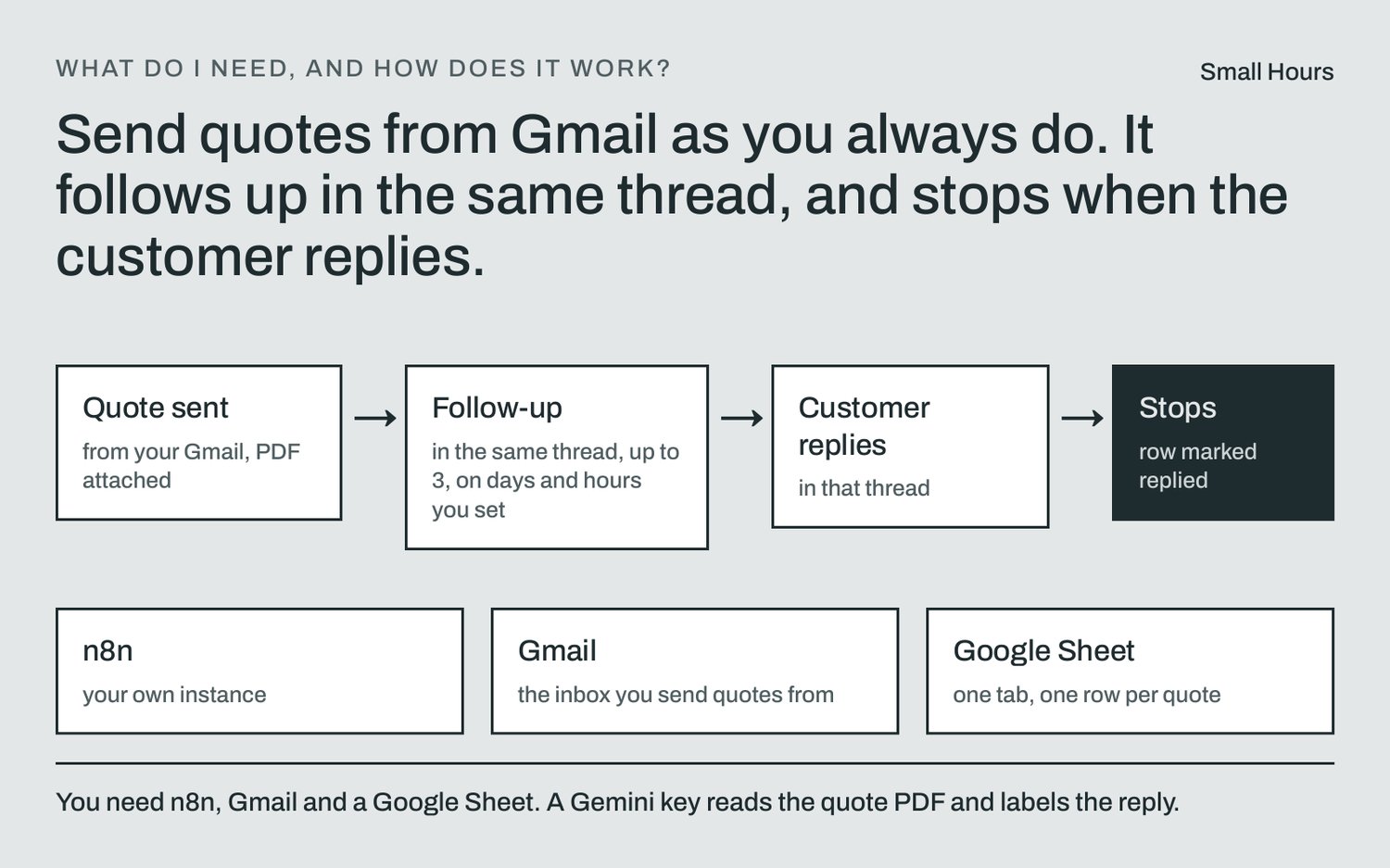
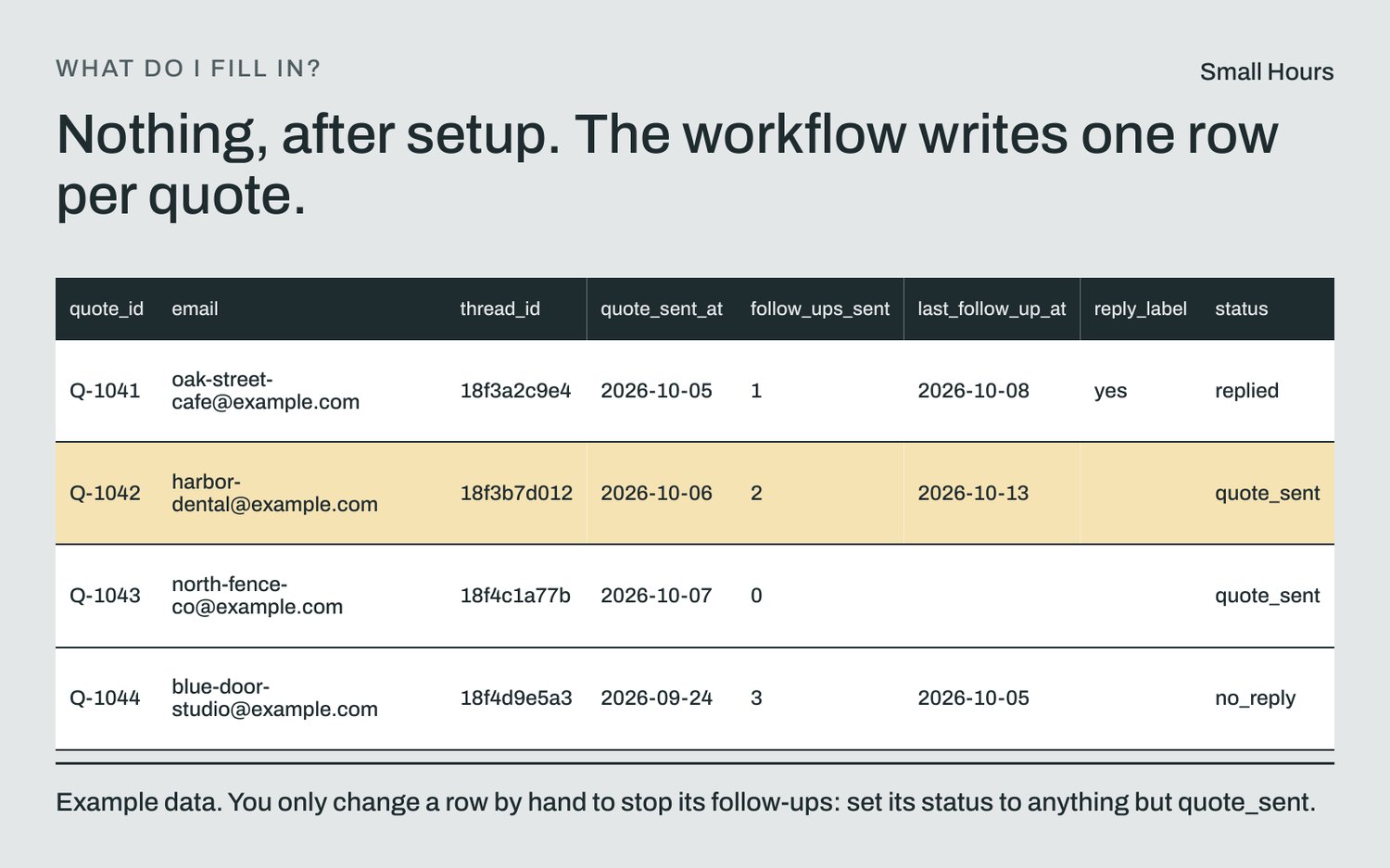
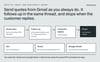
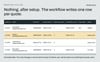
You send the quote from Gmail as usual. This n8n template adds it to your Google Sheet, follows up at most 3 times as replies in the same Gmail thread, only on the days and hours you set, and stops when the customer replies in that thread. You never type a row.
What it does
- Picks up quotes by your Quote label or a PDF attachment, and saves each one to your sheet with its Gmail thread.
- Reads the customer, quote number and total from the PDF with Google Gemini, on quotes of 1 to 3 pages. A total is kept only if it appears word for word in the PDF. If not, the row goes to review, you get an email, and nothing is sent until you check it.
- Reads text PDFs, like the ones your quoting software makes. If it can't find the total word for word, the row goes to review.
- Scanned PDFs go to review for you to confirm.
- Anything it isn't sure is a quote goes to review and gets no follow-up.
- An email without your label whose subject or PDF name says invoice, receipt or statement is skipped. Send invoices from the same inbox? Turn on label-only mode.
- Follows up on the days you choose (3, 4 and 7 days by default), only inside your sending hours. Never more than 3 follow-ups. Each one ends with "reply STOP".
- If you edit a quote's date in the sheet by hand and the quote went out inside an earlier conversation, it may send fewer follow-ups than you set, never more.
- A reply that says STOP marks the quote lost and ends its follow-ups.
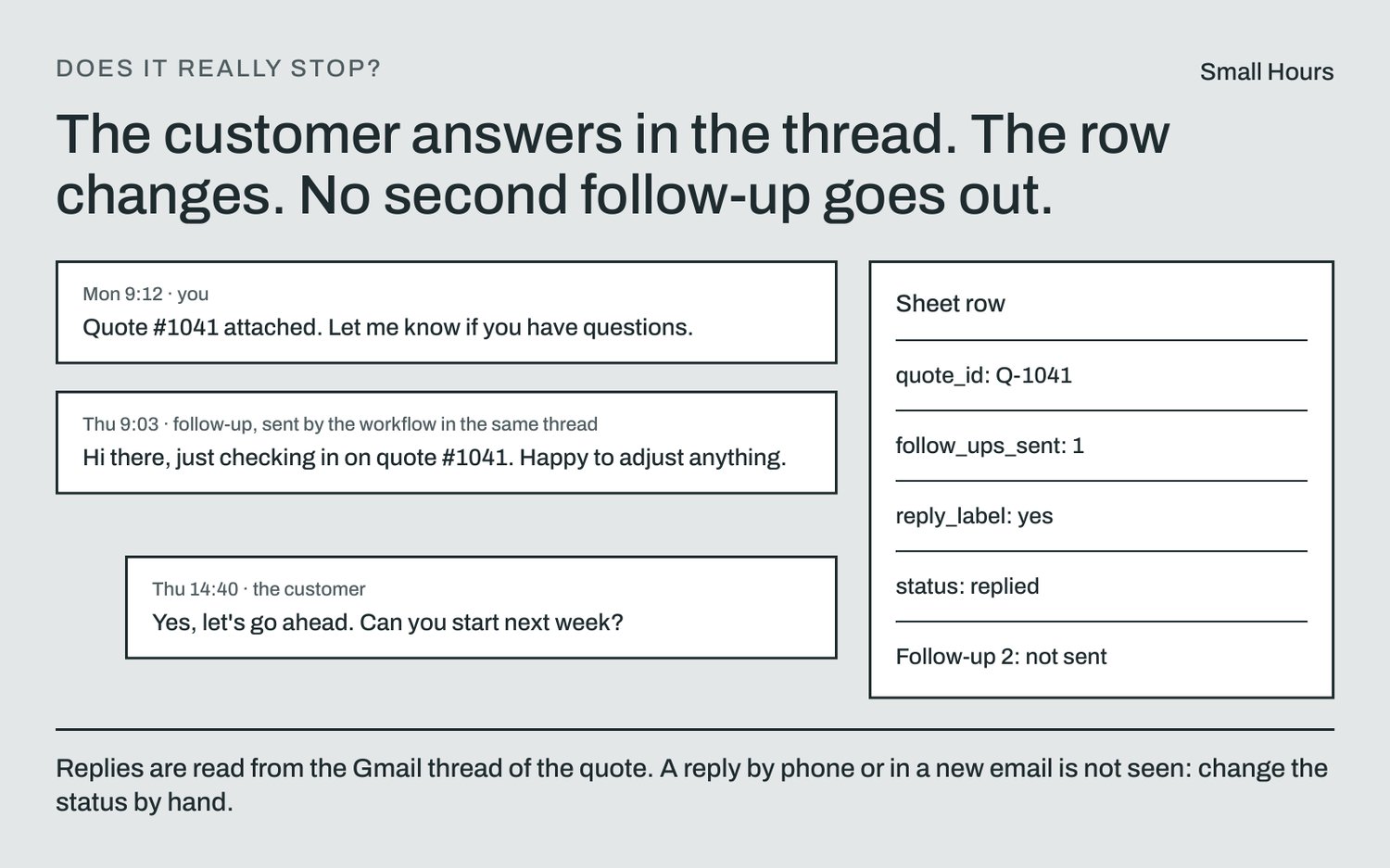
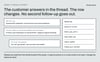
- Any message from the customer in the quote's Gmail thread stops the follow-ups.
- Got an answer by phone or in a new email? Change the status and the follow-ups stop.
- Stop a quote by changing its status, not by deleting its row: a quote sent in the last 2 days comes back as a new row on the next run.
- Follow-ups are counted in the Gmail thread itself, so a failed sheet update or a deleted row does not send the same one twice.
- If a quote's email is deleted from Gmail, its row goes to review and you get an email saying its follow-ups stopped.
- Emails you when a client says yes or asks a question. You mark it accepted: it never does that on its own.
What it does not do
- No cold email. It only writes to people you already sent a quote to.
- No invoices or payment collection.
- Gmail only: no Outlook, SMTP, WhatsApp or SMS.
- No CRM.
- No installation, customization or calls.
What you need
- Your own n8n instance.
- Gmail and Google Sheets, connected through your own Google Cloud app.
- Your own Gemini API key.
- The workflow runs on your n8n and your Google accounts, and it sends nothing to Small Hours. On Google's free tier, Google may use and have people review what you send, so use a paid-tier Gemini key for real client quotes. You are responsible for the emails sent from your Gmail and for what your privacy rules require you to tell your customers.
- Measured cost at Google's paid-tier price: under $0.001 to read a test quote PDF laid out like quoting software, and about $0.00002 to read a customer's reply.
- Heads-up: if your Google Cloud app is External and in Testing, Google expires the Gmail connection after 7 days. Publish the app to avoid it (Google then shows an "unverified app" warning you can click through). The setup guide walks you through it.
What you get
- The workflow file (.json) for n8n.
- A CSV with the column names for your Google Sheet.
- A setup guide.
- A changelog.
- LICENSE.md, the license terms.
- Delivered by Payhip as soon as you pay. One-time payment.
- License: use it in your own business and install it for up to 5 client businesses, on their n8n or yours. You may charge your clients for installing, changing and running it. We give support, fixes and refunds to you, the buyer; we don't support your clients directly. Don't resell, share or republish the workflow, the setup guide or the sheet, including on the n8n template library. Full terms in LICENSE.md.
Support, fixes and refunds
- Support by email at smallhours.tools@gmail.com, in English. Replies come from an AI agent using fixed answers. There is no set reply time, so for a refund you don't need to wait for one.
- Bug fixes for 90 days after purchase. No custom features.
- Full refund within 14 days of purchase, no questions asked. Email smallhours.tools@gmail.com from the address you bought with, and a person issues it; you don't need to wait for a written reply.
There is one person behind Small Hours, and that person handles its payments and refunds. The templates are built, tested and supported by a team of AI agents.