



AI Paint Cleaner — All-in-One Image Editing tool
On Sale
$18.00
$18.00
All-in-One Image Editing & Batch Processing Tool (with AI Inpainting)
AI Paint Cleaner is an all-in-one Windows image editing utility for creators.
It helps streamline cleanup and editing tasks in local image workflows, with a simple interface designed for practical day-to-day use.
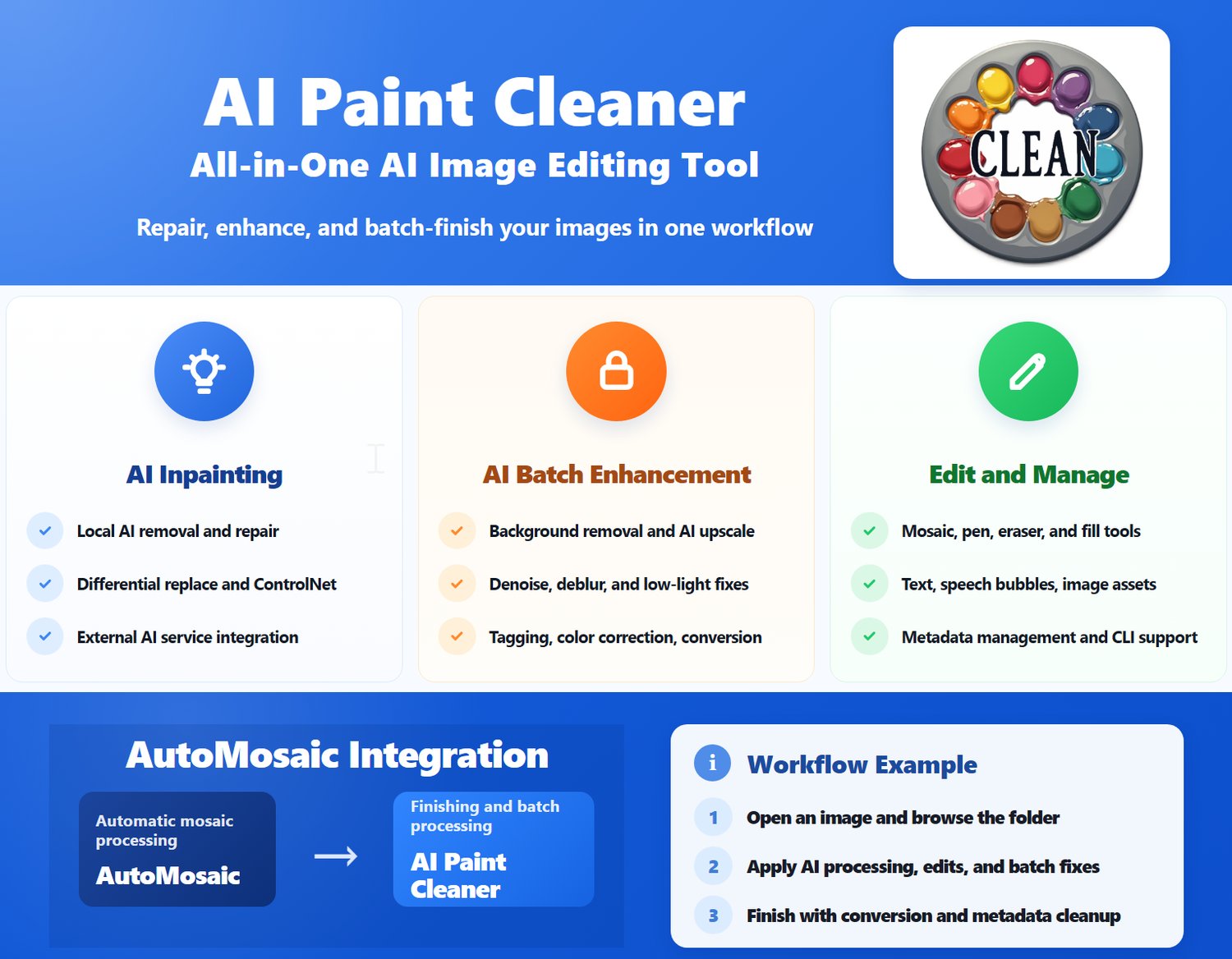
It includes powerful AI inpainting, a wide range of batch-processing features, and a dedicated function to remove unwanted mosaics created by automatic mosaic tools—making it an all-in-one solution for illustration and AI image cleanup.
Latest version: v3.30 (2026/09/02)
Details / Main Features
Primarily intended for AI image editing, with features such as:
- Sequential display of images within a folder
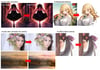
- Local AI-based object removal and inpainting
- Image editing through external AI services (GPT-image, Nano Banana, NovelAI, etc.)
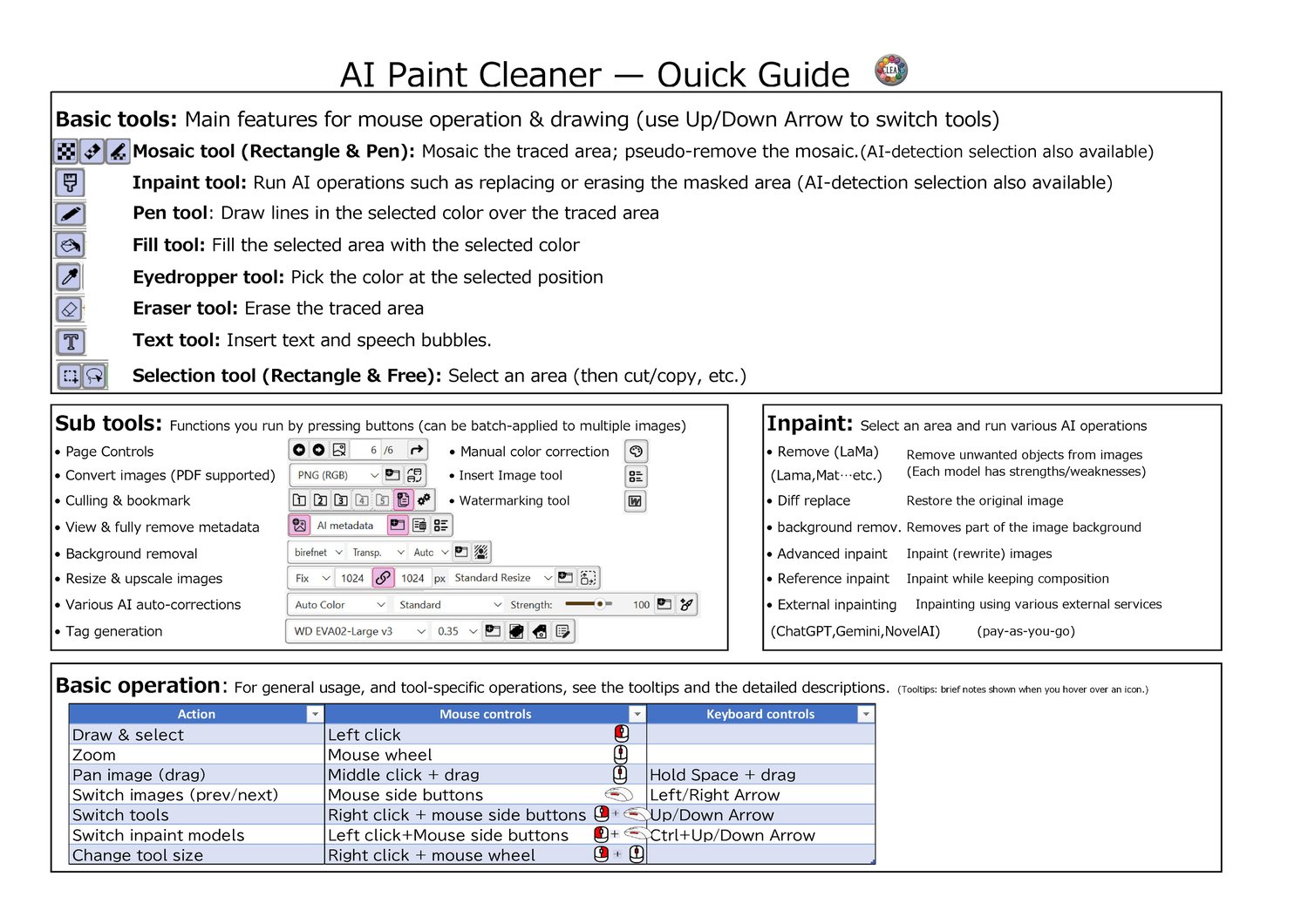
- Mosaic tool
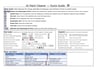
- Standard editing tools (pen, eraser, fill, etc.)
- Pinpoint removal of unnecessary mosaic areas created by the automatic mosaic tool
- Sorting and bookmarking tools
- Image insertion feature (such as logos and speech bubble assets)
- Display of image metadata and embedded information
- Text and speech bubble insertion
- Batch image conversion (JPG, PNG, WEBP, PDF)
- Batch resizing
- Batch AI upscaling
- Batch watermarking
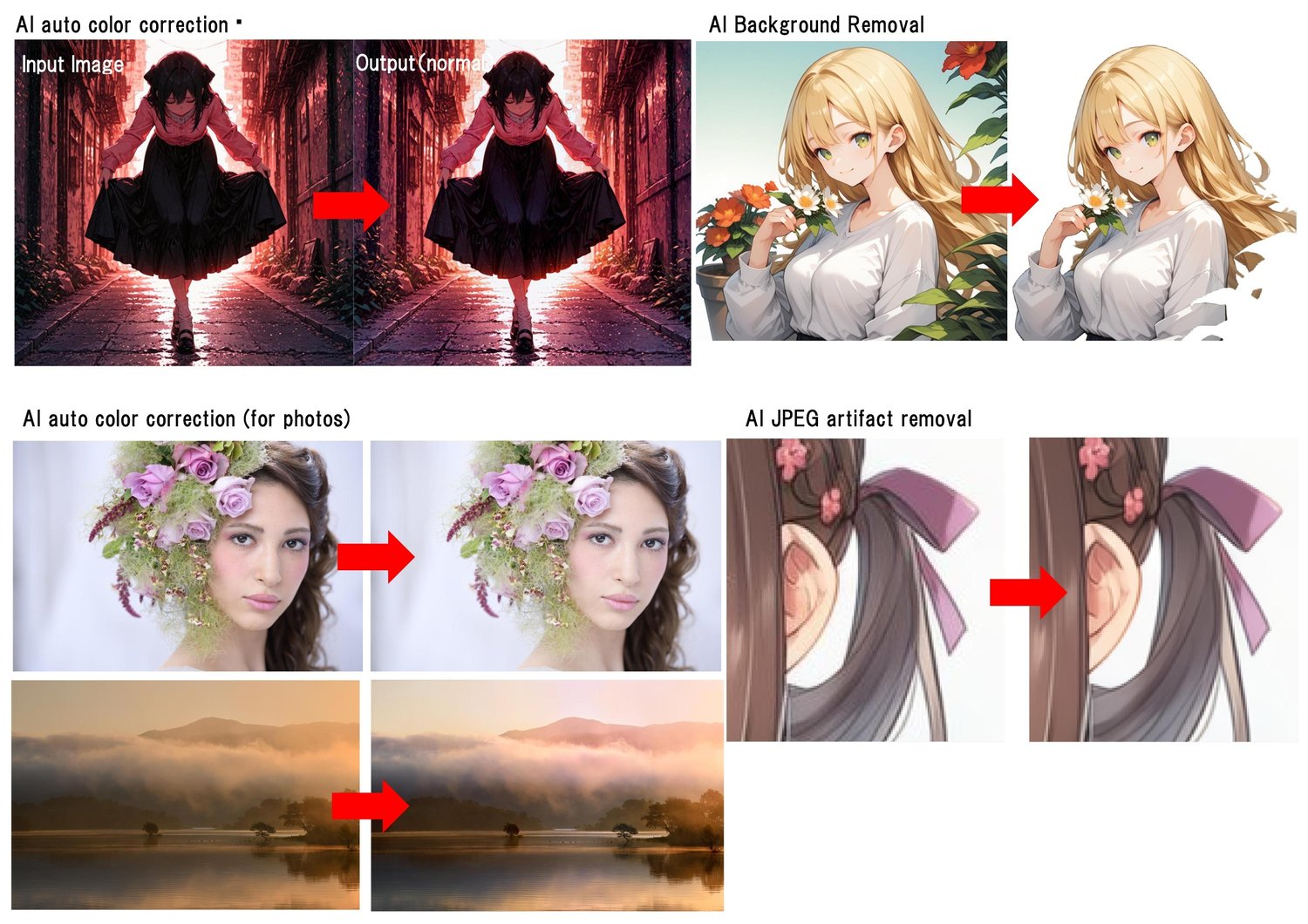
- Batch background removal
- Batch tag generation and tag editing (Tagger)
- Batch color correction (AI and manual)
- Various other batch AI processing functions
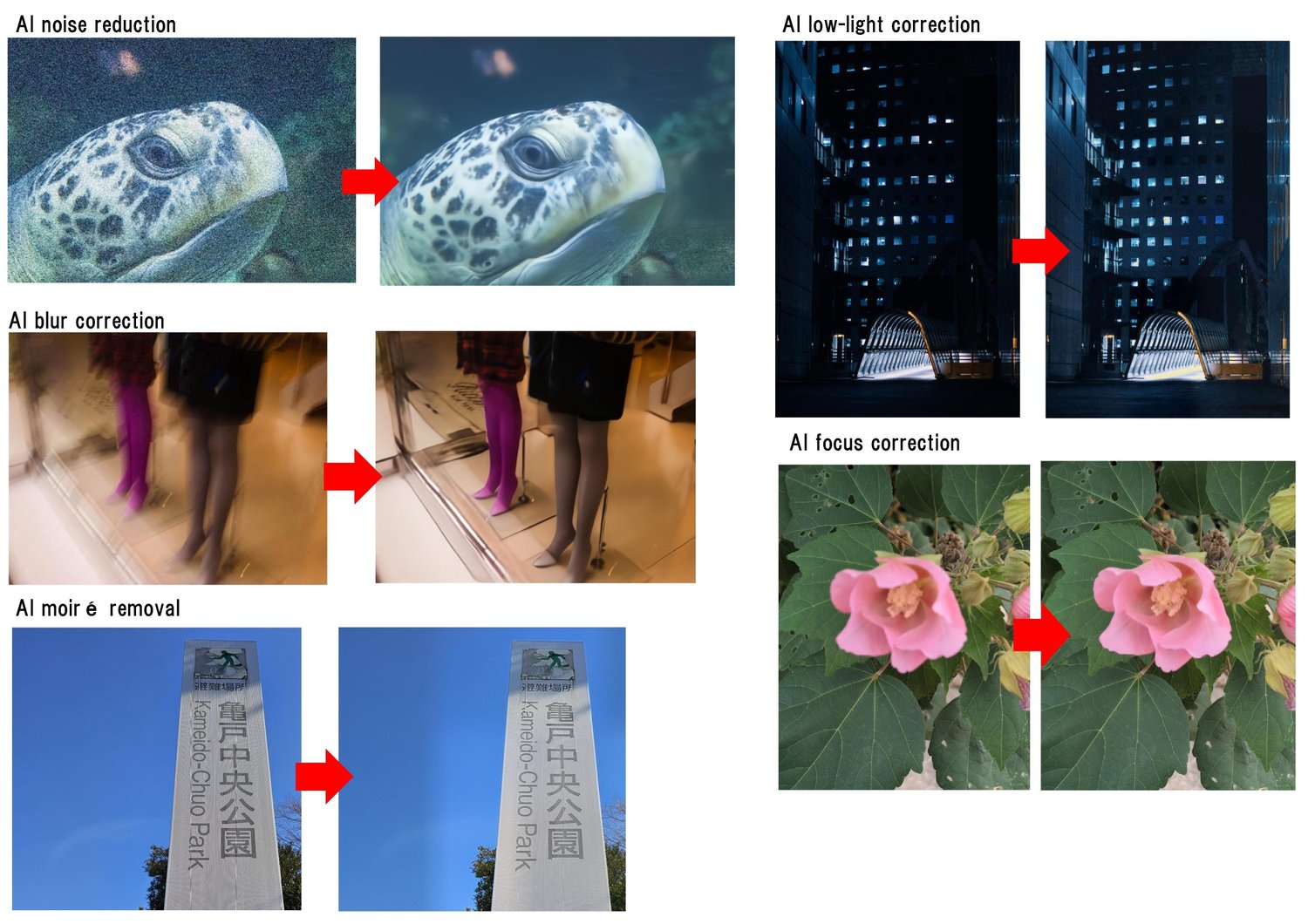
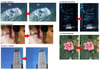
- (noise / blur / shake removal, brightness / color banding / degradation correction, moiré reduction, etc.)
- Batch metadata removal
- (including removal of embedded generation data: SD & NovelAI)
…and more.
Supported Languages
- Japanese
- English
- Chinese (Simplified / Traditional)
- Korean
Trial Version
- Batch processing cannot be executed
- Images cannot be saved
- Download Link
Basic Usage
- Open an image (File > Open in the top-left, or drag & drop)
- Edit images while switching through files in the folder
- (Use batch processing when needed)
Notes
- Commercial use (individuals): Allowed with purchase of this product.
- Commercial use (companies/organizations): Please contact us separately (https://nekzuk.com/terms.html).
System Requirements
- Windows 10 / 11 (64-bit)
- Memory: 8GB+ recommended
- NVIDIA GPU recommended (for faster AI processing)
- AI features run significantly faster on a PC with a dedicated GPU.
- (VRAM: 8GB+ recommended)
Update History
- v1.00 (2025/03/01) – https://note.com/nekzuk/n/n7cd5295fdc68
- v1.10 (2025/03/05) – https://note.com/nekzuk/n/ncfbba5088369
- v1.20 (2025/03/31) – https://note.com/nekzuk/n/n664ca59b7e31
- v1.30 (2025/05/02) – https://note.com/nekzuk/n/neceef3a244b7
- v1.40 (2025/06/01) – https://note.com/nekzuk/n/n7047e6a1a69d
- v1.50 (2025/07/01) – https://note.com/nekzuk/n/n725da4b20829
- v2.00 (2025/08/05) – https://note.com/nekzuk/n/n50c12811bcdc
- v2.10 (2025/09/13) – https://note.com/nekzuk/n/nc97517bc1ca2
- v2.15 (2025/10/28) – https://note.com/nekzuk/n/n5bc9a483671d
- v2.20 (2025/11/30) – https://note.com/nekzuk/n/n5bc9a483671d
- v2.21 (2025/12/07) – https://note.com/nekzuk/n/n5bc9a483671d
- v2.22 (2026/01/01) – https://note.com/nekzuk/n/n5bc9a483671d
- v3.00 (2026/03/16) – https://note.com/nekzuk/n/nc8d96972a479
- v3.10 (2026/05/20) – https://note.com/nekzuk/n/n7734e89e1b67
- v3.20 (2026/07/03) – https://note.com/nekzuk/n/ndbd8a3dab4c9
- v3.30 (2026/09/02) – https://note.com/nekzuk/n/n2b91207e4a08
Support: nekzuk.software@gmail.com
Refunds: Digital downloads are non-refundable (please contact support if you have issues).