

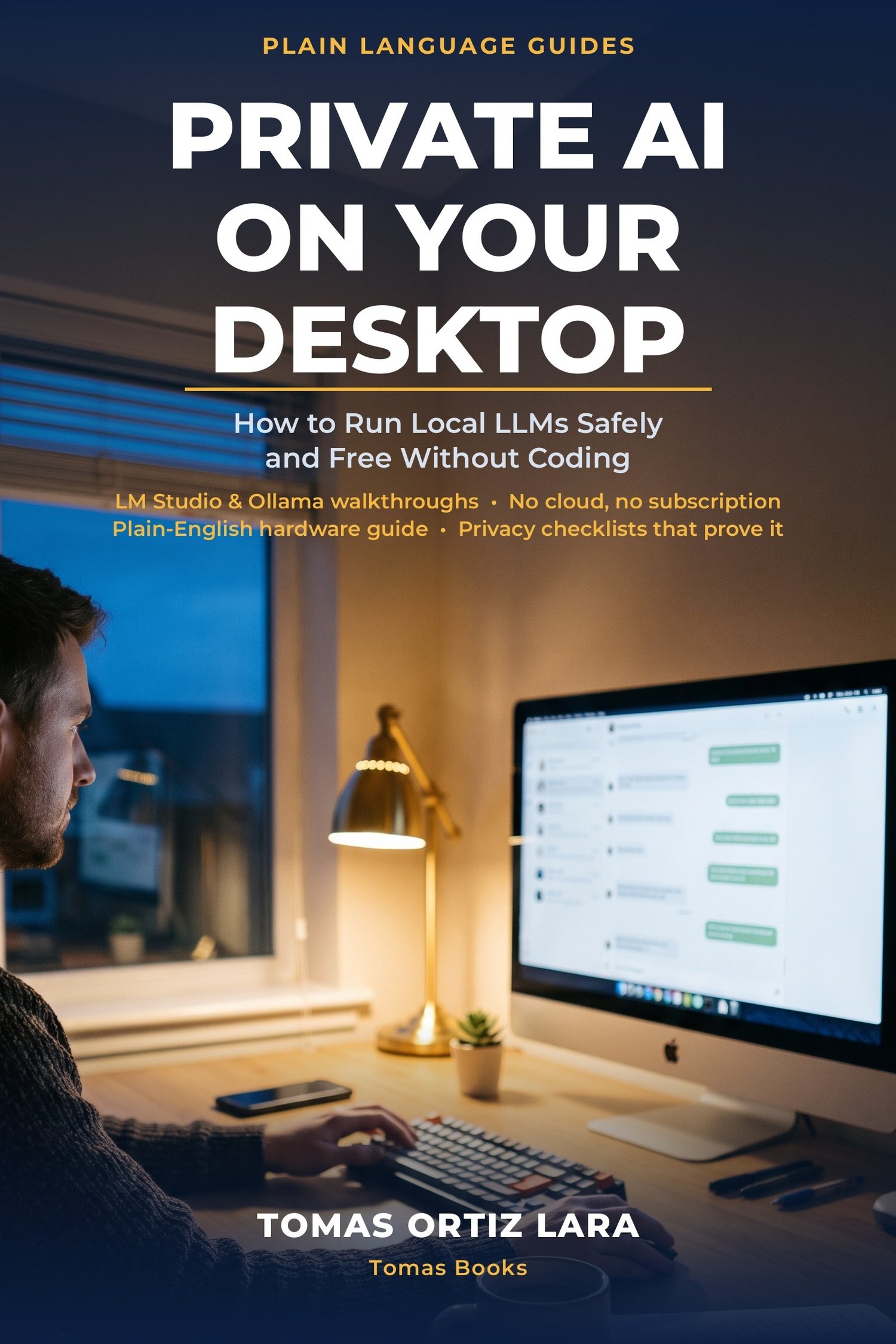
Private AI on Your Desktop: How to Run Local LLMs Safely and Free Without Coding
You would use AI on that contract, those client notes, that unpublished manuscript, if only the document did not have to leave your desk to do it. Now it does not.
A local LLM runs entirely on your own computer: no upload, no subscription, no account, and it even works in airplane mode. This plain-English, GUI-first guide walks a non-technical professional through the whole thing, honestly: what local AI is genuinely good at, where it honestly falls short, and how to verify the privacy for yourself. No coding anywhere.
Inside:
- What "local" actually buys you, and the honest limits
- Will your computer run it? RAM and VRAM in plain words, and model sizes in human terms
- A click-by-click LM Studio walkthrough, plus Ollama's desktop GUI, Jan and GPT4All
- The model families worth knowing, and how to pick by size, not hype
- Privacy and safety checklists, the airplane-mode test, and a first-week plan with five starter projects
Put a private AI on your own computer this week, without writing a line of code.