

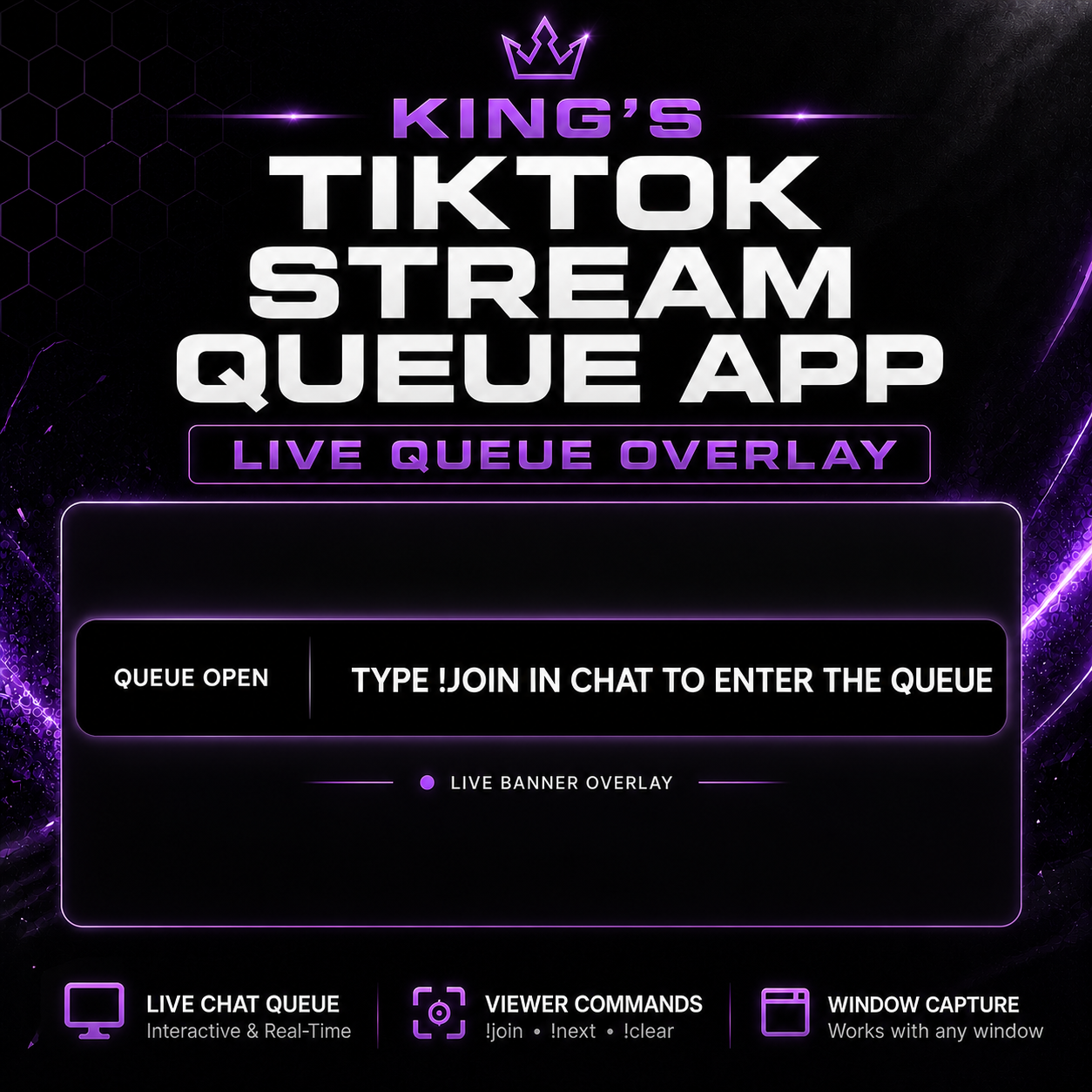
The King of Speranza's Stream Queue!
On Sale
$9.99
$9.99
King’s Stream Queue — Local TikTok Live Queue Overlay
King’s Stream Queue is a lightweight local queue overlay for TikTok Live streamers. Viewers can join your queue directly from TikTok Live chat by typing !join, and the queue appears as a clean scrolling banner that can be captured in TikTok Studio, OBS, or another streaming program.
This app runs locally on your Windows PC using Node.js, so you do not need a subscription, cloud dashboard, or heavy third-party overlay tool. It is designed for streamers who want a simple, clean queue system that is easy to run and easy to display on stream.
Features
- Viewers join the queue with !join
- Viewers can leave with !leave
- Streamer-only commands for queue control
- Scrolling banner overlay
- Works with TikTok Studio Window Capture
- Works with OBS Browser Source
- Runs locally on your PC
- Includes one-time installer file
- Includes one-click start file
- Includes setup guide
Requirements
- Windows PC
- Node.js LTS installed
- TikTok account that can go LIVE
- TikTok Studio, OBS, or another streaming program
Important Note
This is an unofficial local overlay tool. It is not affiliated with TikTok, OBS, or TikTok LIVE Studio.
You must be live on TikTok for the chat commands to connect and work.