

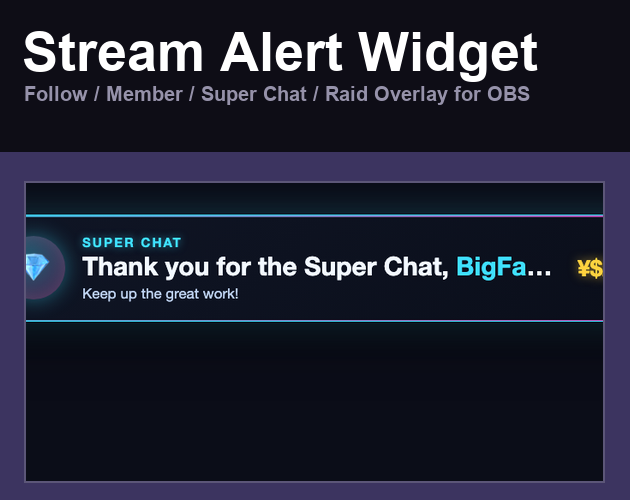
Stream Alert Widget — Follow / Member / Super Chat / Raid Overlay for OBS
Stream alerts for OBS: Follow, Member, Super Chat and Raid pop-ups with sound and animation — trigger them yourself from the panel, or connect Twitch chat and let Member, Super Chat, Raid and Bits fire automatically.
- Add view.html as an OBS Browser Source (local file) — background is transparent automatically
- Control panel (panel.html) has one button per alert type — press it and the alert plays instantly
- Two ways to fire alerts: press a button in the panel yourself, or connect Twitch (untick "Local file" on view.html and add ?twitch=yourchannel to the URL) and let Member, Super Chat, Raid and Bits fire automatically — Follow still needs the panel button, since Twitch chat does not send follow events
- Custom name, amount, and message per alert; 4 themes included (Neon / Sakura / Kawaii / Gold)
- Windows / macOS, no account to sign up for, no monthly fee. Manual-only mode makes no internet connection; Twitch direct connects read-only to Twitch's own chat server
- Commercial use OK (do not resell the files themselves)
Part of the panda studio interactive widget line — also check out the Stream Poll Widget and Stream Roulette Widget.
Update: saved settings now load correctly (they were being reset before).