
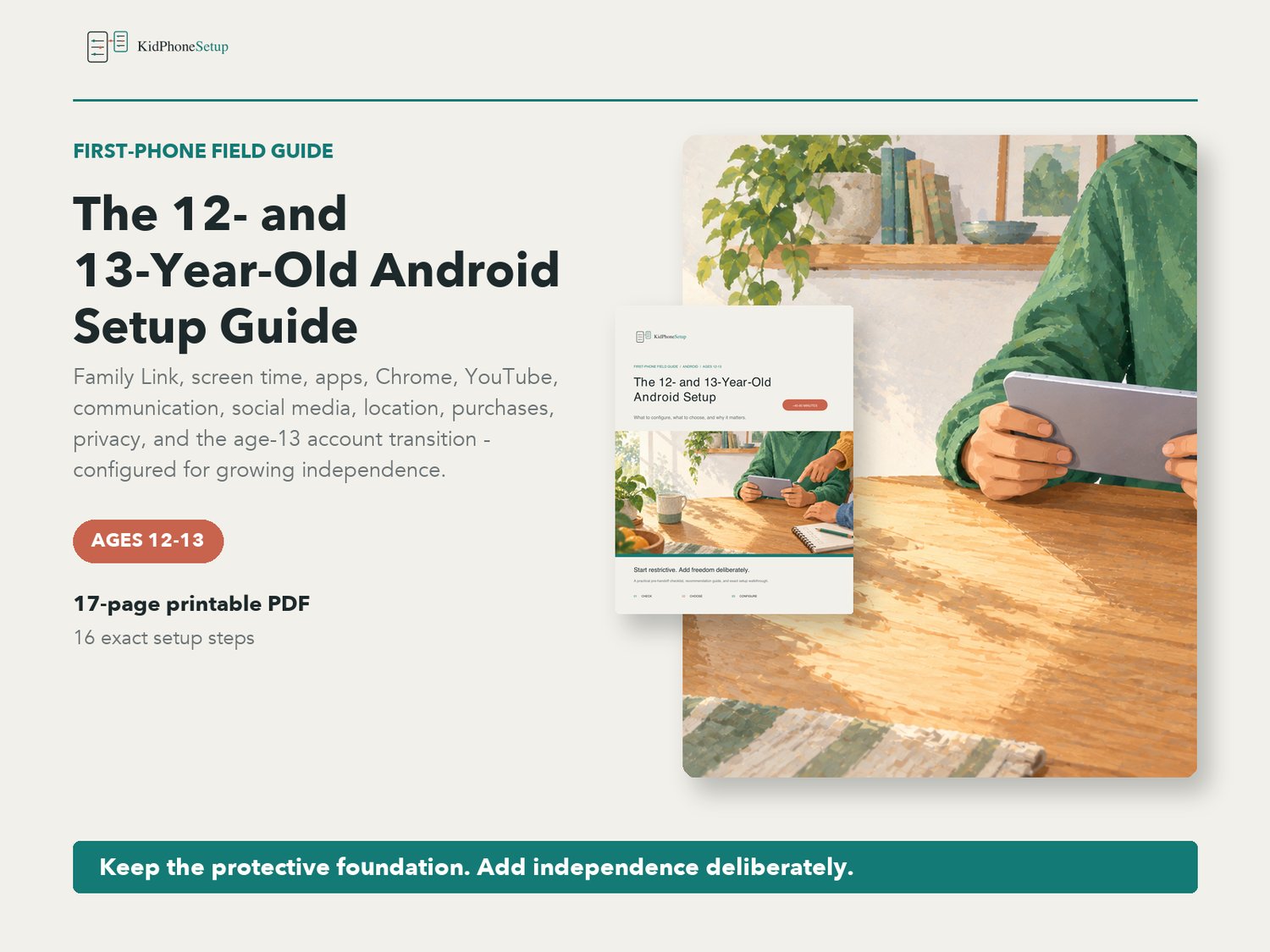



The 12- and 13-Year-Old Android Setup Guide | Family Link Parent Checklist PDF
Set up or update an Android phone for the shift into ages 12 and 13.
Older children need more independence, but age alone does not make every app, website, contact, purchase, or privacy decision automatic. This practical guide keeps the protective foundation in place, explains Google's age-13 account transition, and shows parents how to add freedom one setting at a time.
WHAT'S INCLUDED
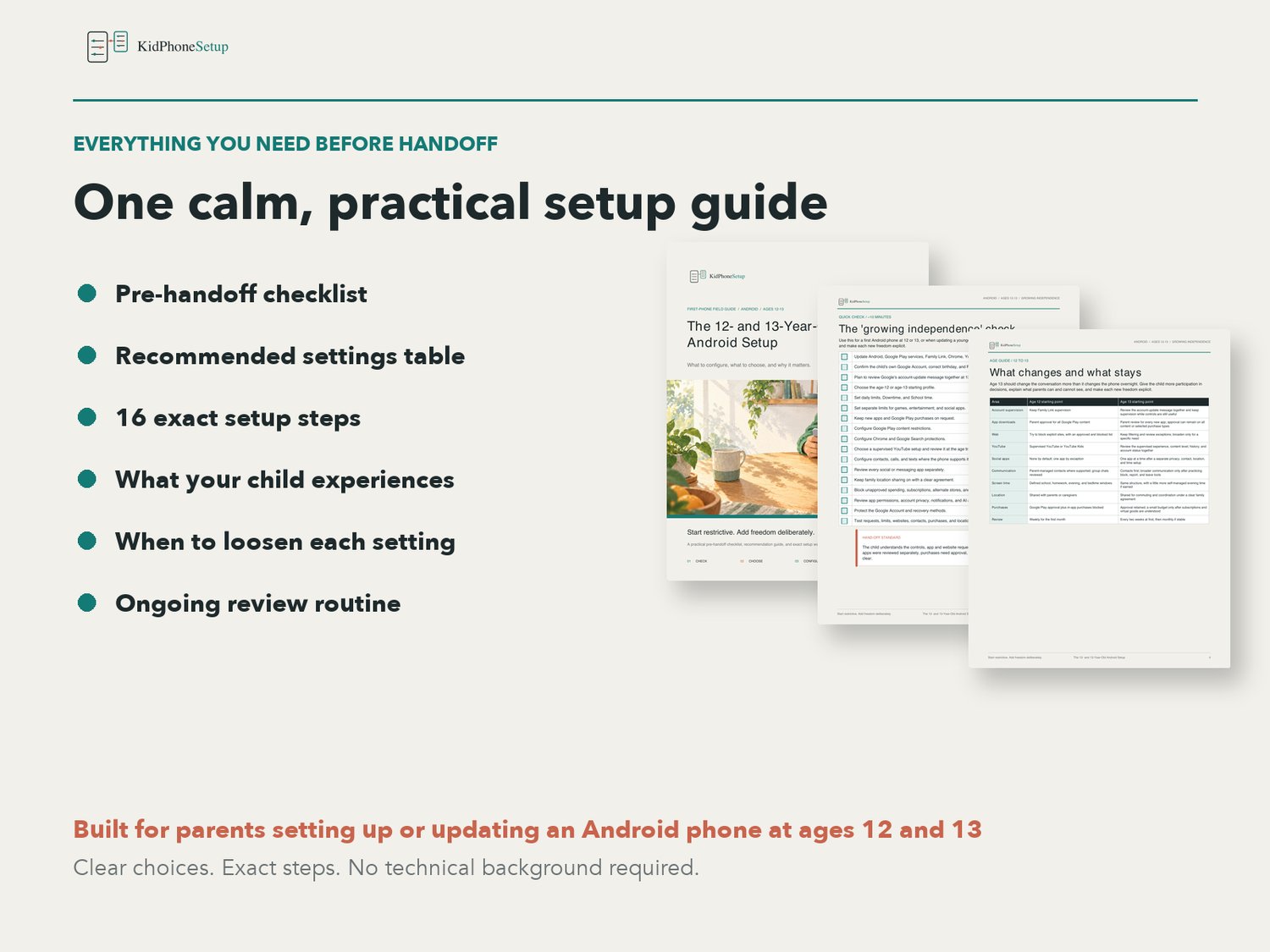
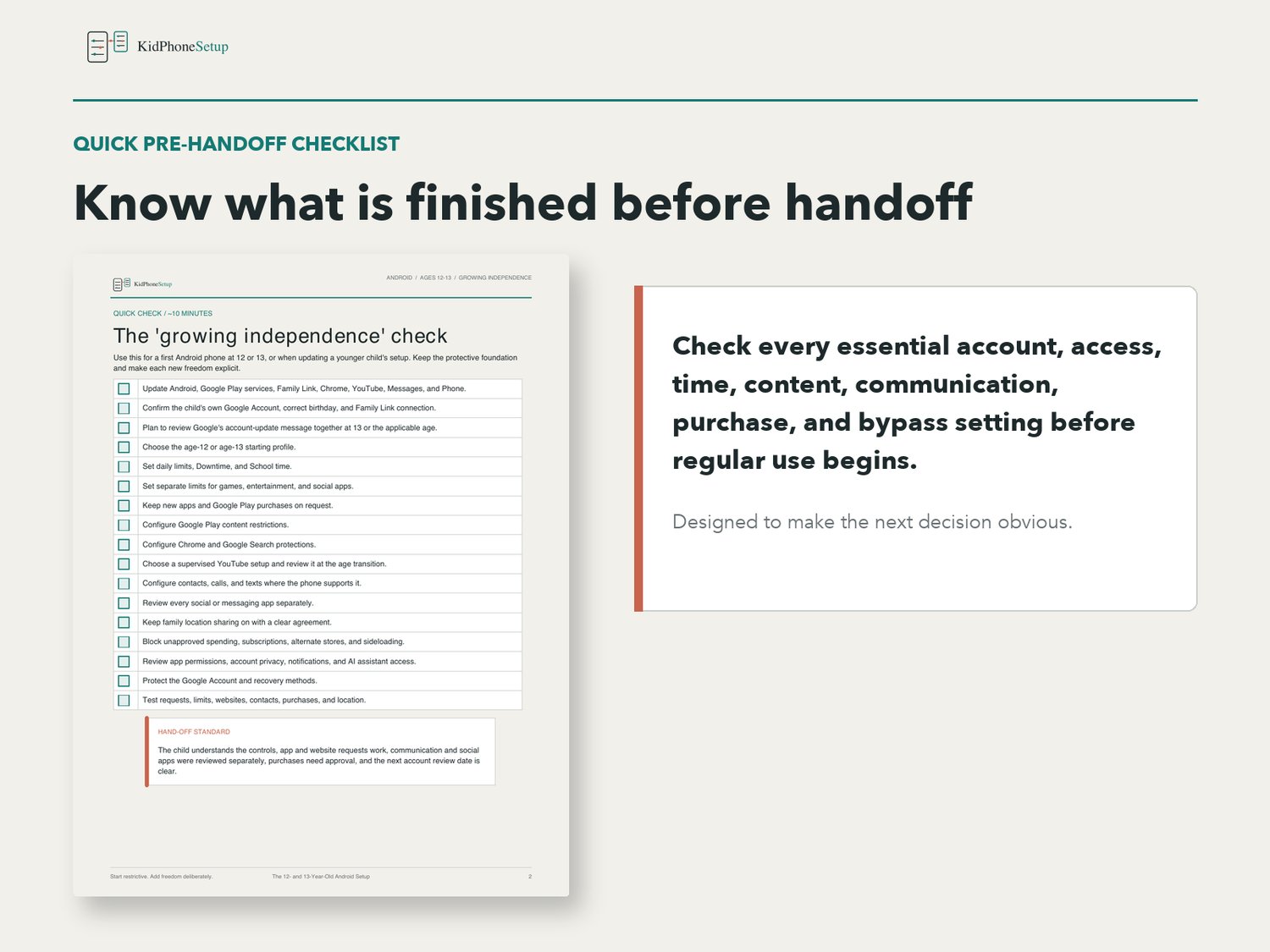
- Quick pre-handoff checklist
- Separate age-12 and age-13 starting profiles
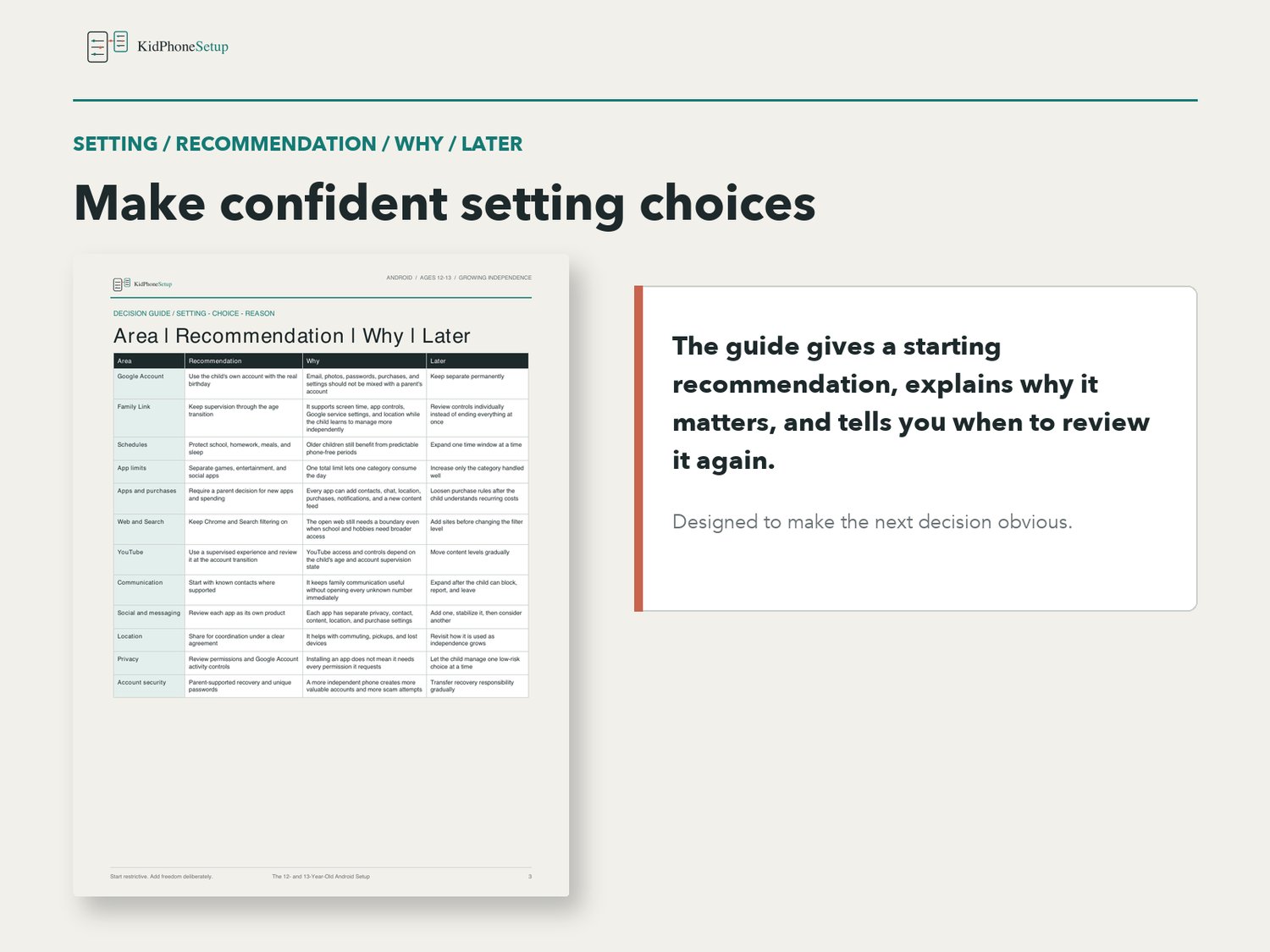
- Recommended settings table with reasons and review guidance
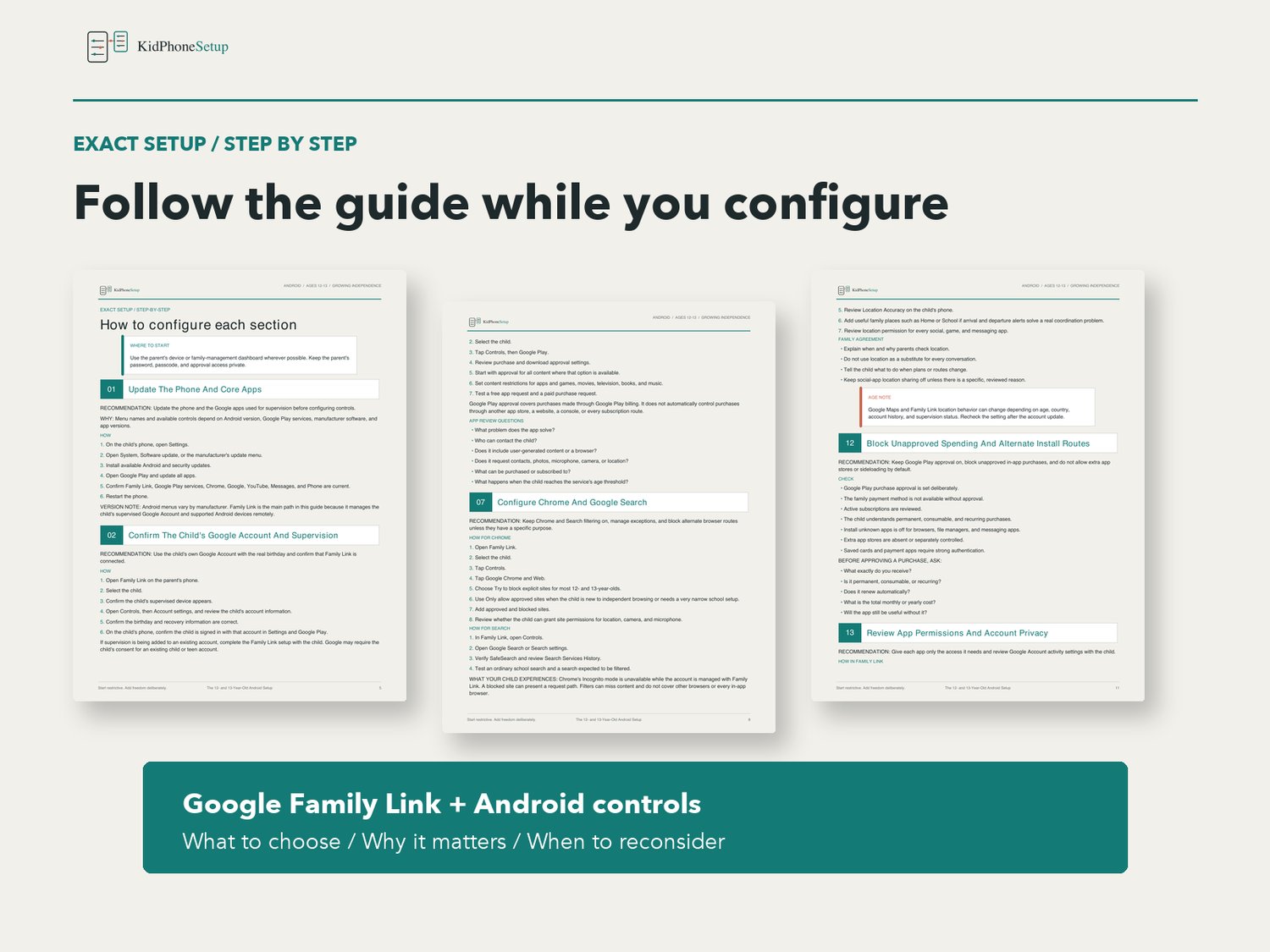
- 16-step Android setup walkthrough
- Child Google Account and Family Link review
- Guidance for the age-13 or applicable-age account transition
- Daily limits, Downtime, and School time
- Individual app limits and unlimited-time app choices
- Google Play app, content, and purchase approvals
- Chrome website controls and Google Search protections
- YouTube Kids and supervised YouTube guidance
- Parent-managed contacts, calls, and texts where supported
- App-by-app social and messaging review
- Family location sharing agreement
- In-app purchase, subscription, alternate-store, and sideloading checks
- App permission and Google Account privacy review
- Notification, Do Not Disturb, and AI assistant decisions
- Account security and recovery setup
- Manufacturer-specific bypass checks
- Pre-handoff testing checklist
- What the child experiences and what parents can actually see
- Parent conversation and starter family rules
- Weekly, biweekly, and monthly review guidance
- A dedicated age-13 or applicable-age review
- Links to the official Google sources used to verify the guide
FORMAT
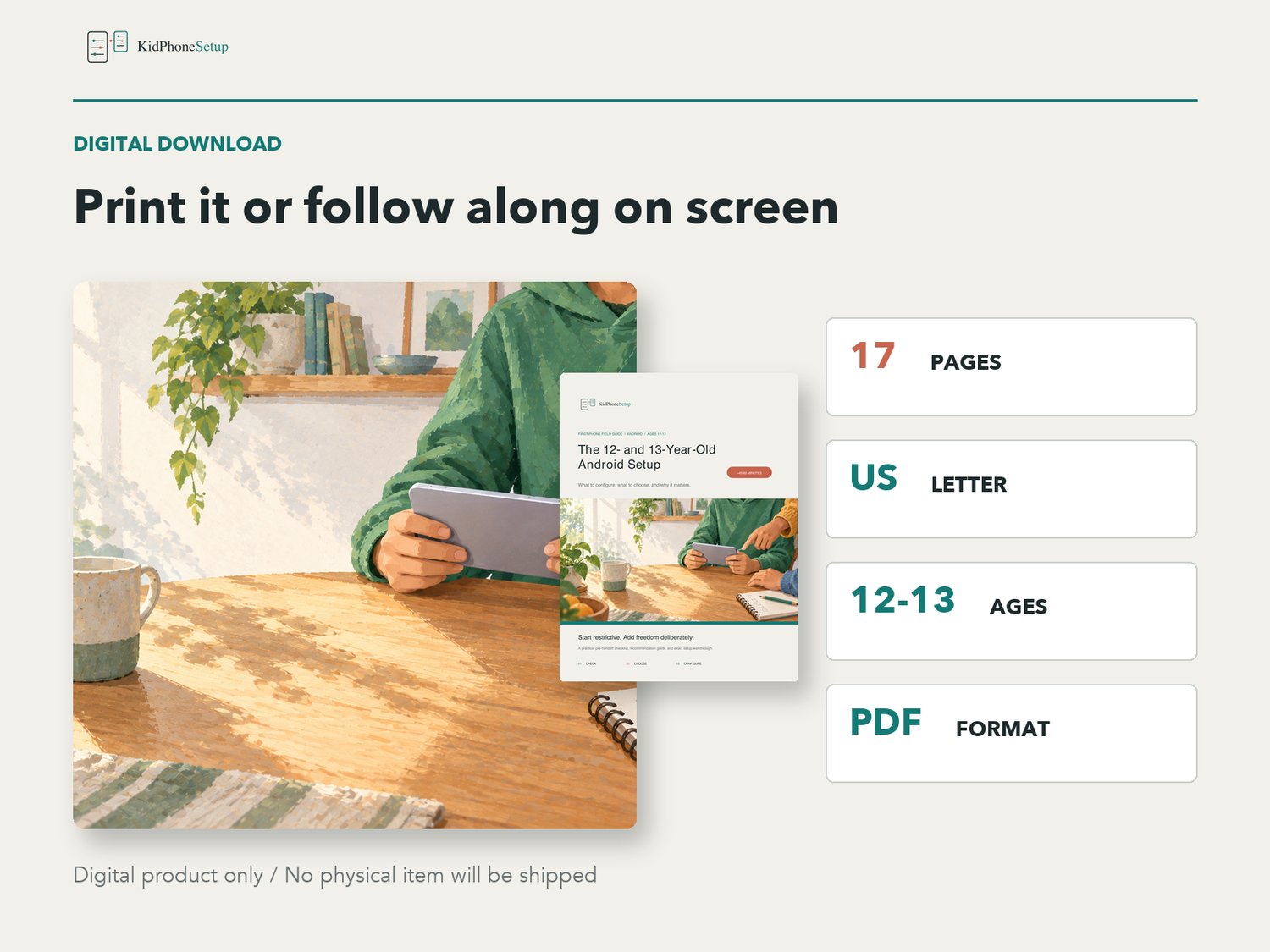
- 17-page PDF digital download
- US Letter size
- Clear, parent-friendly instructions
- Written specifically for Android at ages 12 and 13
- Last verified September 2026
This is a digital product. No physical item will be shipped. Android and Google interfaces and available controls can change by account, age, country, device manufacturer, and software version; verify important settings on your own device.
KidPhoneSetup is an independent educational resource and is not affiliated with or endorsed by Google or any Android device manufacturer.