

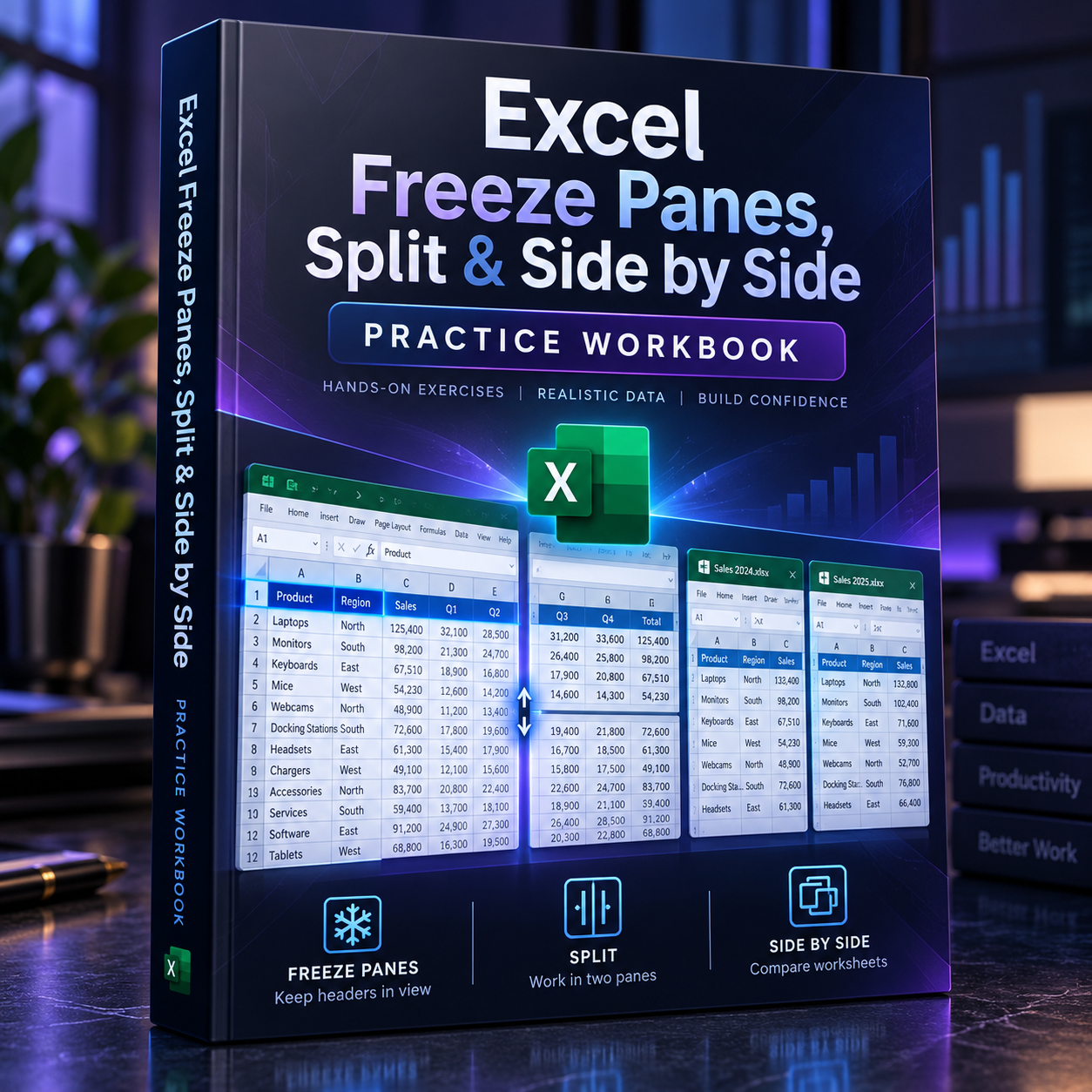
Excel Freeze Panes, Split & Side by Side — Practice Workbook
Payhip Description
Work faster in large Excel files with hands-on practice for Freeze Panes, Split, and View Side by Side.
This workbook gives you ready-made large datasets so you can practice the exact workflows immediately instead of creating test files from scratch.
You’ll practice:
- Freeze Top Row
- Freeze multiple rows and columns
- navigating wide Excel reports
- Split View
- independent worksheet scrolling
- New Window
- View Side by Side
- Synchronous Scrolling
- comparing current and prior periods
Included
Freeze Top Row Lab
Practice with a realistic 120-row sales file.
Freeze Rows & Columns Lab
Navigate a wide monthly report while keeping important identifiers visible.
Split View Lab
Compare distant sections of a 180-row transaction log.
Side-by-Side Comparison Lab
Practice comparing prior and current month data using New Window and Synchronous Scrolling.
5-Minute Speed Challenge
Use all three view tools in one realistic large-file workflow.
Answer Key
Includes exact menu paths, recommended setup, and guidance on when each tool should be used.