
Luxury Bear Bag Business Bundle 💕 | DIY Gift Basket Starter Kit | Cricut Files + Mockups + Selling Guide
Turn a simple gift into a luxury experience 💖
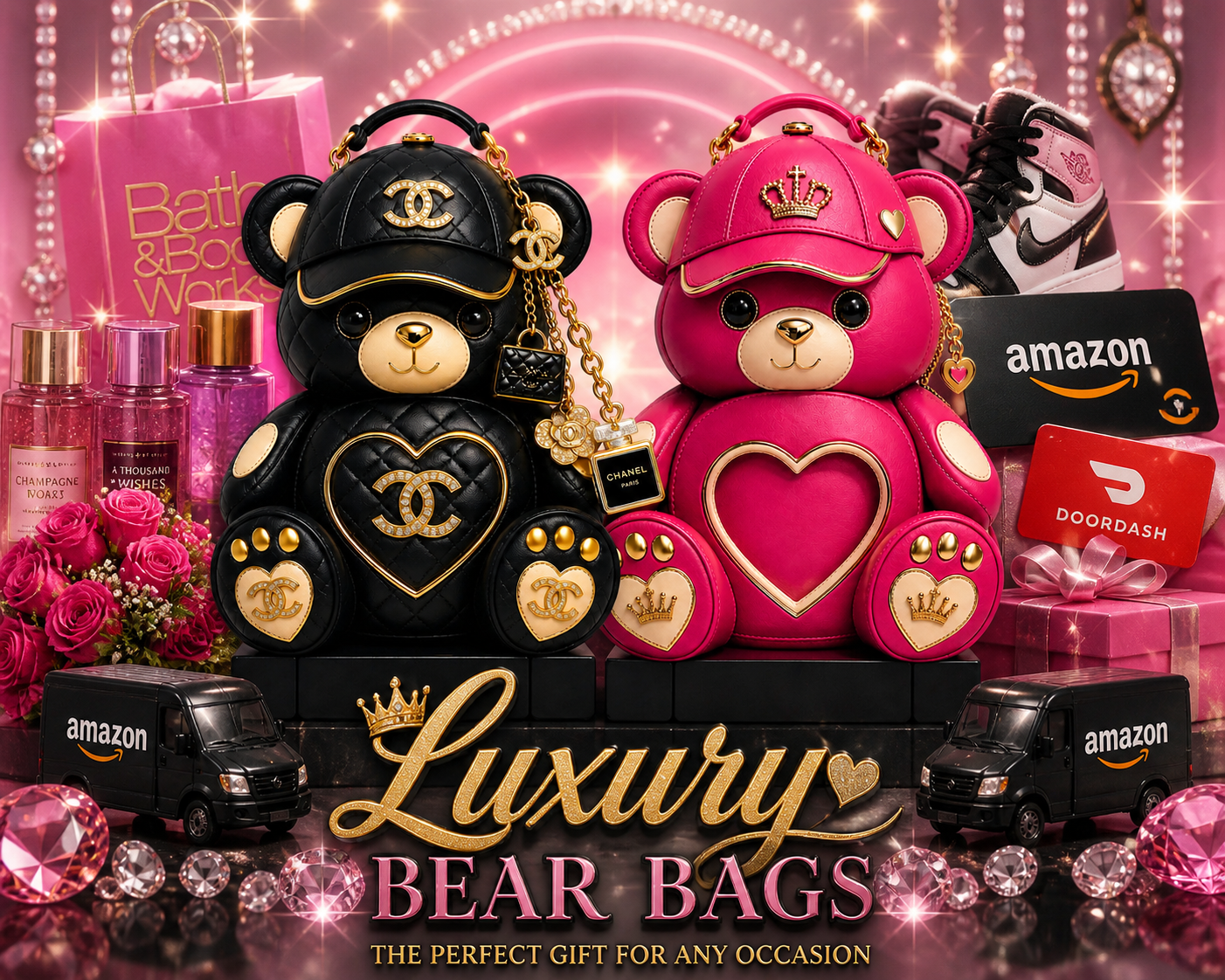
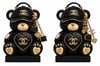
These Luxury Bear Bags are the perfect mix of glam, creativity, and high-end gifting. Designed for crafters, gift makers, and entrepreneurs who want their products to stand OUT, this trending gift idea is perfect for Mother’s Day, birthdays, Valentine’s Day, or just because 🎁
✨ What Makes This Special:
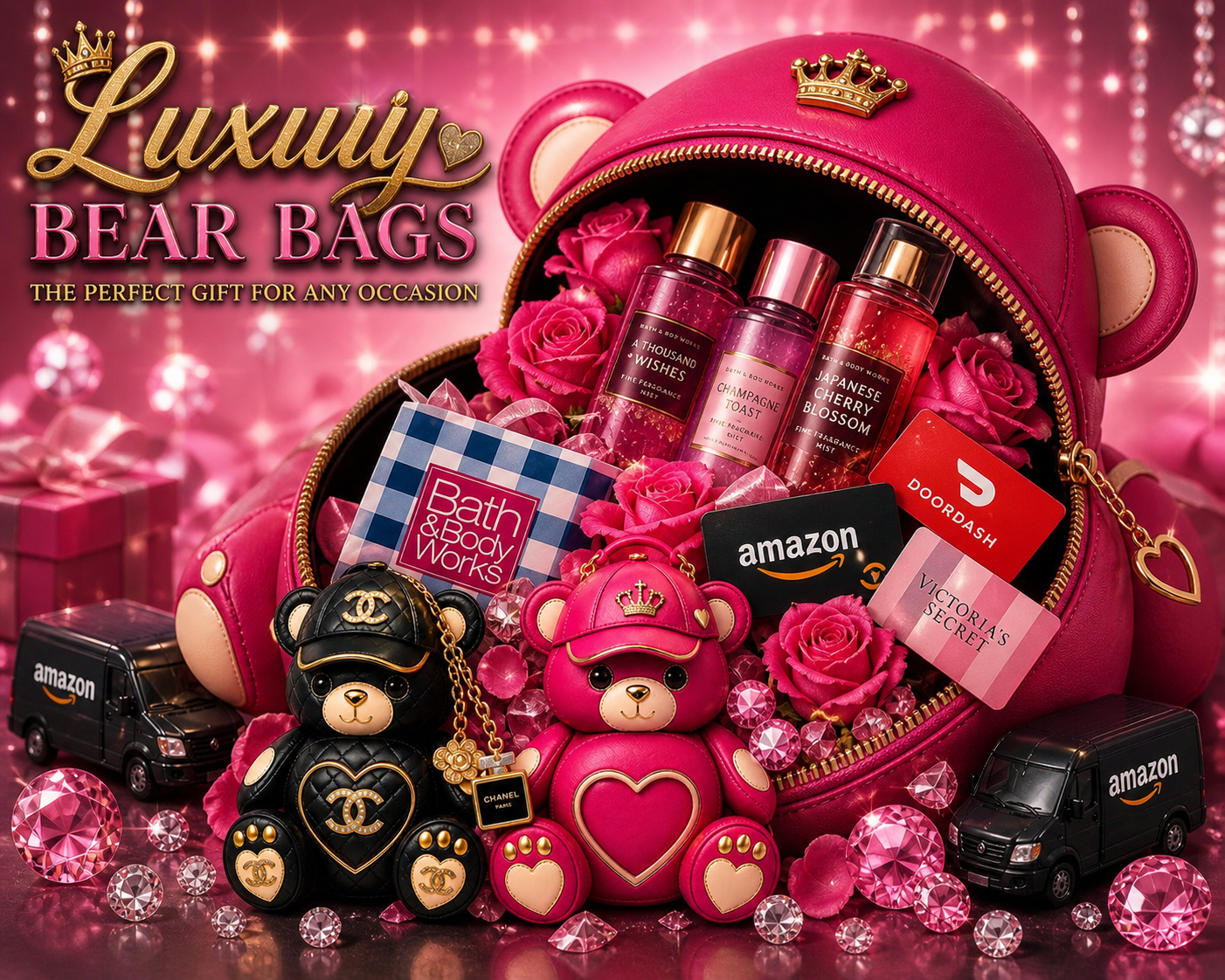
- Unzipped “treasure bag” look with items spilling out 💎
- Includes inspiration for adding:
- Bath & Body Works sprays
- Gift cards (Amazon, DoorDash, etc.)
- Roses + luxury fillers 🌹
- Perfect for DIY gift basket businesses
- High-profit potential item for resellers 💰
- Eye-catching, viral-style presentation for social media 📲
These are what crafters actually USE
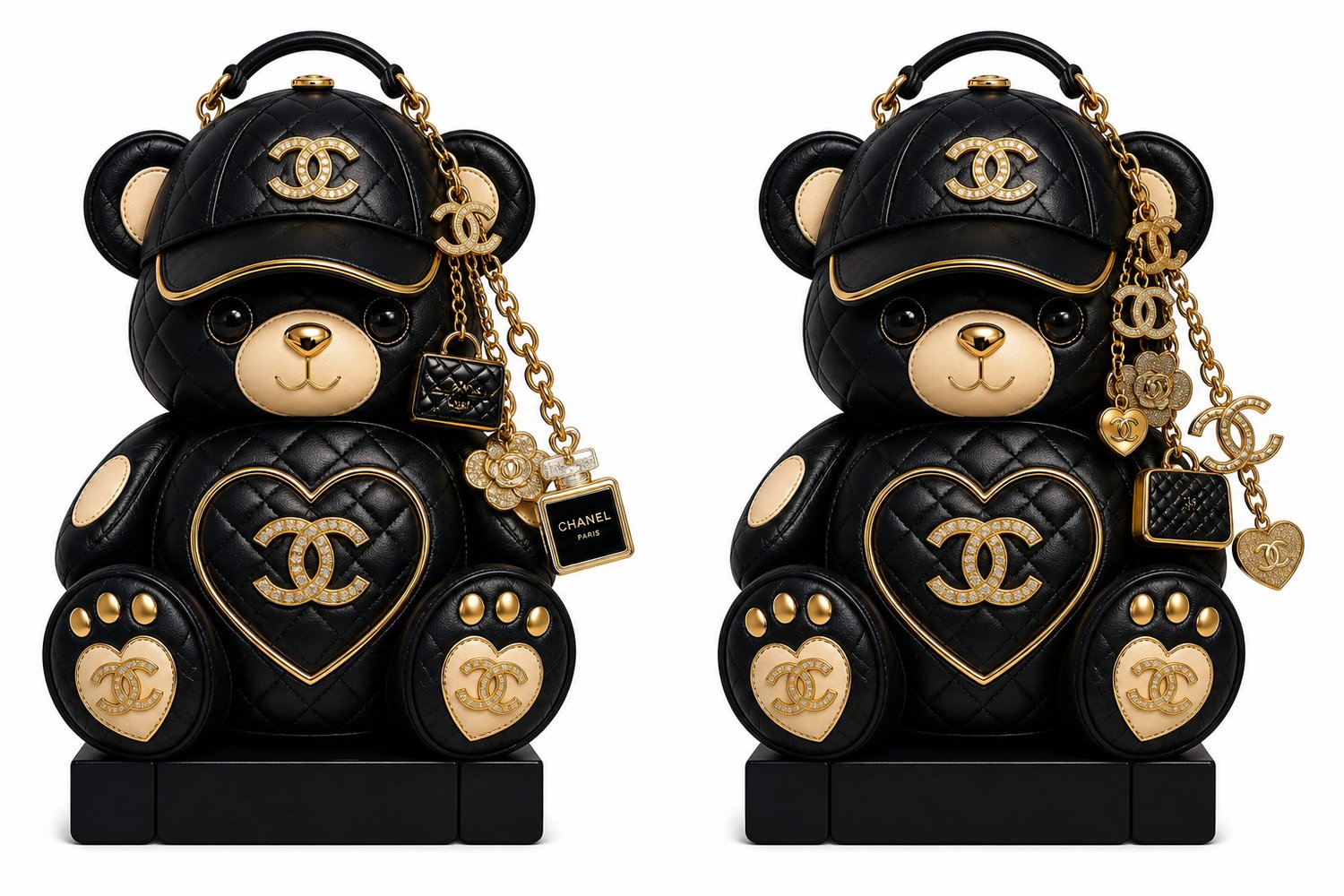
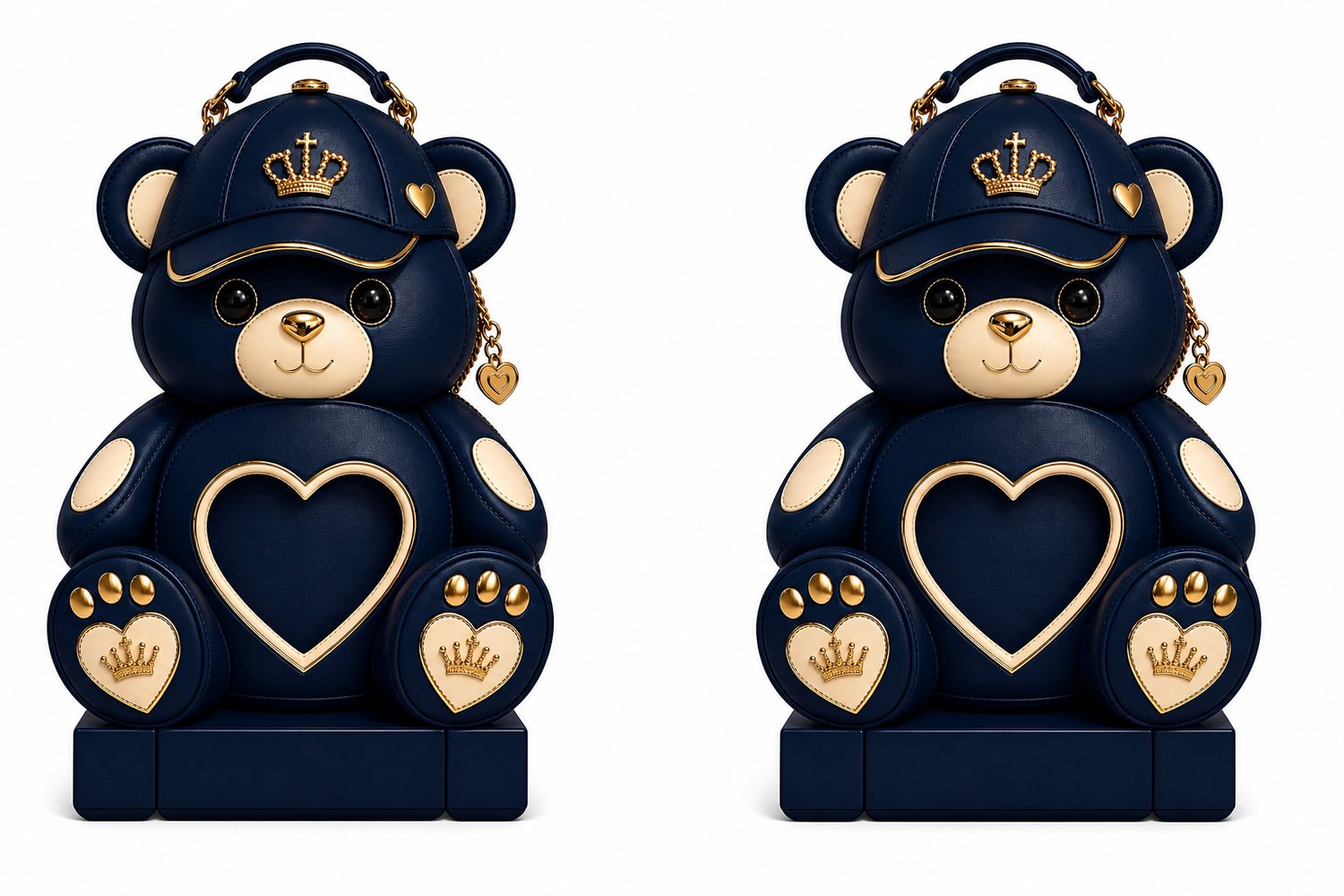
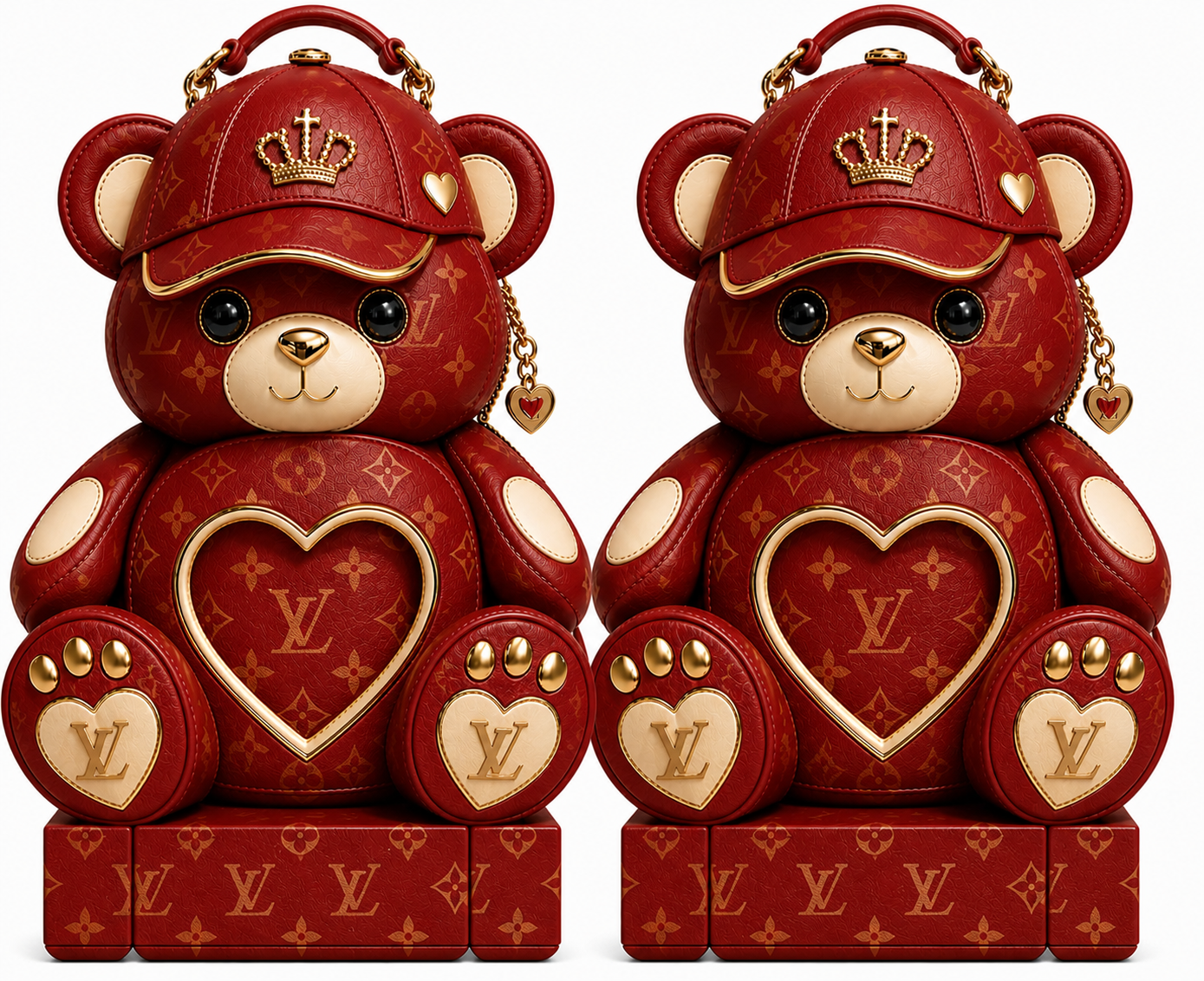
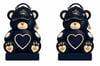
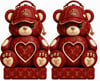
- 6 Bear Bag PNG Designs:
- Passion Pink 💖
- Royal Purple 💜
- Black & Gold 🖤✨
- Nude Luxury 🤎
- Red Glam ❤️
- Glitter
- Use Color Indicator in Canva to change Colors of Editable Bear Bag Template (for customization)
💡 Perfect For:
- Cricut crafters
- Custom gift basket makers
- Etsy / Payhip / Shopify sellers
- Beginners looking for a trending product to sell FAST
⚠️ Important:
This is a digital design / mockup inspiration. No physical item will be shipped.
✨ SUPPLIES NEEDED
Before assembling your bear bag, you will need:
Materials:
- Glossy photo paper OR cardstock
- Scissors or Cricut machine
- Foam board or poster board (optional for sturdiness)
- Double-sided tape or hot glue
- Gift fillers/shredded paper
- Ribbon or luxury bow (optional)
Gift Ideas To Add:
- Bath & Body Works sprays
- Gift cards
- Candy/snacks
- Roses
- Mini purses
- Makeup items
- Cash gifts
- Jewelry
✂️ STEP 1 — DOWNLOAD YOUR FILES
After purchase:
- Download all PNG files to your phone, tablet, or computer.
- Open files in:
- Canva
- Cricut Design Space
- Photoshop
- Any editing app/software
🎨 STEP 2 — CUSTOMIZE YOUR BEAR BAG
You can:
- Change colors in Canva
- Add names
- Add photos
- Add quotes or logos
- Resize the design if needed
💡 Tip: Use Canva’s “Color Edit” feature to customize the luxury bear colors instantly.
🖨️ STEP 3 — PRINT YOUR DESIGN
For best quality:
✅ Use glossy paper or heavy cardstock
✅ Print in high resolution
✅ Use vibrant print settings for luxury colors
✂️ STEP 4 — CUT OUT THE BEAR DESIGN
Carefully cut around:
- The outer bear shape
- Handle area
- Decorative pieces (if included)
💡 Cricut users can upload PNG files into Cricut Design Space and use the “Print Then Cut” feature.
🛍️ STEP 5 — ASSEMBLE THE BAG
- Attach the front and back pieces together.
- Use:
- Double-sided tape
- Glue dots
- Hot glue
- Leave the top area open to insert gifts/fillers.
💡 Optional:
Glue the design onto foam board for a sturdier luxury look.
🎁 STEP 6 — ADD YOUR GIFTS & DECOR
Fill your luxury bear bag with:
- Tissue paper
- Roses
- Gift cards
- Sprays
- Candy
- Luxury fillers
Arrange items so they appear to “spill out” for the viral luxury effect 💎
📸 STEP 7 — FINAL TOUCHES
For a luxury presentation:
✨ Add rhinestones or glitter
✨ Add ribbon/bows
✨ Use LED lights for photos/videos
✨ Stage your bag for TikTok/Facebook reels
⚠️ IMPORTANT
- This is a DIGITAL PRODUCT only.
- No physical item will be shipped.
- Colors may vary slightly depending on printer settings.
- Files are for personal/small business use only unless otherwise stated.
💕 THANK YOU FOR SUPPORTING RHOYALTEE DESIGNZ
Be sure to tag us in your creations and social media posts! ✨