
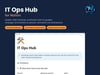
IT Ops Hub for Notion: Assets, Licences, Guides & Starter/Leaver Checklists
On Sale
A$59.00
A$59.00
Run your IT like a much bigger team.
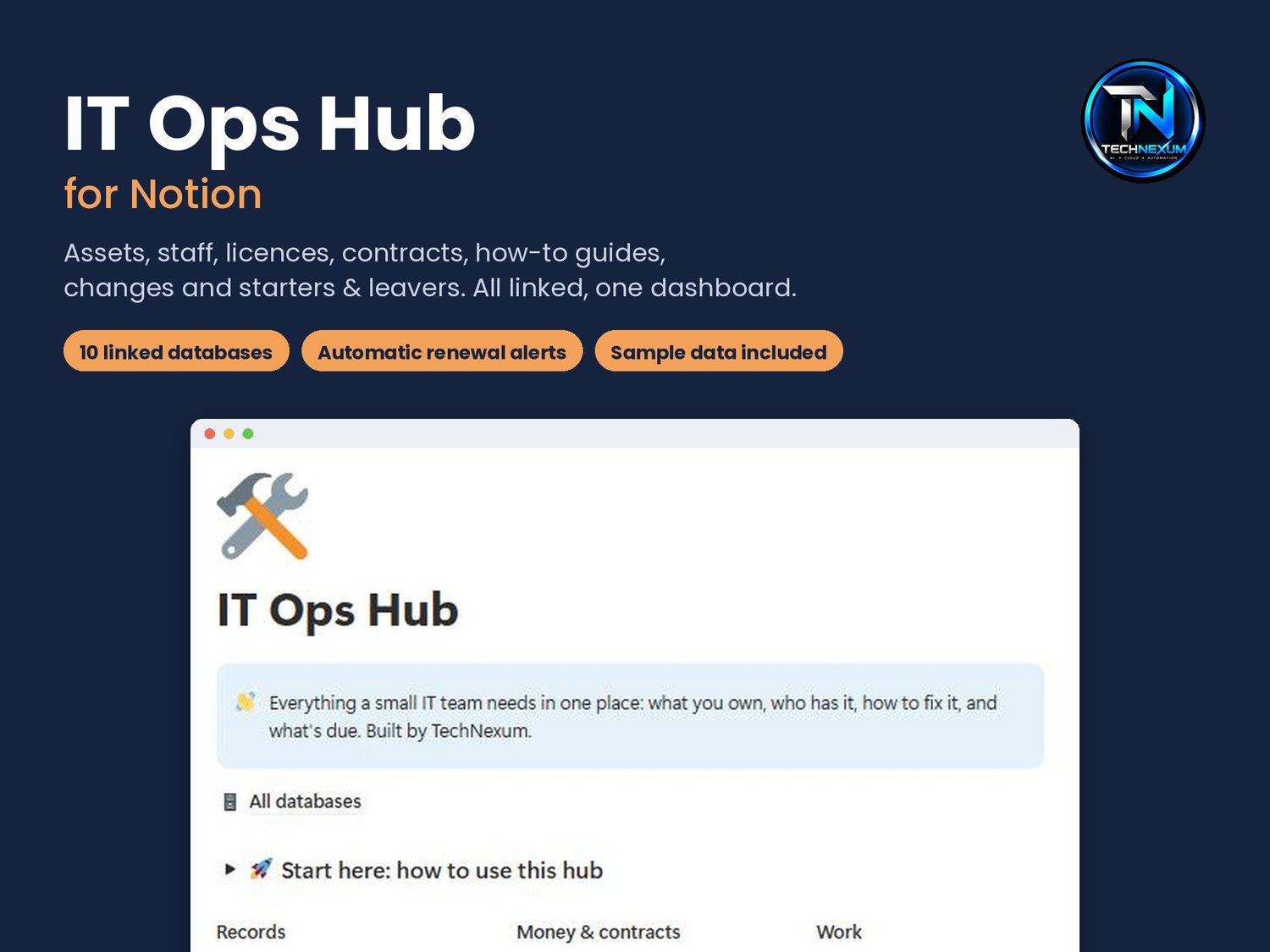
The IT Ops Hub is a ready-made Notion system for small IT teams, solo sysadmins and MSPs. It keeps what you own, who has it, how to fix it and what's due in one place, with a dashboard that only shows what needs you.
Built by a working senior sysadmin in Melbourne, from the systems he uses every day.
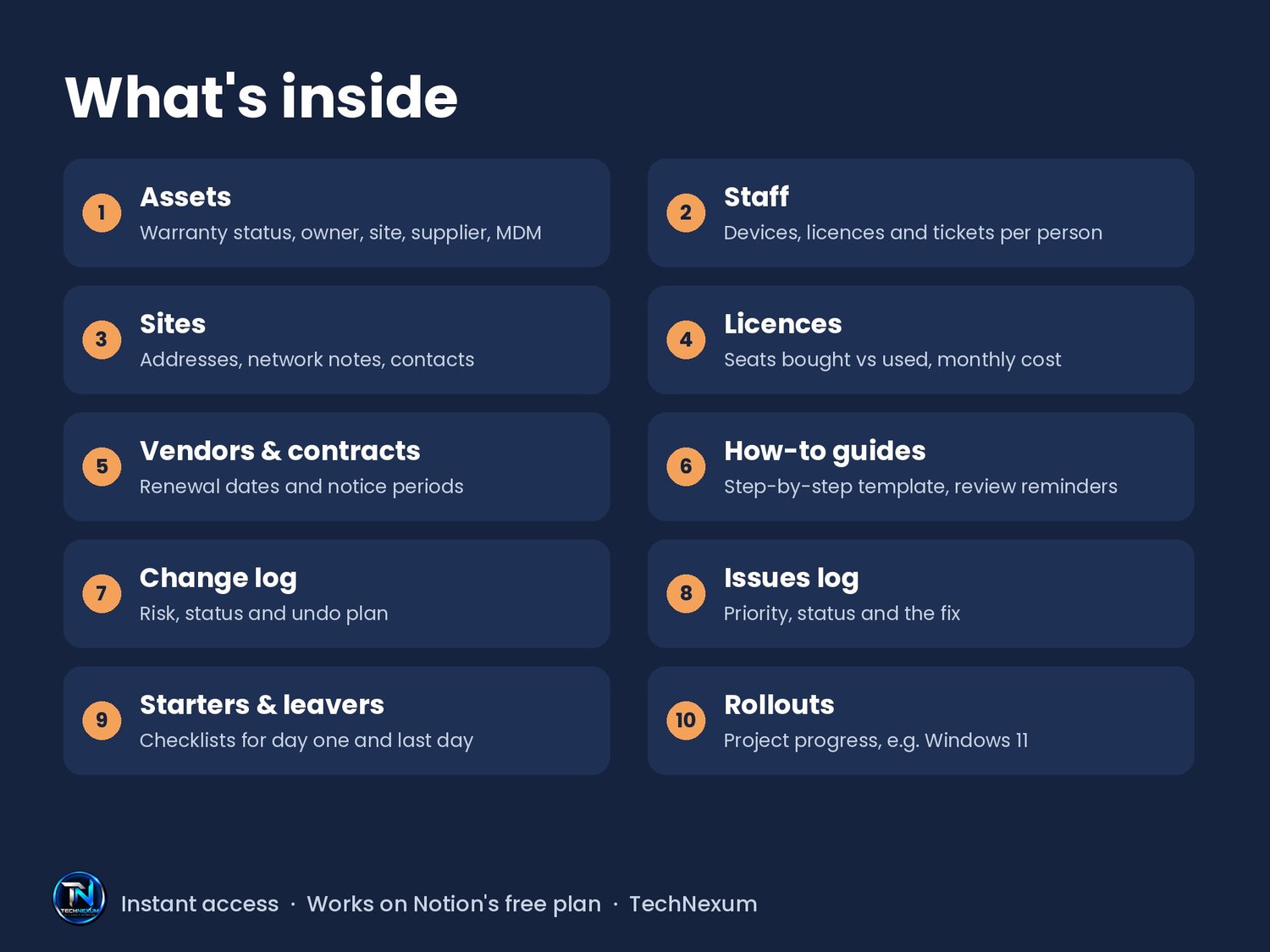
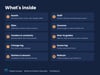
10 linked databases
- Assets: warranty status, owner, site, supplier, MDM, linked issues and changes
- Staff: every person's devices, licences and tickets on one page
- Sites: addresses, contacts and network notes
- Licences: seats bought vs used, cost per month, renewal alerts
- Vendors & contracts: renewal dates, notice periods, annual cost
- How-to guides: a step-by-step template (purpose, steps, check, undo) with review reminders
- Change log: risk, status and undo plan for every change
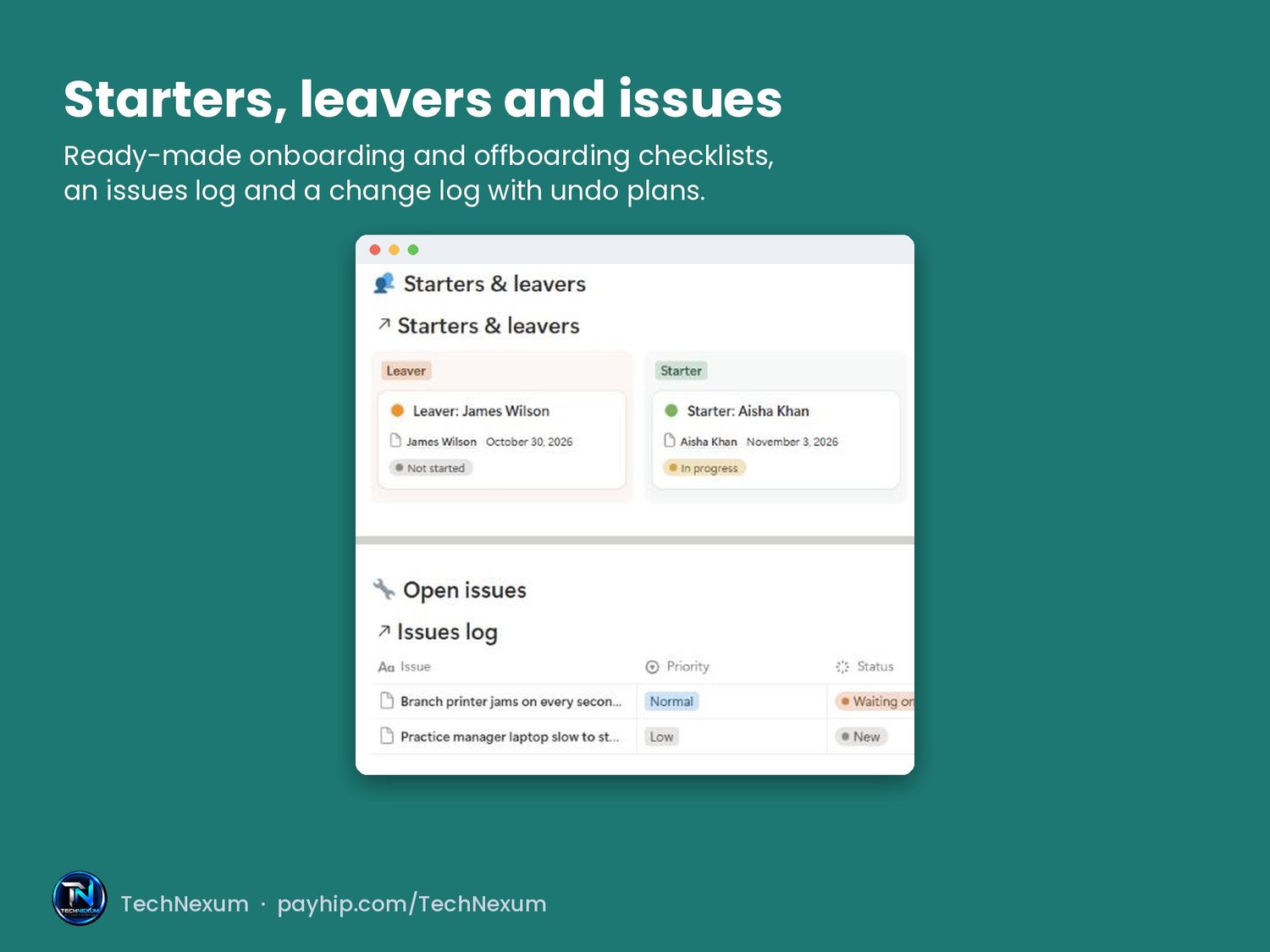
- Issues log: priority, status, fix, linked to the asset and guide
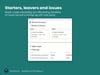
- Starters & leavers: ready-made onboarding and offboarding checklists
- Rollouts: track projects like a Windows 11 upgrade
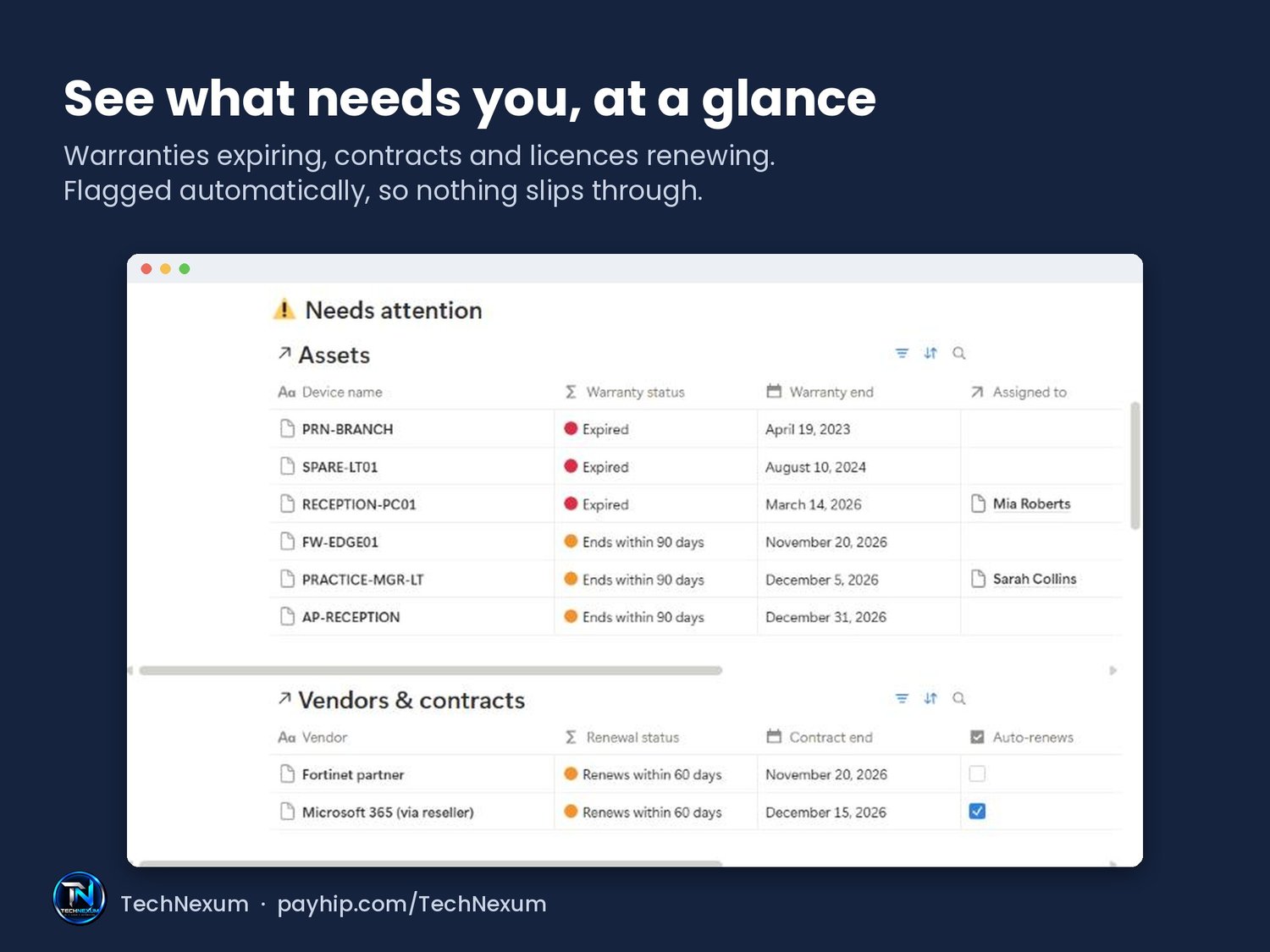
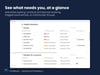
Home dashboard shows warranties expiring in 90 days, contracts and licences renewing in 60 days, open starters and leavers, open issues, upcoming changes and guides overdue for review.
Included
- Sample data for a made-up practice, plus 5 complete how-to guides (new starter, leaver, MFA reset, backup restore, firewall update)
- "Start here" guide inside the template
- Works on Notion's free plan
How it works
- Buy and download the PDF
- Click the button to open the template
- Click "Duplicate" to add it to your Notion
Not sure? Try the free IT Asset Register first: payhip.com/b/4euVi
Questions: technexumai@gmail.com. For your own team's use. Please don't share or resell the template link.