Microsoft Excel — Complete A-to-Z, Taught End to End
Microsoft Excel — Complete A-to-Z, Taught End to End
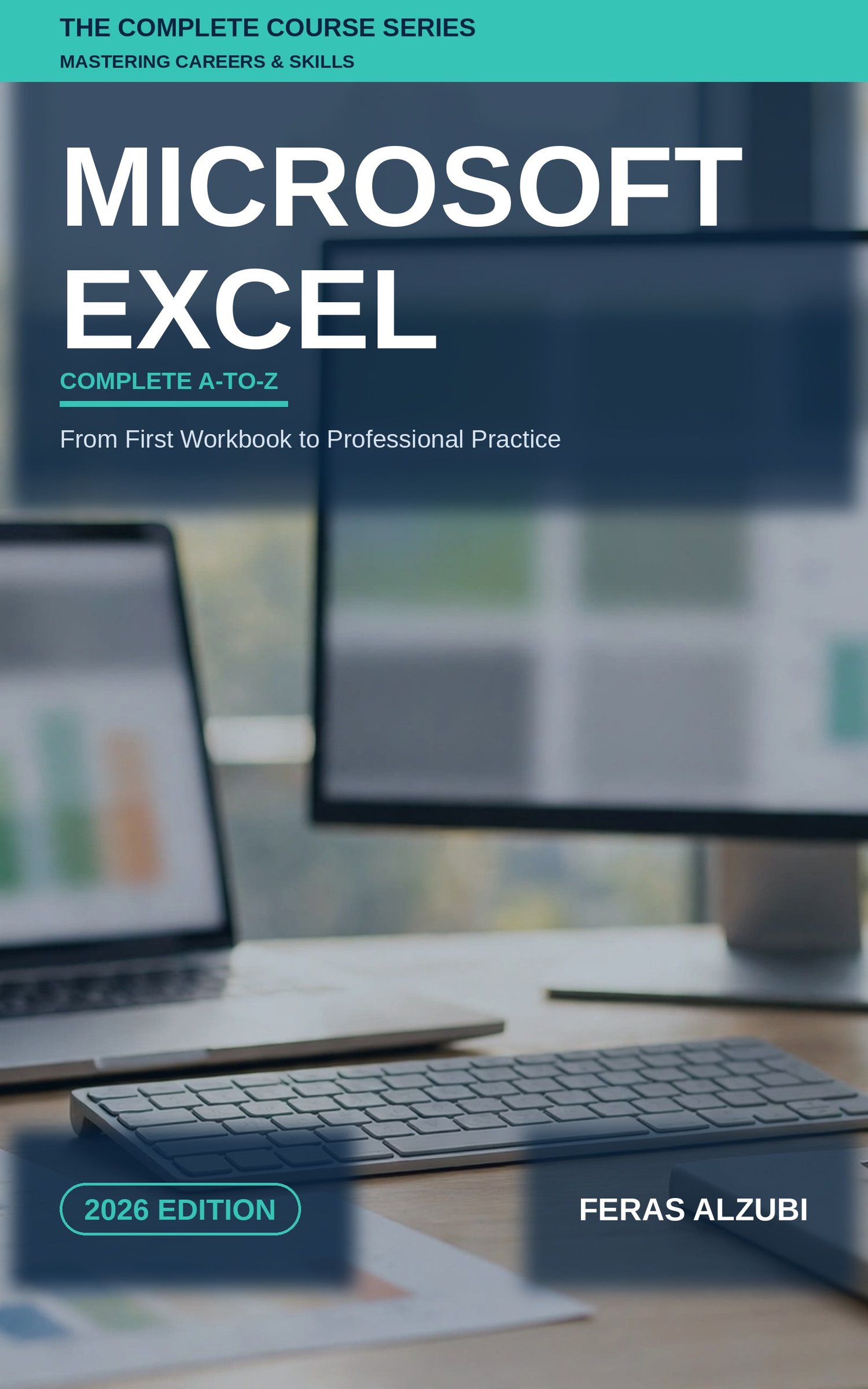
What this book teaches. The whole craft of working in Microsoft Excel — taught A to Z in one volume, from the first workbook to professional practice. It opens with what Excel is and how a workbook works: the grid that computes, workbooks and worksheets, and what a cell can hold; then the interface — the Ribbon, the Formula Bar, the Name Box, views, panes, and keyboard navigation that scales; entering, editing, and managing data well; and formatting cells, numbers, and sheets so that what a cell shows matches what it holds. The middle of the book is the calculation engine: formulas and references, including relative, absolute, and mixed references; the arithmetic, statistical, and logical functions; lookup and reference functions from VLOOKUP through INDEX with MATCH to XLOOKUP; text, date, and time functions built on the serial date system; and Excel Tables with structured references and calculated columns. From there it turns to working with data at scale: sorting, filtering, and subtotals; data validation and cleaning data; conditional formatting and visual rules; charts chosen for the claim they must support; PivotTables and PivotCharts; and what-if analysis with Goal Seek, data tables, Scenario Manager, and Solver. The closing chapters cover printing, page setup, and sharing; automation with the macro recorder and an introduction to VBA; Power Query for getting and transforming data; protection, collaboration, and version control; and finally the professional practice — auditing formulas, checking errors, and building workbooks other people can trust, ending in a capstone that assembles the whole craft in one workbook.
Who it is for. The beginner opening Excel for the first time who wants the skill taught whole rather than in fragments; the working user who lives in spreadsheets daily and wants the function library, Tables, PivotTables, and Power Query taught as one connected system instead of tricks picked up one at a time; and the professional whose workbooks other people rely on, who needs the auditing, protection, and workbook-craft discipline that makes a spreadsheet trustworthy.
What's inside (every count verified against the actual book):
Complete course — 20 chapters, the first workbook to professional practice
340 practice questions — every answer explained, right and wrong
40-question diagnostic — know where you stand before you start
240 chapter questions — a 12-question check closes every chapter
60-question final review — sampling the whole Excel craft
40 labeled figures — the grid, reference types, the lookup problem and the query pipeline, two in every chapter
150-term glossary · 8 cheat sheets · 3 study plans — the fast plan, the standard plan, and the deep plan
Six worked examples computed from stated givens, step by step so you can check every number yourself — sums, averages and counts from stated values, an IF pass mark, PivotTable totals from stated rows, a loan payment worked through the PMT formula, a markup, and serial-date arithmetic
Every one of the 340 questions is original, written for this book, and every explained answer tells you why the right answer is right and why each wrong answer is wrong. The book's facts rest on verified sources, listed in a Sources & Verification Note at the back of the book: Microsoft's own support and documentation — the documented specifications and limits of the worksheet grid, the function library, Tables and structured references, PivotTables, data validation, conditional formatting, charts, what-if analysis and Solver, printing and page setup, the macro recorder and VBA, Power Query, and protection and co-authoring. This book invents no statistics and presents no figures about productivity, earnings, or employment: every number in it is either a documented Microsoft specification or a stated given inside a worked example or a question, where the givens are supplied so you can check the arithmetic yourself — and the $ sign appears only as part of Excel's own formula language, in absolute and mixed cell references such as $A$1, never as a price or an amount of money.
Read the first chapter free — the sample on this page is Chapter 1 of this book, exactly as it appears in the full edition.
From the Mastering Careers & Skills library — complete A-to-Z professional teaching books for careers, trades, and certifications.
This book is an independent teaching work. Microsoft, Excel, Microsoft 365, and Power Query are trademarks of the Microsoft group of companies; this book is not published by, endorsed by, or affiliated with Microsoft, and it confers no certificate or credential of any kind — the Microsoft Office Specialist credential for Excel is a separate certification, earned by examination through Microsoft's own certification program, and is described in this book only factually, as a credential that exists apart from this text.
Refunds: Please read the free sample chapter before you buy. This is a digital ebook, delivered instantly by download. If the file is defective, or you cannot open or download it and we cannot fix the problem, you will receive a full refund — email us within 14 days of purchase. Because the book is delivered instantly as a downloadable file, all other sales are final.
How to read this book (EPUB format): After checkout, download the EPUB file, then open it in any free ebook reader app. On iPhone or iPad: Apple Books — it is already on your device. On Android phones and tablets: Google Play Books (free: https://play.google.com/store/apps/details?id=com.google.android.apps.books) — upload the file in the app — or ReadEra (free). On a Windows or Mac computer: Thorium Reader (free: https://thorium.edrlab.org) or Adobe Digital Editions (free). On Kindle: use Amazon's free Send to Kindle (https://www.amazon.com/sendtokindle) to add the file to your Kindle library.