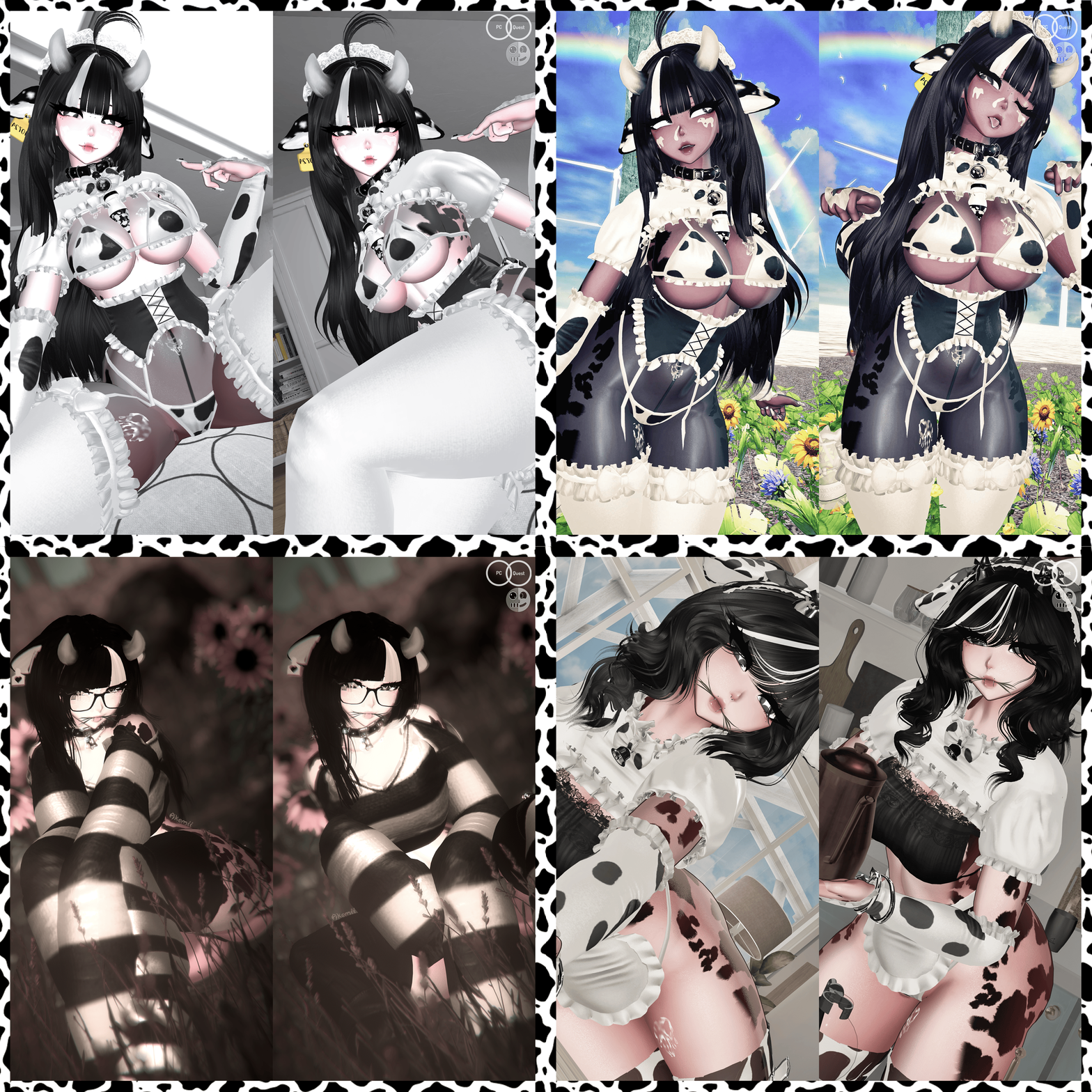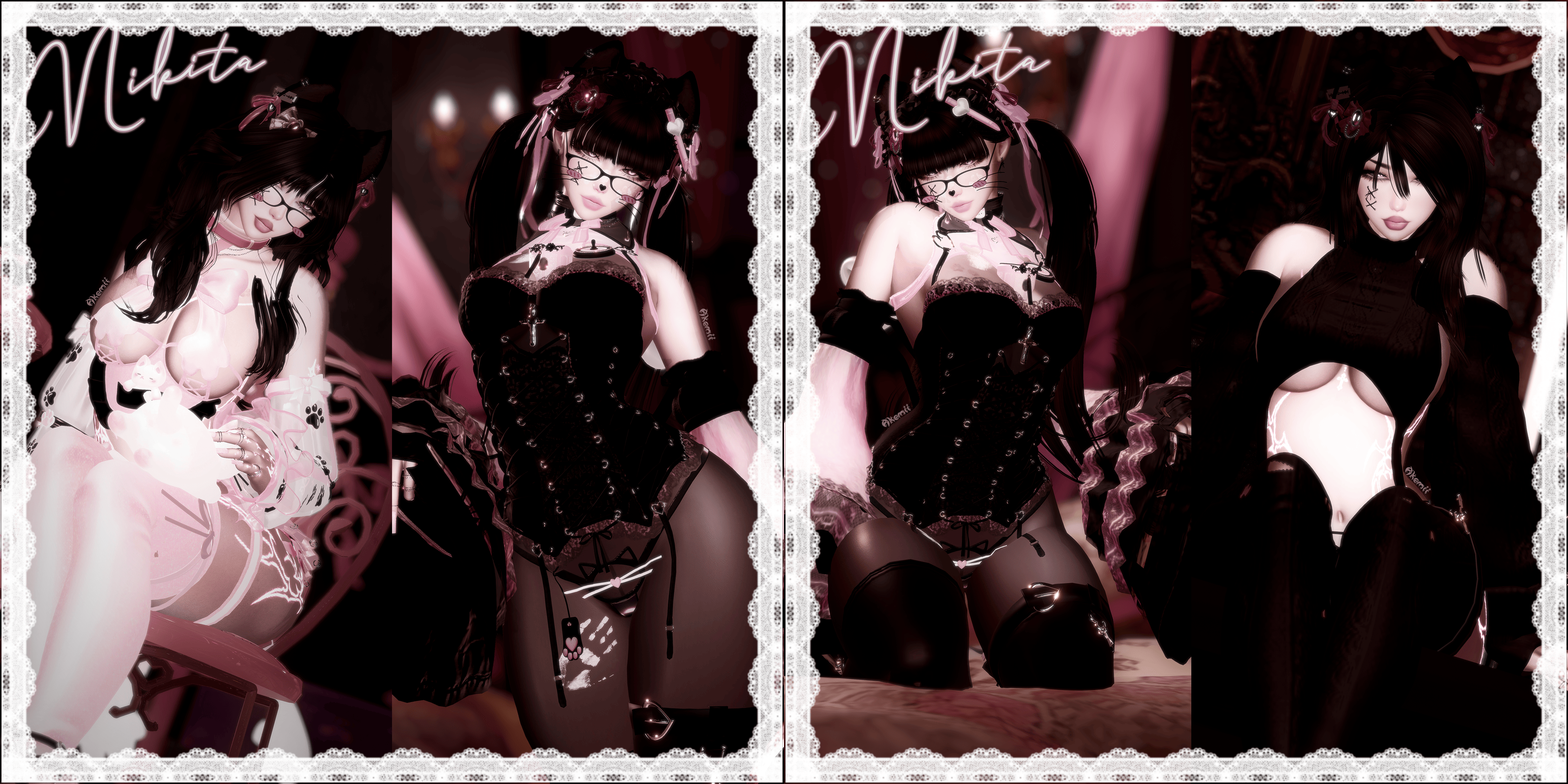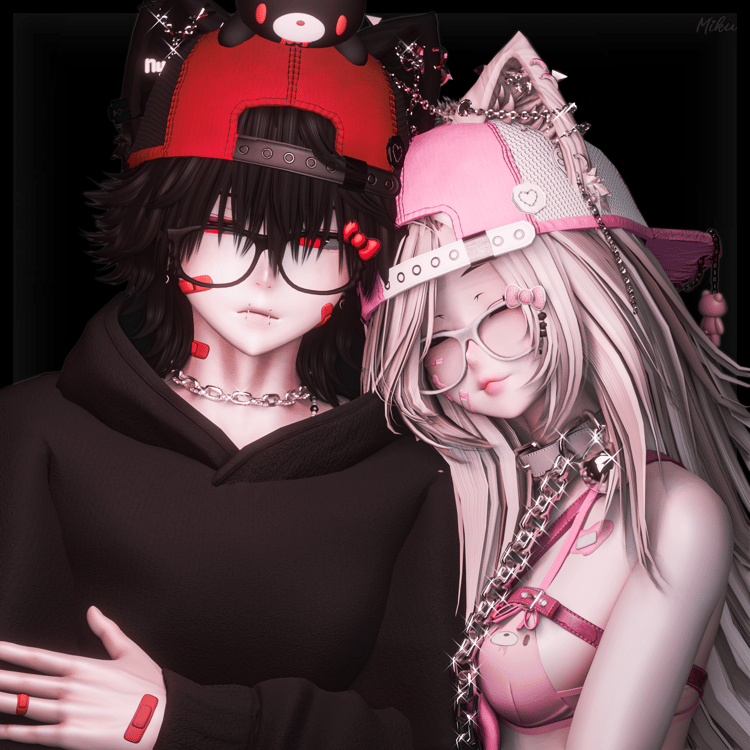


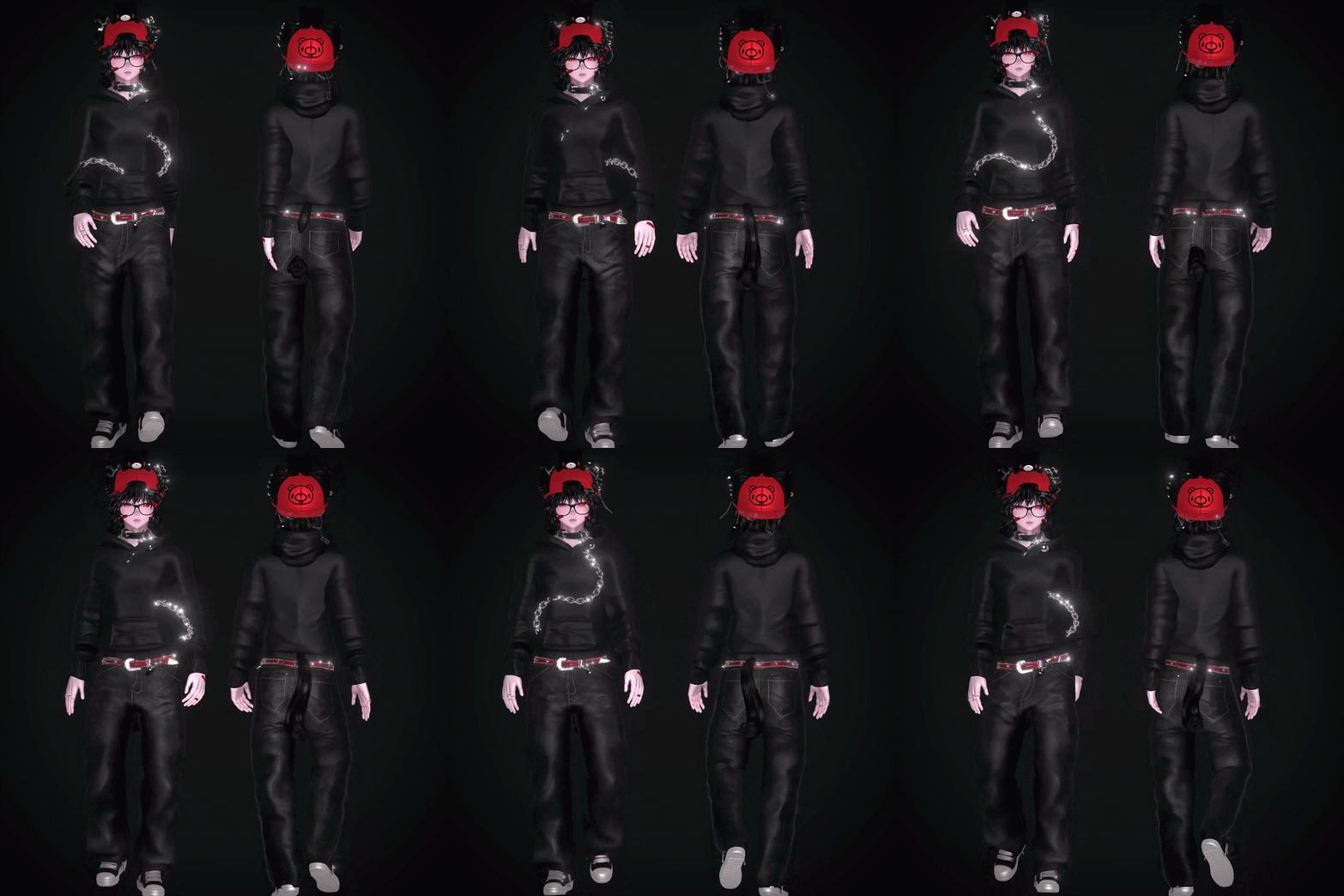



GLOOM (VRCFT/QUEST)

PC + Face Tracking + Quest
please read through TOS before buying, i do offer uploads in my server but they will not be fast due to me being very busy in real life. Keep in mind you need basic unity knowledge before buying if you'd like to upload yourself.
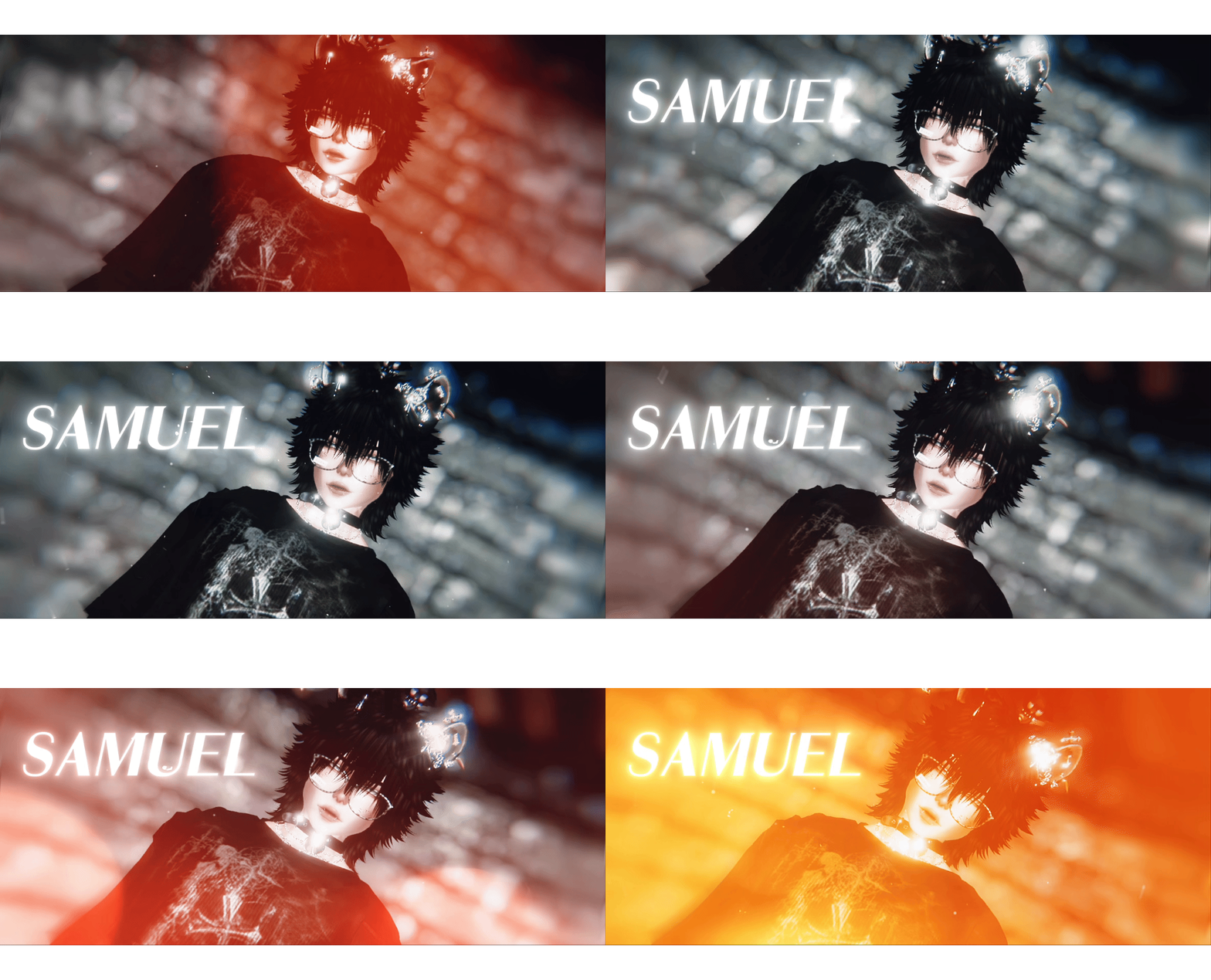
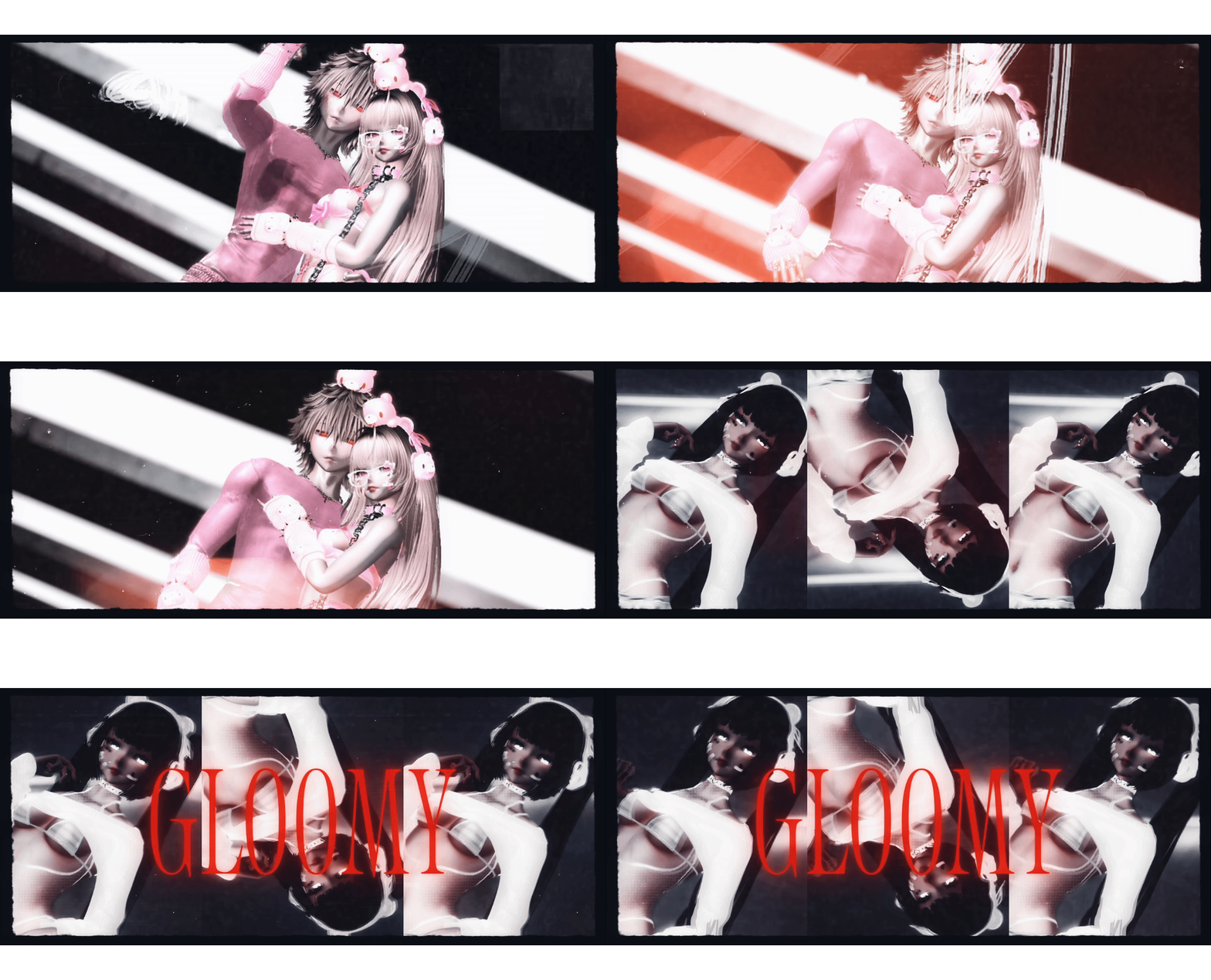
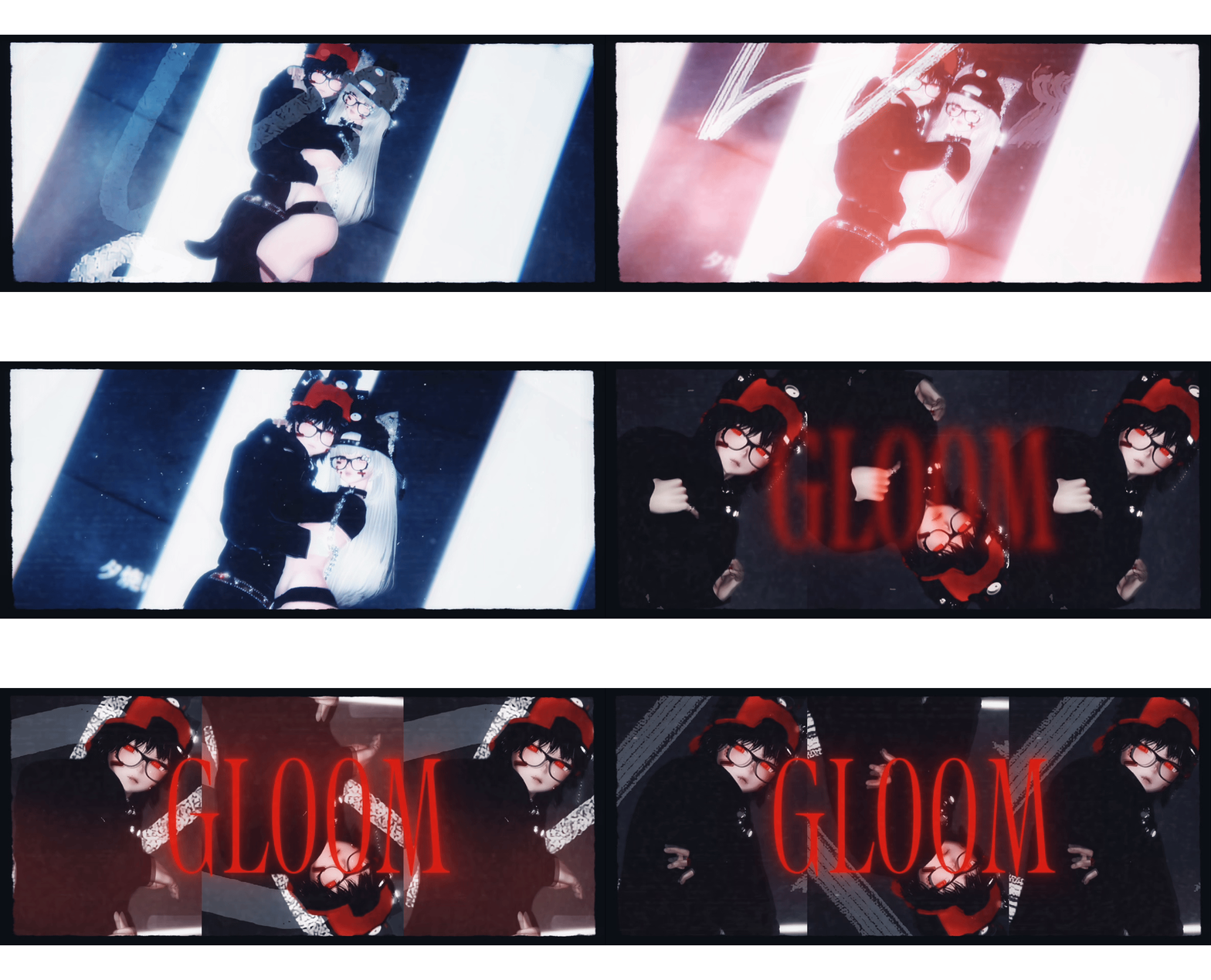
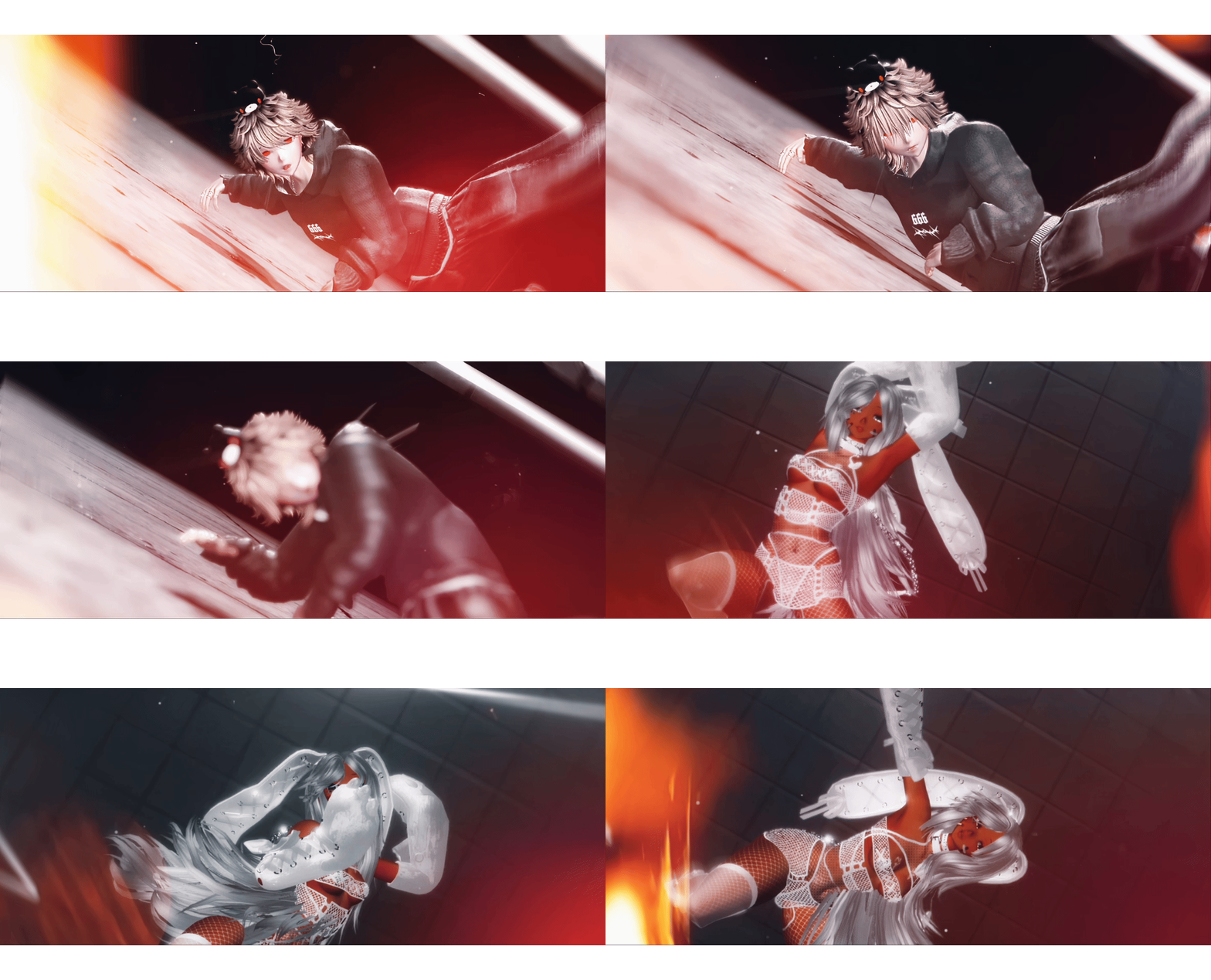
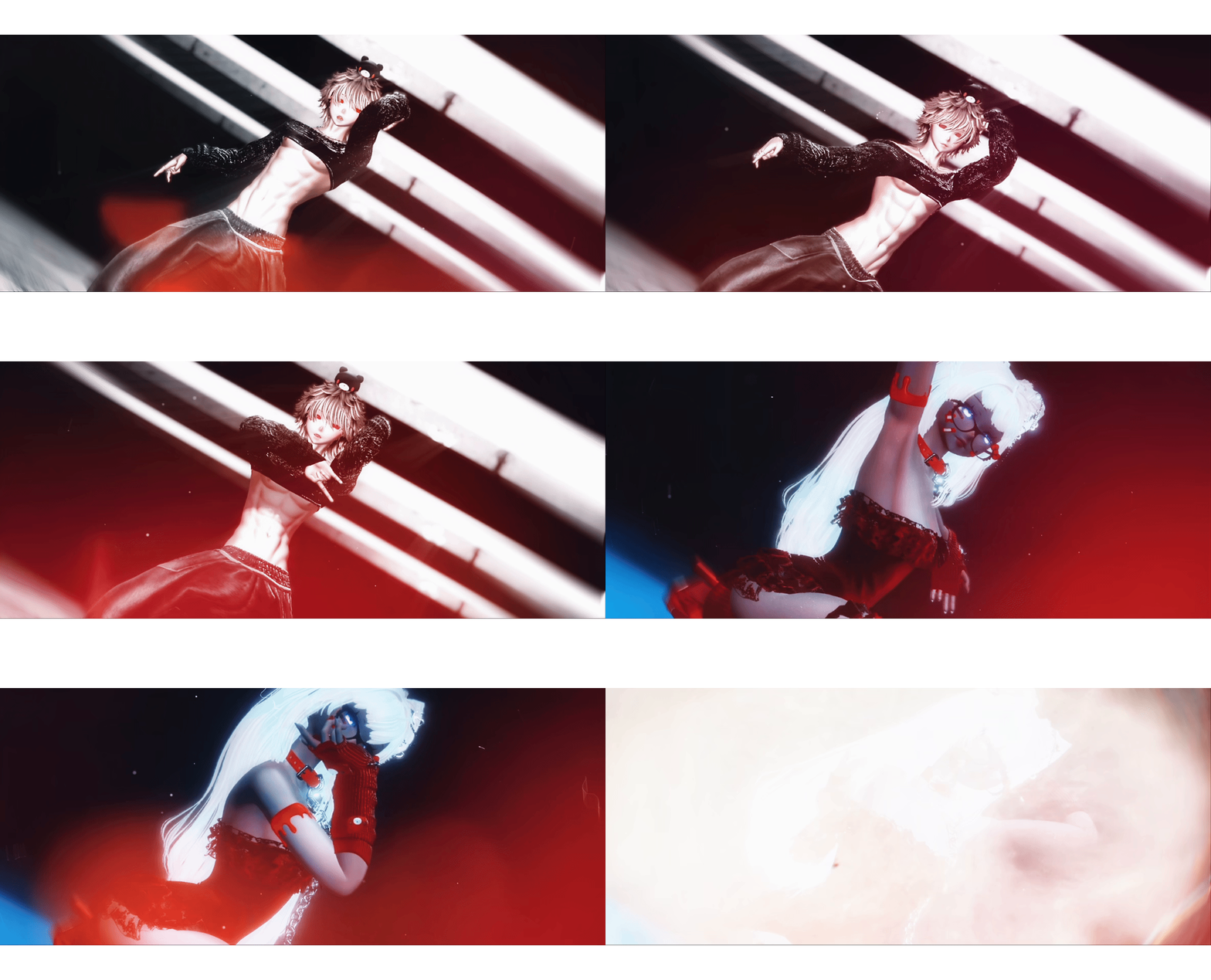
Face tracking preview !
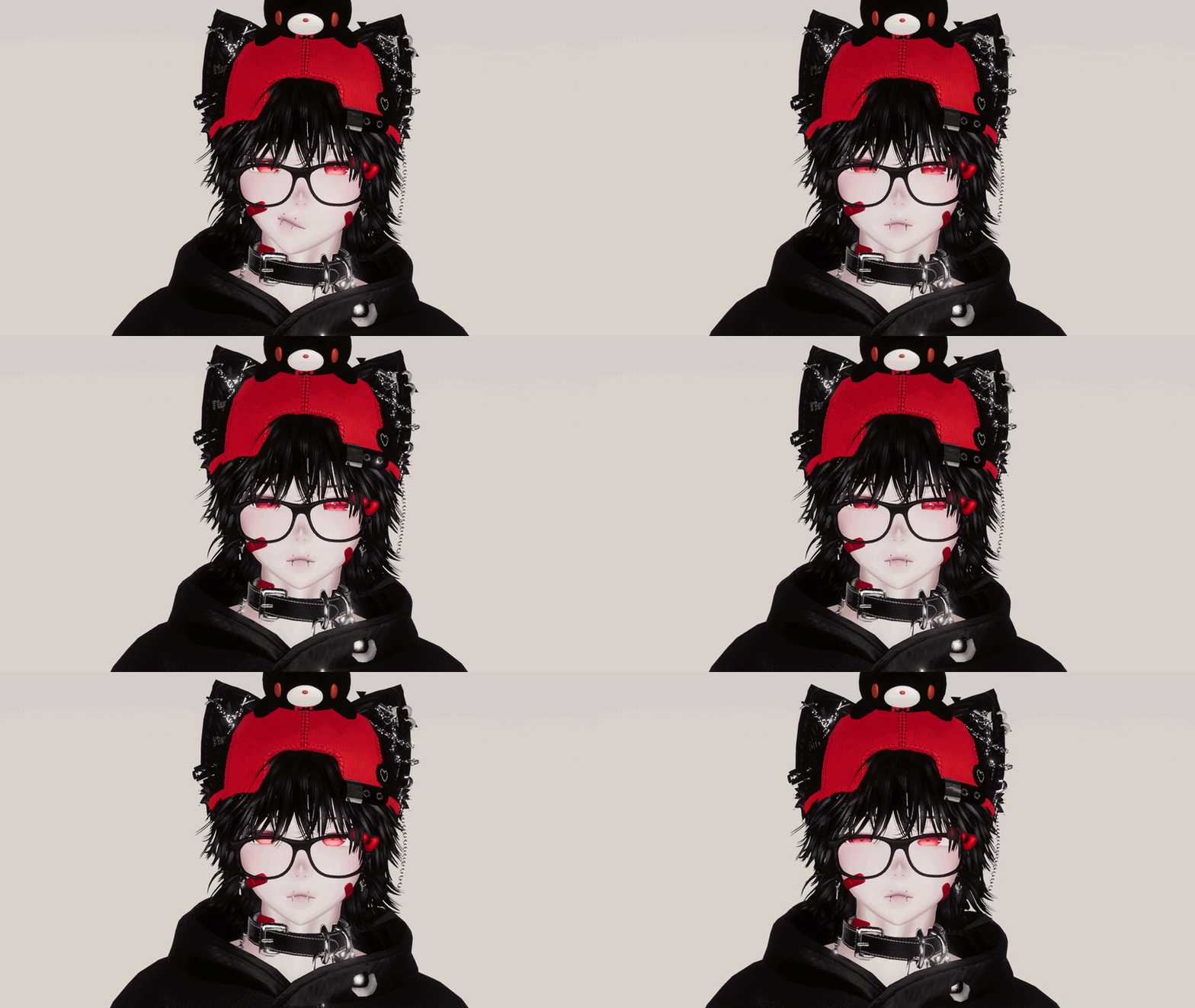


- Seamless Head and Neck Merge
- Multiple Prefabs for VRCFT and SPS
- VRCFT Included with PC Variant
- Skintone Radials For All Different Skintones
- All Clothing Customizable with Color and Hue Shifts
- Cute Facial/Sound Interactions for Headpats, Nose Boops, and Bell Collar
- SPS
- Fullbody + GoGo Locomotion

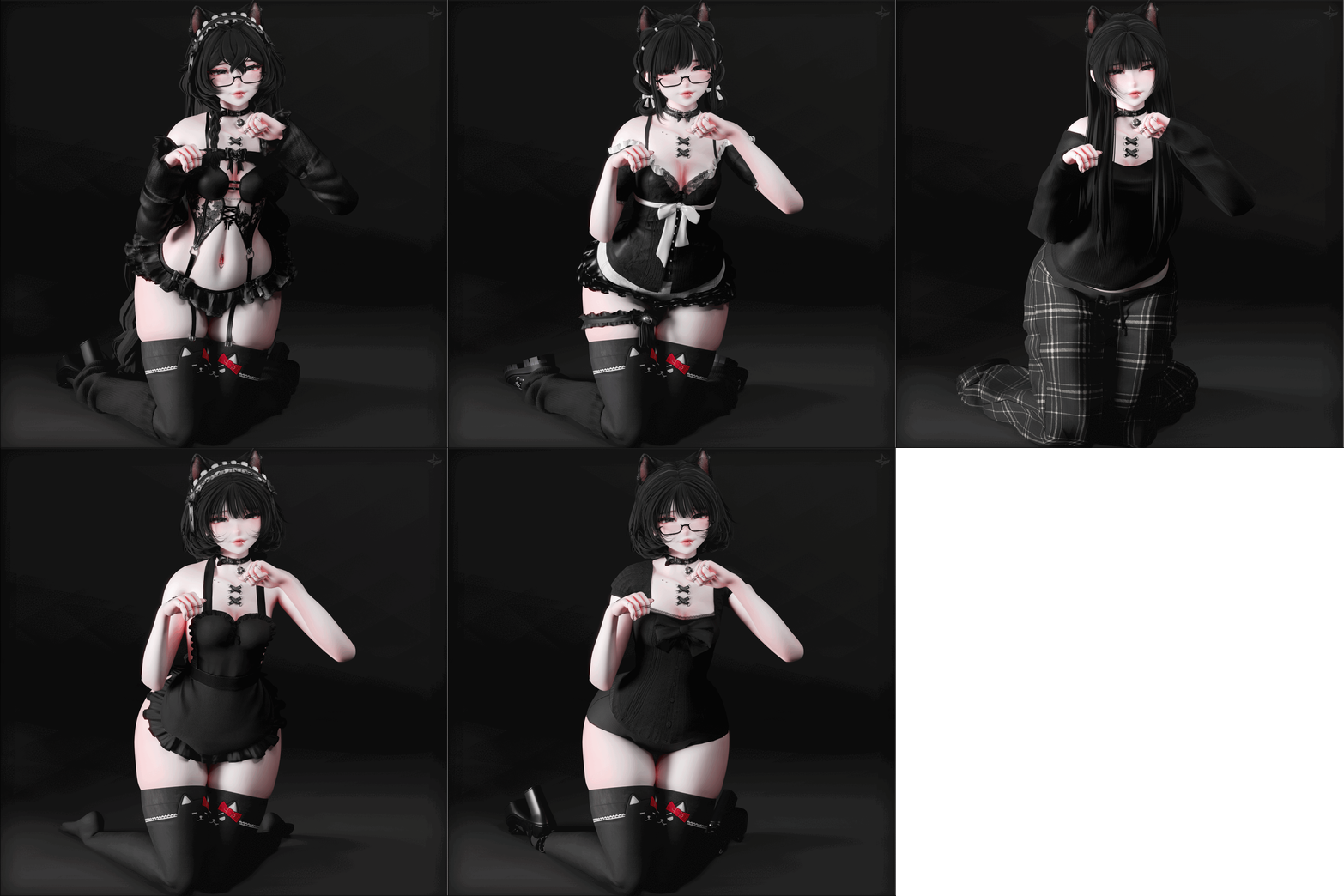
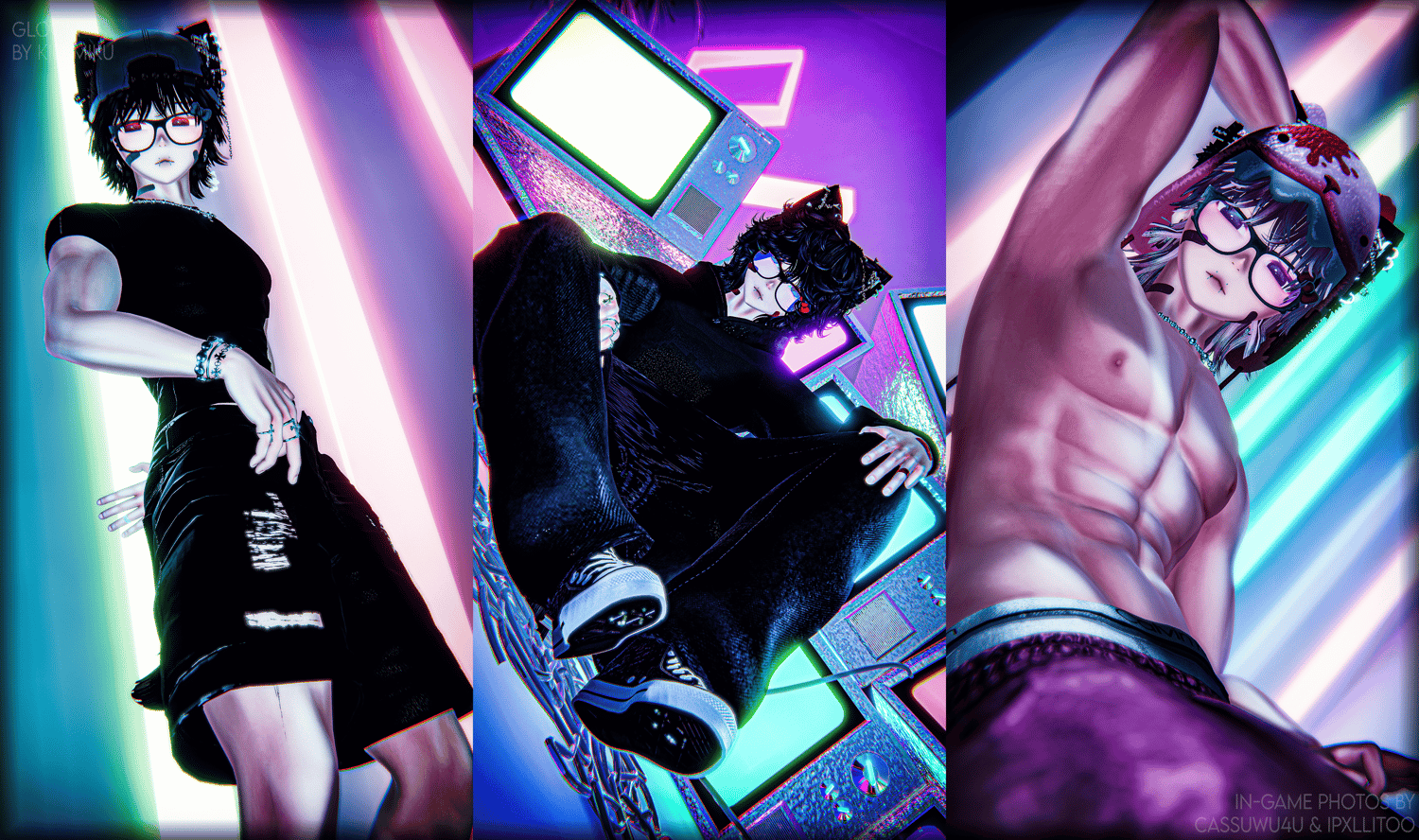
Tops
Baggy Hoodie
Hoodie
Compression
Fitted Tee
Crop Top
Arm Warmers
Bottoms
Cargo Sweats
Low Sweats
Jeans
Shorts
Leg Warmers
Boxers
Shoes
High Tops
Low Ricks
3s
Accessories
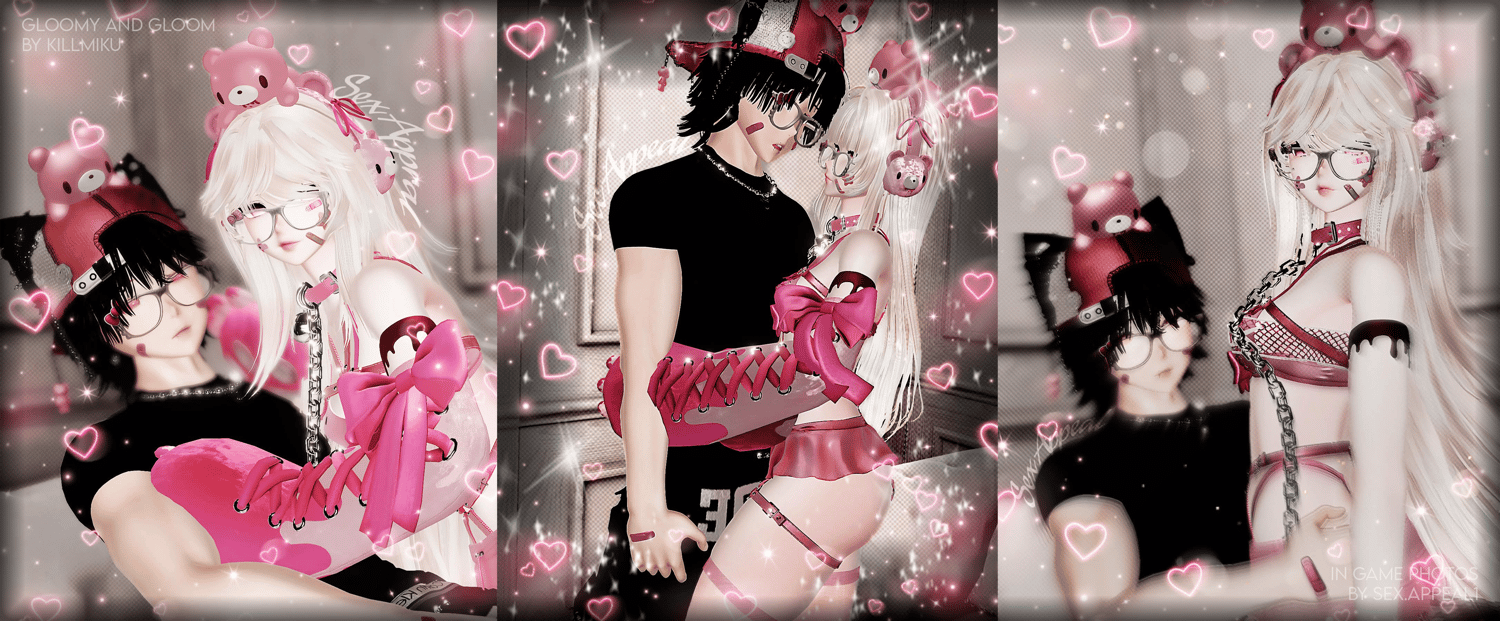
Bell Collar
Bandaids
Chain Choker
Jewlery
Glasses
Back Plush
Head Plush
Handcuff
Hat
Kitty Hat
Earmuffs
Rings

Body
Skintone
Eye Texture, Hue, Emission
Clothing
Color (Black, White, Pink, Red) + Hue Shifts
Accessories
Color (Black, White, Pink, Red) + Hue Shifts
Glasses Movement

How To Upload (PC & Opti)
VCC is HIGHLY recommended for this avatar upload !!
Avatar was made in Unity 2022.3.6 !
1. Import newest VRC SDK with VCC
2. Add Poiyomi and VRCFury to your VCC Packages if not already added
Link For VCC Poiyomi and VRCFury
3. Import VRCFury through VCC
4. Import newest Poiyomi through VCC
5. Open your Unity project !
6. Import GLOOM PC VRCFT into your Unity assets folder !
7. Log in and Upload !
How To Upload (Quest)
VCC is HIGHLY recommended for this avatar upload !!
Avatar was made in Unity 2022.3.6 !
1. Import newest VRC SDK with VCC
2. Open Unity project
3. Import GLOOM Quest Version
4. Log In
5. Switch build target to Android
6. Upload !
How To Attach Quest Variant to PC Upload
Assuming you already have done the steps above for both uploads !
1. Go to 'Content Manager' Tab on the VRChat SDK Upload Window
2. Find GLOOM and copy ID
3. Paste the Blueprint ID into your Pipeline Manager after clicking on GLOOM Quest in the Hierarchy
4. Upload !

Personal Use Package ONLY
No leaking/sharing the package.
This package is not to be shared with friends or anything of that sort they must buy it too.
Do not claim the avatar as your own.
Do not take any assets off this avatar under any circumstances.
No Uploading the model publicly.
No reselling any asset on the model or the model itself.|
Do not re use anything i have done personally on any of my models for your sold or personal models.
If used on social media (Instagram, TikTok, etc.) do not gatekeep the model and dont claim as your own (even if edited).
No price splitting.
You cannot resell this avatar, even if edited.
If edited, please do not edit to the extent of not being able to tell it is made by me anymore. (Taking off everything but a head or body, replacing all clothing, etc.)
If incorrect information is given on gumroad your license will be revoked and you will no longer have access or rights to the model.
Don't use my model for any sort of hate towards other people in any way.
If you are purchasing this model as a gift you must enter their information at checkout or your license will be revoked.
Do not use my model for any sort of V-Tubing, Twitch, Streaming, Fansly, OnlyFans, etc. (This can be sorted out but you MUST come to me beforehand of using it for any of the above)
No trading this package.
All sales are final, if you have an issue you can contact me and we can arrange something since digital products are non-refundable.
When buying my model you agree to these terms.

Body | Head | Jeans, Hoodie, Cargo Sweats, Belt, Warmers, Kitty Hat | Fitted Tee | Hairs 1 2 | Boxers and Shoes | Back Bear | Hat | Warmer Add-Ons, Earmuffs | Bell Collar | Head Bear | Jewlery | Tail | Crop Top