
Wedding Budget Planner Kit – Wedding Budget Calculator for Google Sheets & Excel + 27-Page Planning Guide PDF
Plan your wedding budget with confidence: a printable Wedding Budget Guide plus an easy-to-edit Wedding Budget Calculator for Google Sheets and Excel. Set your number, split it across categories, add or remove line items, and log every deposit — the calculator shows what's paid, what's still due and whether you're on budget.
WHAT'S IN THE KIT
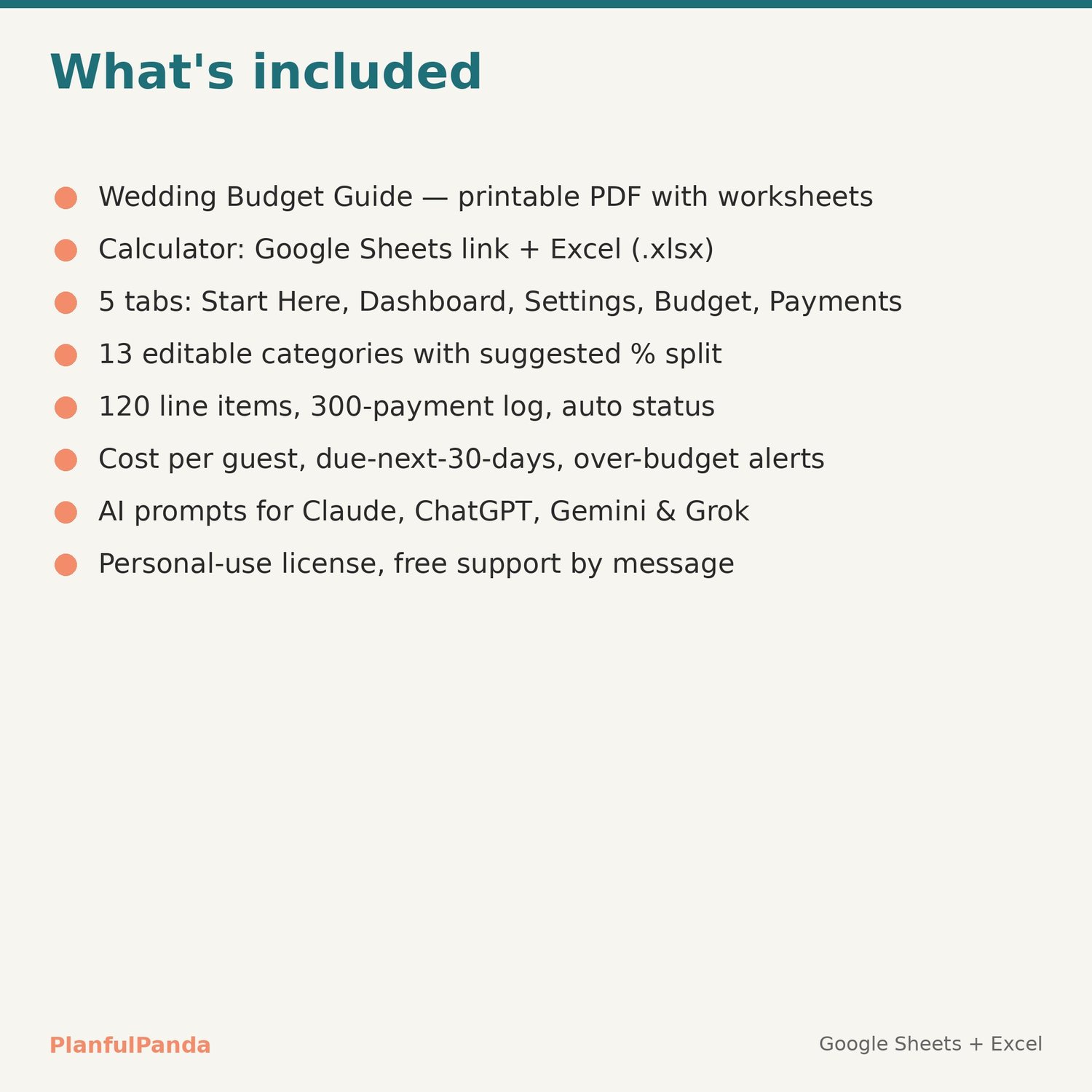
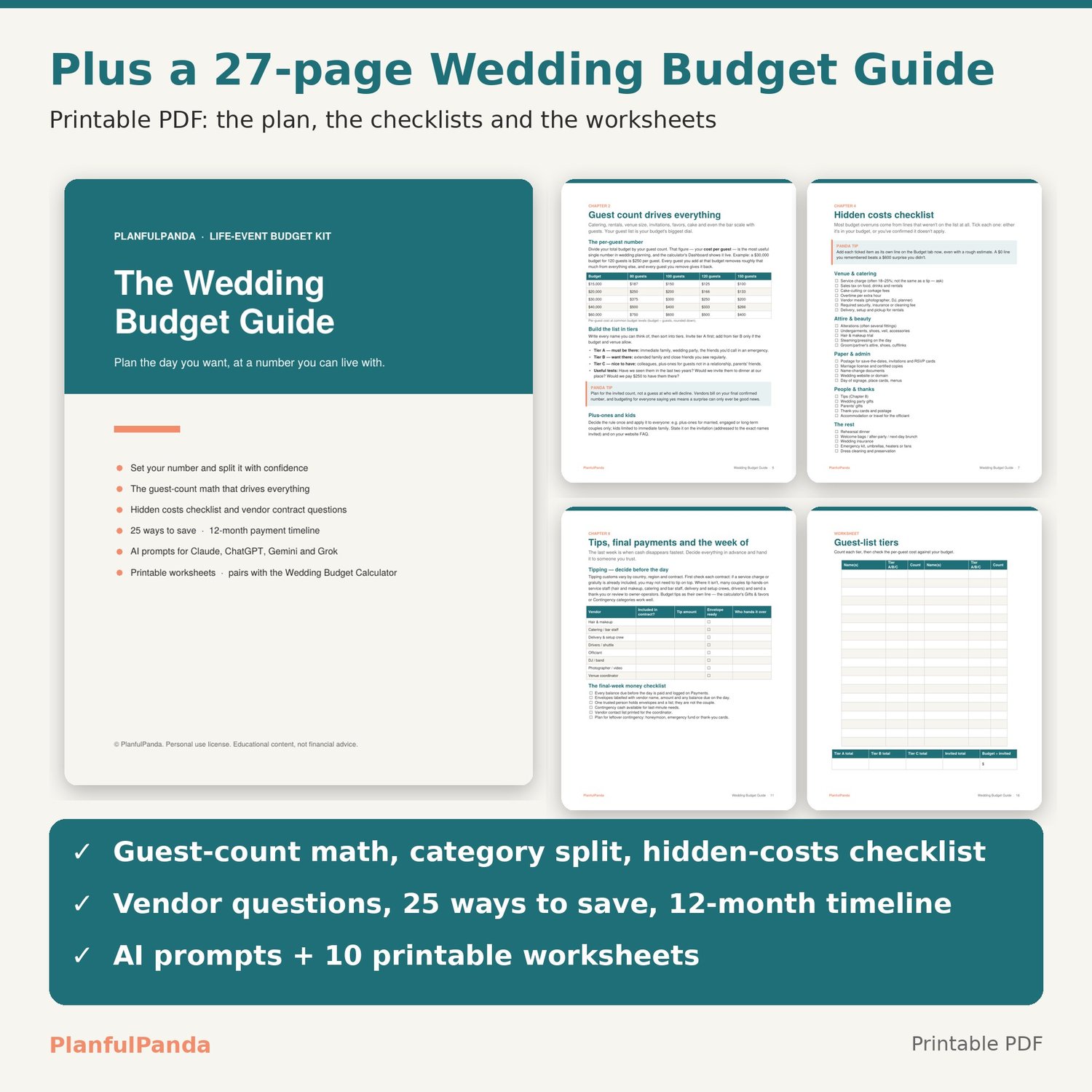
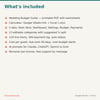
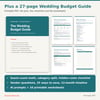
• Wedding Budget Guide (PDF, 27 pages, printable): setting your number, the guest-count math, a starting category split, hidden costs checklist, vendor contract and payment-schedule questions, 25 ways to save, a 12-month payment timeline, tipping notes, AI prompts, and 10 fill-in worksheets.
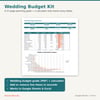
• Wedding Budget Calculator (Google Sheets copy link + Excel .xlsx).
• Download guide PDF with your Google Sheets link.
THE CALCULATOR
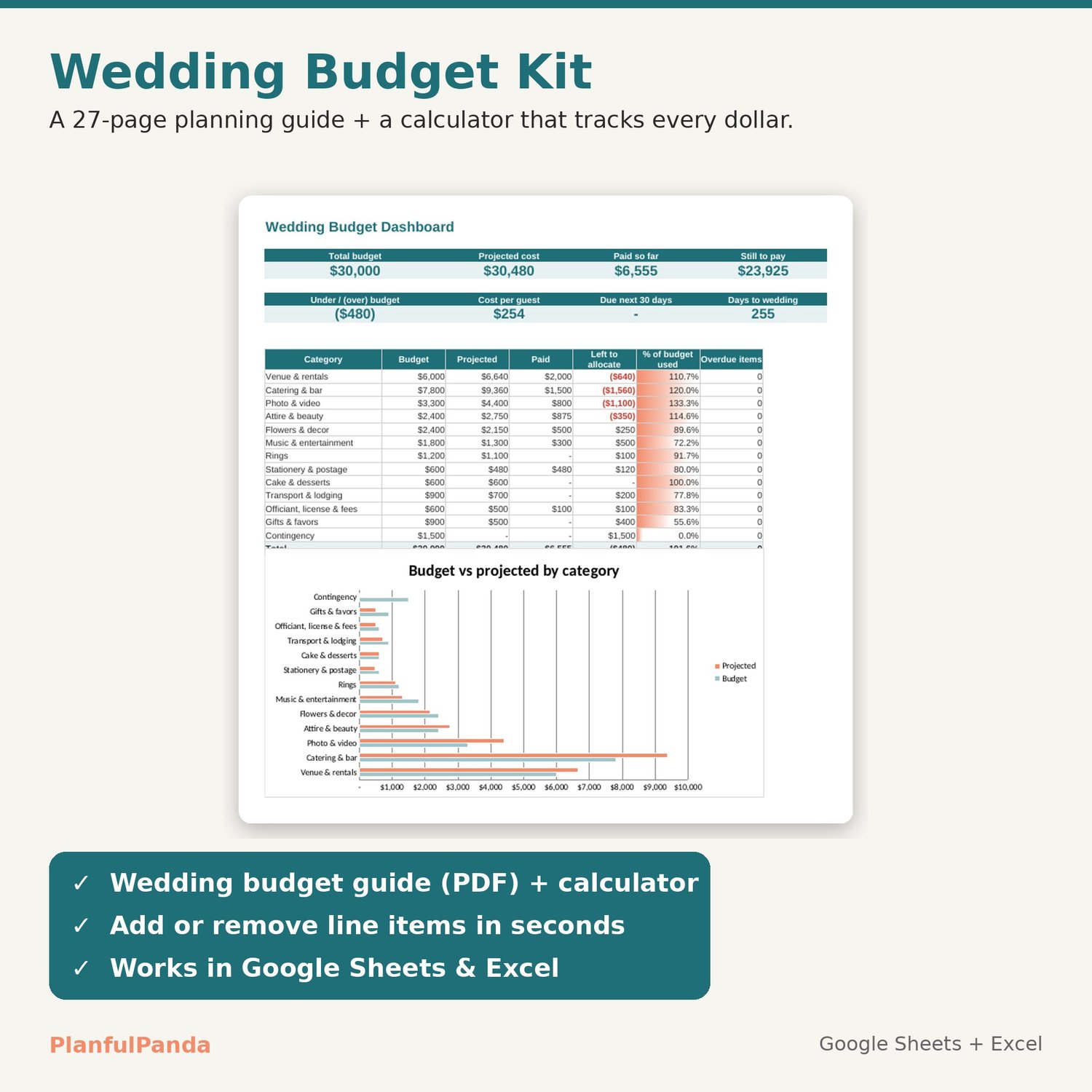
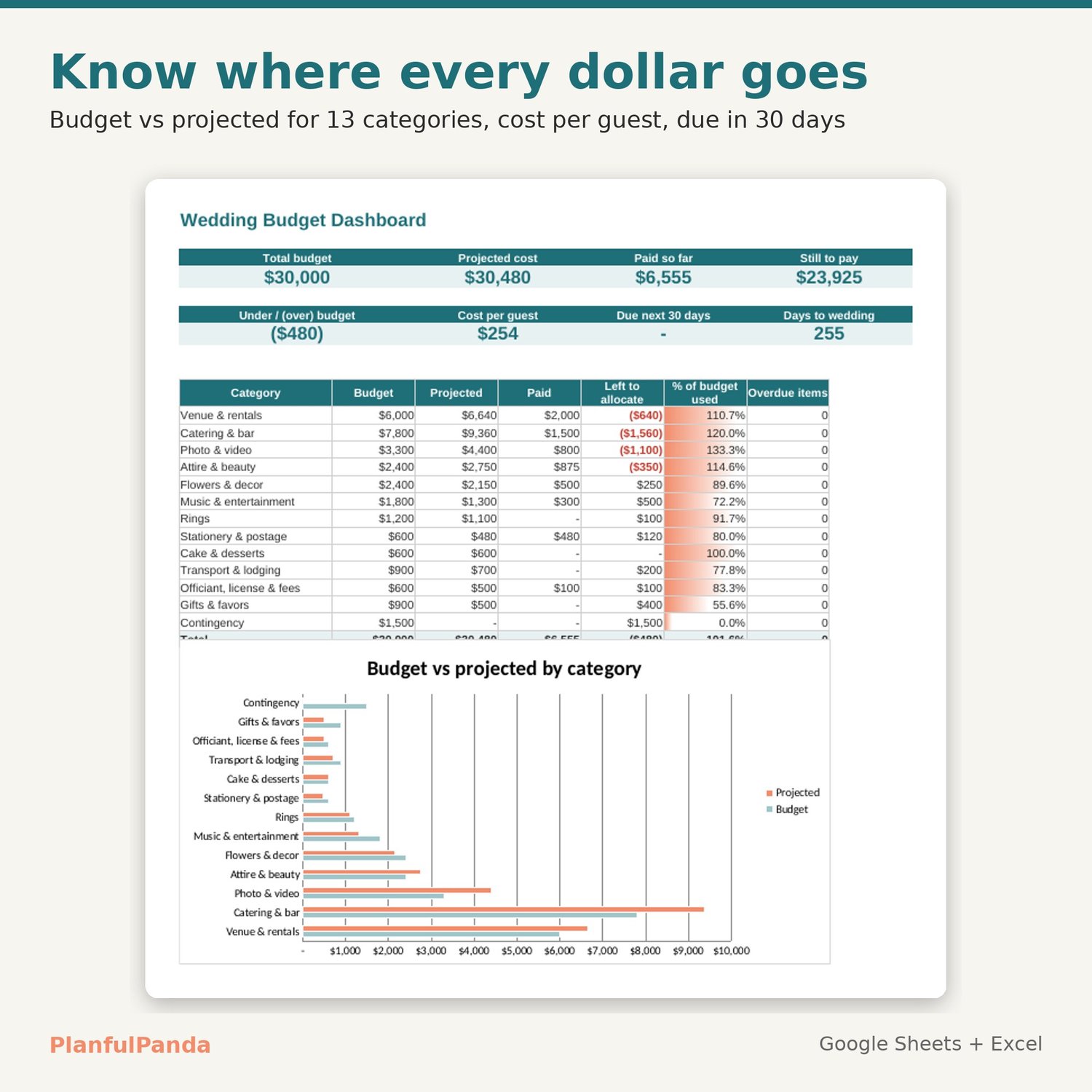
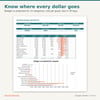
• Dashboard: total budget, projected cost, paid so far, still to pay, under/over budget, cost per guest, amount due in the next 30 days and days to the wedding, plus a budget-vs-projected chart by category.
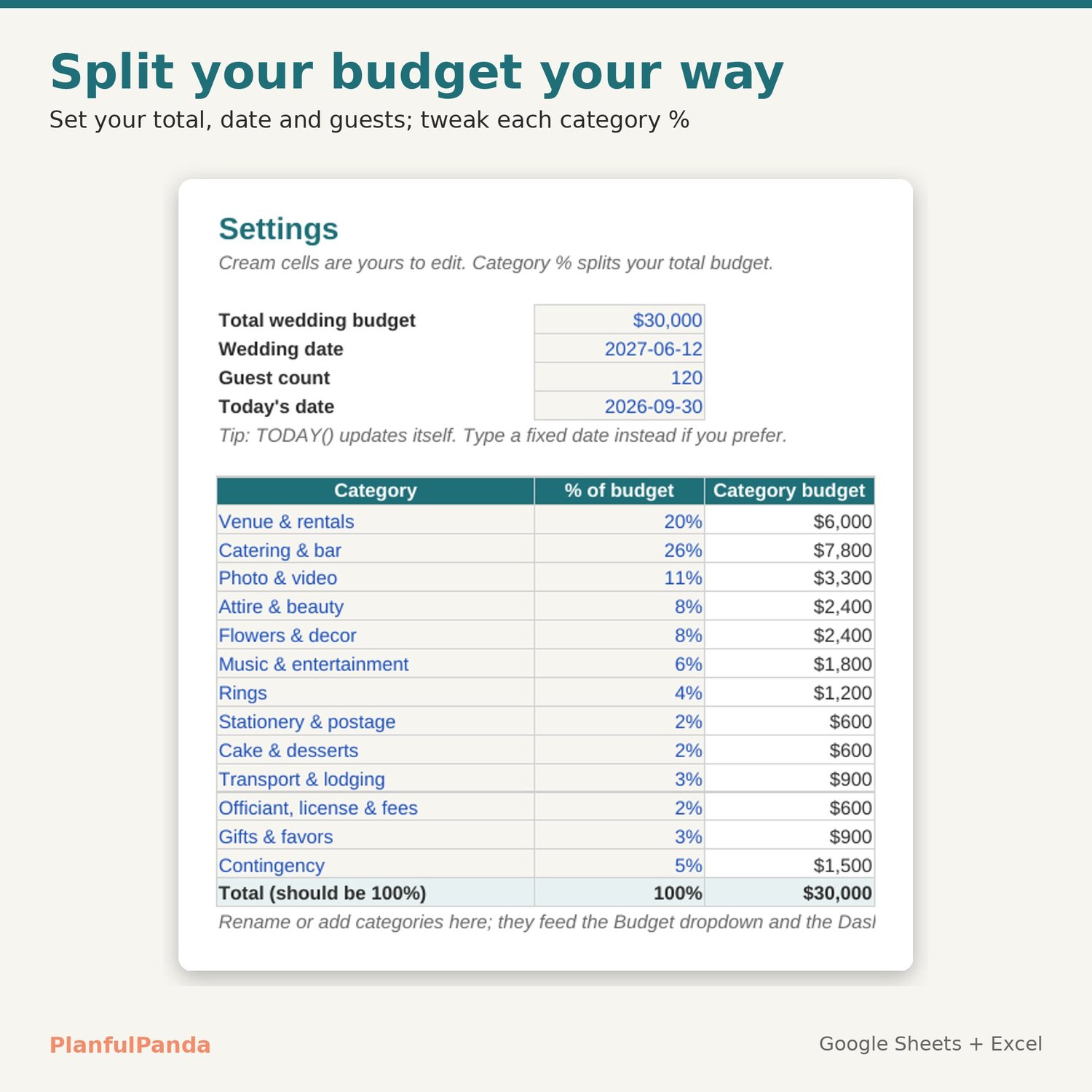
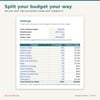
• Settings: total budget, wedding date, guest count and 13 editable categories with a suggested % split (rename them to suit your wedding).
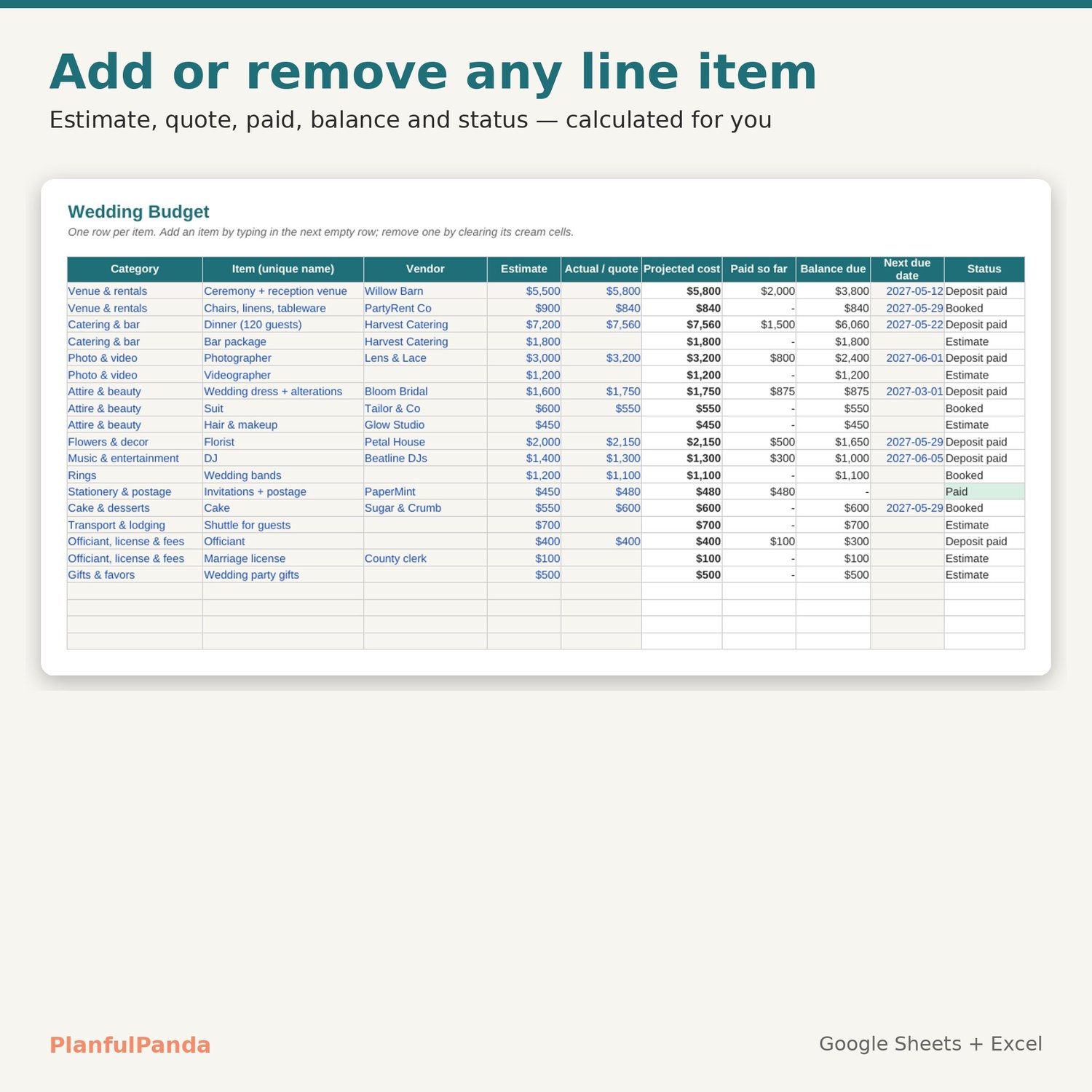
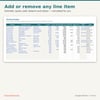
• Budget: up to 120 line items. Add an item by typing in the next empty row; remove one by clearing it. Estimate first, then the real quote once you book. Paid, balance due and status (Estimate / Booked / Deposit paid / Paid / Overdue) are calculated for you.
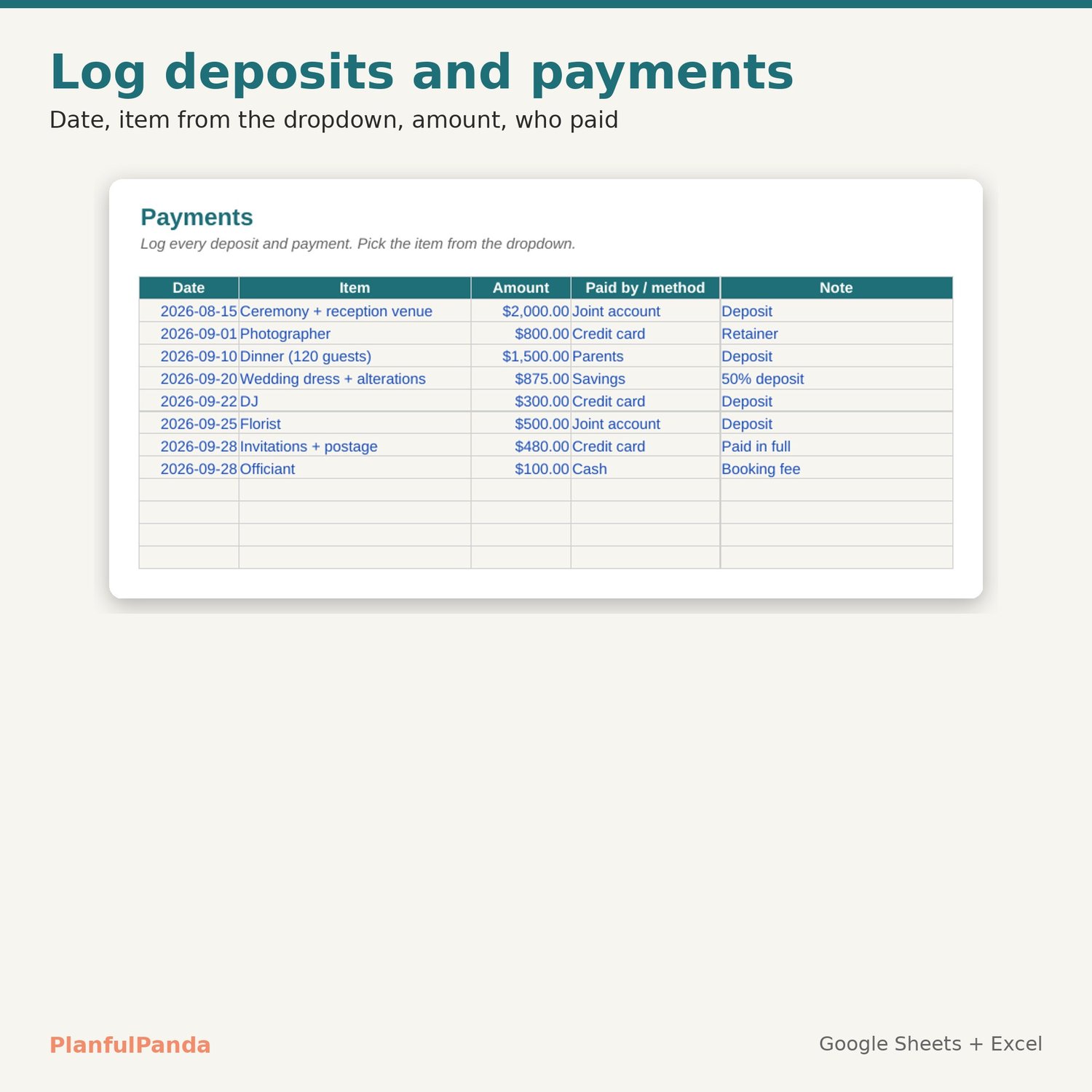
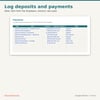
• Payments: a 300-row log with an item dropdown and a "paid by" column for family contributions.
HOW IT WORKS
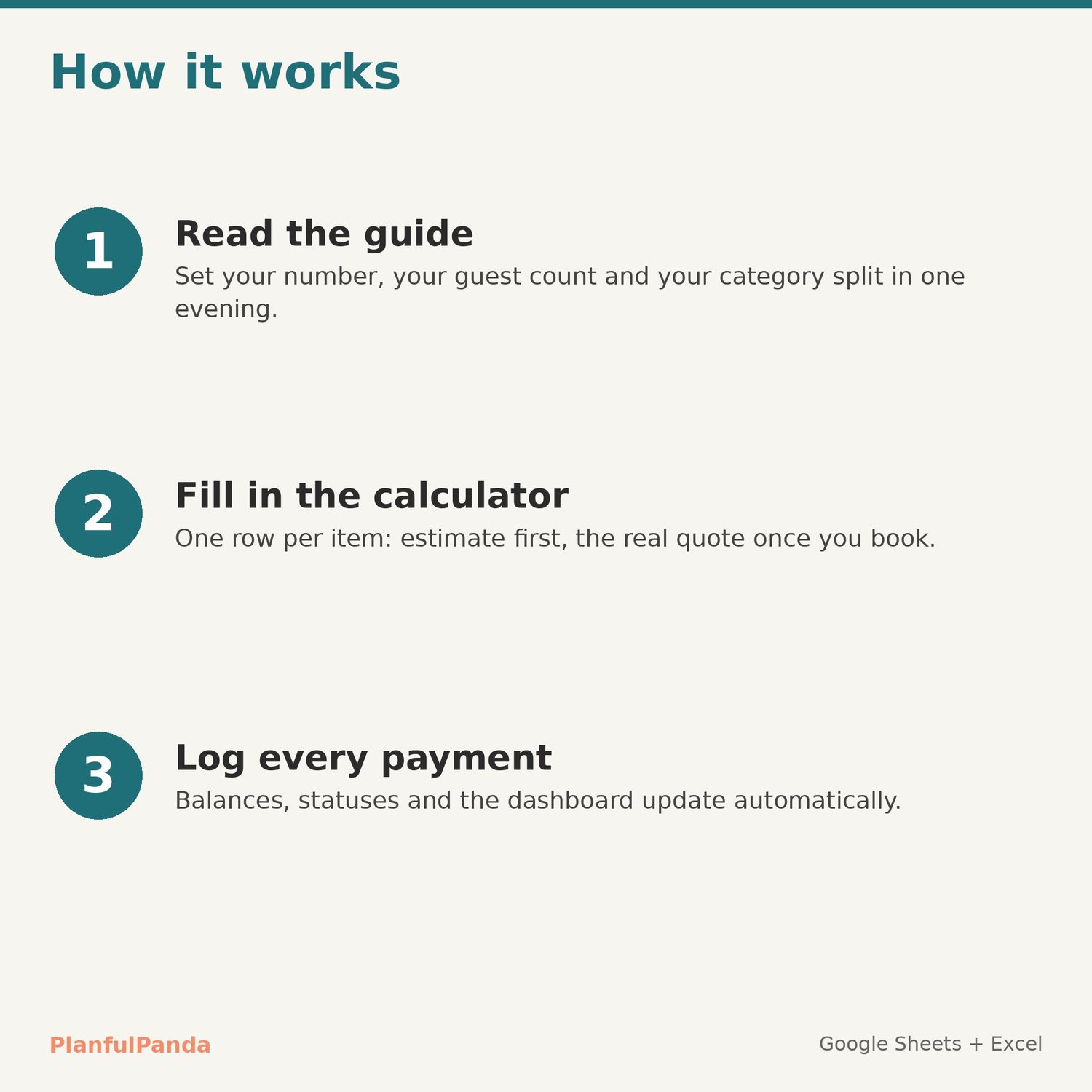
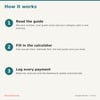
1. Download the files. Open the Google Sheets link and choose File → Make a copy (or open the Excel file).
2. Read the guide's first chapters and enter your budget, date and guests on Settings.
3. Add your line items on Budget and log payments as you make them. Check the Dashboard any time.
COMPATIBILITY
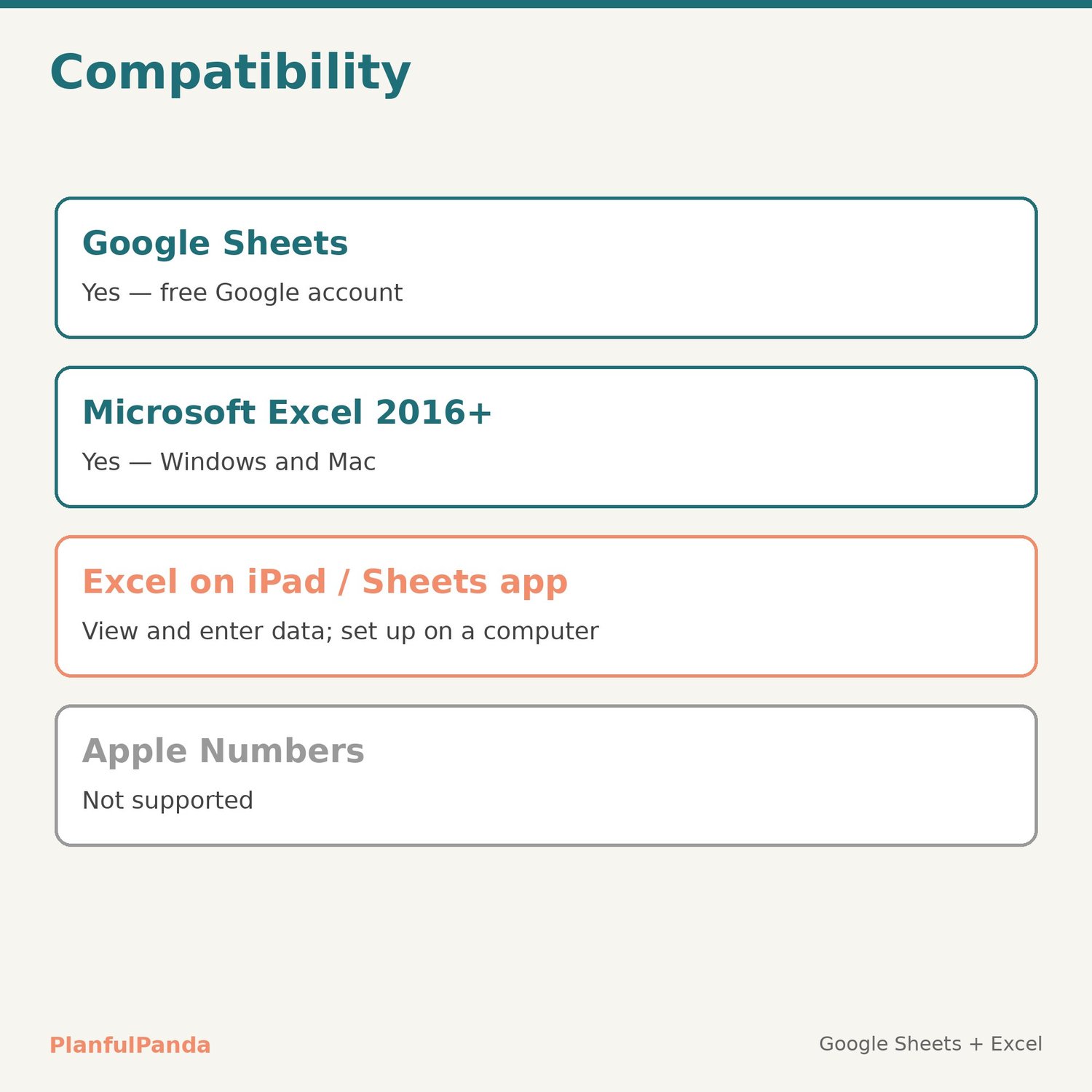
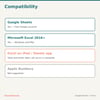
Google Sheets (free Google account) and Microsoft Excel 2016+. Set-up is easiest on a computer. Not designed for Apple Numbers.
LICENSE
Personal use. Please don't resell, share or redistribute the files.
FAQ
Refunds: digital files can't be returned once downloaded, but if anything doesn't work as described, contact me and I'll fix it — usually the same day.
Currency: the calculator shows $, but works for any currency — the math is the same.
Support: use the Contact link on the PlanfulPanda store. Replies within one business day.
Pairs with the PlanfulPanda Savings Goals Tracker and Monthly Budget Spreadsheet.
Designed by PlanfulPanda with AI-assisted tools; every formula and layout is hand-checked.