





🐦 Forest Friends 🌿
Bring your avatar to life with a gentle forest atmosphere.
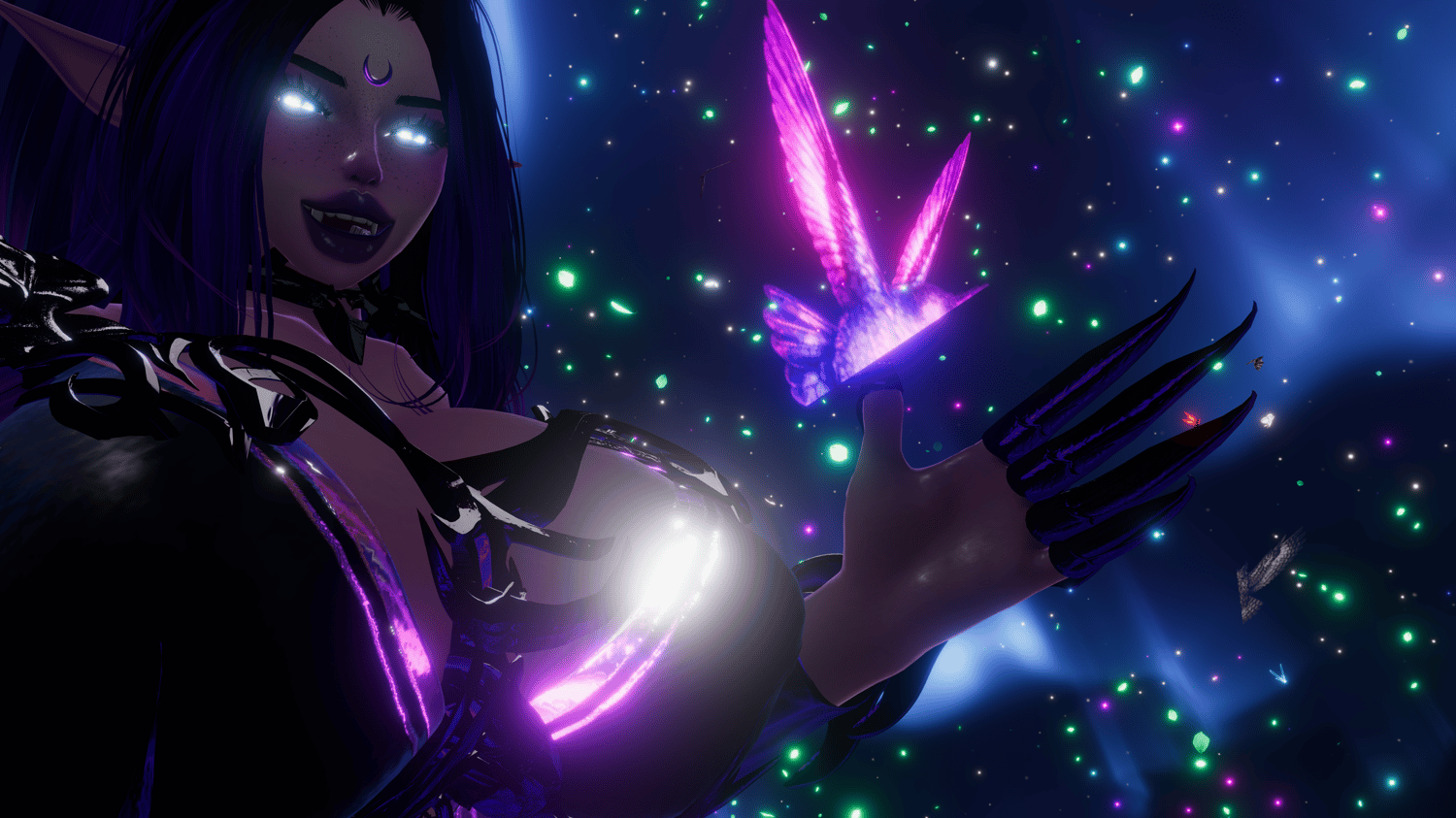
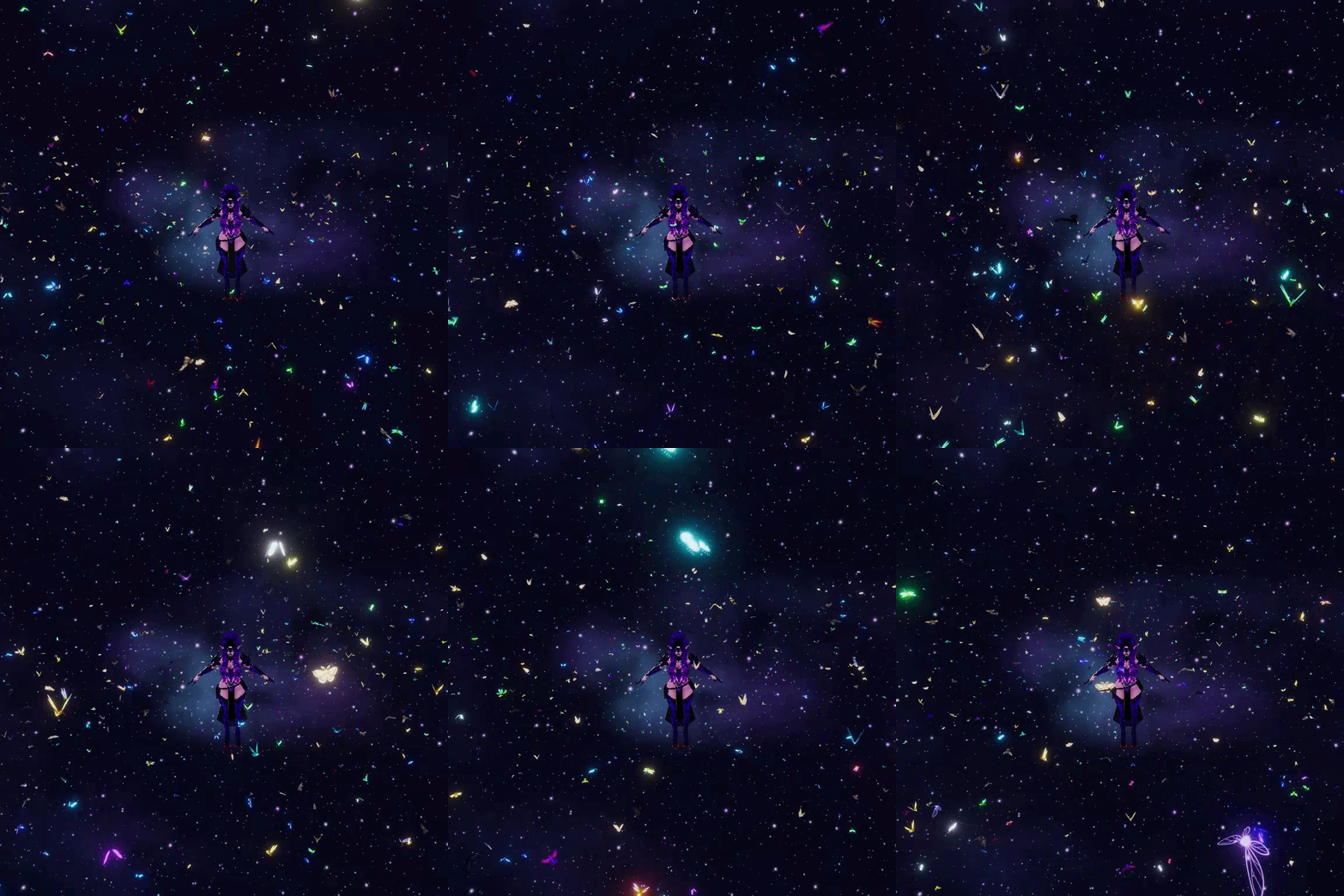
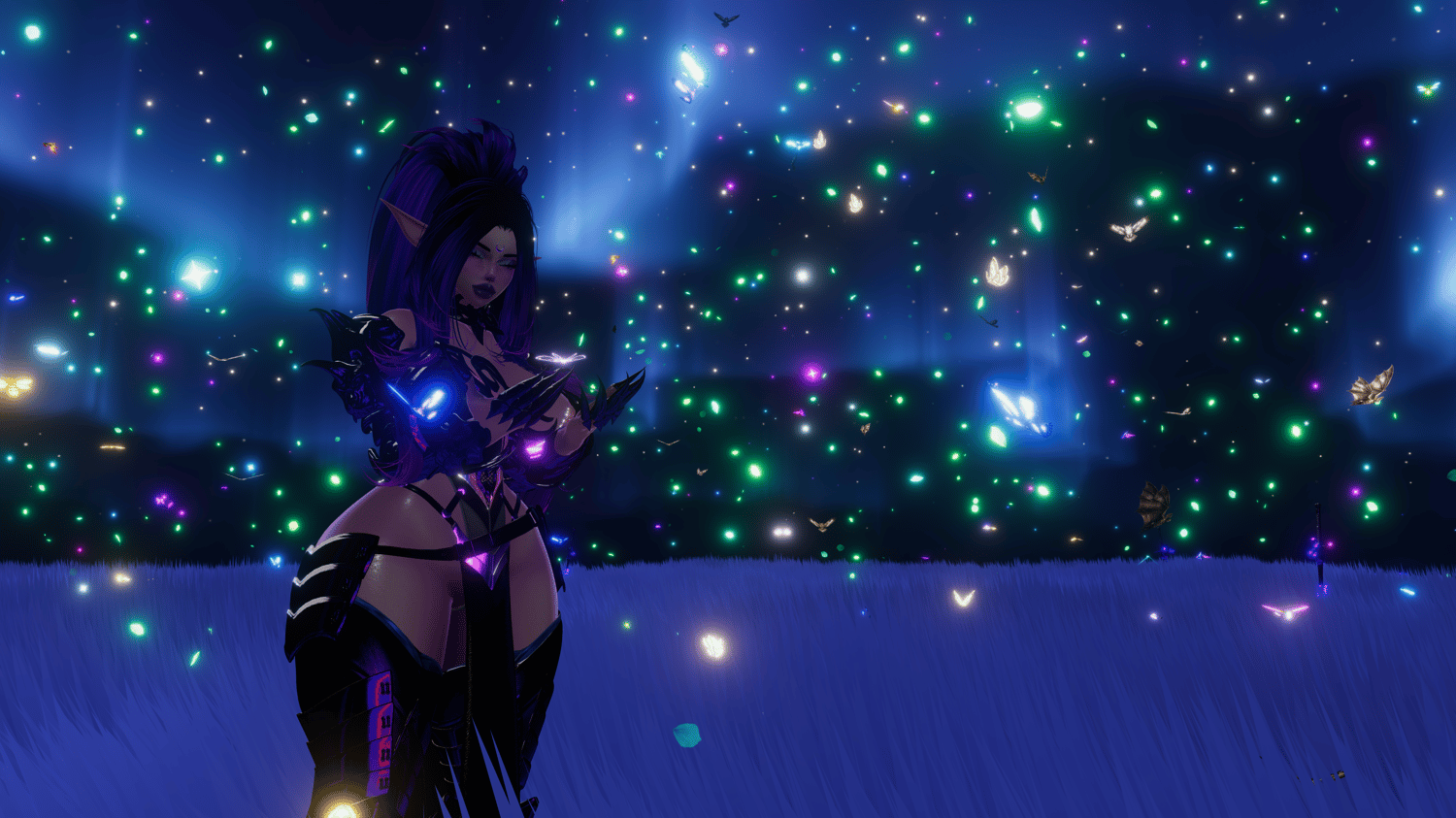
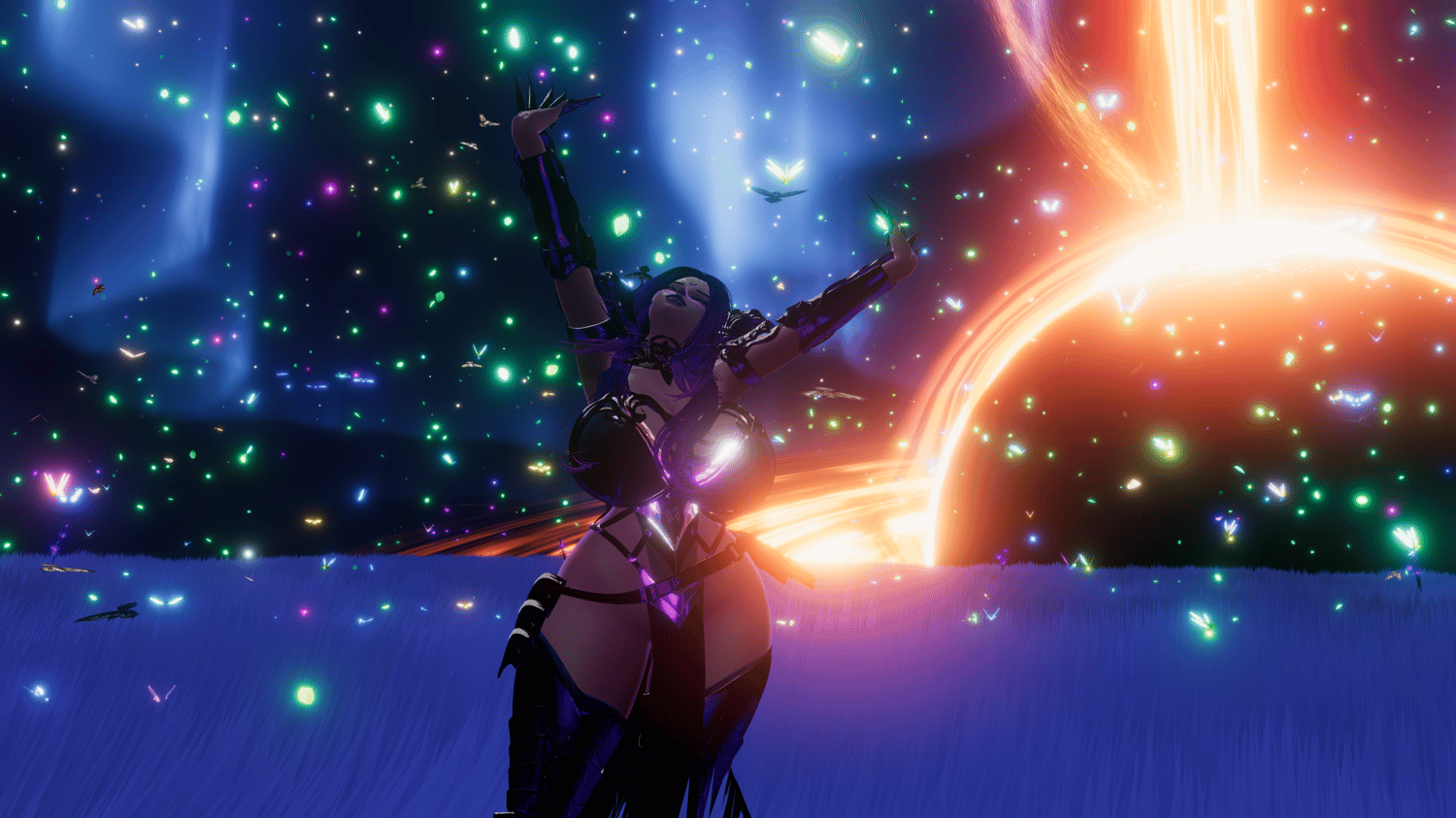
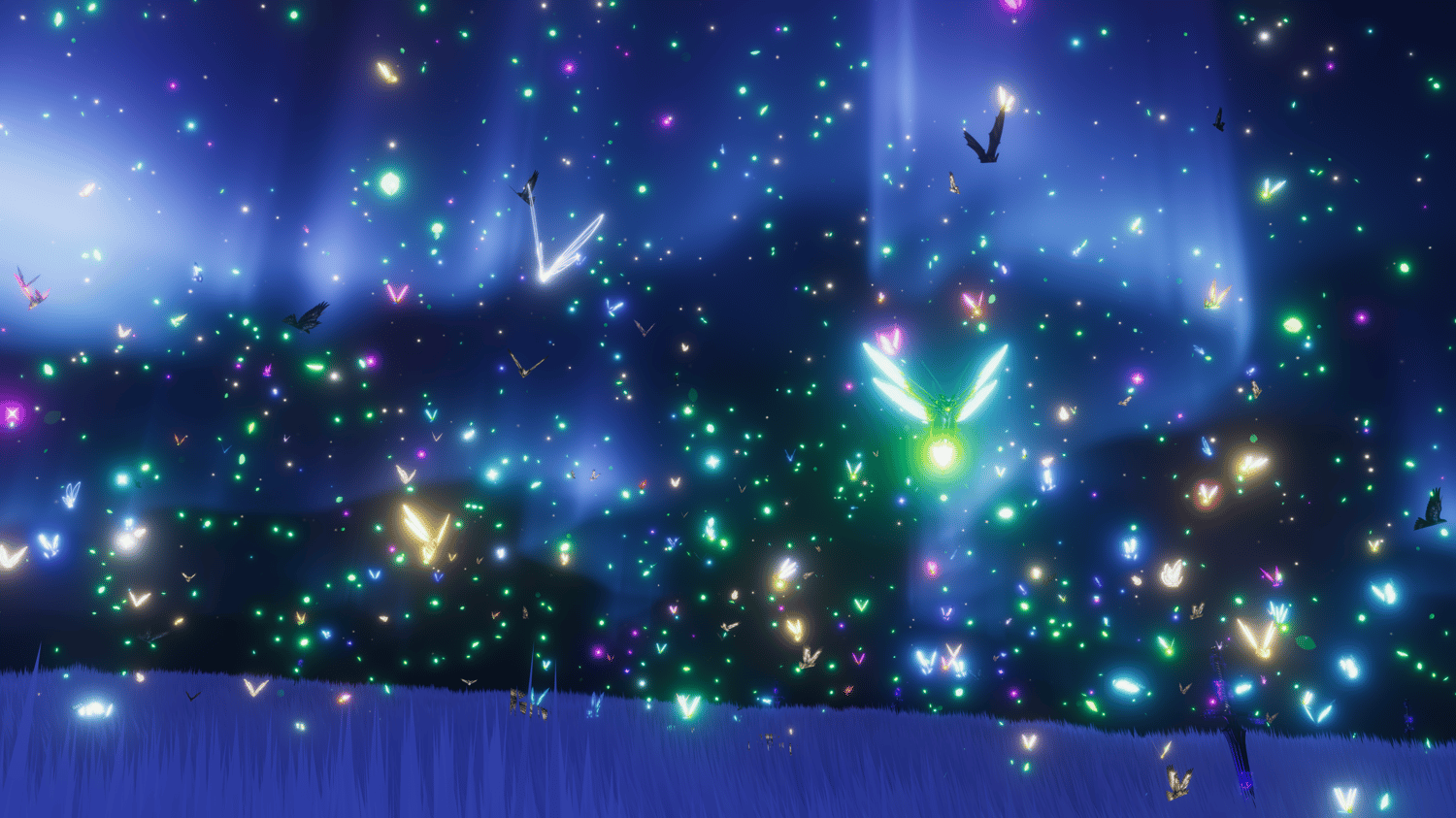
Forest Friends is a cozy, magical VRChat avatar prop that lets you summon flying animals, insects, and forest-themed particle effects that move naturally around you — complete with wing flapping, drifting leaves, and reactive effects like headpats and footsteps.
Designed to be lightweight, highly customizable, and beginner-friendly, this asset installs in minutes and works beautifully for fantasy, druid, elf, fairy, and nature-themed avatars.
🐞 Small Creatures
- 🐦 Hummingbirds
- 🦋 Butterflies
- ✨ Fireflies
- 🦟 Moths
- 🐉 Dragonflies
- 🐝 Bees
🦉 Medium Creatures
- 🦉 Owls
- 🦇 Bats
- 🐦 Birds
- 🐦⬛ Ravens
- 🧚 Fairies
🍃 Effects
- Energy Aura — leafy energy flowing around the avatar
- Ground Rune — glowing forest rune with energy streaks beneath the player
- Finger Trails — nature energy particles trailing from the fingers
- Footsteps — leaves bursting on left & right foot ground contact
- Headpats — heart particles appear when your head is patted
- Falling Leaves — ambient drifting leaves
- Falling Petals — gentle flower petals
- Leaf Storm — swirling leaf whirlwind effect
🎚️ Global Control Sliders
Forest Friends includes three powerful global sliders that affect most particle systems:
- Hue
- Shift the color palette to match your avatar or mood
- Emission
- Control brightness from subtle & dark to vibrant & shiny
- Time
- Adjust simulation speed and wing flap speed
- → Slow everything down for a dreamy, time-dilated effect ⏳
⚙️ Installation
Installing Forest Friends is extremely easy — even for users with little Unity experience.
Requirements:
- Unity 2022
- VRChat SDK
- VRCFury
Installation Steps:
- Open the prefab at:
- Assets > CyberLuna > Forest Friends > Forest Friends
- Drag Forest Friends onto your avatar
- Open the setup tool:
- CyberLuna > Asset Creation > Hierarchy Ping Tool
- Load the Forest Friends setup database
- Click each button and move the highlighted GameObjects into place
✔ Tooltips explain exactly what to do
✔ A recorded video guide is included online
📜 License & Usage
This asset is sold under a Personal Use License.
✅ You MAY
- Use this asset on your own personal VRChat avatars
- Modify the asset for personal use only
❌ You MAY NOT
- Share, redistribute, or reupload this asset (in full or in parts)
- Resell, trade, or include this asset in any other paid or free package
- Use this asset in commercial products, commissions, or public asset packs