

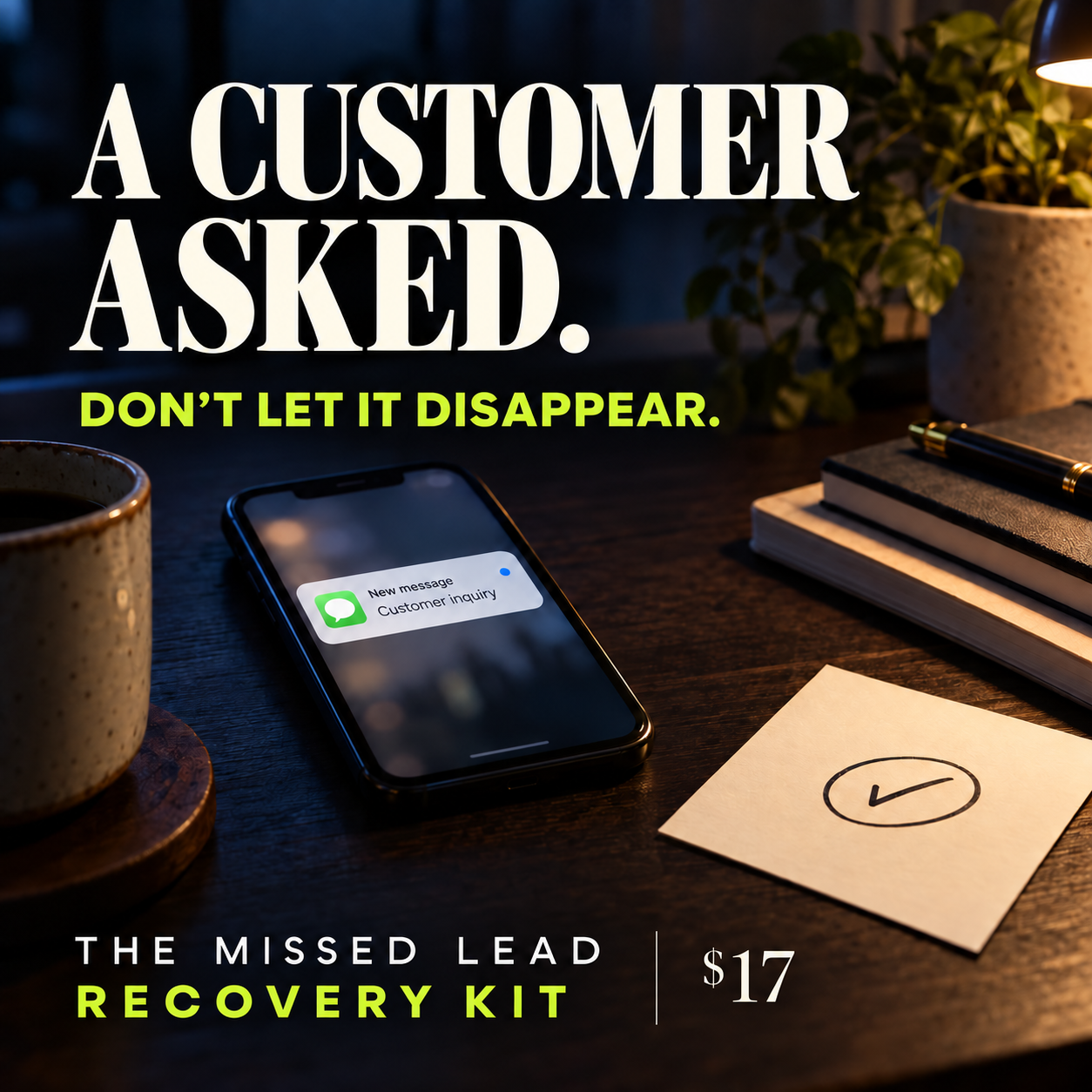
The Missed Lead Recovery Kit — Reply, Follow Up, Close the Loop
A customer asked about your service. You meant to reply. Then the day got busy. The Missed Lead Recovery Kit gives you a simple routine for that moment: capture the request, choose one helpful next step, see when follow-up is due and record what actually happened.
Open the local app in a current desktop browser. Add an inquiry, review the Today queue, draft a context-specific response in Message Studio and edit it before sending through your normal channel. Keep a factual conversation history, mark opt-outs and confirmed outcomes, and export your records for backup. Nothing is sent automatically.
WHAT YOU GET
• An offline HTML lead desk with due dates, stages and interaction history.
• An editable message studio and a practical follow-up playbook.
• CSV export plus JSON backup and restore for local records.
• A seven-page PDF operator guide with four worked cases, twelve adaptable message patterns and a 14-day implementation plan.
• A visual OPEN_FIRST page and clear setup instructions.
WHO IT IS FOR
Solo operators and small service businesses that handle inquiries themselves and want a repeatable response and follow-up routine. Useful for home services, auto services, creative services and appointment-based businesses.
HOW TO START
Download and extract the ZIP. Keep the four files together. Open OPEN_FIRST.html on a computer, then launch the app. Start with fictional data to learn the workflow. No account or installation is needed.
IMPORTANT LIMITS
This is a manual, single-device workflow. It does not connect to your inbox, send messages, synchronize across a team, capture consent, guarantee bookings or certify legal compliance. The app stores entries in the browser on the current device. Avoid sensitive customer details, respect opt-outs and save JSON backups regularly. Review each draft and use only appropriate channels and permissions.