




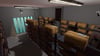

Diner World Base - Day + Night Versions (PC/Quest)
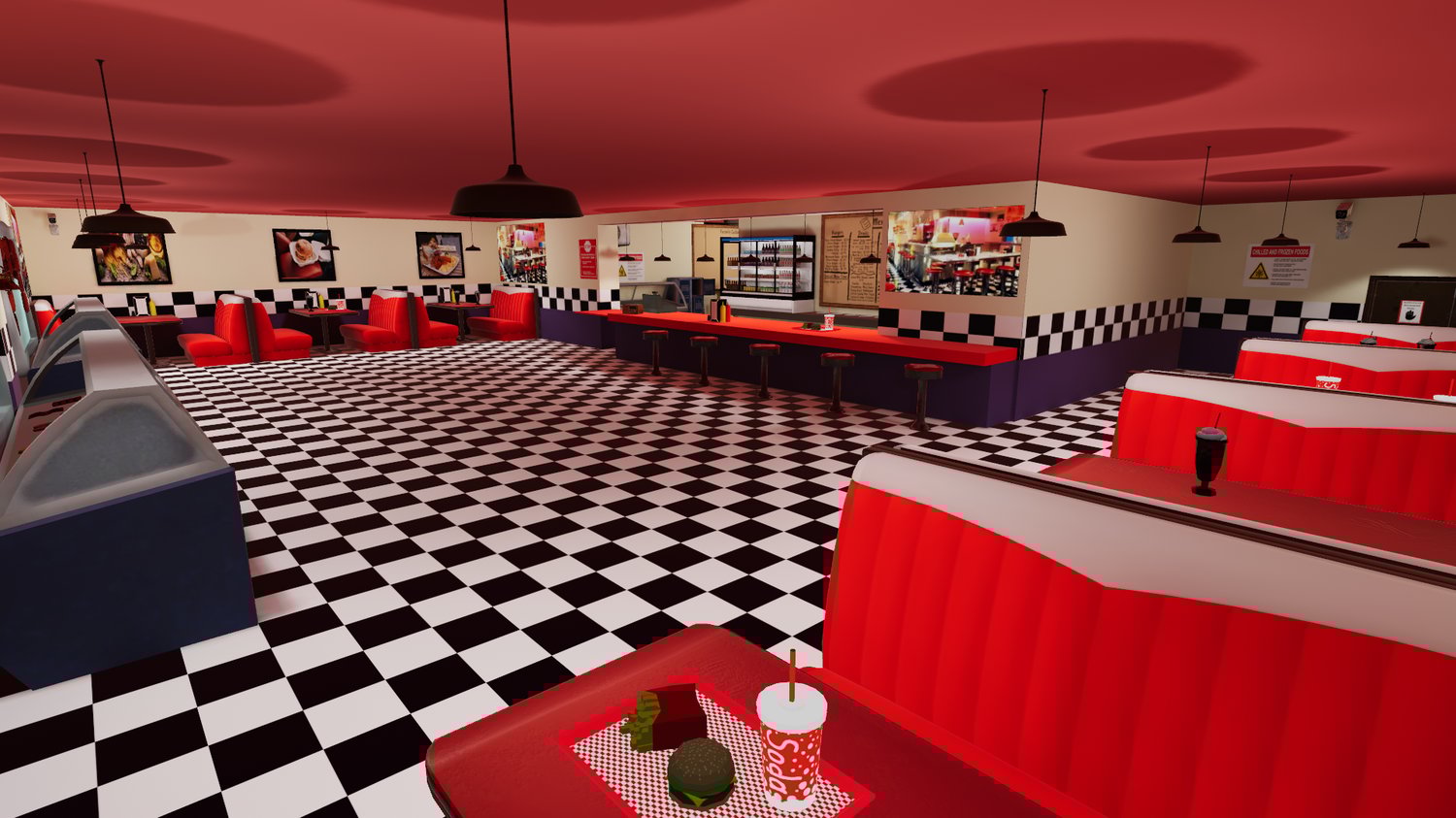
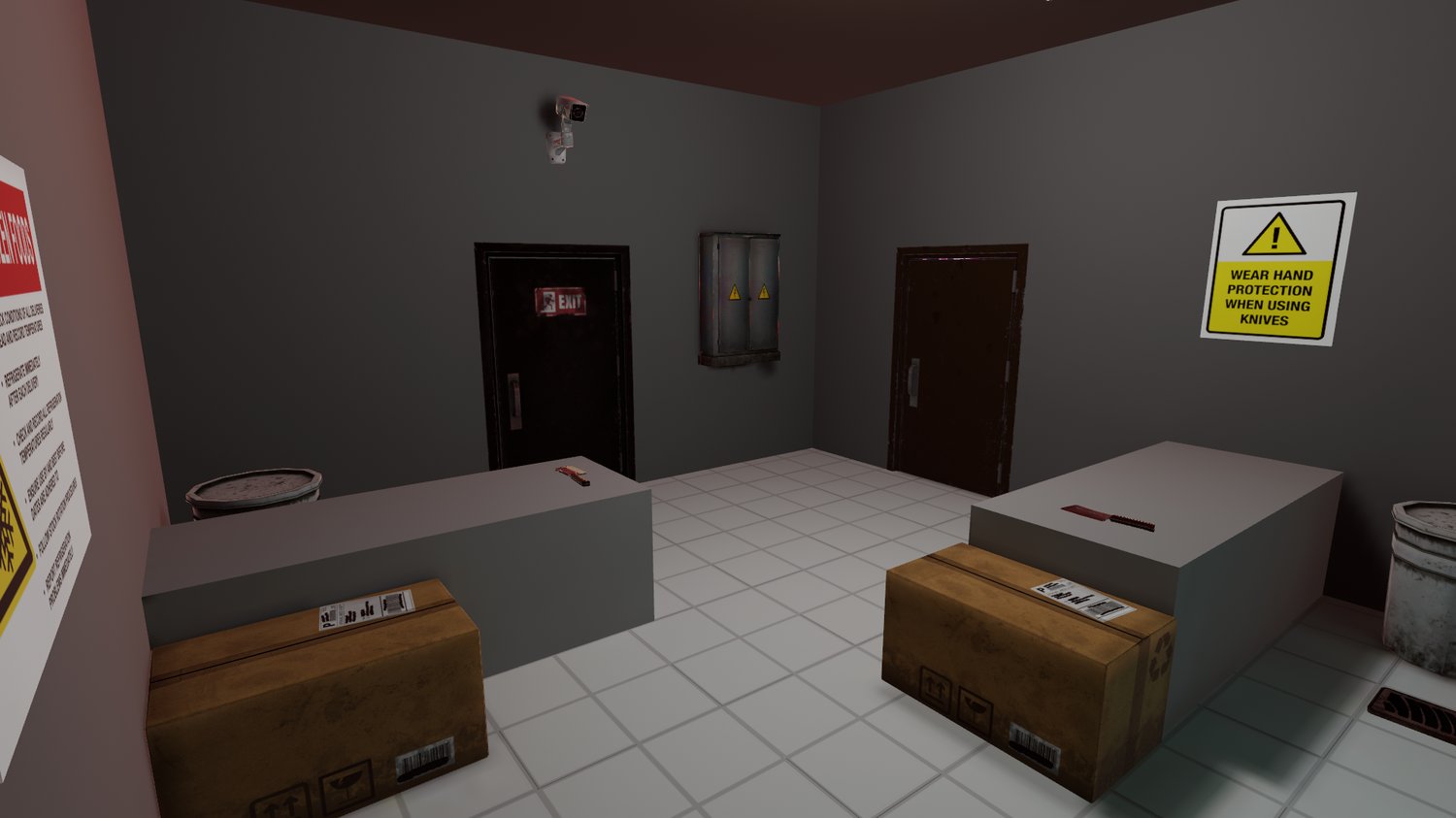
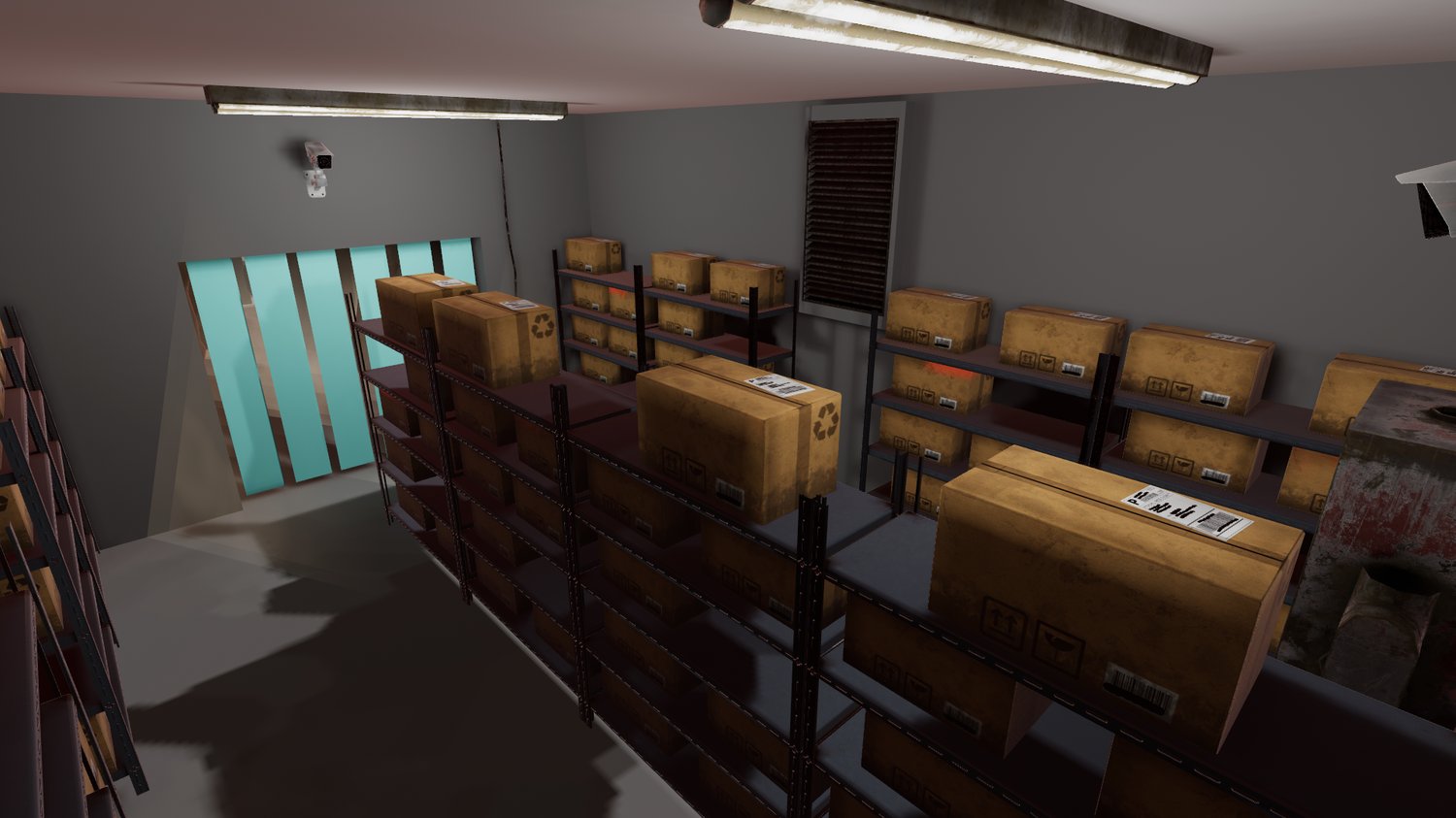
Ever wanted to own your own diner world? Well, now you can! This diner world is a wonderful base for any world you wish to create! Originally made for my Boys & Grill's world. This is an updated and more detailed version to fit that diner vibe the original was intended to recreate. Thus, I did remove all Spooky Month items and references, and anything else that would be under a copyright.
You can go see the Boys & Grills version here: https://vrchat.com/home/launch?worldId=wrld_8d90ccca-78f2-44d6-a1e4-0f730d94f714
B&G Night Time Version: https://vrchat.com/home/launch?worldId=wrld_5737fe40-fc10-42a4-bb12-d6aae7accb80
Or you can check out the version that will be in the package you receive here: https://vrchat.com/home/launch?worldId=wrld_12a7f342-a1c1-43be-b078-0b30740c754a
Night Version: https://vrchat.com/home/launch?worldId=wrld_965ee625-bef3-48fe-845f-a180eab83c71
What do you receive?
You will receive 2 Unity packages! One for a day version and one for a night version of the diner.
What's In The World?
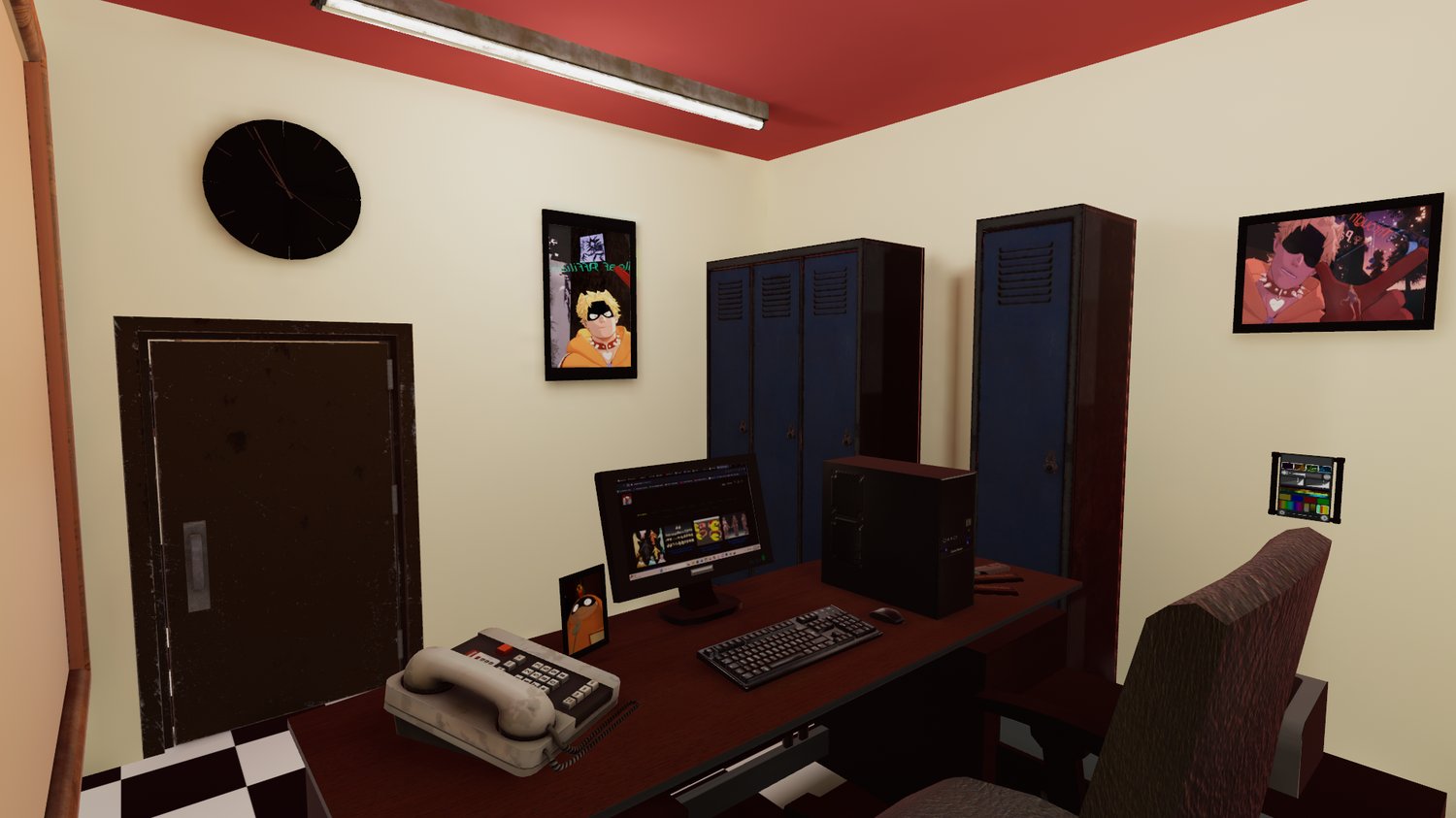
- Real time clocks that tell you the local time!
- A diner bell entry sound for when a player joins!
- Pens! For your mute friends or creative minds!
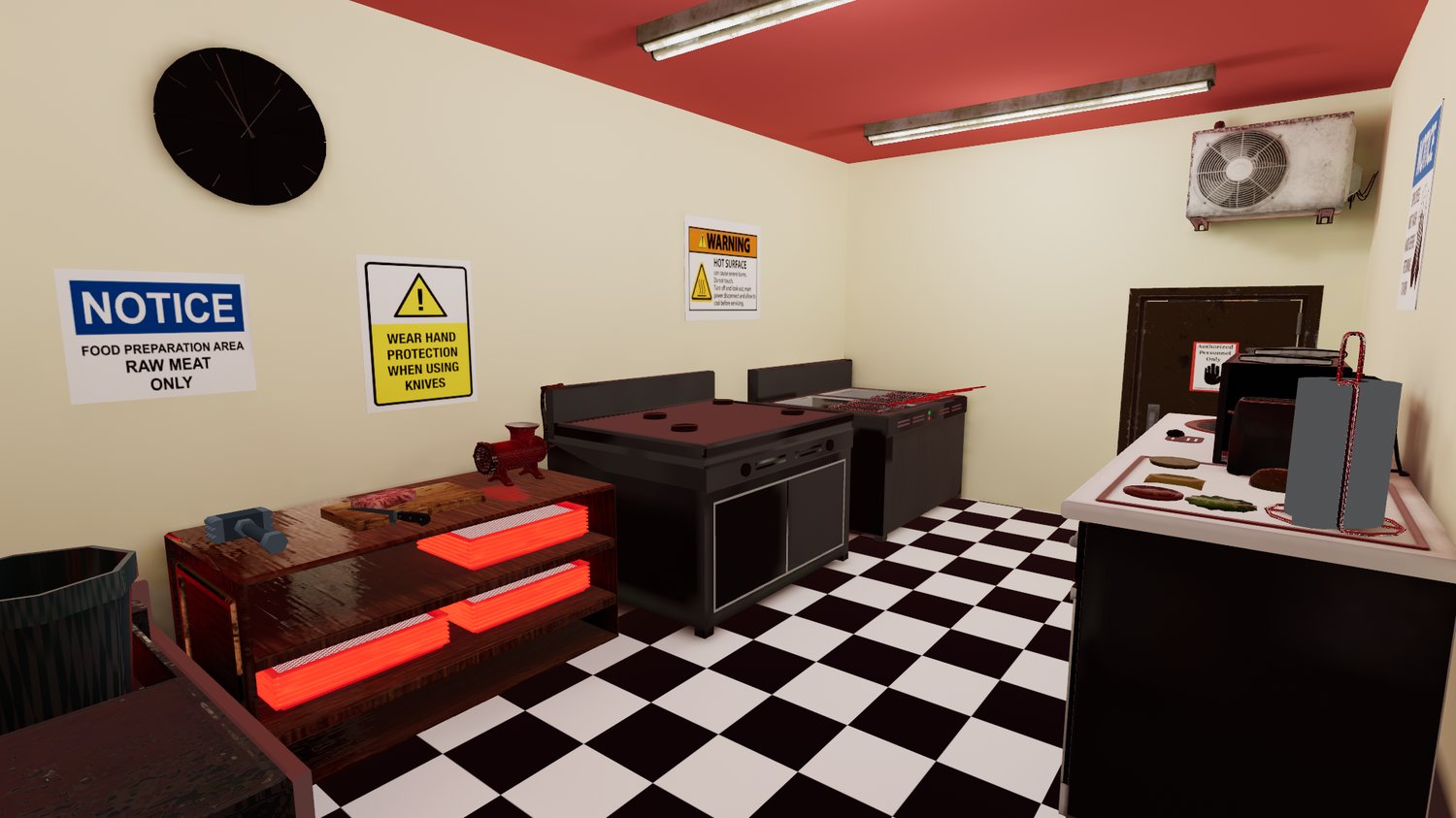
- Ability to make burgers! Delicious!
- Pickable items! This includes salt/pepper shakers, food trays, knives, milkshakes, meat mallet, spatula and candy!
- Video players, with audiolink included for fun parties in the world! Also can be removed if not desired!
- Photo frames to house memory photos... or photos of food you serve in your diner!
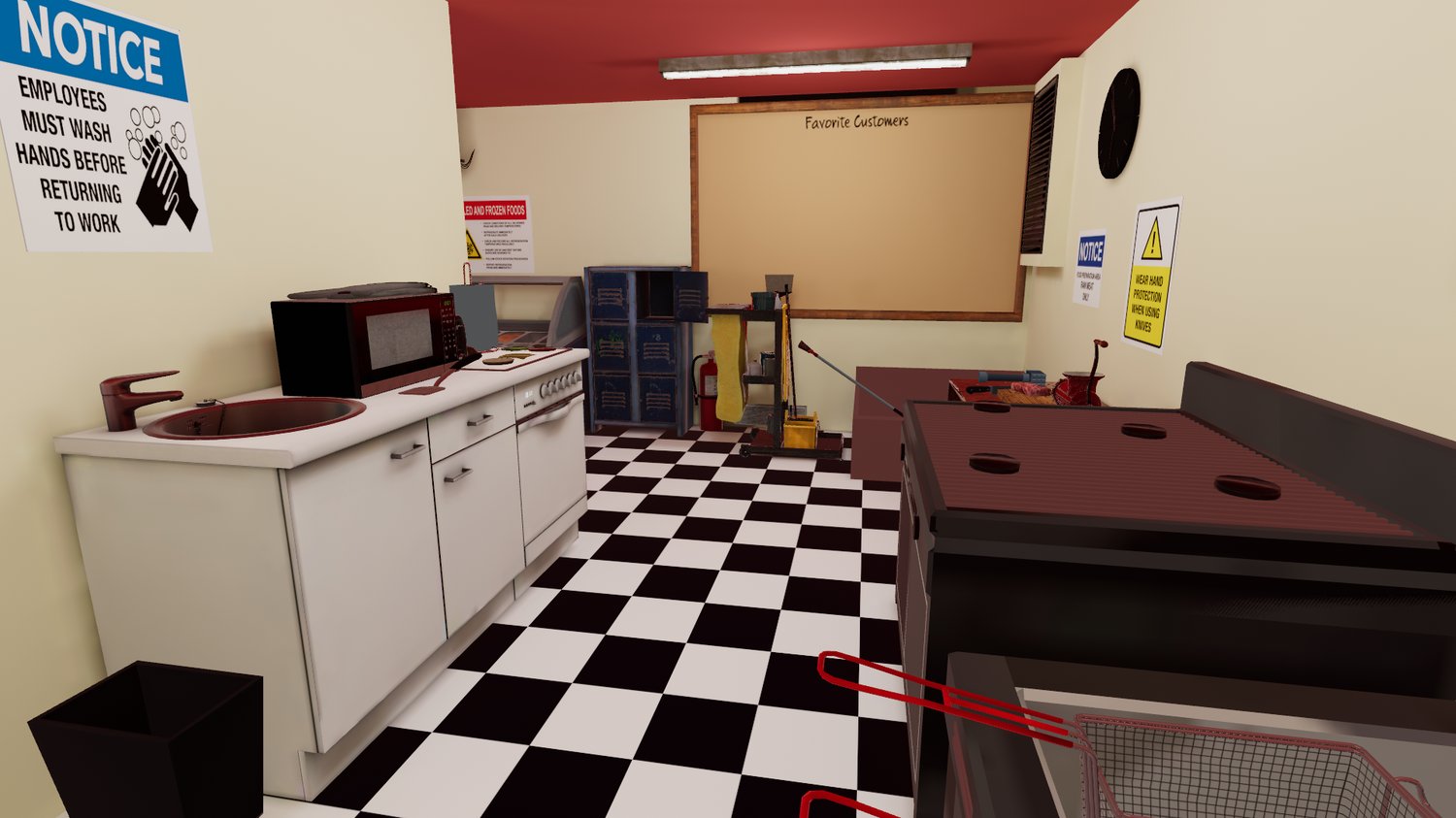
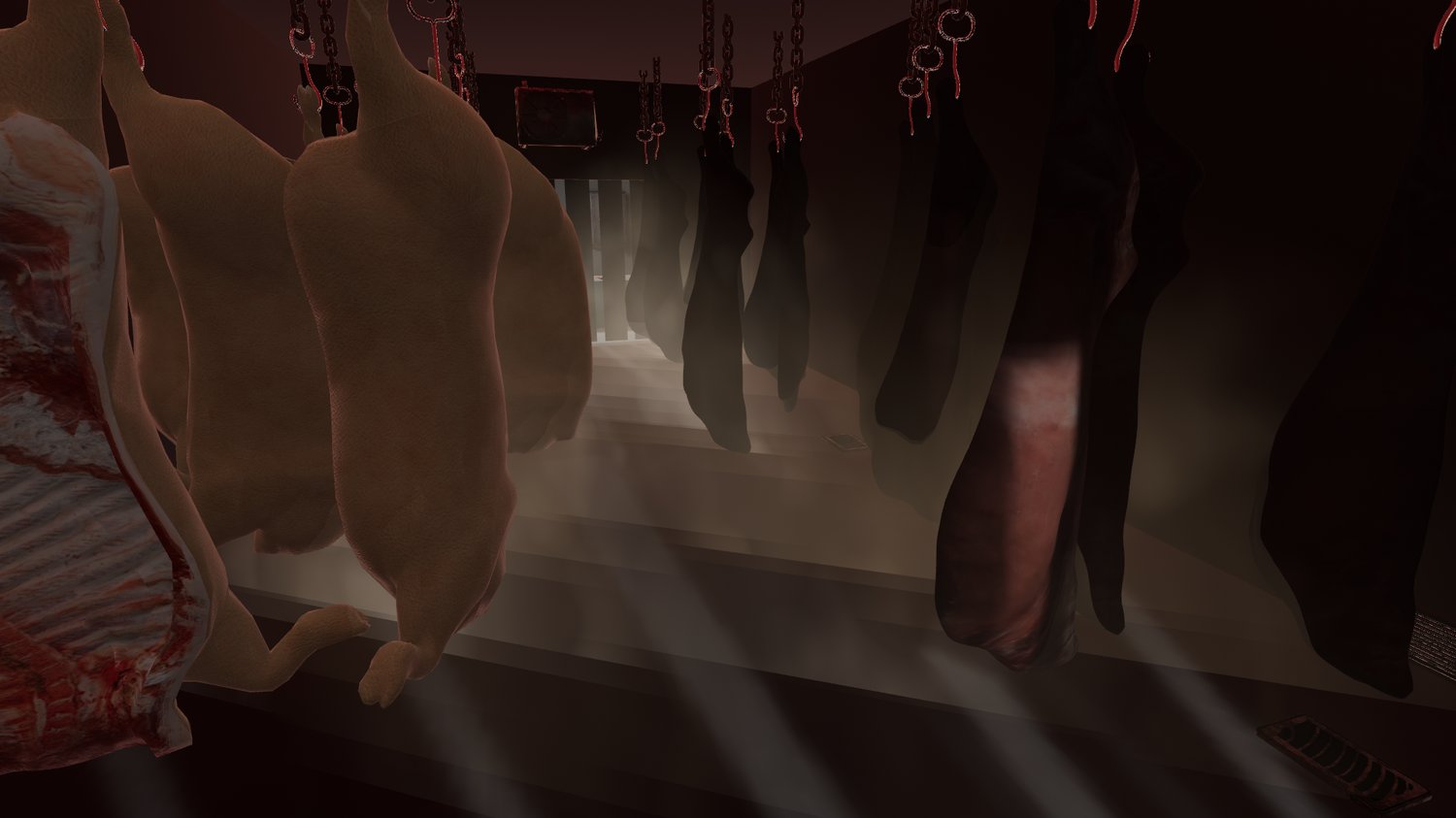
- A fog in the freezer, extra chilly!
- Baked in lighting! But if you add or remove items be sure to set the new objects to static and rebake in the lighting!
What Will You Need?
- Poiyomi Shader (Some objects use this for culling or double sided culling of one sided objects)
- Probuilder (This is a Unity asset, instructions on how to find it is blow this section)
- Audiolink (Yes, this world has audiolink! It's more for avatars, but you can remove this if you want!)
IMPORTANT NOTE: You must install ProBuilder for some things in the world to work! You can find it in the Package Manager in Unity. You must also use the 2022 version of Unity that VRChat requires!
How To Find Probuilder!
After creating your World project in VCC go to Window and select Package Manager:
Once you do this, it'll open the Package Manager tab, in the search feature of Package Manager type in 'Probuilder', it'll usually pop up after typing 'pro' but never hurts to type the full thing to ensure you get the right package.