

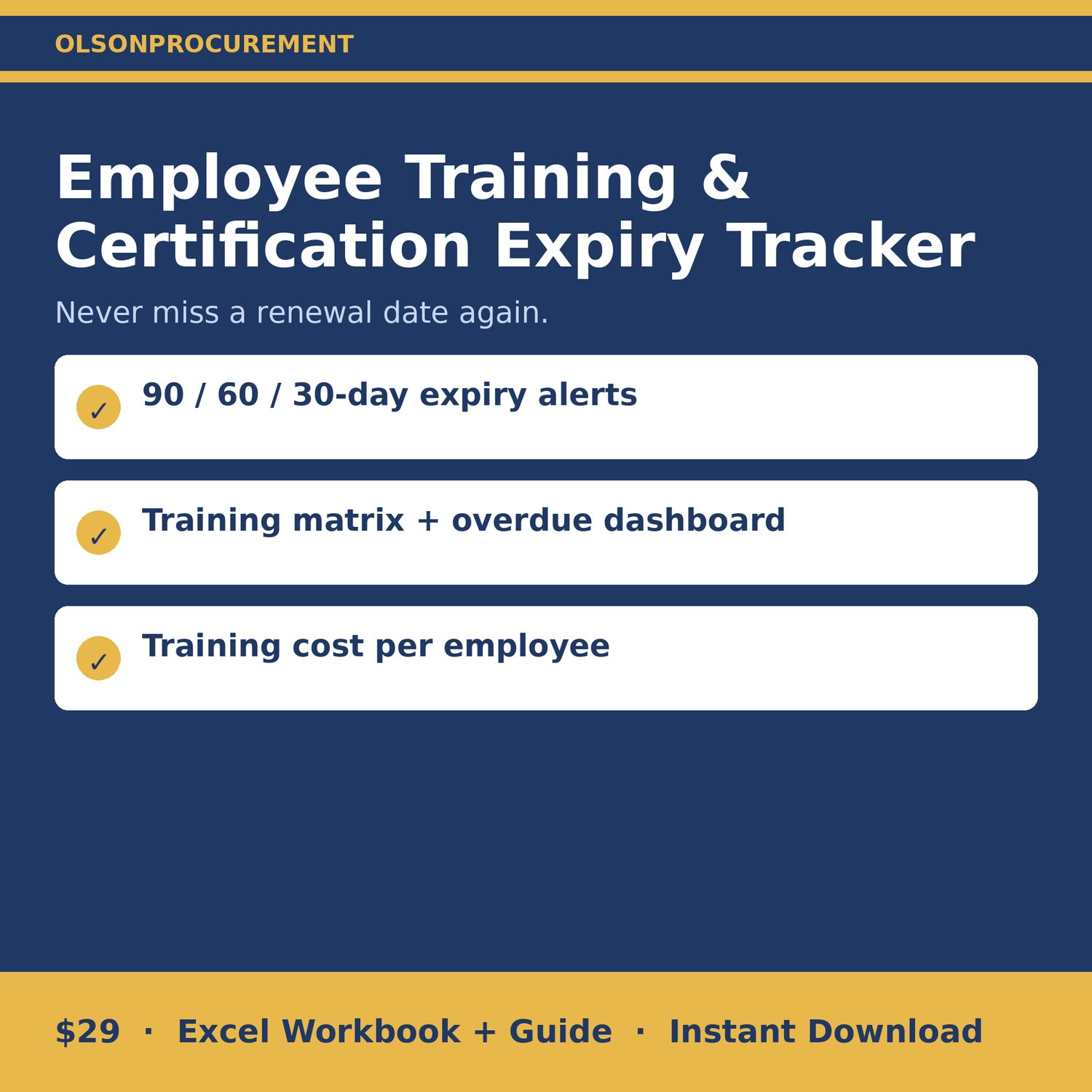
Employee Training & Certification Expiry Tracker — Training Matrix, 90/60/30-Day Alerts, Cost Dashboard (Excel)
Stop finding expired certs during an audit.
This Excel workbook tracks every employee, every skill, and every certification expiry date in one place. Formulas do the date math. You just enter the dates.
WHAT YOU GET
- Start Here sheet with plain steps
- Employee Matrix: skills by employee (Y / T / N), skills trained, coverage %, and total cost per person — all by formula
- Cert Expiry Log: one row per cert, with Issue Date, Expiry Date, automatic Days Left, and an automatic Status flag (OVERDUE / DUE 30 / DUE 60 / DUE 90 / OK)
- Dashboard: total records, overdue count, due in 30 / 60 / 90 days, expiring within 90 days, total training cost, cost per employee, and compliance rate
- 16 fictional example records (forklift, lockout/tagout, first aid/CPR, respirator fit test, crane, HazCom, OSHA 30, NFPA 70E, ISO auditor) so you see it work at once
- 3-5 page PDF guide in short, plain sentences
- 2000x2000 cover image
WHO IT IS FOR
Small manufacturers, machine shops, warehouses, and maintenance teams with safety and quality certs and no LMS budget.
HOW IT WORKS
1. Enter employees and skills. 2. Enter each cert and its dates. 3. Check the Dashboard each Monday and book renewals at 90, 60, and 30 days.
DETAILS
- Excel .xlsx. Works in Excel and LibreOffice. No macros. No subscription. One-time $29.
- Dates use TODAY(), so status updates each day you open the file.
- This tool tracks dates and costs. It does not give legal advice. Check the training rule for your state and your work.