



VideoTracker – Moodle Video Completion by Watch Percentage
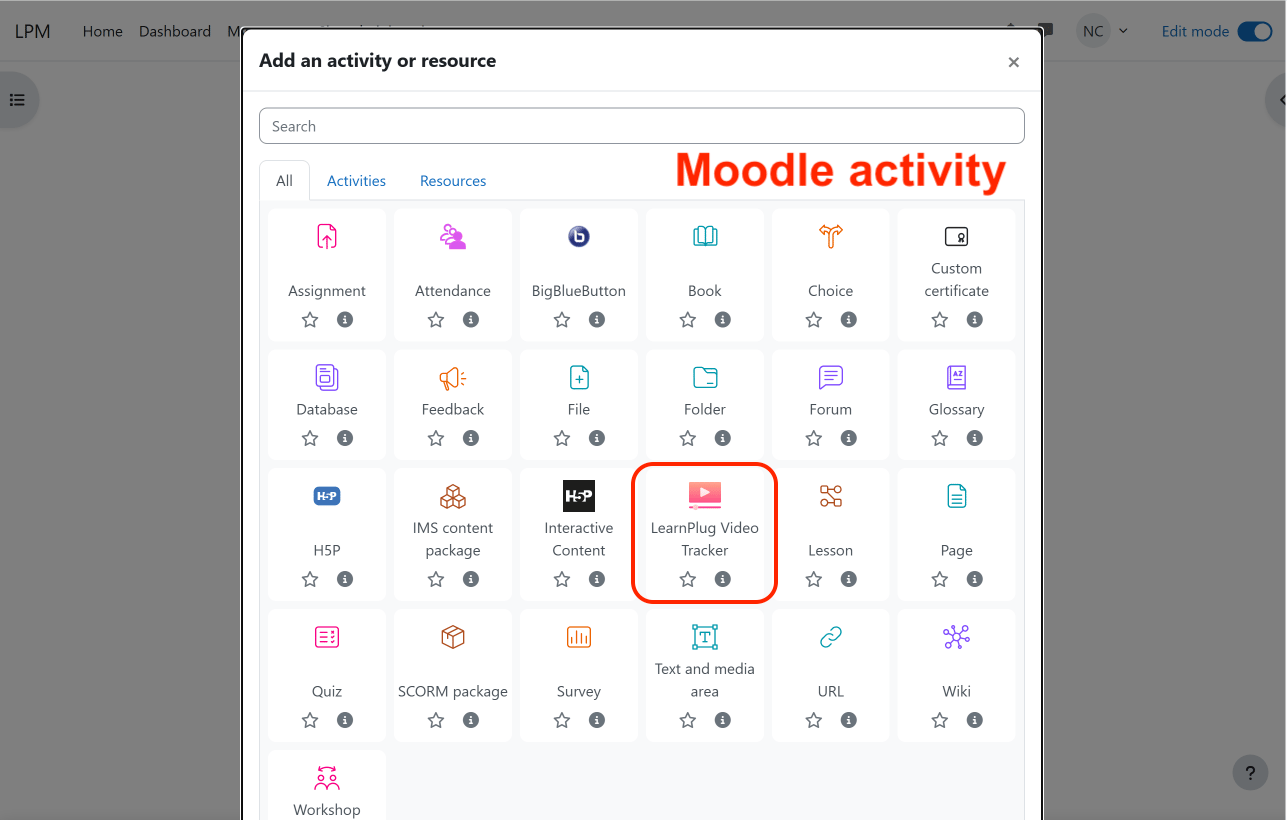
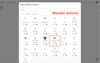
Video Tracker (Moodle Activity)
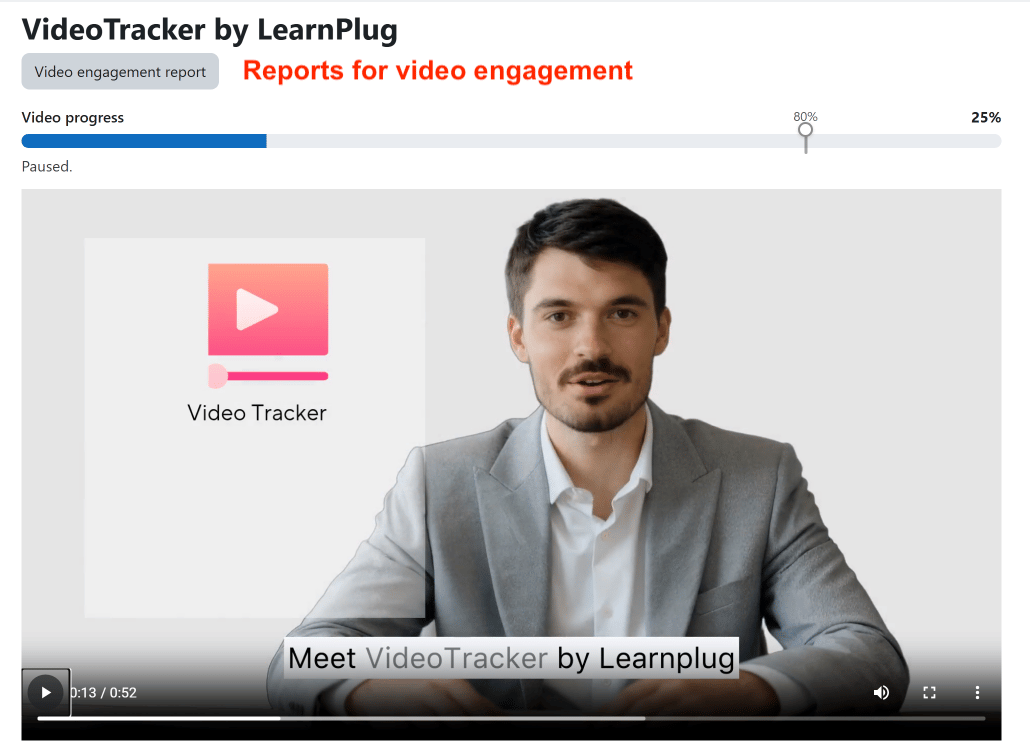
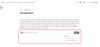
Video Tracker is a Moodle activity plugin that tracks **real video watching progress**
and marks the activity as completed when a defined percentage is reached.
Compatible with **Moodle 4.5+**.
---
## ✨ Features
- Track real video watch time (tolerant to buffering)
- Completion based on **percentage watched**
- Fully integrated with Moodle Completion
- Supports locally hosted videos
- Lightweight (no external services)
---
## 📦 Installation
1. Download the ZIP package
2. Extract into `/mod/videotracker`
3. Go to **Site administration → Notifications**
4. Complete the installation
5. Clear caches if requested
---
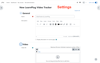
## ⚙️ Configuration
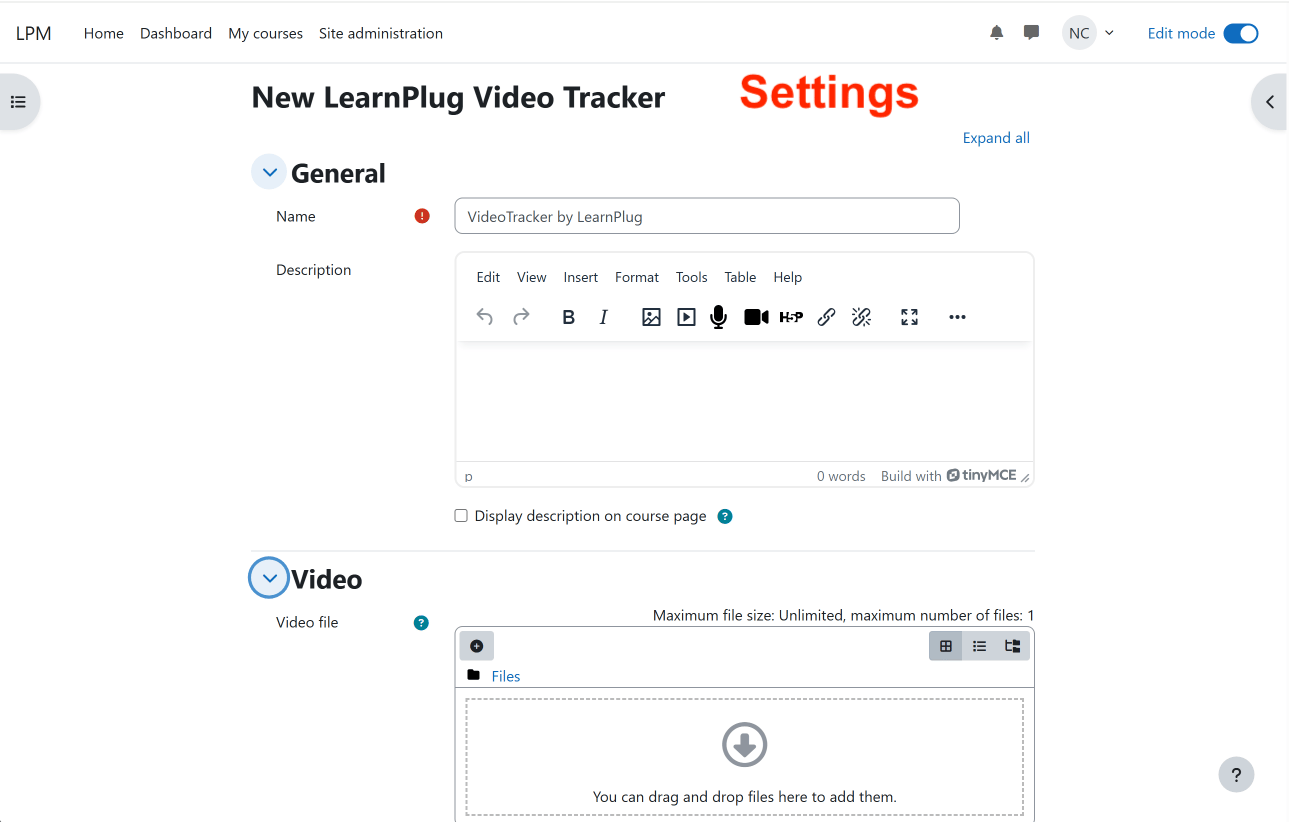
When adding the activity:
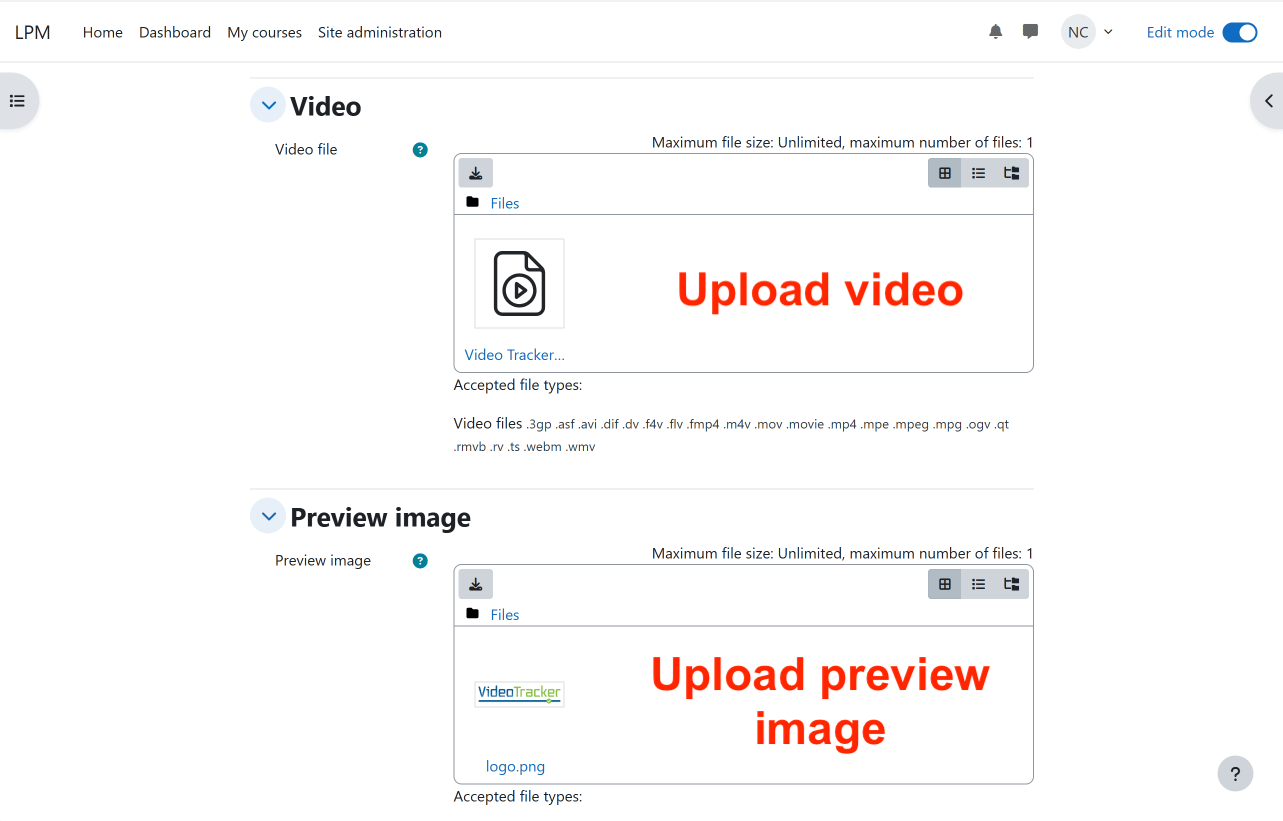
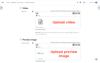
- Upload a video file
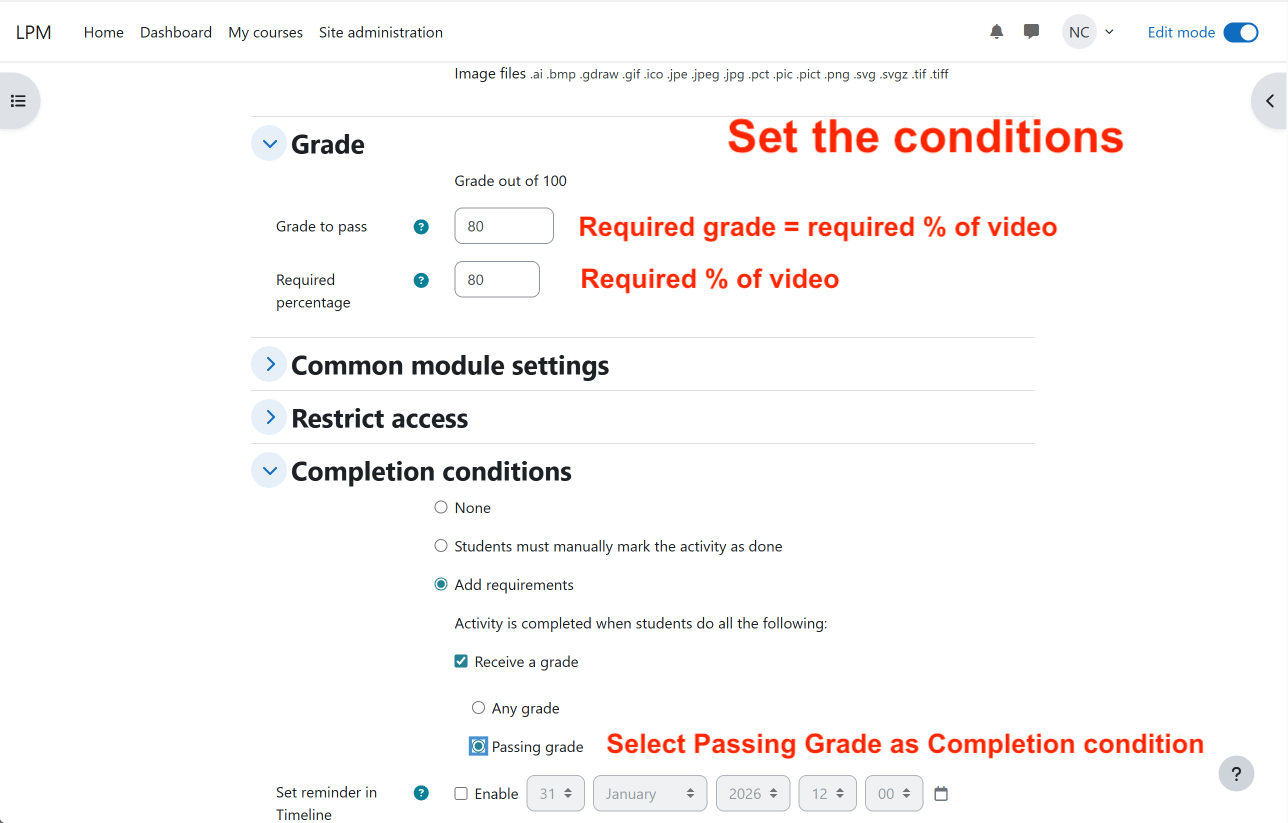
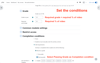
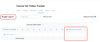
- Set **Completion conditions**
- Define the minimum percentage required (e.g. 80%)
---
## ✅ Completion Behaviour
- Progress is tracked automatically while the video plays
- When the defined percentage is reached:
- the activity is marked as **Done**
- appears green in the course
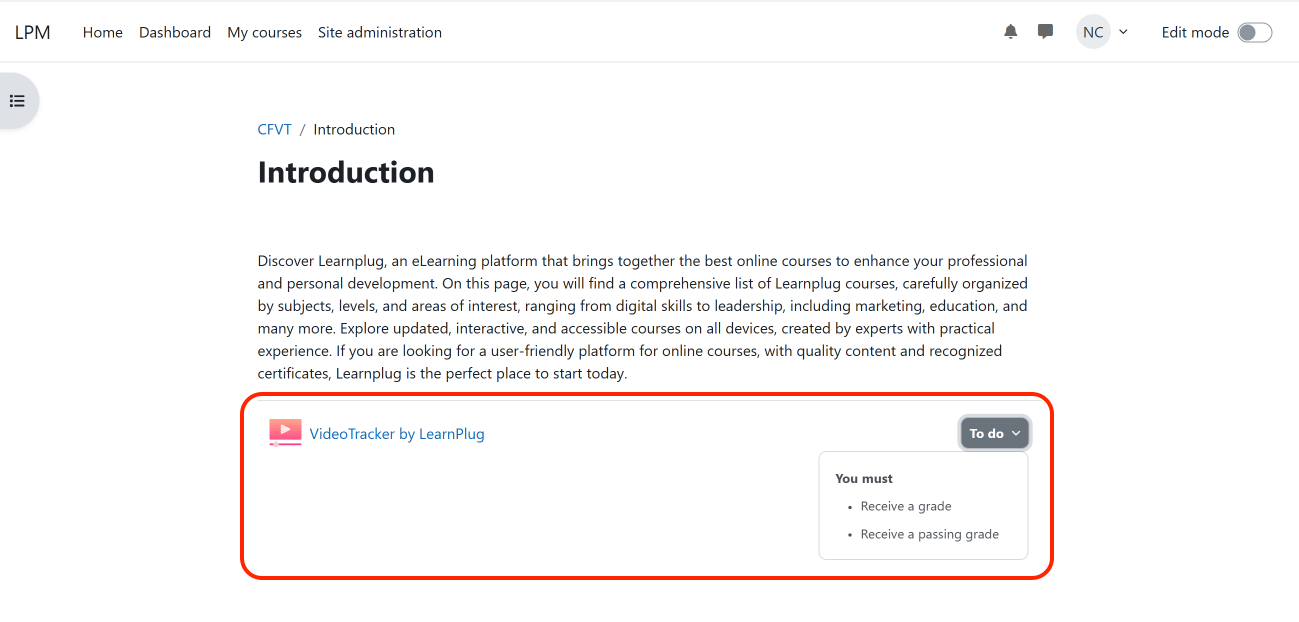
- updates the “To do” list
---
## 🧪 Tested on
- Moodle 4.5
- Chrome / Firefox / Safari
- Student and Teacher roles
---
## ⚠️ Uninstall notice
Uninstalling the Video Tracker plugin will permanently delete:
- All Video Tracker activities
- All stored video files
- All user progress and completion data
This action is irreversible.
----
## 🚀 Roadmap (planned)
- Anti-skip protection
- Video heatmap analytics
- Per-user progress reports
- CSV export
- Pro version features
---
## 🧑💻 Author
Developed by LearnPlug - www.learnplug.pt