


Architectural Sheet Manager Pro
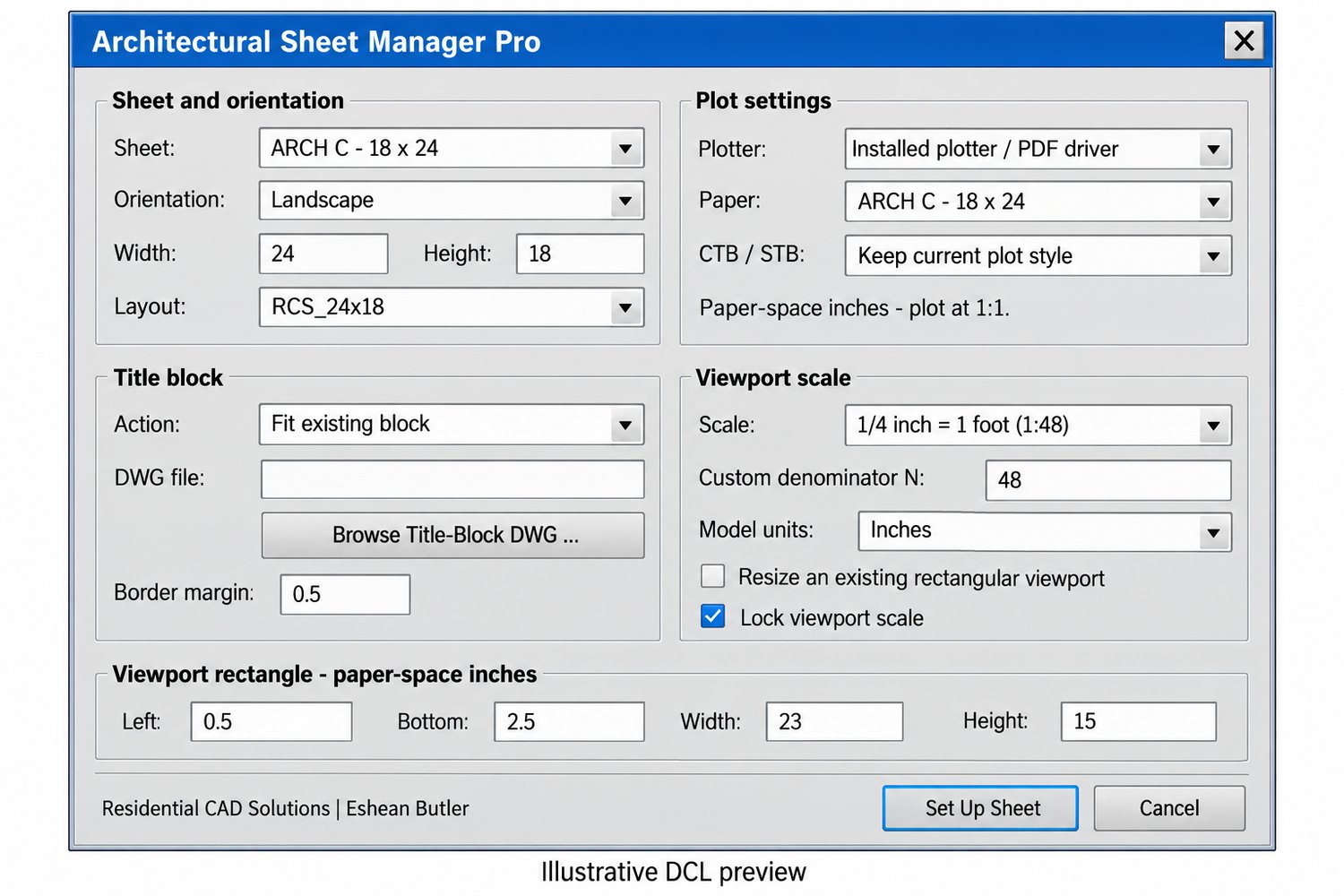
Set up architectural paper-space layouts, fit your title block, and control viewport scales from one organized dialog.
Architectural Sheet Manager Pro combines sheet sizing, orientation, title-block fitting, viewport setup, and plot-style selection in an AutoLISP and DCL utility.
Features
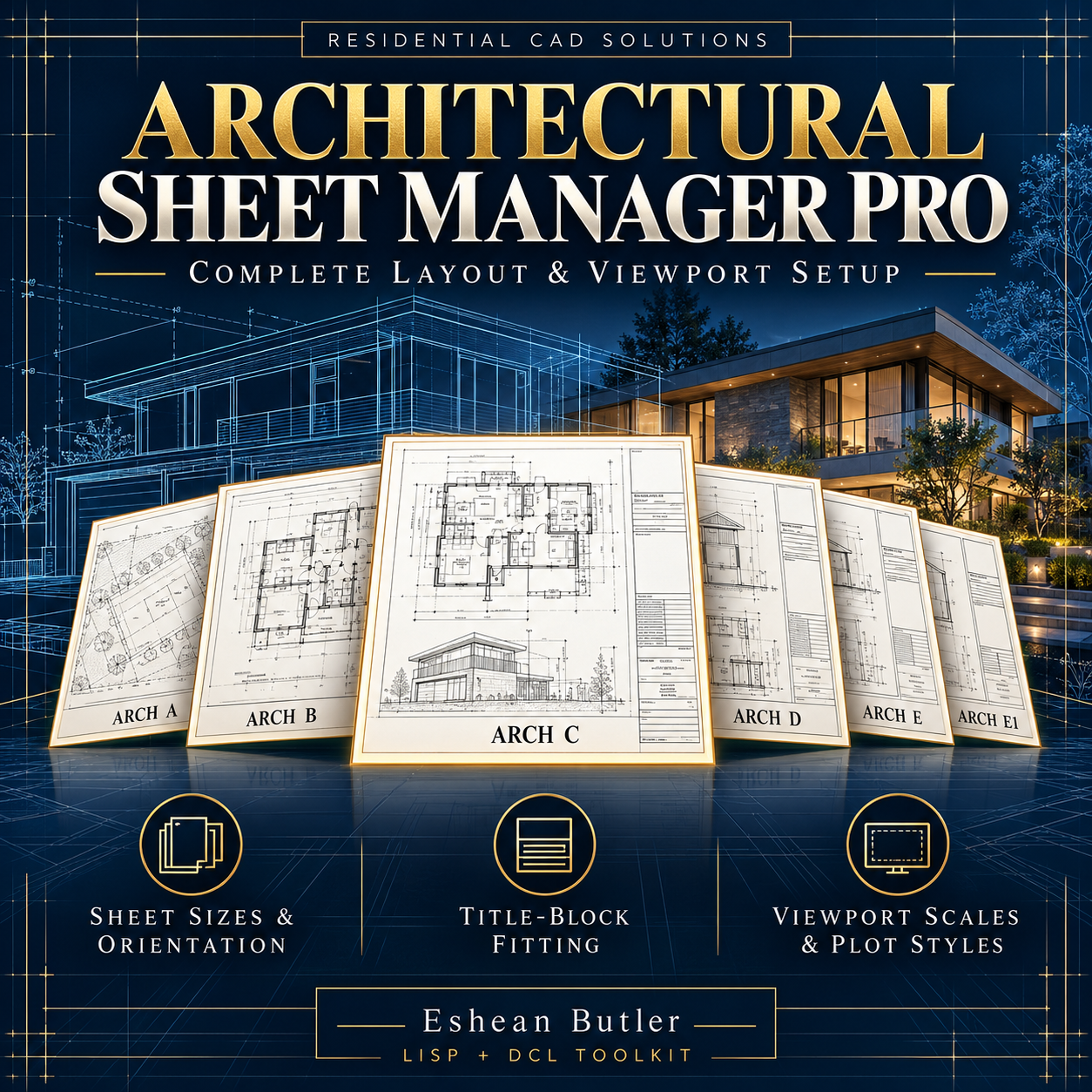
- Architectural sheet sizes: ARCH A, B, C, D, E, and E1, plus custom dimensions.
- Landscape or portrait: Adjust sheet orientation and suggested viewport dimensions.
- ARCH C default: Starts with an 18″ × 24″ sheet in landscape orientation.
- Title-block fitting: Proportionally resize an existing block or insert your own title-block DWG and fit it within the selected margins.
- Viewport creation and resizing: Create a rectangular viewport or update an existing one.
- Architectural scales: Choose common scales, including ¼″ = 1′-0″ (1:48), or enter a custom 1 ratio.
- Model-unit conversion: Supports models drawn in inches, feet, millimeters, or centimeters.
- Viewport locking: Optionally lock the scale after setup.
- Plot settings: Select an installed plotter or PDF driver, matching paper size, and compatible CTB/STB table.
- Paper-size validation: Checks that the driver’s selected media matches the requested sheet dimensions.
- Layout plotting at 1:1: Keeps paper-space plotting separate from viewport scale.
Your download includes
- AutoLISP program (.LSP).
- DCL dialog interface (.DCL).
- Installation and operating instructions.
Command: SHEETPRO
Extract the files, APPLOAD the LSP, and type SHEETPRO. Choose your settings, pick the model point to center in the viewport, and follow the title-block and viewport selection prompts.
Requirements and notes
Written for full Windows AutoCAD with AutoLISP, DCL, and ActiveX support, targeting AutoCAD 2002 and later. Not compatible with AutoCAD LT 2002, Mac, or Web.
Your installed printer or PDF driver must support the selected paper size. Title-block drawings, plot-style tables, and printer drivers are not included. Handles one sheet per run.
Title-block fitting preserves proportions. The selected viewport scale remains fixed; a large plan may require a different scale, viewport arrangement, or additional sheets. Always inspect Print Preview for margins, clipping, and lineweights.
Local source and calculation checks completed; not tested inside AutoCAD or in every release. Test on a drawing copy before production use.
Residential CAD Solutions | Eshean Butler.