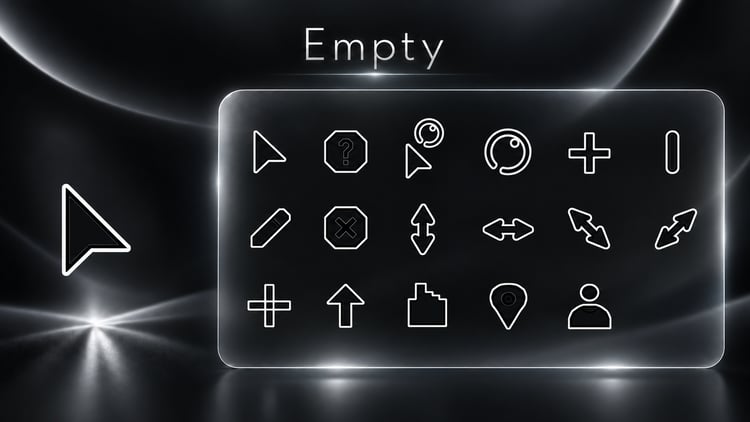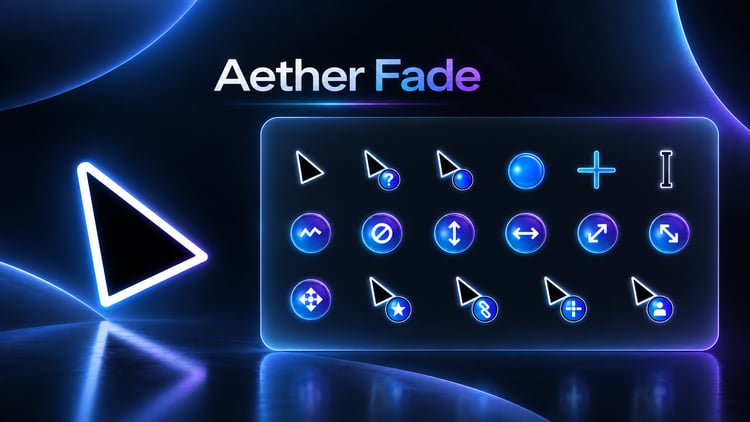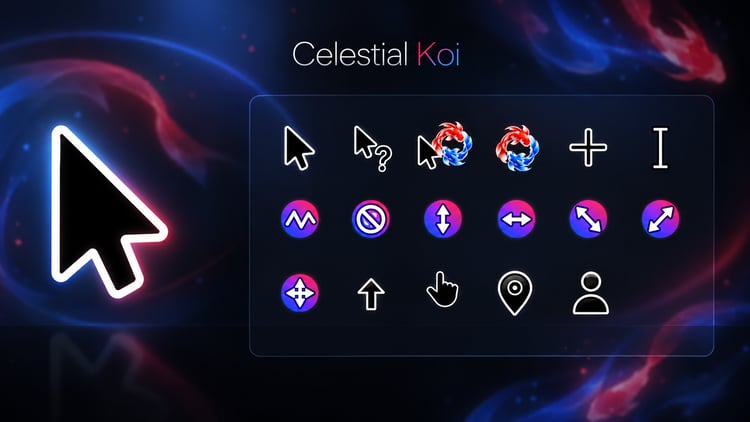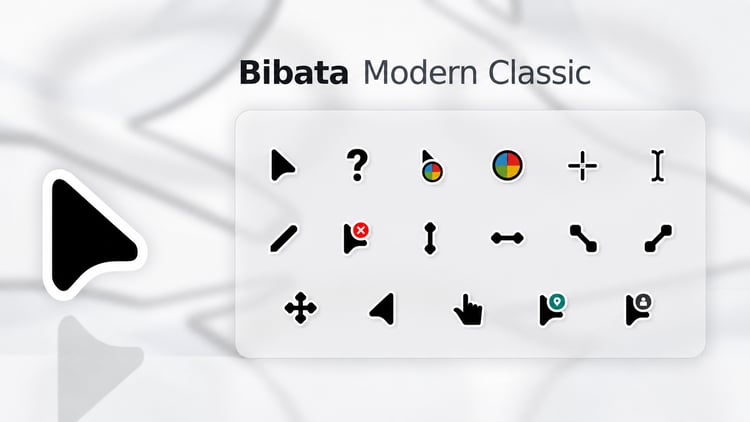
Less visual weight. More precision. A cursor theme that lets your desktop breathe.
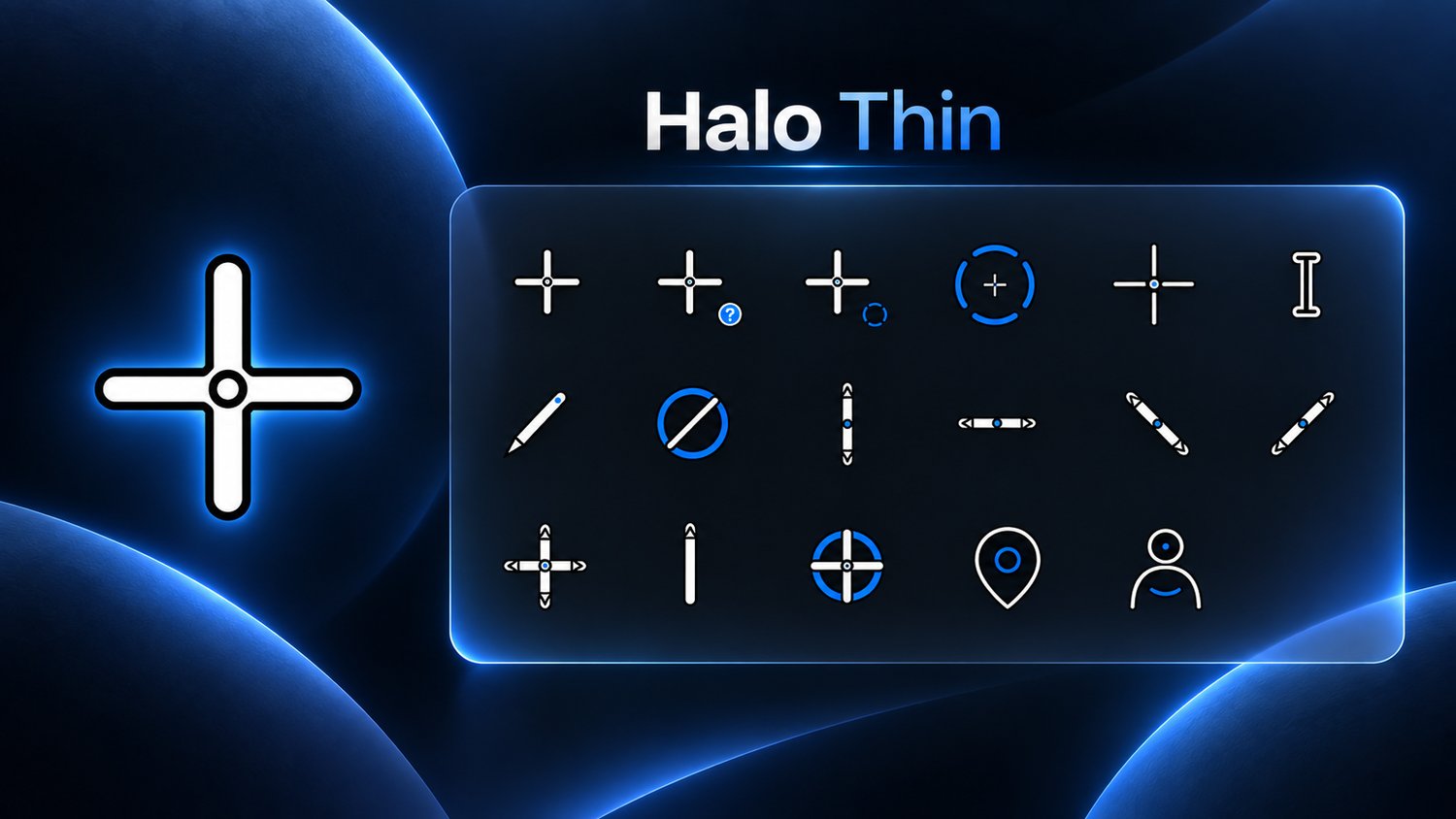
Halo Thin Small replaces heavy default pointers with slim white geometry, a clean black keyline, and controlled electric-blue accents. The design remains visible on both light and dark content while keeping a refined, airy appearance.
Every cursor is rendered from vector artwork at each native size, so thin lines remain crisp instead of becoming soft or uneven. Smooth Busy and Working animations add subtle motion without turning your cursor into a distraction.
What you get
✓ Complete 17-role Windows cursor scheme
✓ 15 static cursors and 2 animated cursors
✓ Original thin white, black, and Halo-blue design
✓ 12-frame Busy and Working animations
✓ 8 native sizes from 32 px to 256 px
✓ Crisp vector-rendered geometry
✓ Custom Location and Person roles
✓ Easy INF installation
✓ Windows 10 and Windows 11 support
✓ Instant digital download
Perfect for minimalist workspaces, white or blue setups, clean productivity desktops, and users who find standard cursors too visually heavy.
Extract the ZIP, install install.inf, then select Halo Thin Windows Small 1.1.
Download Halo Thin Small for a lighter, cleaner Windows experience.