
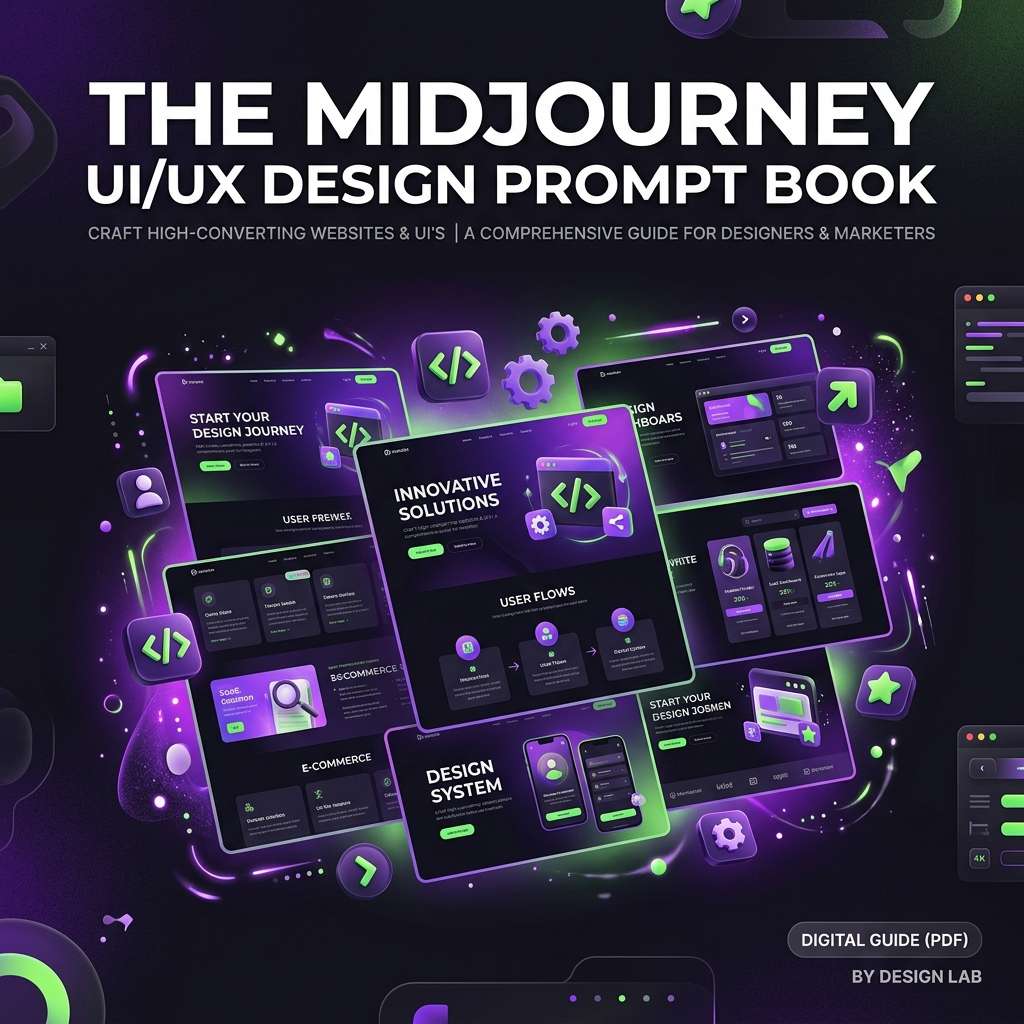
The Midjourney UI/UX Design Prompt Book
On Sale
$15.00
$15.00
Instantly generate stunning web designs, mobile apps, dashboards, and 3D icons.
The Midjourney UI/UX Design Prompt Book is a collection of high-fidelity, copy-paste prompt formulas engineered specifically for Midjourney v6. Stop wasting hours trying to get clean, structured user interfaces—use these field-tested prompt styles to create mockups that look like they were custom-built by elite UI designers.
Perfect for Web Designers, UI/UX Professionals, Developers, Agency Owners, and Indie Hackers who need instant design inspiration, client mockups, and custom graphic assets.
🎯 What’s Included in the Toolkit:
- Folder 01: Landing Page & Website Prompts
- Advanced formulas for Minimalist SaaS, Dark Glassmorphism, Retro Brutalist, and Luxury E-commerce desktop web layouts.
- Folder 02: Dashboard & Mobile App Prompts
- High-fidelity formulas for web application dashboard analytics interfaces, iOS mobile app screens (neomorphism), cyberpunk gaming HUDs, and smart home layouts.
- Folder 03: UI Icons, 3D Assets & Illustrations
- Creative formulas for claymorphic 3D web icons, glowing translucent glass icons, and clean flat vector illustrations for hero sections.
- Aspect Ratio & V6 Cheat Sheet
- Clear guide on how to tweak styling variables, parameters (--ar, --style raw, --no), and version tags to get clean, text-free UI mockups.
⚡ Supported Layout Styles:
Use this prompt book to instantly generate styles like:
- Glassmorphism: Glowing transparent layers on dark neon backdrops.
- Neomorphism: Soft, plastic extrusion layouts with clean shadowing.
- Minimalist SaaS: Clean sans-serif layouts with emerald and slate accents.
- Brutalist / Web3: Thick borders, solid colors, and high contrast layouts.
🛠️ How it Works:
- Copy & Customize: Open a category file, copy the template prompt, and insert your brand's niche and color palette.
- Imagine in Midjourney: Paste it into the Discord bot or Midjourney web UI.
- Download & Prototype: Export the high-res image and drop it into Figma to use as a layout reference, or slice assets directly for your build.