

FleetFork - Food & Grocery Delivery Flutter UI Kit
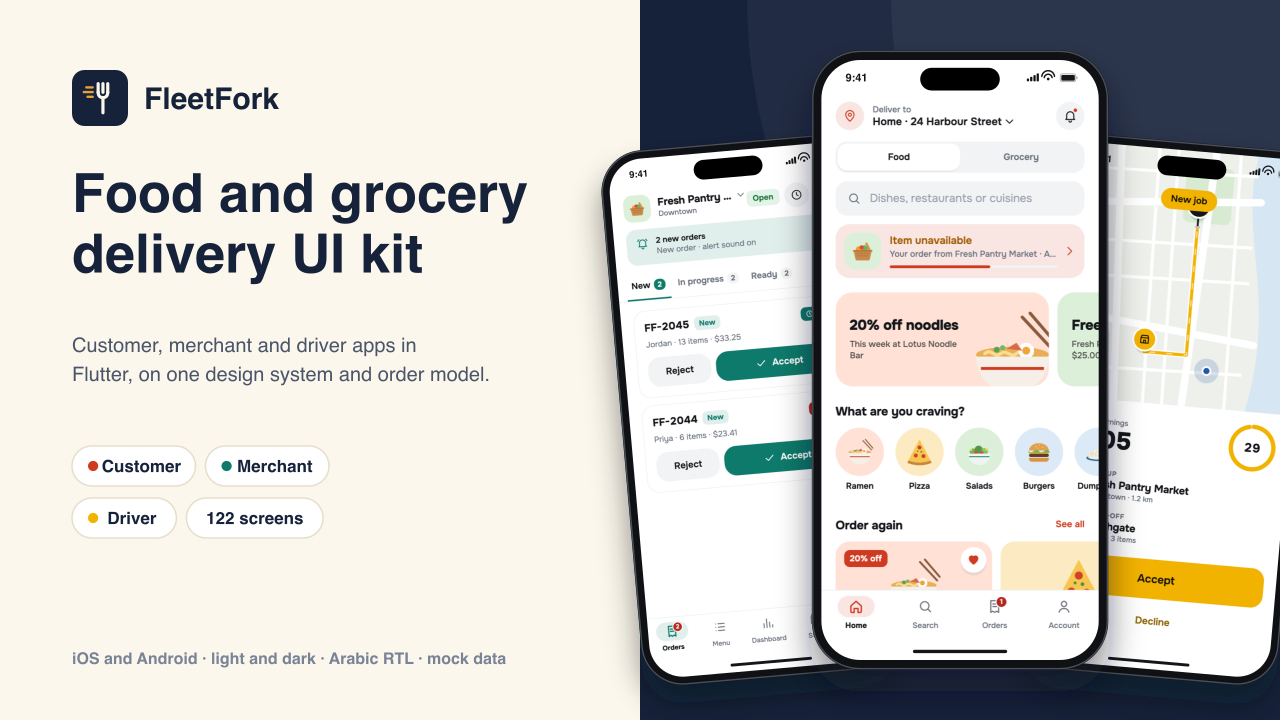
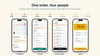
leetFork is a Flutter UI kit for a food and grocery delivery platform, for iOS and Android. It has three apps: a customer app, a merchant app for store owners, managers and store helpers, and a driver app. They share one design system and one order model, and run on mock data, so every screen works before you connect a backend.
Try it in your browser: https://demo.oncombalado.net/fleetfork/
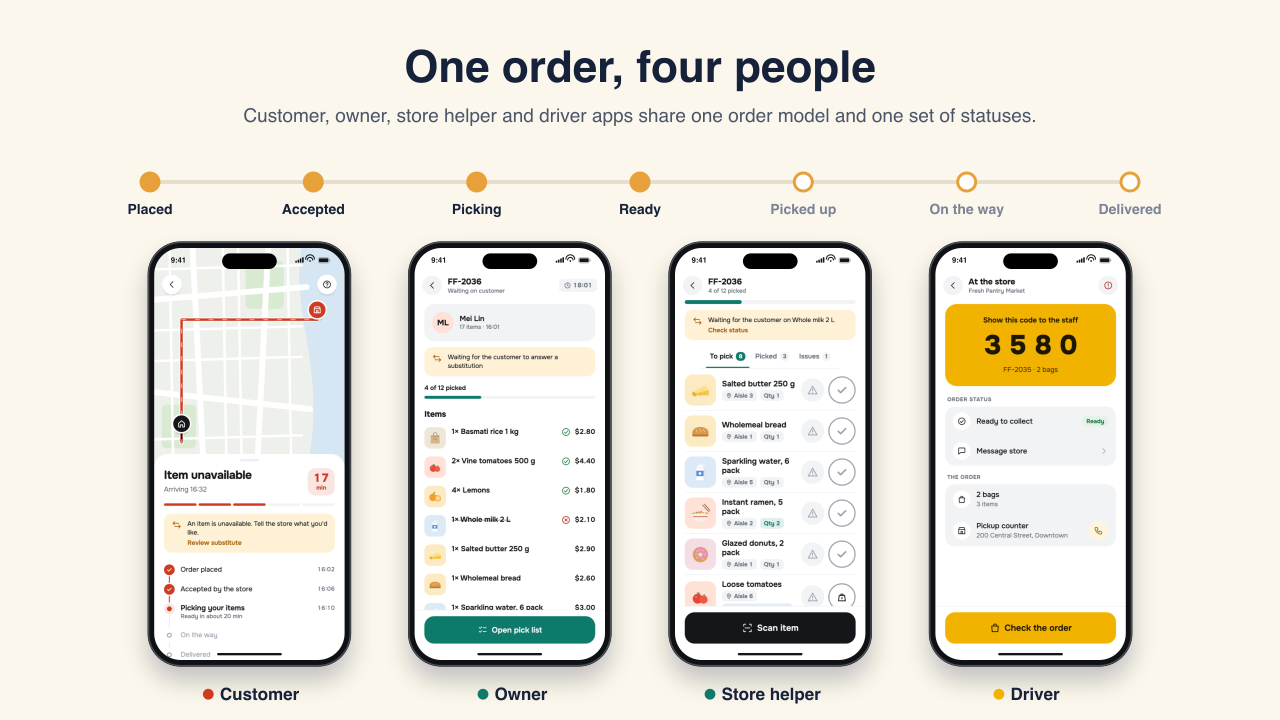
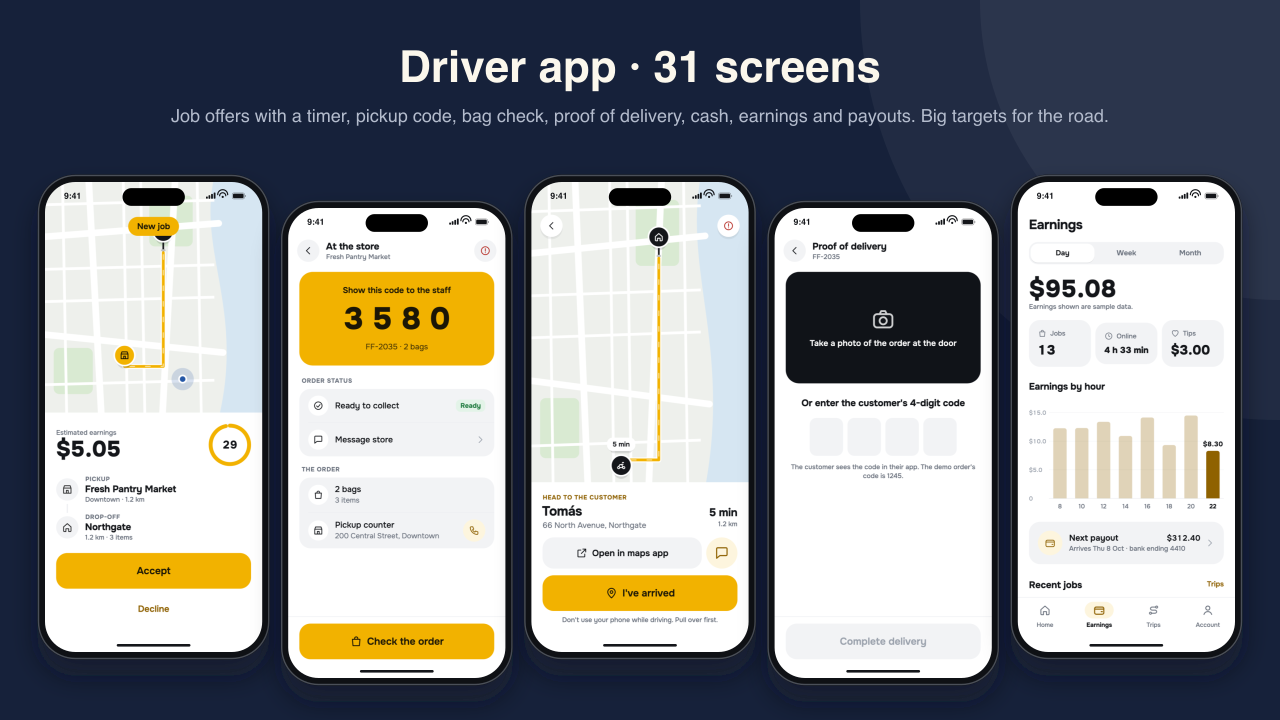
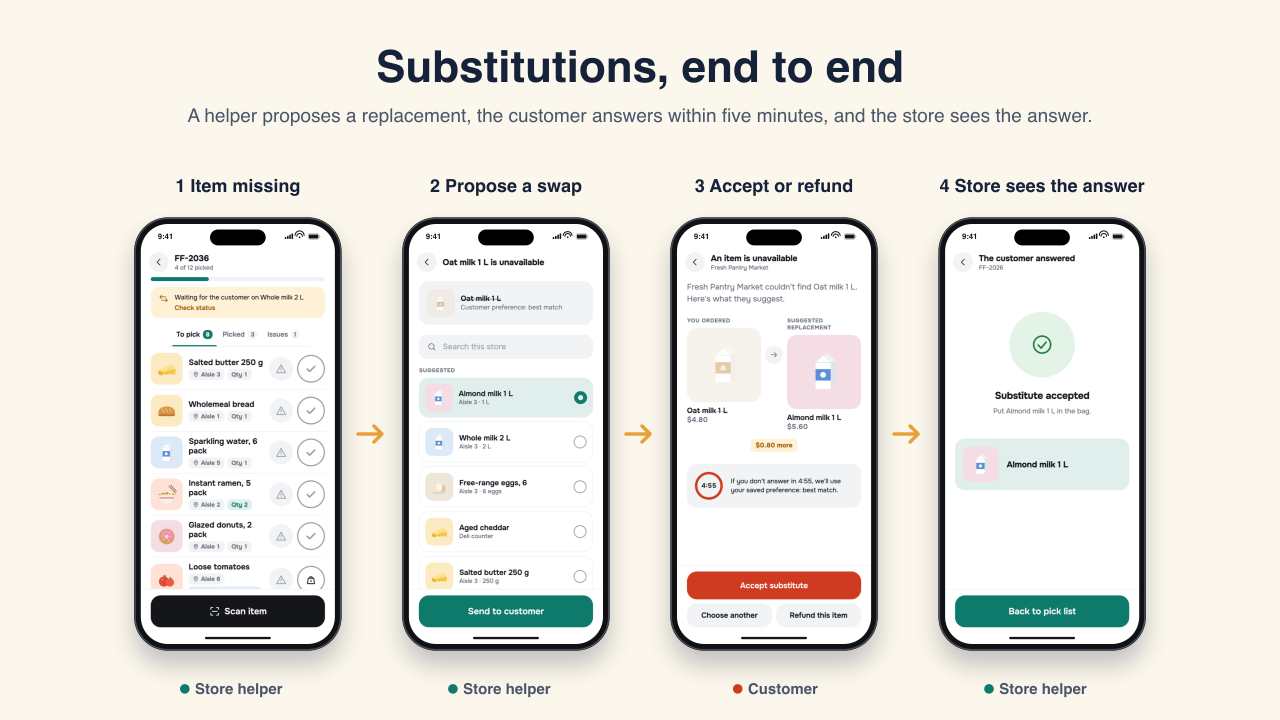
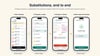
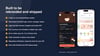
An order placed in the customer app moves through the store (accept, prepare or pick, pack, hand over) and the driver (job offer, pickup code, bag check, proof of delivery) with the same statuses in every app. Grocery orders support substitutions end to end: a store helper proposes a replacement, the customer accepts or declines within five minutes, and the customer's saved preference applies otherwise. A demo panel in each app moves orders through every status, sends driver job offers and switches markets, so you can show the whole flow on one device.
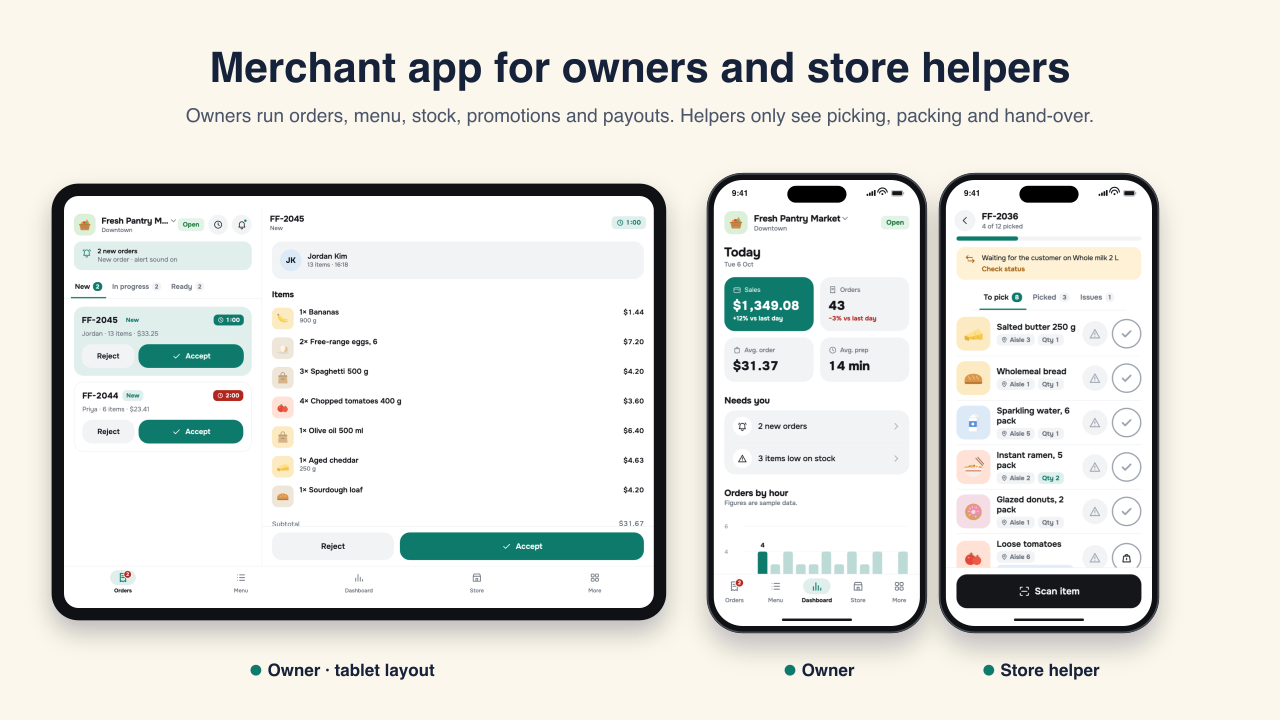
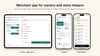
The merchant app is role-based. Owners run orders, menu and stock, opening hours, promotions, reviews, reports, payouts and staff. Managers can do everything except payouts and staff. Store helpers only see picking, packing and hand-over, and the router enforces it. On tablets the order queue and the order detail sit side by side.
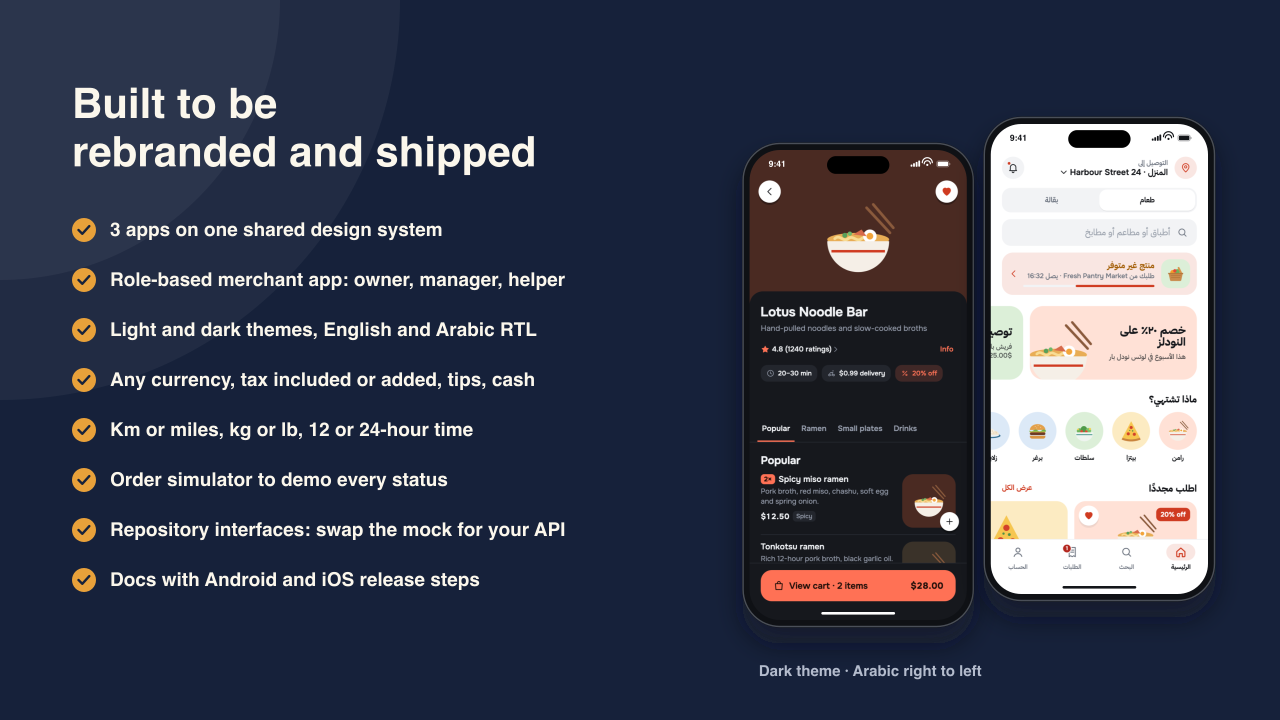
Screens read data through eight repository interfaces with Riverpod providers. Mock implementations with realistic, clearly fictional data are bound in each app's main.dart; replace them with your own API classes and no screen needs to change. The documentation walks through it, including live order updates over a WebSocket. Money is stored in integer minor units. Currency, tax included or added, tips, cash on delivery, km or miles, kg or lb, address format and 12 or 24-hour time are settings.
The design system has light and dark themes, an accent per app, its own icon set and food illustrations drawn for the kit, so there are no stock photos to license. English and Arabic are included with a full right-to-left layout. Every data screen has loading, empty, error and offline states.
Not included: a backend, real payments, push notifications, a maps SDK (maps are an illustrated placeholder behind an interface you can point at Google Maps, Mapbox or OpenStreetMap), real chat or calling, or an admin web panel. Earnings, payouts and ratings are sample data.
What's included
- Flutter workspace for iOS and Android with three apps and five shared packages
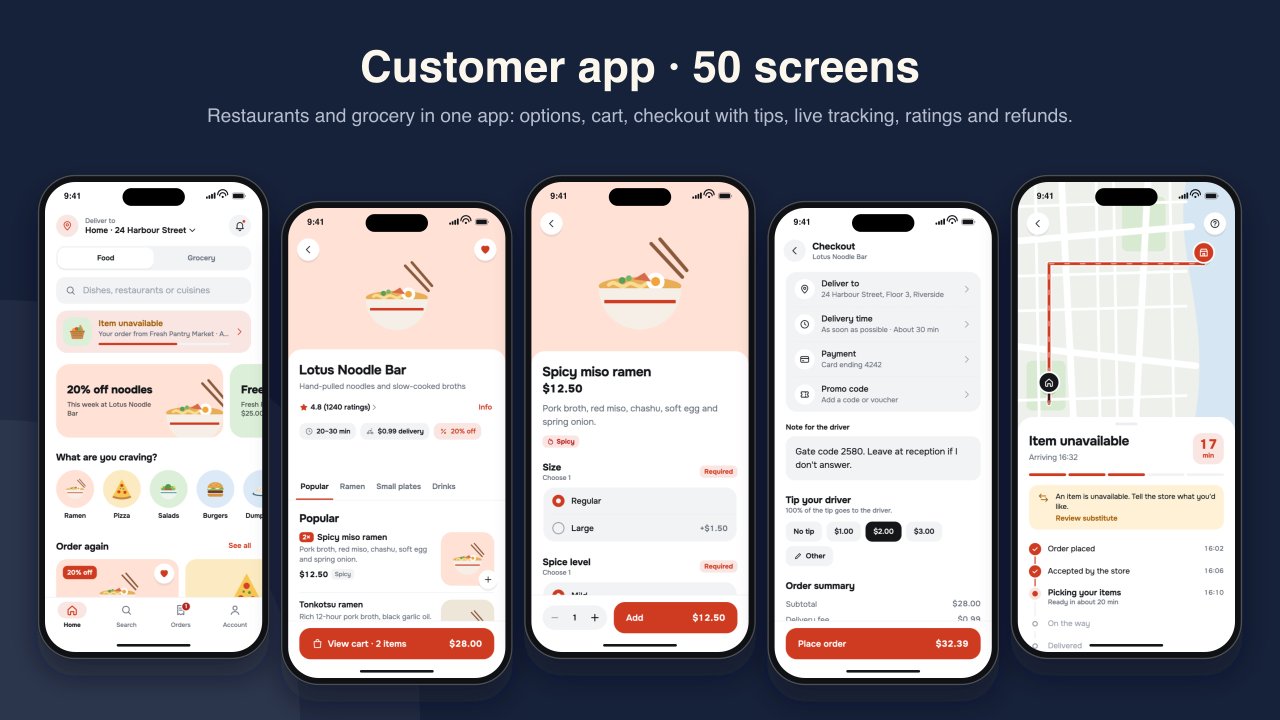
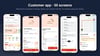
- Customer app, 50 screens: onboarding, address, restaurants and grocery, dish options, cart, checkout with tips, live tracking, substitutions, ratings, issue reports and refunds, chat, favourites, vouchers, payment methods, settings, help
- Merchant app, 41 screens: orders (two-pane on tablets), menu and stock, hours and store status, promotions, reviews, reports, payouts, staff and roles; store helper picking with scan, weigh, substitutes, packing, labels and hand-over
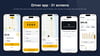
- Driver app, 31 screens: application and documents, online and offline home, job offers with a timer, pickup code and bag check, proof of delivery by photo or code, cash on delivery, failed delivery, earnings, payouts, trips, ratings, support and an emergency sheet
- Shared design system with light and dark themes, icons, food illustrations and a component gallery
- Shared order model and lifecycle, money in minor units, market settings
- Eight repository interfaces, a mock backend with JSON fixtures, and an order simulator with a demo panel
- English and Arabic (1,009 strings each) with right-to-left layout
- 58 unit and widget tests, including every route of every app in light/English and dark/Arabic
- Android release signing already set up (add your key.properties), launcher icons and splash screens per app
- HTML documentation: setup, Android and iOS release steps, architecture, connecting an API, rebranding, maps, roles, routes, localization, market settings, testing, licenses
- Commercial license (one developer, unlimited end products)
Requirements: Flutter 3.44 or later (Dart 3.12). Xcode 16 or later for iOS (deployment target iOS 13). Android Studio with an Android SDK for Android. Packages: flutter_riverpod, go_router, flutter_svg, intl. No API keys or accounts are needed to run the apps.