
Irregular Income Budget Template (Google Sheets): Pay Yourself a Salary + Tax Set-Aside + Invoice Log
When your income arrives in lumps, a normal monthly budget breaks. This planner is built around one idea: let client payments land in a buffer, and pay yourself a steady monthly salary out of it.
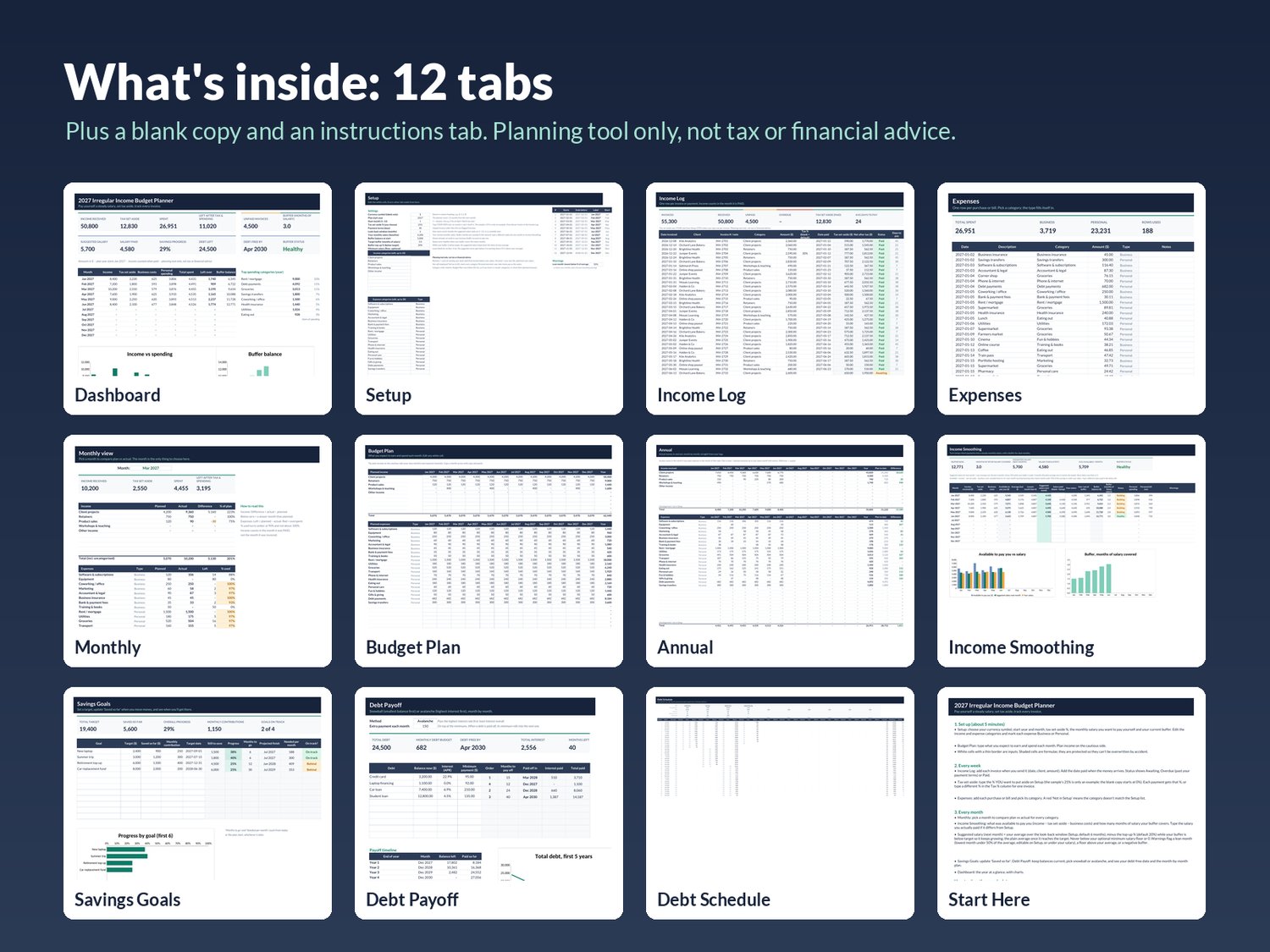
WHAT IT DOES
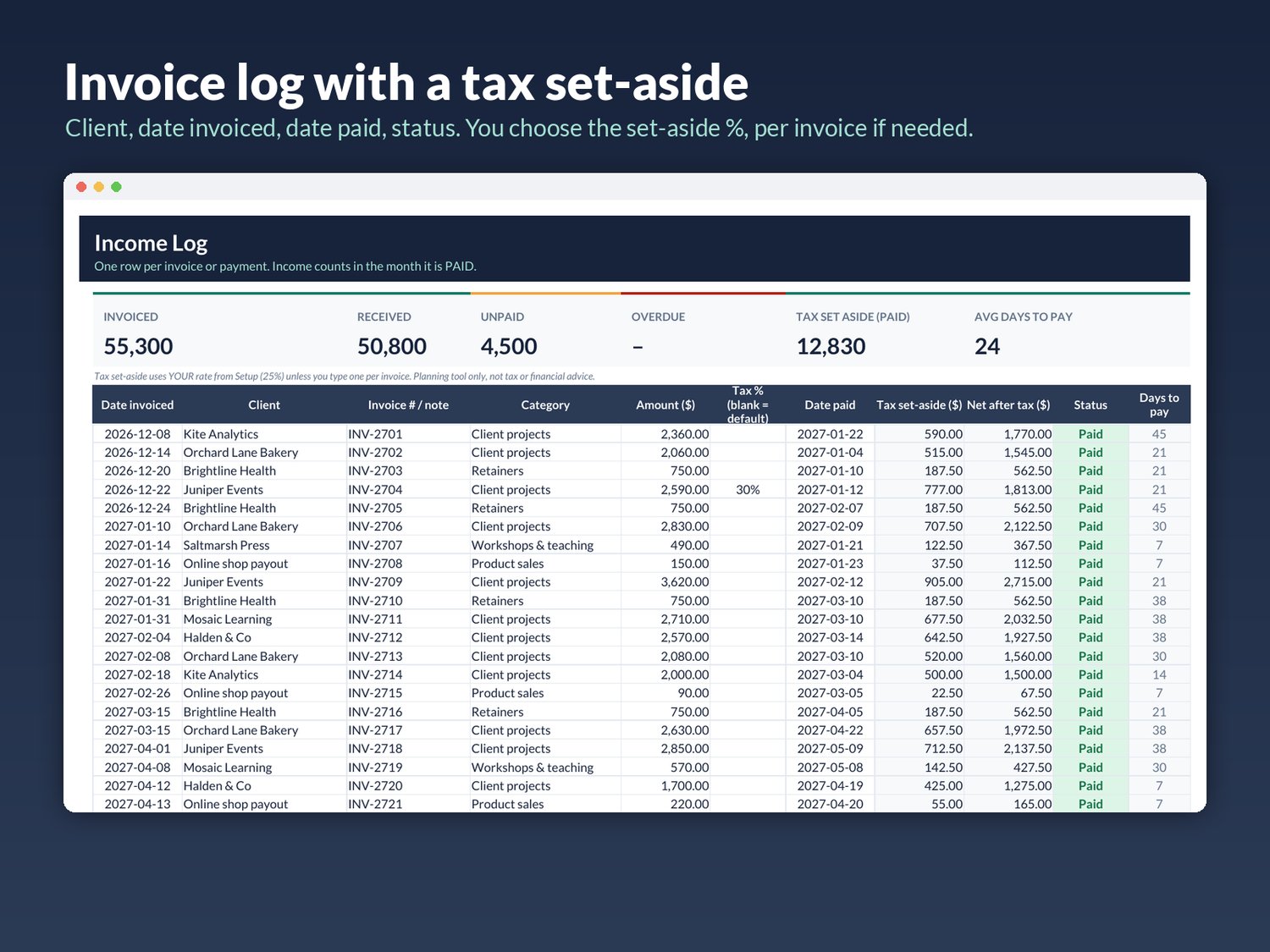
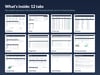
• Income Log: one row per invoice, with client, date invoiced, date paid, amount and status (Awaiting / Overdue / Paid). Income counts in the month it is actually paid.
• Tax set-aside: you type the percentage you want to put aside. No country's rate is built in; you can override it for any single invoice. It shows what you've set aside, not what you owe.
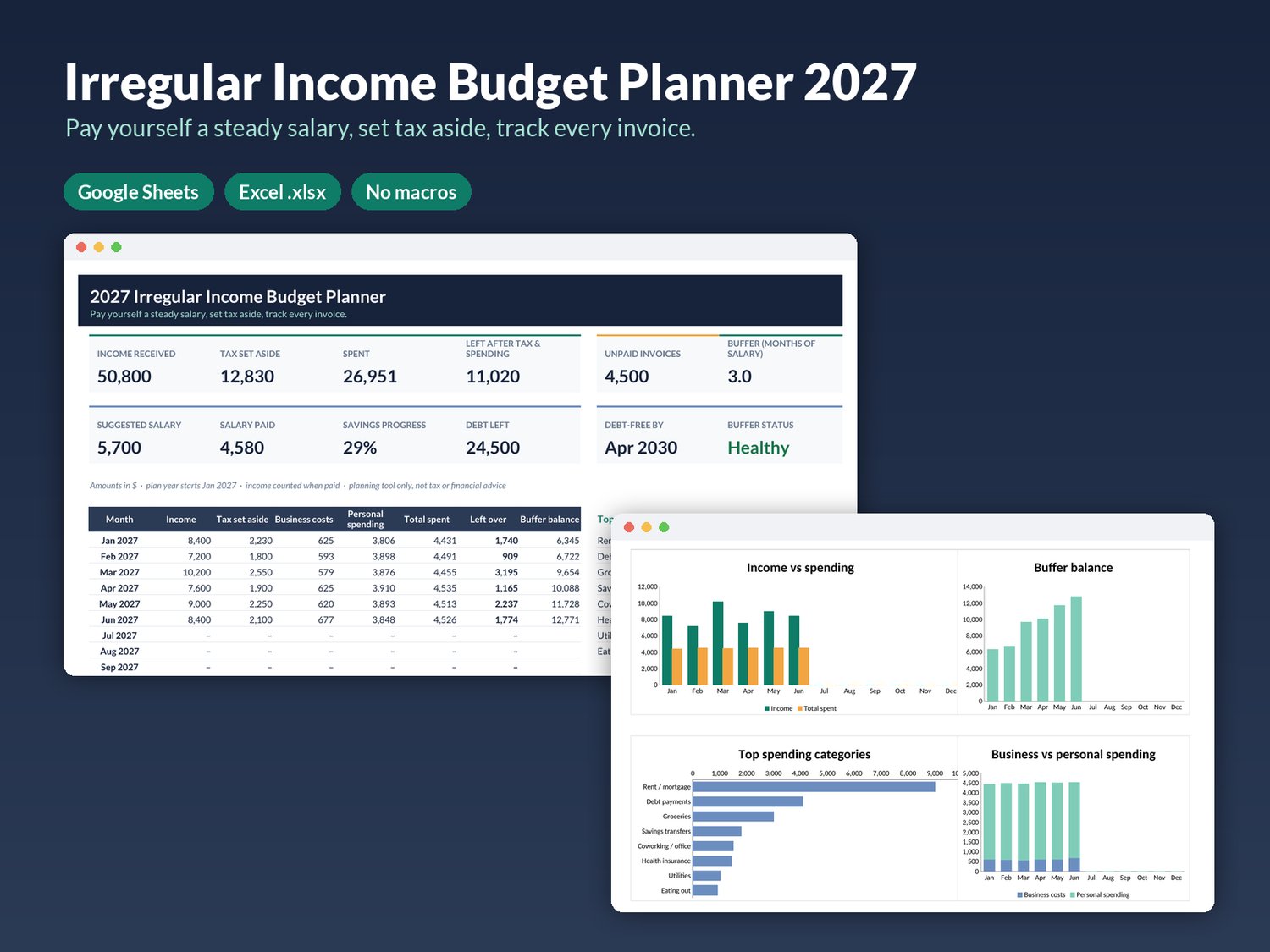
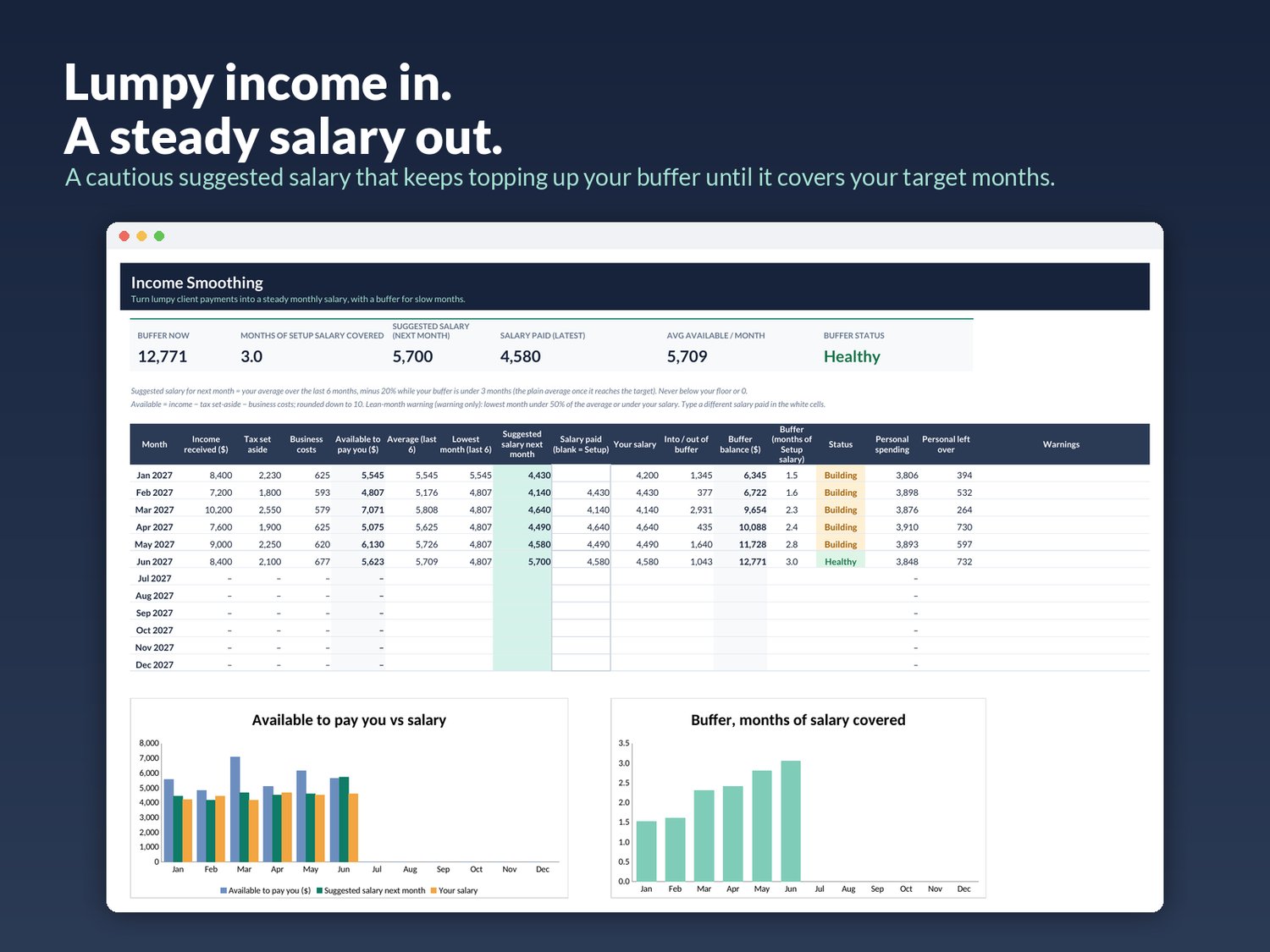
• Income Smoothing: what was available to pay you each month (income − set-aside − business costs), the salary you actually paid, a running buffer balance and how many months of salary it covers (Low / Building / Healthy against your own target).
• A cautious suggested salary for next month: your recent average (default: last 6 months) minus a buffer top-up (default 20%) while your buffer is below target, so part of every good month stays in the buffer; the plain average once the target is reached. Optional minimum-salary floor. Warnings flag a lean month in the window, a floor above your average, or a negative buffer. Window, top-up, target and floor are all yours to change.
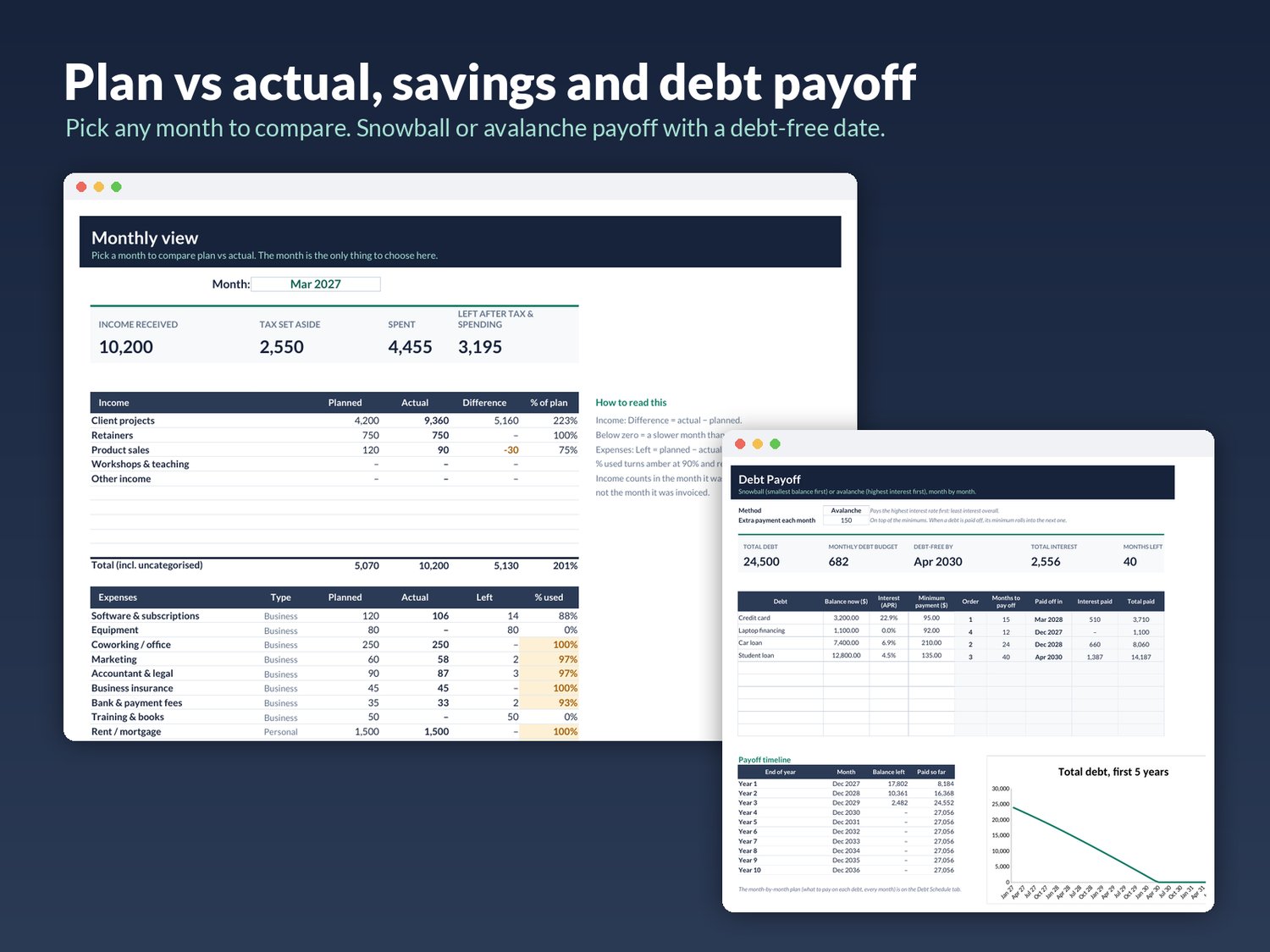
• Budget Plan + Monthly view: plan income and spending for each month, then pick any month to see planned vs actual for every category, with over-budget warnings.
• Annual tab: every category, month by month, against your plan to date.
• Expenses log with Business / Personal categories (up to 30, editable).
• Savings Goals (up to 12): progress, months to go, projected finish, needed per month and on-track status.
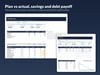
• Debt Payoff (up to 10 debts): snowball or avalanche, extra monthly payment, payoff month for each debt, total interest, debt-free date, and a 10-year month-by-month schedule.
• Dashboard with charts: income vs spending, buffer balance, top spending categories, business vs personal.
SET UP IN A FEW MINUTES
Pick your currency symbol, start month (any 12-month year, e.g. April–March), salary, starting buffer and categories on the Setup tab. Input cells are white; formula cells are protected (no password) so you don't overwrite them by accident.
PERFECT FOR
• Freelancers, contractors and gig workers with lumpy monthly income in 2027
• Paying yourself a steady monthly salary from uneven client payments
• Setting aside tax from every payment so April isn't a shock
• Building a buffer month so slow months don't hurt
• Anyone who wants a simple spreadsheet, no app or subscription
WHAT YOU GET
• Also opens in Google Sheets: upload the .xlsx to Google Drive and open it with Sheets (free Google account).
• An Excel .xlsx file, with sample data so you can see how it works.
• A blank .xlsx copy with no sample data.
• A Start Here tab with instructions, including how to clear the sample data.
GOOD TO KNOW
• No macros, scripts, add-ons or external links.
• A digital download: nothing is shipped.
• Planning tool only, not tax or financial advice.
• Designed and built with AI assistance, then tested by recalculating every formula in LibreOffice with sample data and with empty data.
See it in action: https://youtu.be/hLWG0_nRSUo