
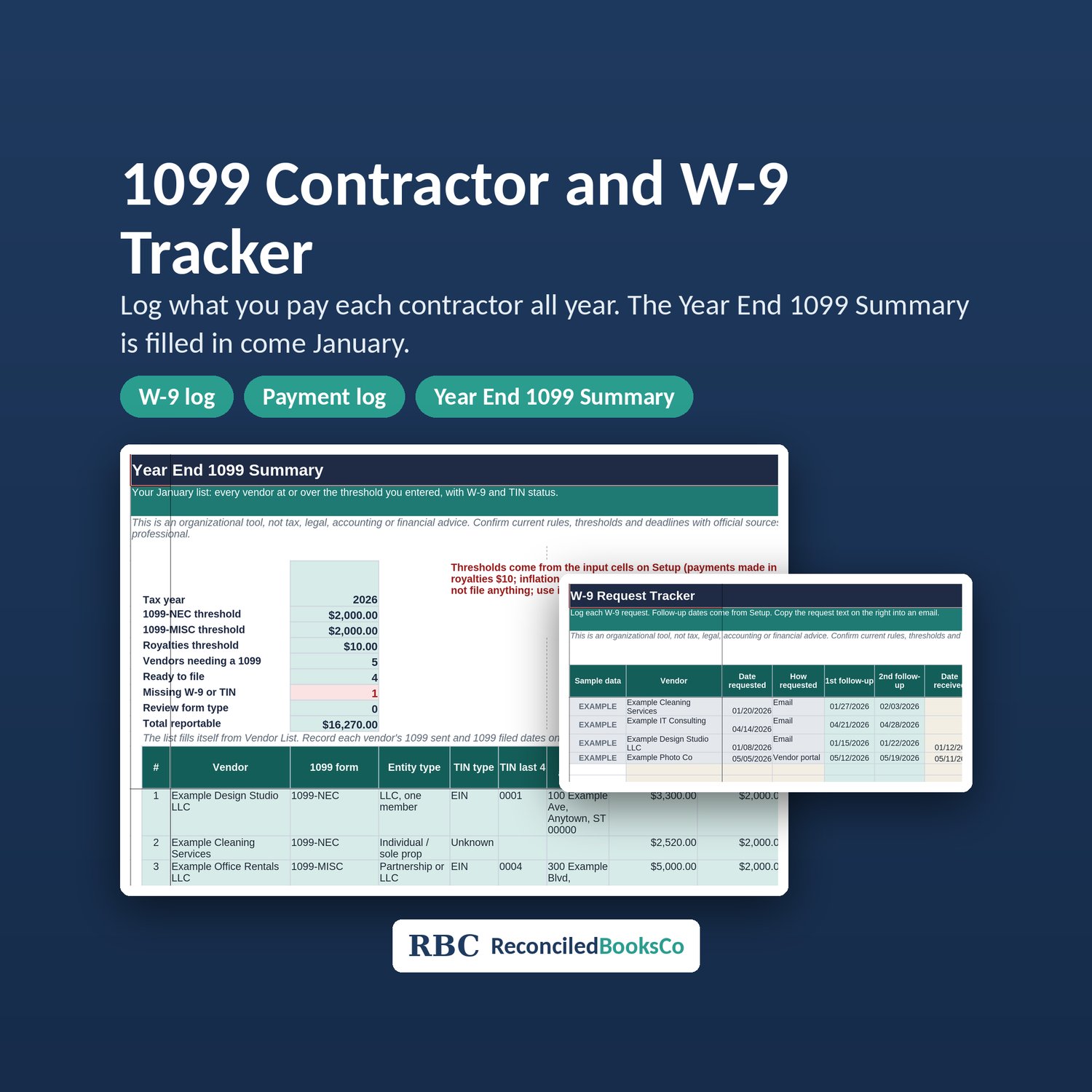
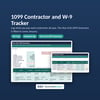
1099 Contractor Tracker Spreadsheet: W-9 Log, Vendor Payment Tracker and 1099-NEC Year End Summary (Excel and Google Sheets)
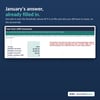
A 1099 contractor tracker spreadsheet with a W-9 log and vendor payment tracker built in. Record what you pay each contractor during the year and the 1099-NEC Year End Summary is already filled in come January.
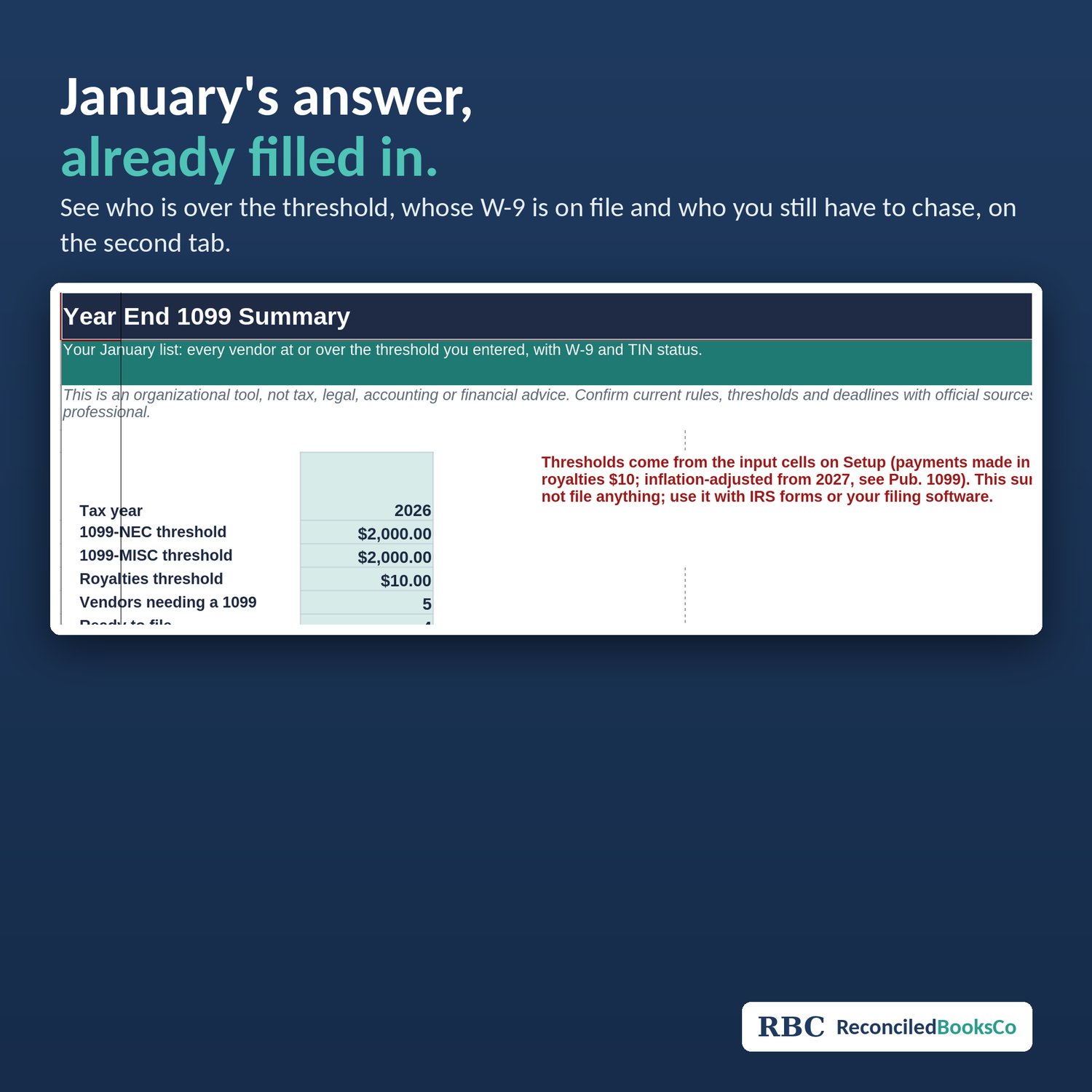
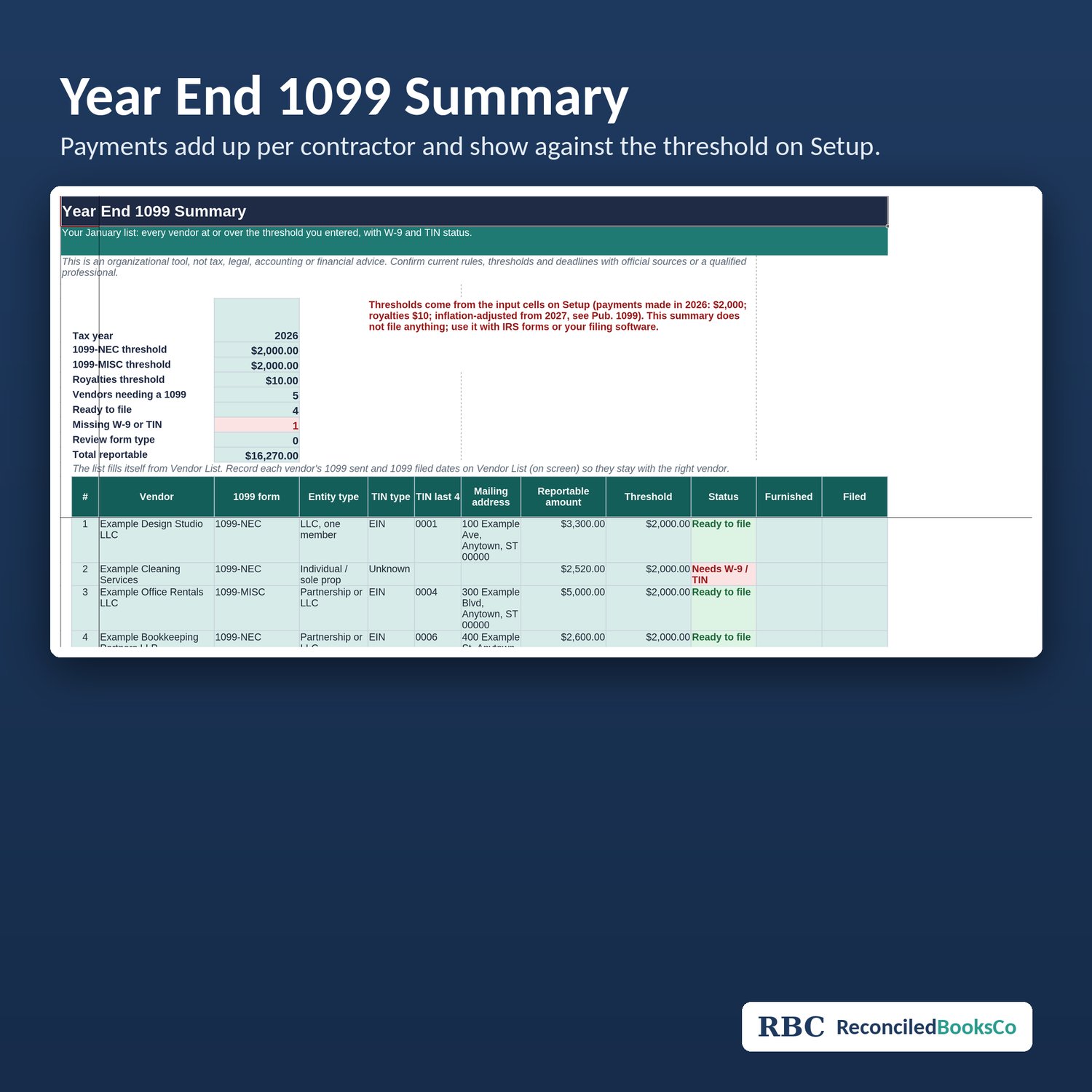
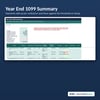
The Year End 1099 Summary sits right after START HERE, so the answer you need in January comes first: who is over the threshold, whose W-9 is on file, and who you still have to chase.
Updated for payments made in 2026: the IRS 1099-NEC and 1099-MISC reporting threshold is $2,000 (it was $600 for payments made before 2026), and royalties stay at $10 (see IRS guidance). Thresholds are input cells on Setup, so you can update them when the IRS adjusts the amount for inflation from 2027.
How it works
1. On Setup, confirm the tax year and the thresholds.
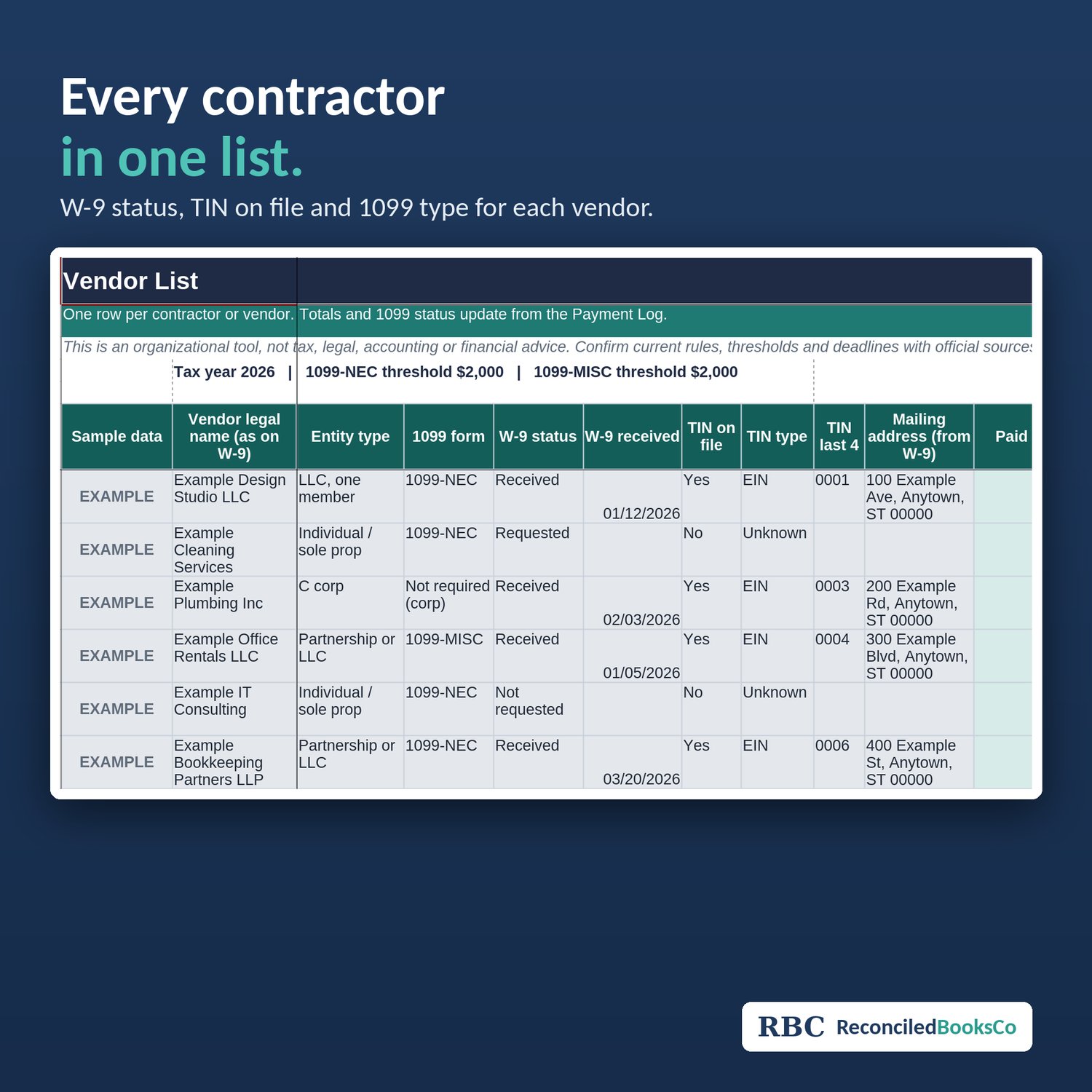
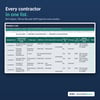
2. Add each contractor on Vendor List with W-9 status, TIN on file and 1099 type.
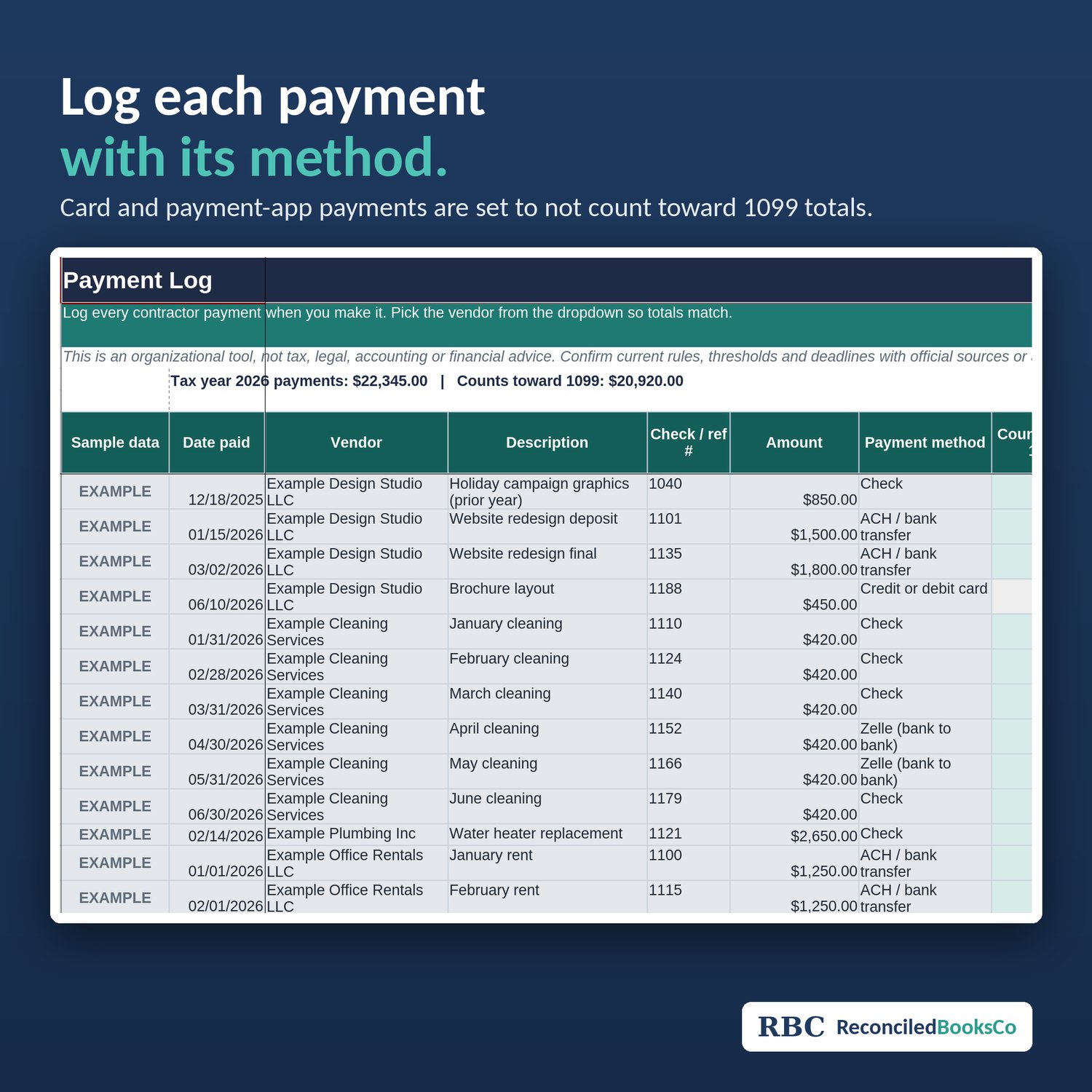
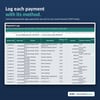
3. Log every payment on Payment Log with the payment method. Card and PayPal payments are kept apart because the card processor or app usually reports those on Form 1099-K.
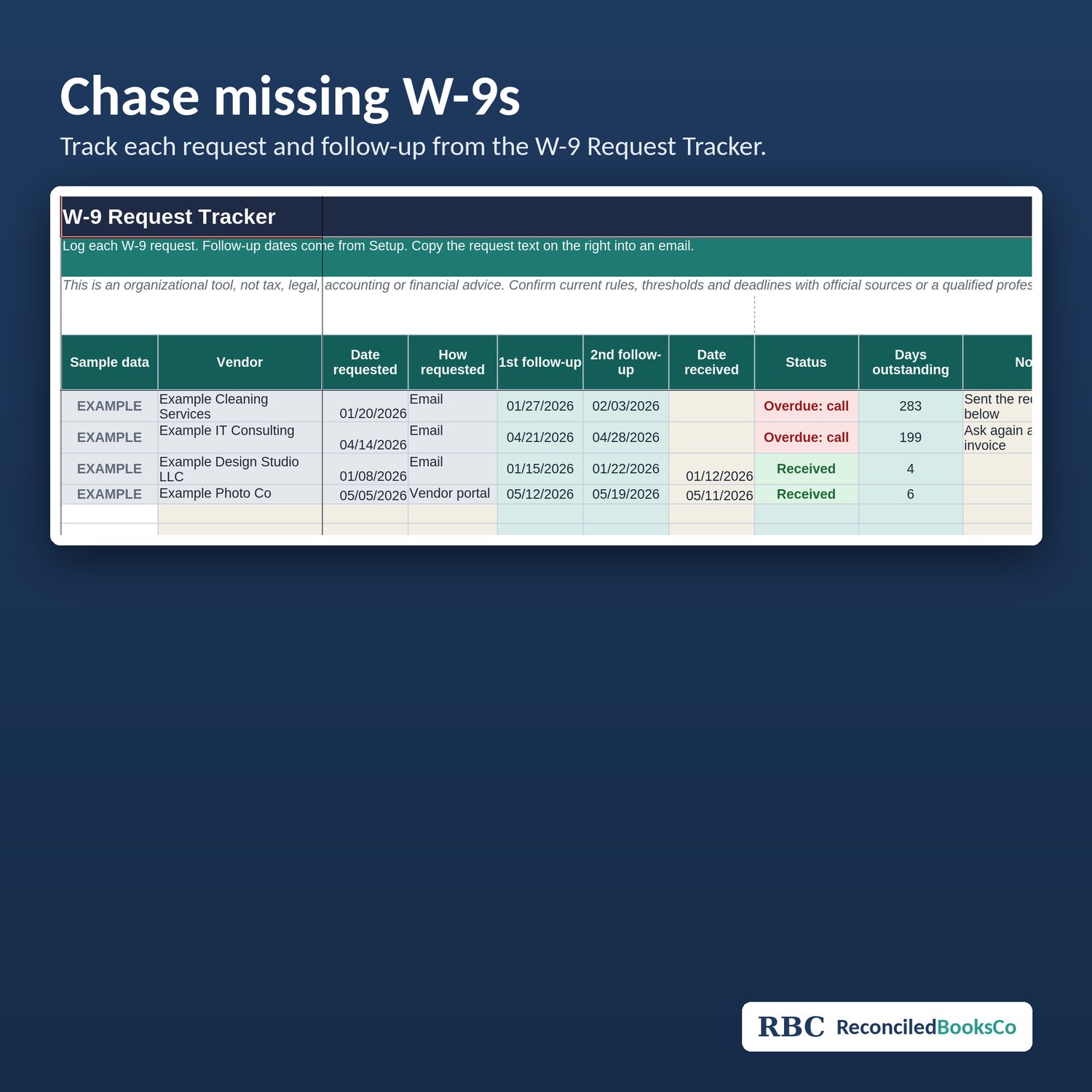
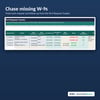
4. Request missing forms from the W-9 Request Tracker.
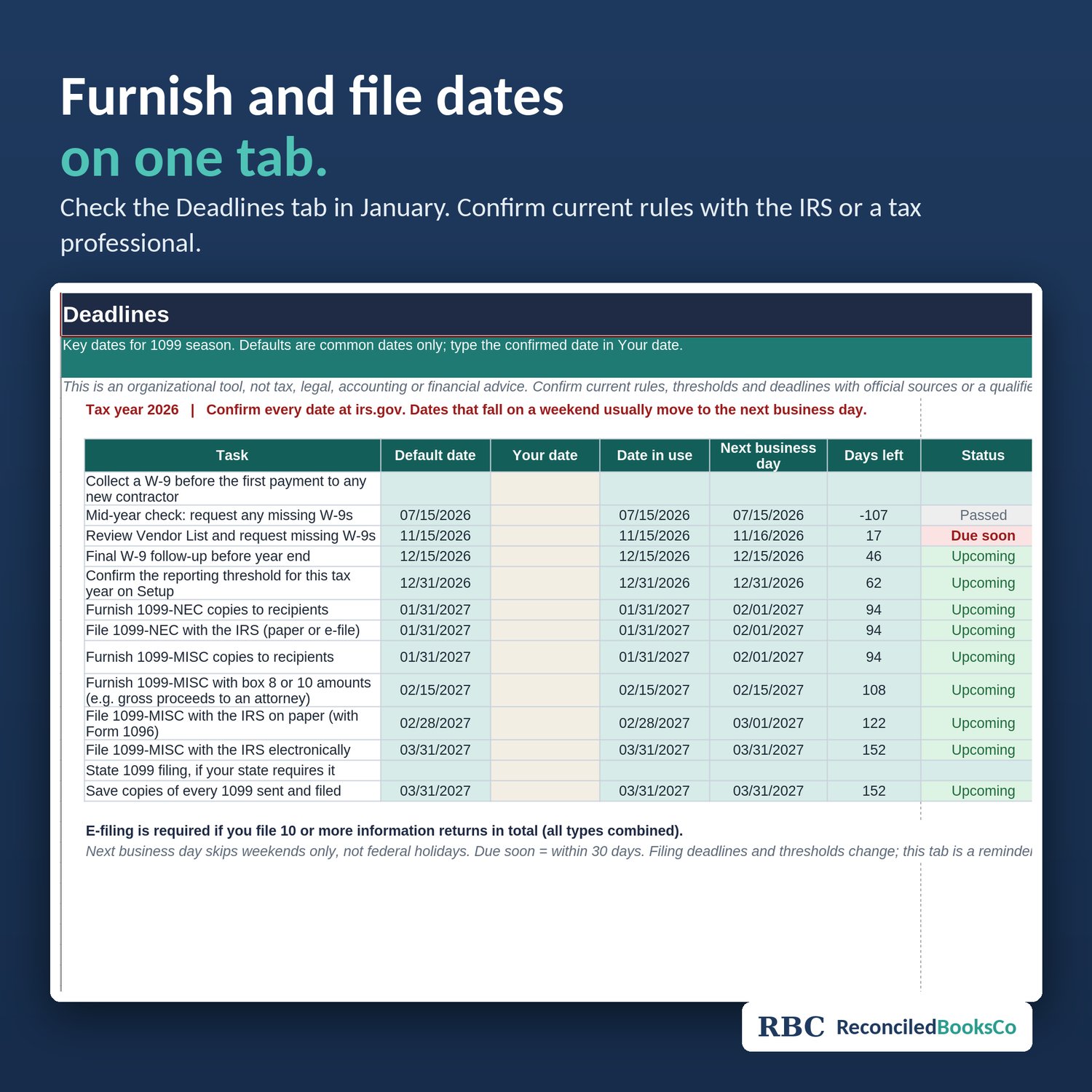
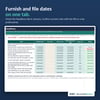
5. In January, open the Year End 1099 Summary and check the Deadlines tab for furnish and file dates.
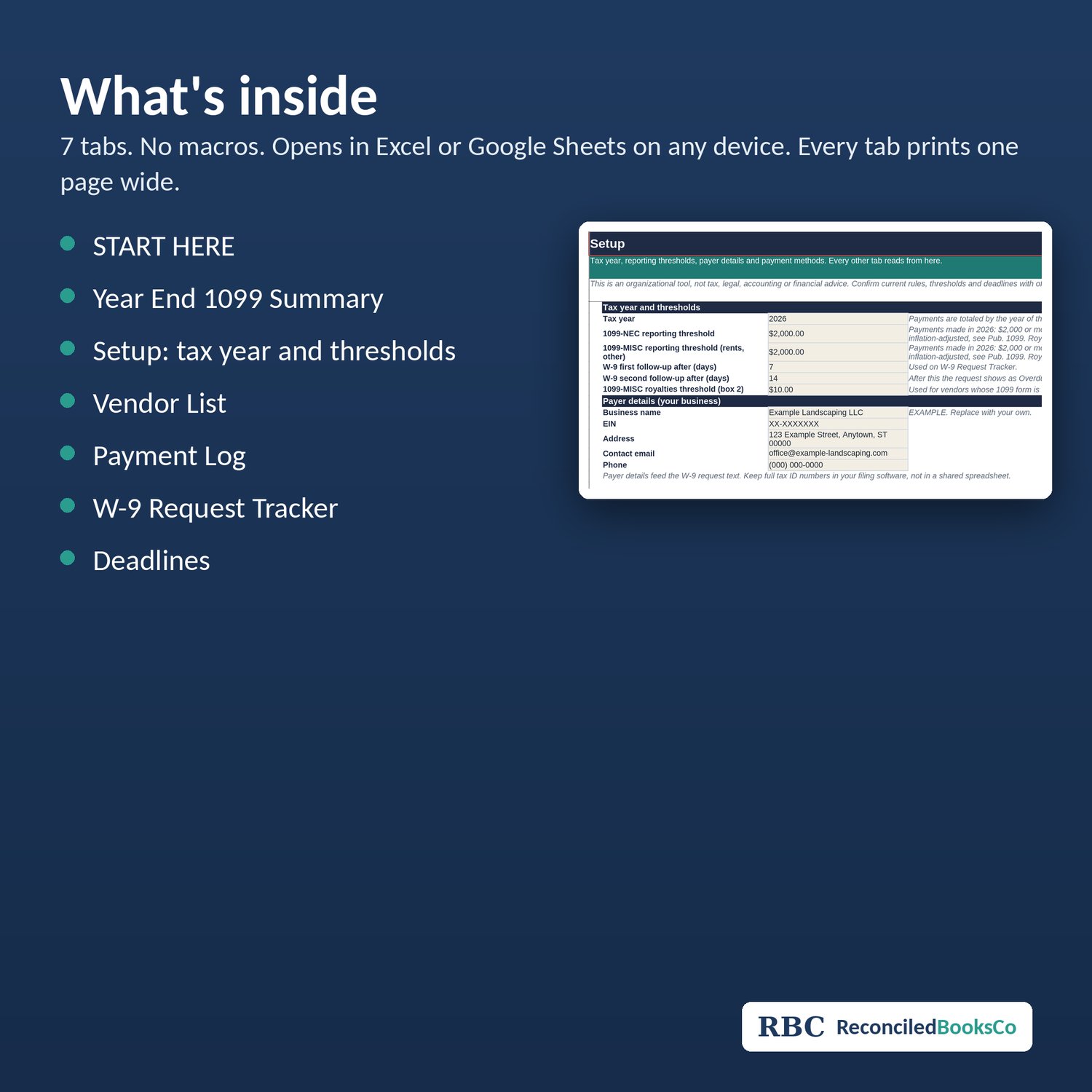
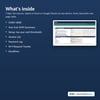
What's inside (7 tabs): START HERE, Year End 1099 Summary, Setup, Vendor List, Payment Log, W-9 Request Tracker, Deadlines.
Works in Excel or Google Sheets on any device. No macros. Every tab prints one page wide at a readable size.
This is an organizational tool, not tax, legal, accounting or financial advice. Confirm current rules with IRS guidance or a tax professional. This file does not file forms for you.
License: one purchase covers one household, business, church or organization. Please don't resell, share or redistribute the files.