
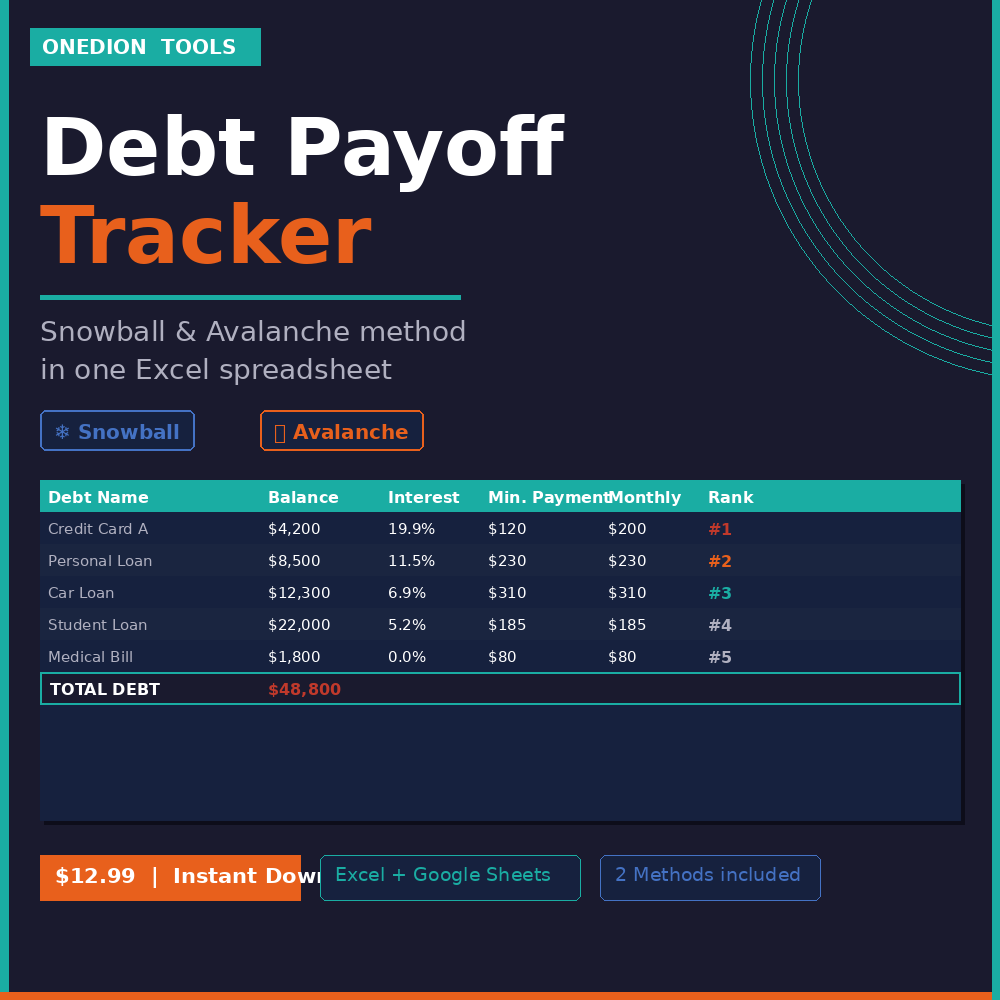
Debt Payoff Tracker — Snowball & Avalanche Method in Excel
Stop making minimum payments and never seeing the balance drop.
This spreadsheet gives you a clear plan to pay off every debt
— faster and smarter. Enter your debts once, choose your method,
and know exactly which debt to attack first every month.
WHAT YOU GET:
→ 1 Excel file (.xlsx) — works in Microsoft Excel and Google Sheets
→ 5 tabs included:
• Debt List — enter all debts: name, balance, interest rate, payments
• Debt Snowball — ranked by smallest balance for quick wins
• Debt Avalanche — ranked by highest interest to save the most money
• Dashboard — total debt, monthly payments, active debts at a glance
• Start Here — instructions to get started in 5 minutes
→ Supports up to 10 debts simultaneously
→ Automatic ranking per method — nothing to sort manually
→ Color-coded: blue cells = enter your data | black = calculated
→ Instant download — no waiting, no account needed
PERFECT FOR:
→ Anyone ready to get serious about paying off debt
→ People choosing between Snowball and Avalanche methods
→ Freelancers and small business owners managing multiple debts
→ Anyone who wants a clear, visual plan instead of spreadsheet chaos
HOW IT WORKS:
1. Download instantly after purchase
2. Open in Excel or Google Sheets
3. Enter your debts in the Debt List tab — both method tabs update automatically
No formulas to build. No setup required. Just enter your debts and go.
Questions? Message me via Gumroad — I respond within 24 hours.