
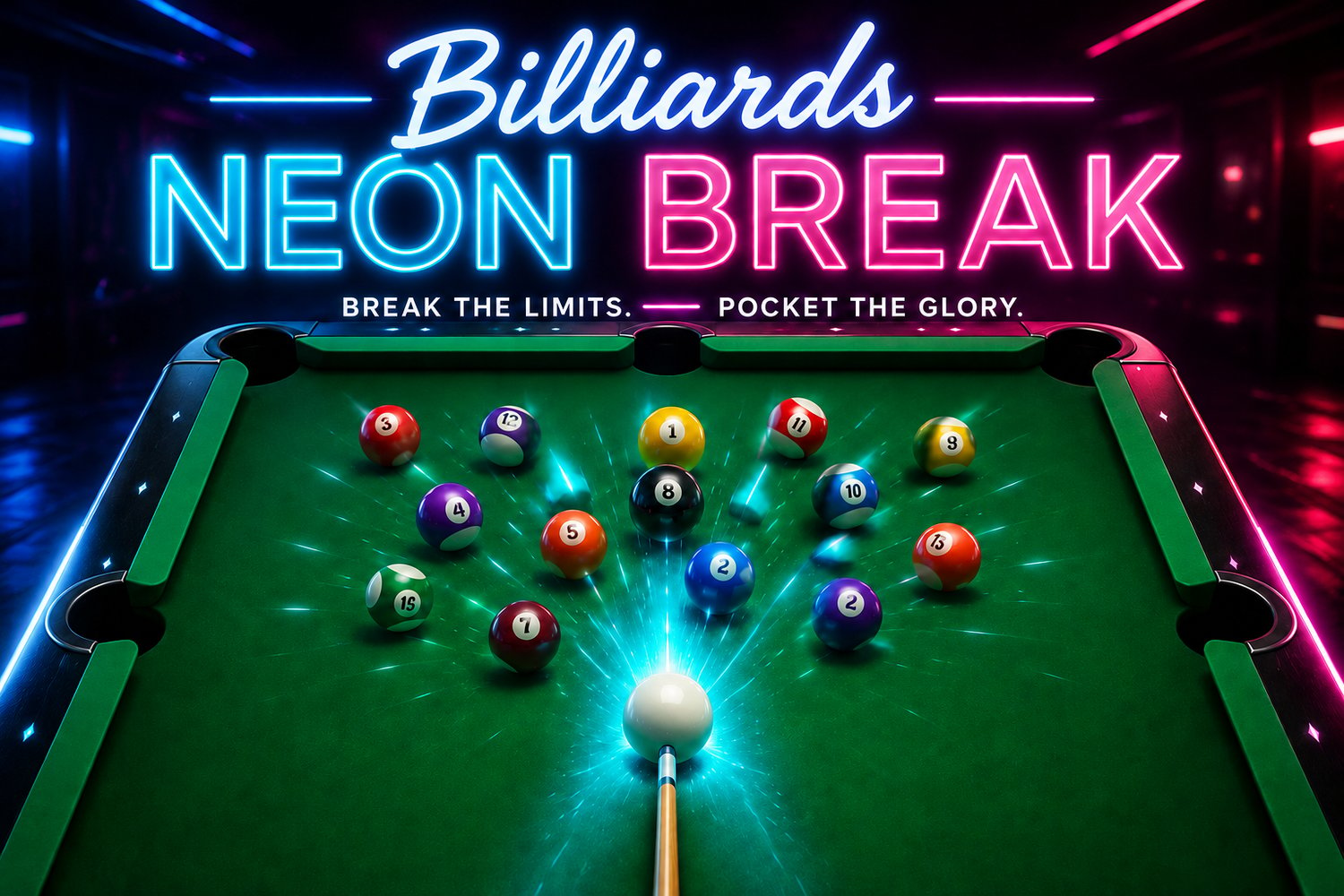

Billiards - Neon Break
NEON BREAK
— A R C A D E B I L L I A R D S —
Single-file. Browser-native. No installs, no servers, no apologies.
Underneath the retro skin is a precision physics engine: every collision is solved analytically, every cushion bounce conserves the right slice of energy, and every shot you take rewards careful aim and well-judged power. Whether you want a quick frame on a coffee break, a grudge match against a neighbor, or a punishing fight with a hard-difficulty AI that actually plans its shots, NEON BREAK delivers.
1. WHAT IT IS
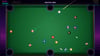
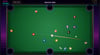
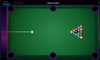
NEON BREAK is a fully playable retro-style 8-ball pool game running entirely in your web browser. It is delivered as a single self-contained HTML file — no external libraries, no installation, no internet connection required after download. Open it once, and it works offline forever. The presentation is unapologetically retro-arcade: a synthwave horizon, a glowing CRT scanline overlay, neon-pink and electric-cyan typography, and an animated attract screen with a flashing PRESS START prompt.
Despite the arcade veneer, the rules are real 8-ball: solids and stripes are assigned on the first legal pocket, scratches give your opponent ball-in-hand, and sinking the eight-ball before clearing your group still loses you the game. Combo shots score bonus points. A camera-shake on power shots and trailing light streaks behind fast-moving balls give the action genuine weight.
2. FIVE WAYS TO PLAY
Five distinct modes are available from the main menu, designed for everything from a five-minute distraction to a competitive evening:
} 8-Ball Classic — a full-rules 8-ball game in the classic format, played at your own pace.
} Versus Computer — face off against a cue-AI that evaluates every legal target against every pocket, scoring shots by line-of-sight, cut angle, and distance. Three difficulty tiers — Easy, Medium, Hard — modulate the AI’s aim error so you can train up gradually and still find a real opponent at the top.
} 2-Player Local — two players, one screen, alternating turns. Pass-and-play that takes thirty seconds to explain.
} Time Attack — a high-score chase. You have three minutes to pocket as many balls as possible. Every ball is points; scratches cost time; clean clearing the rack triggers an instant re-rack. Your best score persists between sessions.
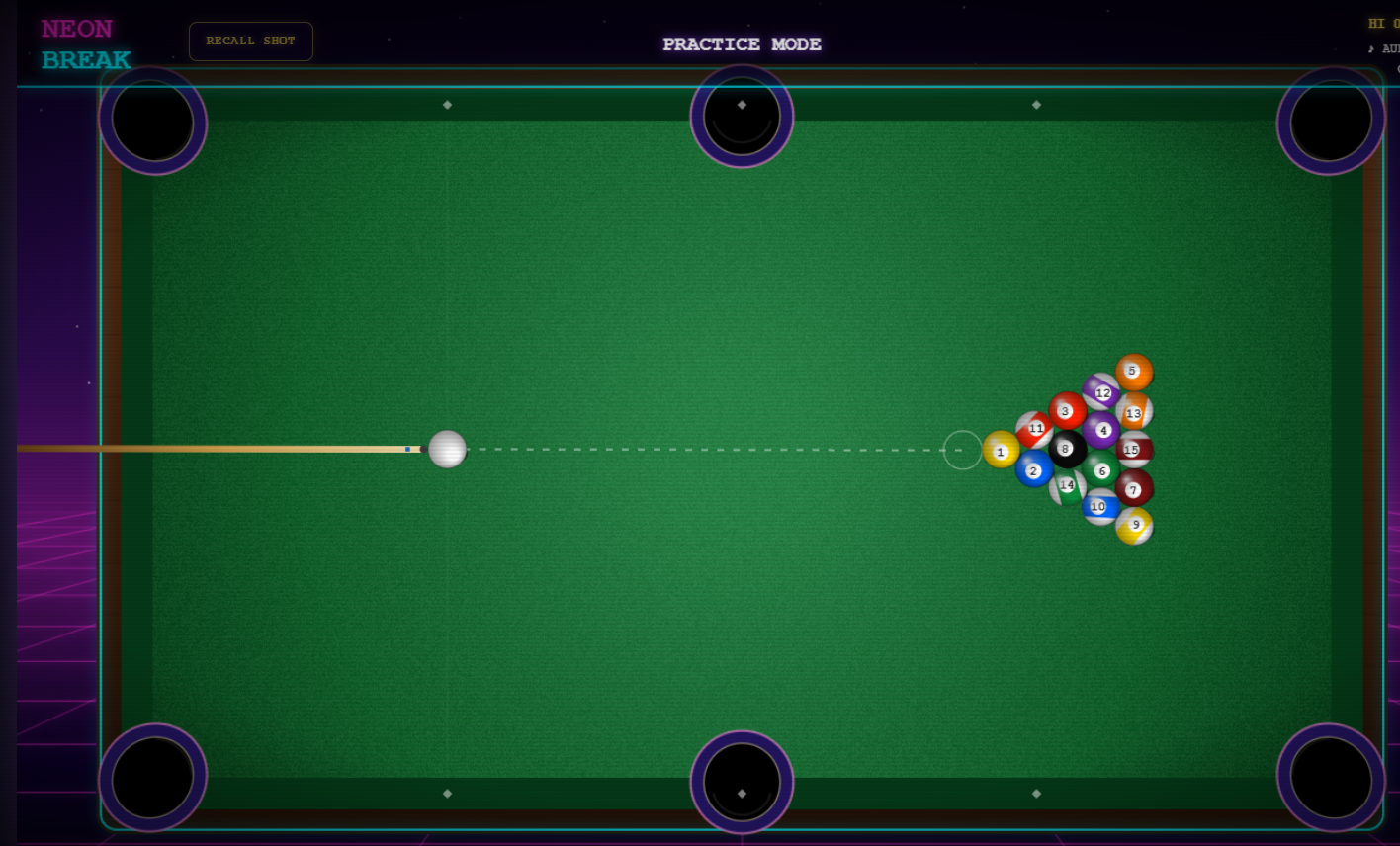
} Practice — a sandbox with no rules, no turns, and no penalties. Use it to drill bank shots, work on cut angles, or just mess around. The rack auto-resets when you clear it.
3. WHAT MAKES IT FEEL GOOD
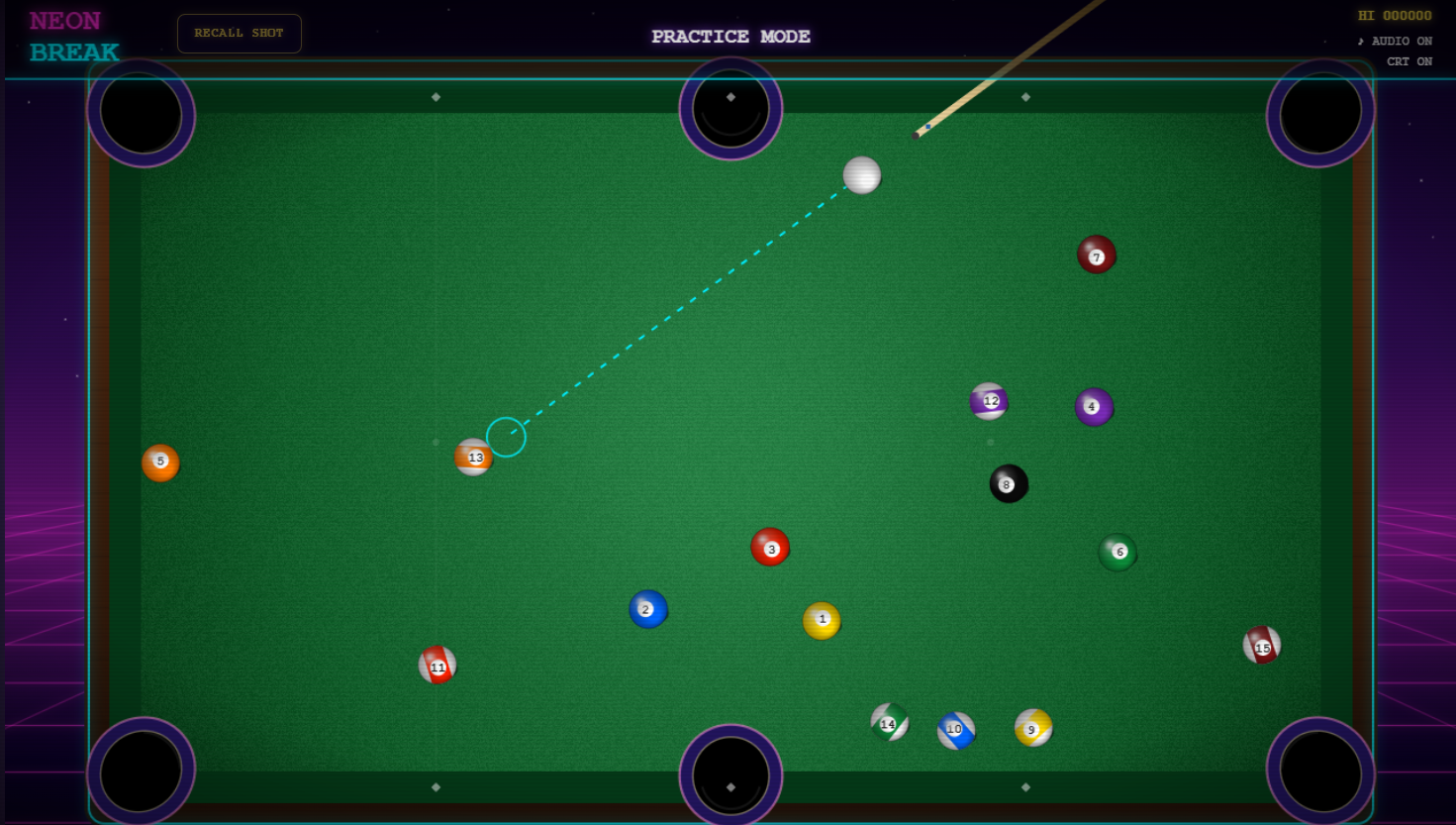
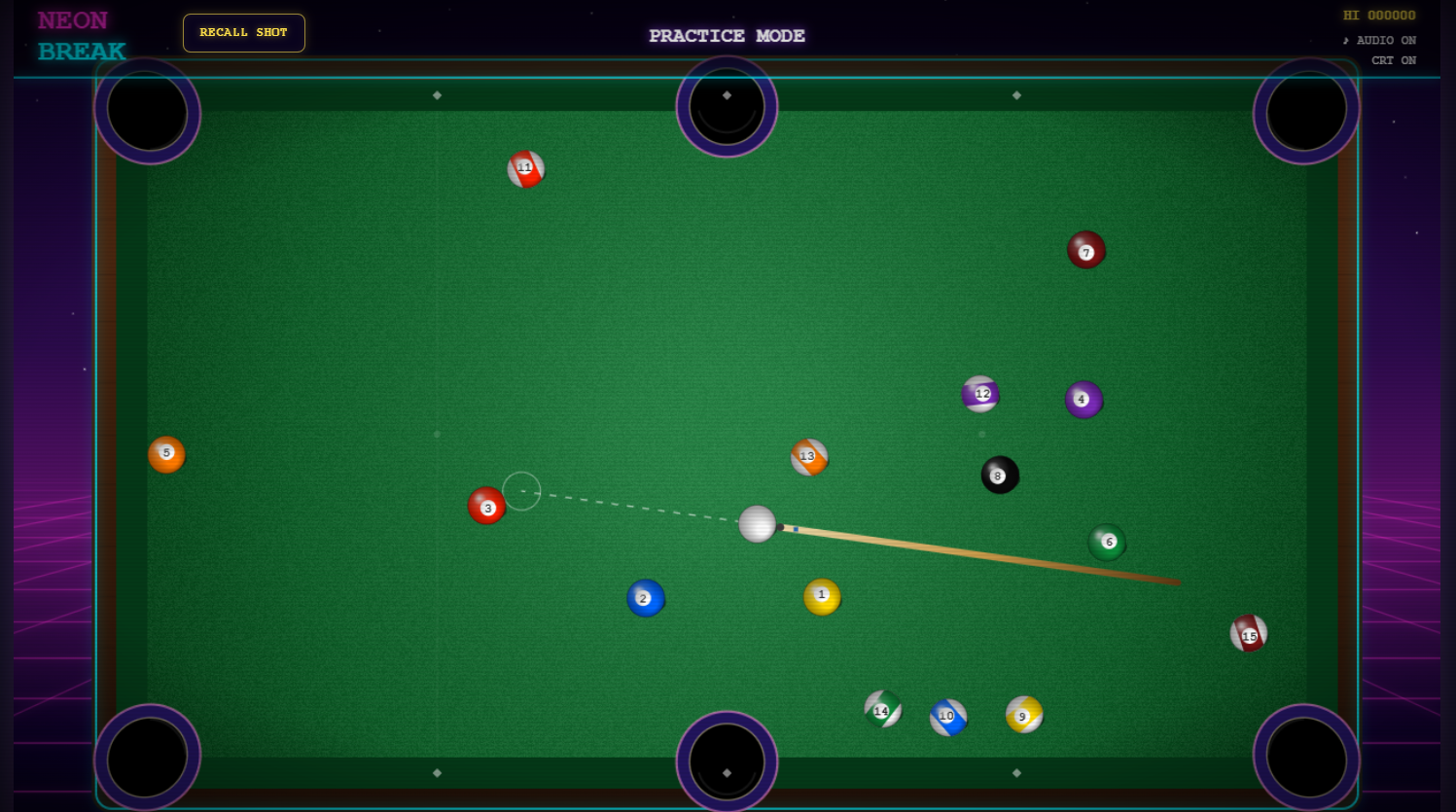
Most browser pool games stumble at the same place: the moment you take a shot. Either the aim is jittery, or the power is fixed at the click point with no chance to back out. NEON BREAK was built around solving exactly this. Pre-shot, your aim line follows the mouse with sub-pixel smoothness — the prediction uses analytical ray-circle and ray-rectangle intersection, so the ghost ball never quantizes or jumps. The instant you press the mouse button, the aim direction LOCKS at that angle. From that moment until you release, the mouse no longer steers — it controls power along that locked axis. Pull back to charge, push forward to bleed power back down, even all the way to zero if you change your mind. You can fine-tune the strength as long as you like before committing.
The result is a control feel that more expensive desktop pool simulators struggle to match: aim is fast and precise, and shot strength is always cancellable, recoverable, and yours to command.
4. FEATURES AT A GLANCE
} Real billiards rules: 16 balls, full 8-ball ruleset, ball-in-hand placement after scratches, foul detection, group assignment on first pocket.
} Genuine physics: analytical ray-circle aim prediction, four-substep collision solver, friction-driven roll-out, accurate cushion bounces with cut-aware pocket geometry.
} Lock-aim power control: aim locks at click, power adjusts both up and down along the aim axis. Hold space (or tap PREC on touch) for an extended ghost-line that shows the target ball’s predicted travel direction.
} Cue-aware computer opponent: a strategic AI that searches every legal target × pocket pair, scoring by line-of-sight, cut angle, and distance. Three difficulty levels.
} Procedural retro audio: ball collisions, cushion thuds, cue-tip strikes, and a multi-layered drop sound modeled on a real pool table — a leather-cushion clip, a deep wooden thud, and two or three random rattles as the ball settles in the basket.
} Polish that earns its keep: camera shake on heavy shots, neon particle bursts on impact, light trails behind fast-moving balls, chalk dust at the cue tip, ball-in-hand pulse indicator, animated combo notifications.
} Achievements & high scores: an unlock system tracking First Blood, Triple Threat, Clean Break, Nuclear, Champion, Bank Shot, and Speedrun. Achievements and Time Attack high score persist via localStorage.
} Mobile-friendly: the same single file works on desktop with mouse + keyboard and on phones and tablets with touch. On-screen buttons appear automatically on touch devices for pause, restart, precision, mute, CRT, and fullscreen. A power +/- nudge pad gives finger users frame-perfect control.
} CRT presentation: toggleable scanline overlay, vignette edge darkening, and the entire UI rendered in vector code so it stays sharp at any resolution.
5. HOW TO PLAY
Start the game and click or tap the title screen to insert your virtual coin. From the menu, choose your mode. Use arrow keys (or tap the menu items) to highlight, Enter (or a second tap) to confirm. For Versus Computer, set the AI difficulty before starting.
Once on the table:
MOUSE aim by moving over the table; click and hold the cue ball to charge
DRAG BACK pull the mouse back along the aim axis to increase power
DRAG FORWARD push it forward to reduce power, even to zero
RELEASE shoots along the locked aim direction
SPACE hold for precision aim with extended target trajectory
ESC pause / resume
R restart the current frame
M mute / unmute sound effects
C toggle the CRT scanline overlay
F fullscreen
On phones and tablets, the same actions are available through on-screen buttons; aim and power are driven by single-finger drag exactly as on desktop, with extra +/- nudge buttons appearing while you charge so you can fine-tune the shot to single-percent precision.
6. INSTALLATION
There is no installation. NEON BREAK is a single HTML file. To play, simply:
1. Download the file, named NEON_BREAK.html.
1. Save it anywhere on your computer or phone.
2. Double-click it (or open it in any modern browser — Chrome, Edge, Firefox, Safari).
3. Click or tap to insert coin. That is the entire installation procedure.
The game runs entirely on your local machine. It never connects to the internet, never sends telemetry, and never asks for permissions beyond audio playback. Your high scores and achievements are saved to your browser’s localStorage, so they survive between sessions on the same device.
On mobile devices, you may want to add NEON BREAK to your home screen for a fullscreen, app-like experience. In iOS Safari, tap the share icon and choose Add to Home Screen. On Android Chrome, tap the menu and choose Install app.
7. SYSTEM REQUIREMENTS
Minimum: any device, of any vintage, that can run a modern web browser. The game is GPU-accelerated where possible but falls back gracefully on older integrated graphics. A keyboard and mouse are recommended on desktop; a touchscreen is fully supported on phones and tablets in landscape orientation.
Disk space: under 200 KB. The entire game — code, audio, visuals — fits in a single HTML file smaller than most photographs.
Network: not required. After download, NEON BREAK is fully offline.
8. RACK ’EM UP
NEON BREAK is the kind of game that you keep installed on every device you own and load up whenever you have ten free minutes — and then look up an hour later and realize you’ve been chasing a perfect run-out the whole time. It is small, it is sharp, it is honest about what it’s trying to be, and it absolutely refuses to be boring.
Insert coin. Break the rack. Welcome back to the arcade.
▶ © 1986 NEON DYNAMICS ◀