
Restaurant Inventory Spreadsheet, Par Level Order Guide, Vendor Order Sheets, COGS Calculator, Usage Variance Tracker, Excel Template
Inventory only becomes useful when the count drives a decision. This workbook links what is on your shelves with par levels, vendor ordering, inventory value, purchases and cost of goods sold.
Use it to reduce missed orders, spot unusual usage and keep purchasing connected to the actual needs of your operation.
Built for kitchens and bars that order from several vendors each week. Before release, the formulas were checked with automated tests against independent calculations on three sample operations: a casual restaurant, a cafe and bakery, and a bar with food.
OPERATIONAL PURPOSE
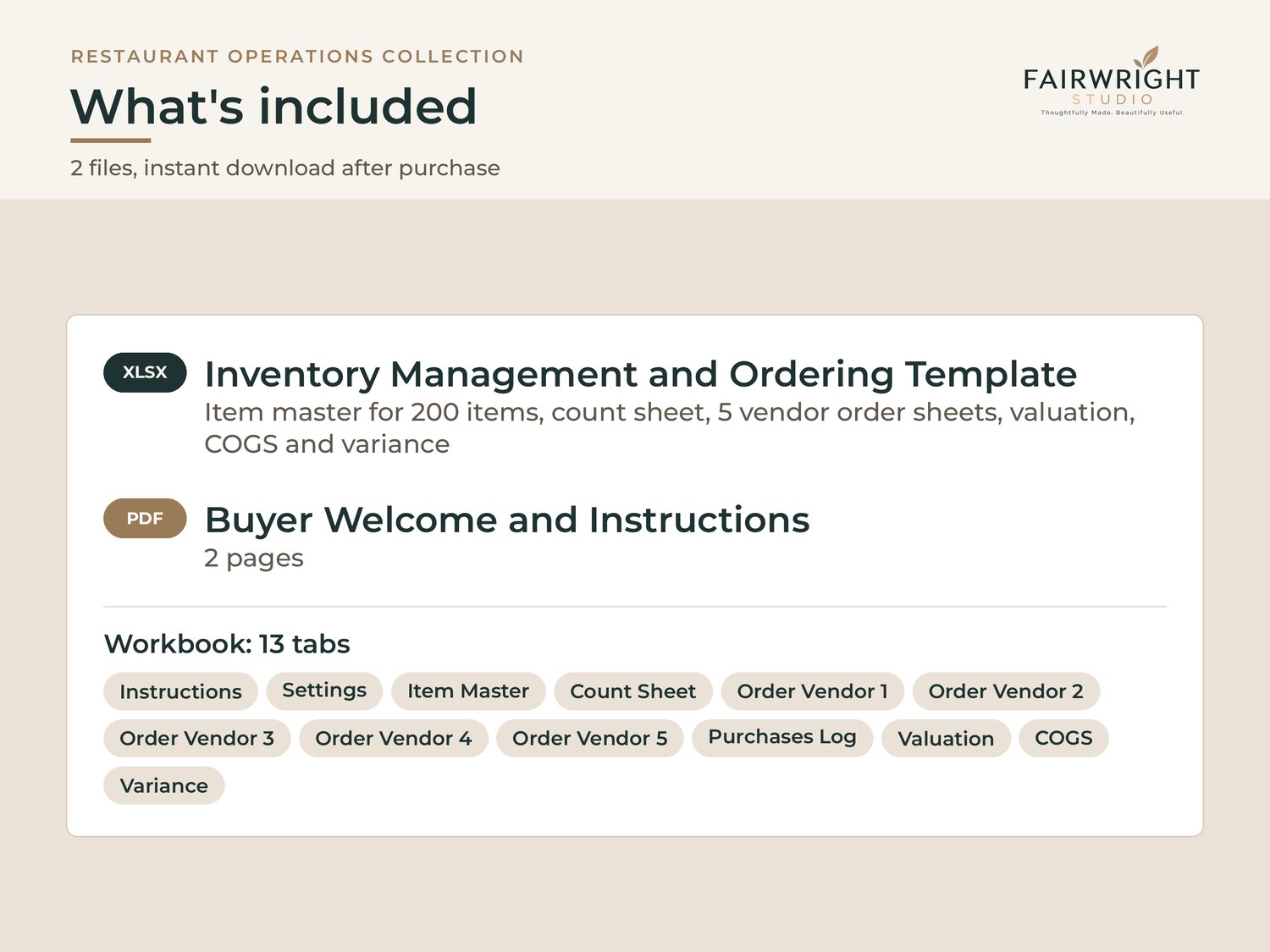
• Item master with category, storage area, shelf order, vendor, count unit, case size, case cost and par level. Room for 200 items.
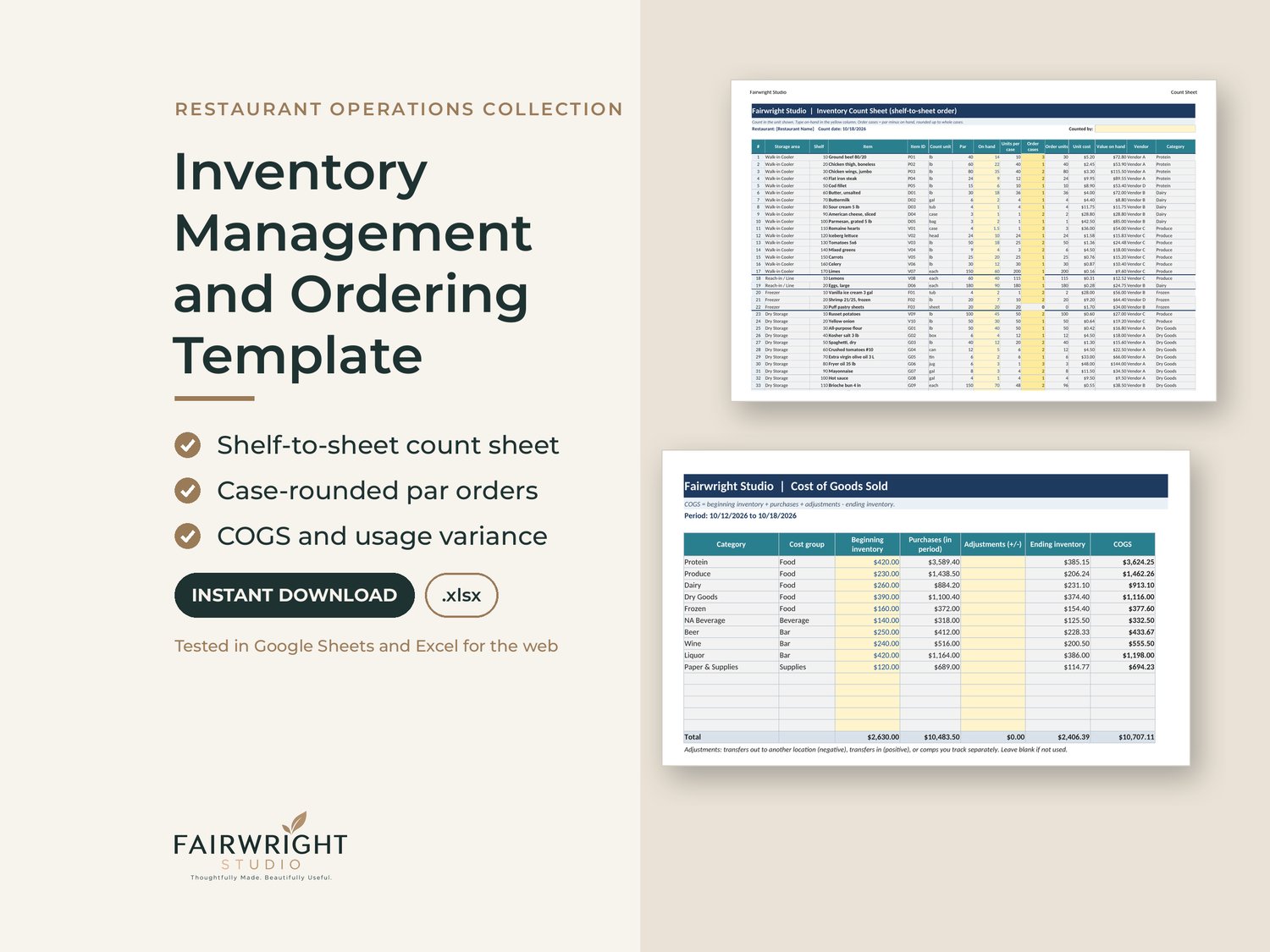
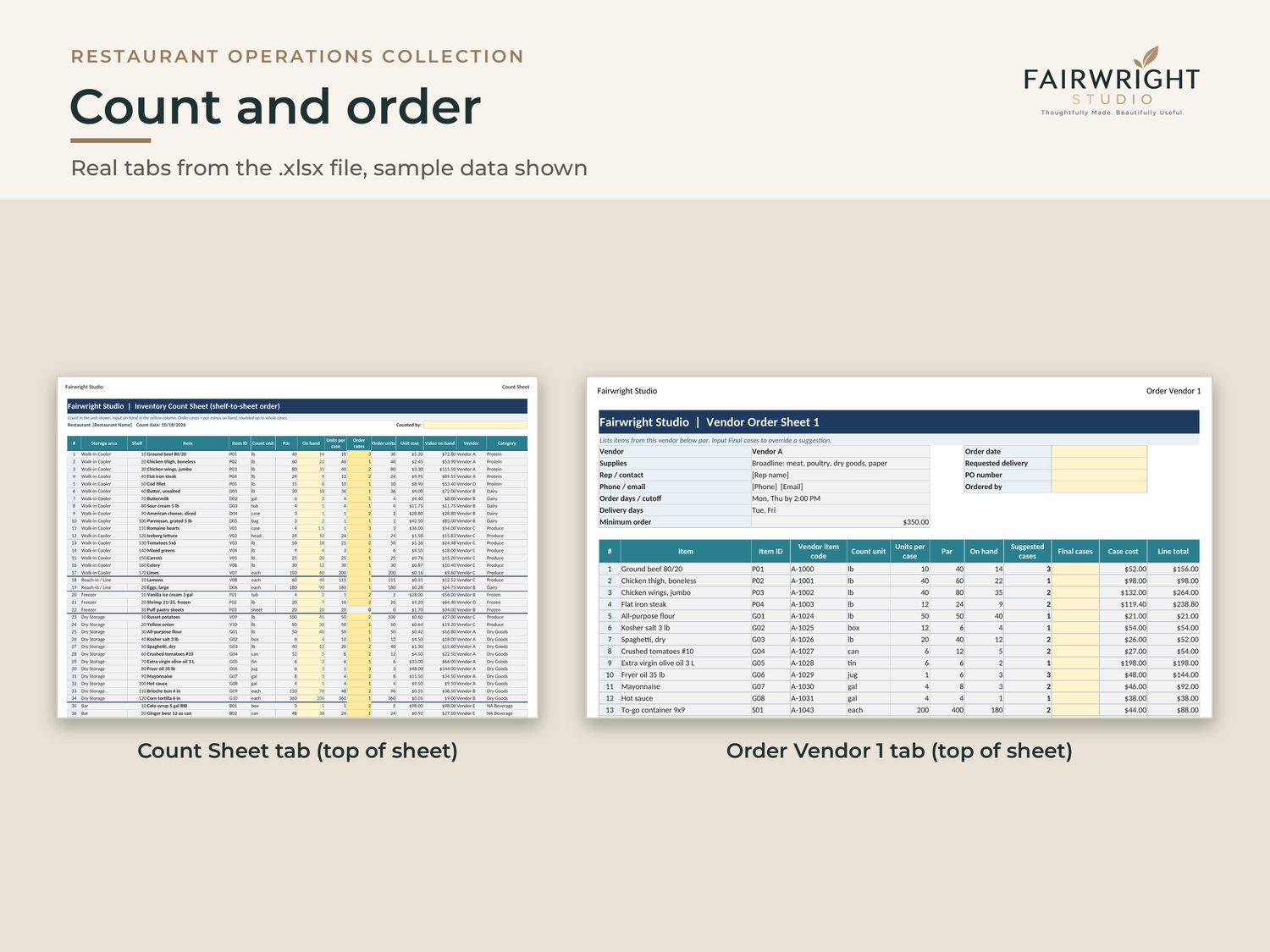
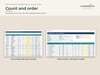
• Count sheet that sorts itself in shelf-to-sheet order, area by area, so you walk the walk-in once. Decimal shelf numbers work (15.5 sits between 15 and 16).
• Order quantity calculated as par minus on hand, rounded up to full cases.
• Five vendor order sheets that list only what each vendor needs to bring (up to 80 lines each), with case cost, line totals, an override column and a vendor minimum check.
• Purchases log by invoice, date, vendor and category, with credits.
• Weekly inventory valuation by category and storage area, plus a running weekly log.
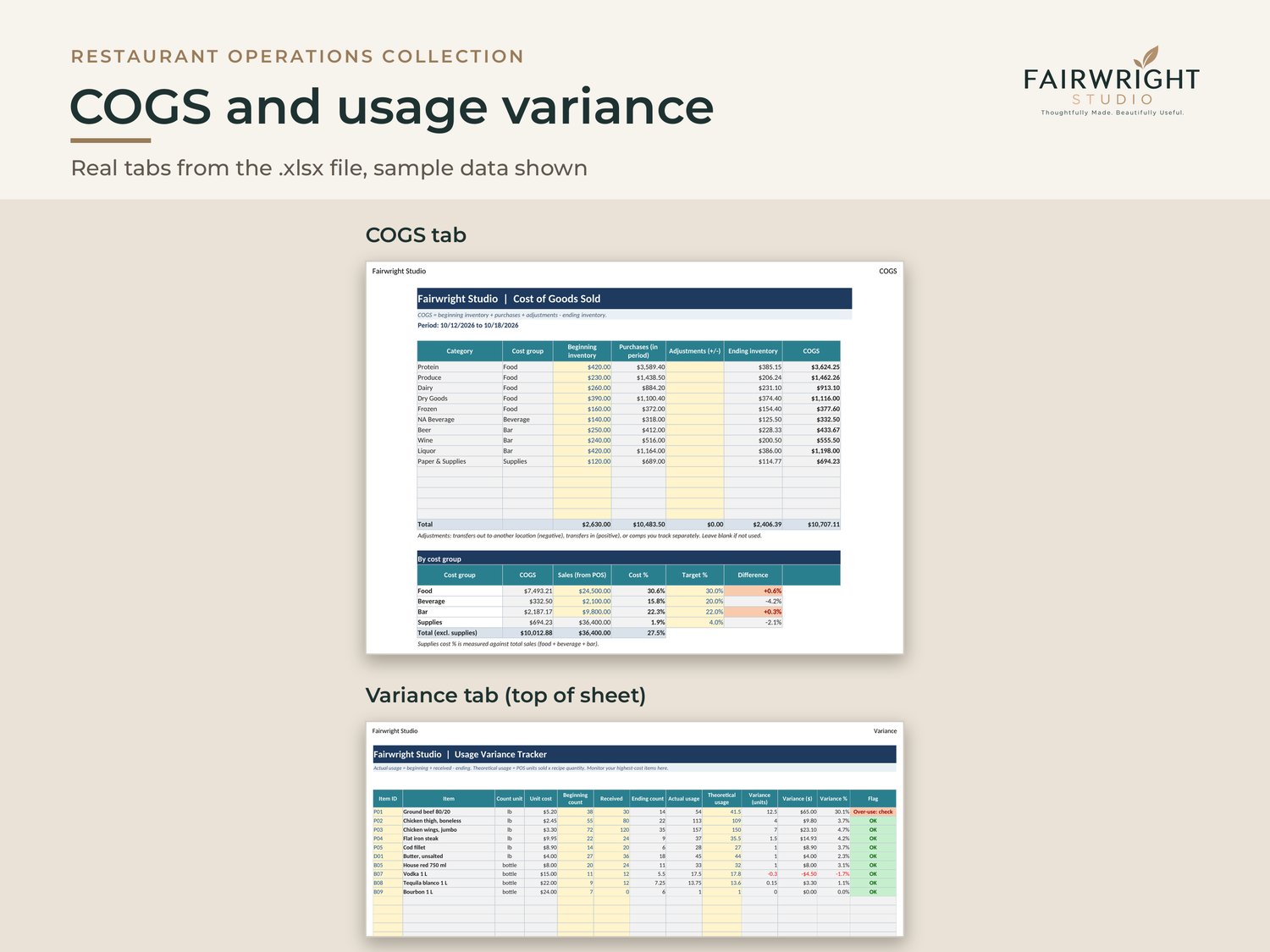
• Cost of goods sold by category and by cost group (food, beverage, bar, supplies), with cost percent against your target.
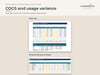
• Usage variance tracker: actual against theoretical usage in units, dollars and percent, with alerts above your threshold.
• Sample data with generic vendors which gives you a way to see the full weekly routine.
GOOD TO KNOW
• Digital download. Nothing is shipped.
• Built in Excel format (.xlsx). No macros, scripts or external links.
• Tested in Google Sheets and Excel for the web. In Google Sheets, sheet protection and print layout do not carry over when you import the file; the Instructions tab shows how to set them up again.
• Yellow cells are inputs. Formulas are protected with no password, which gives you a way to unlock and customize.
• An Instructions tab and a buyer welcome guide explain every step.
• Questions about setup? Contact us through this store; we reply within 1 business day.
• For use in your own restaurant business, up to 3 locations under the same ownership.
• Refunds: Because these are digital downloads, we do not offer refunds for change of mind. If a file does not open, does not work as described, or is materially different from its description, contact us and we will fix or replace it. This does not affect any rights you have under the law.