
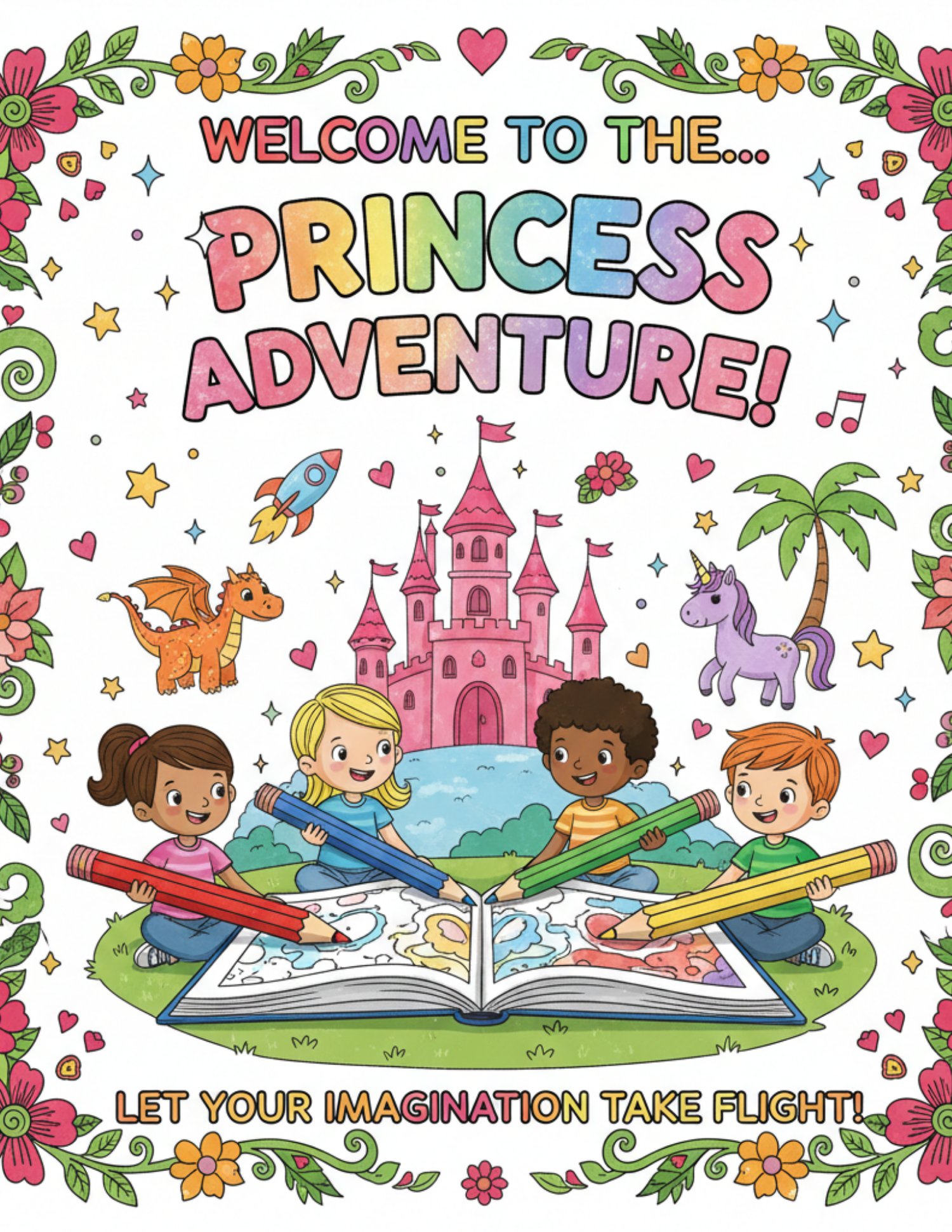
Princess Adventure My Princess Coloring Book
Whimsical Wishes: A First Coloring Adventure
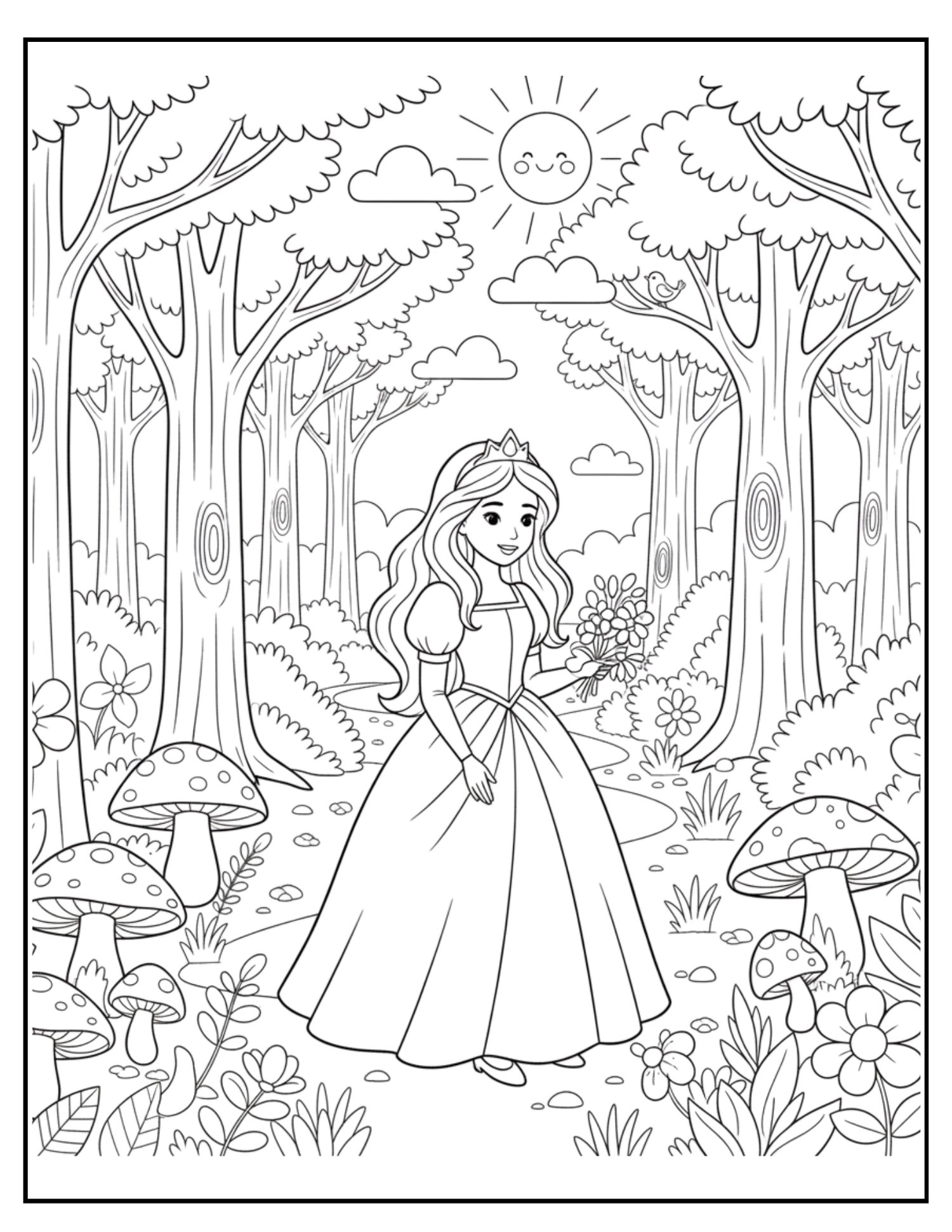
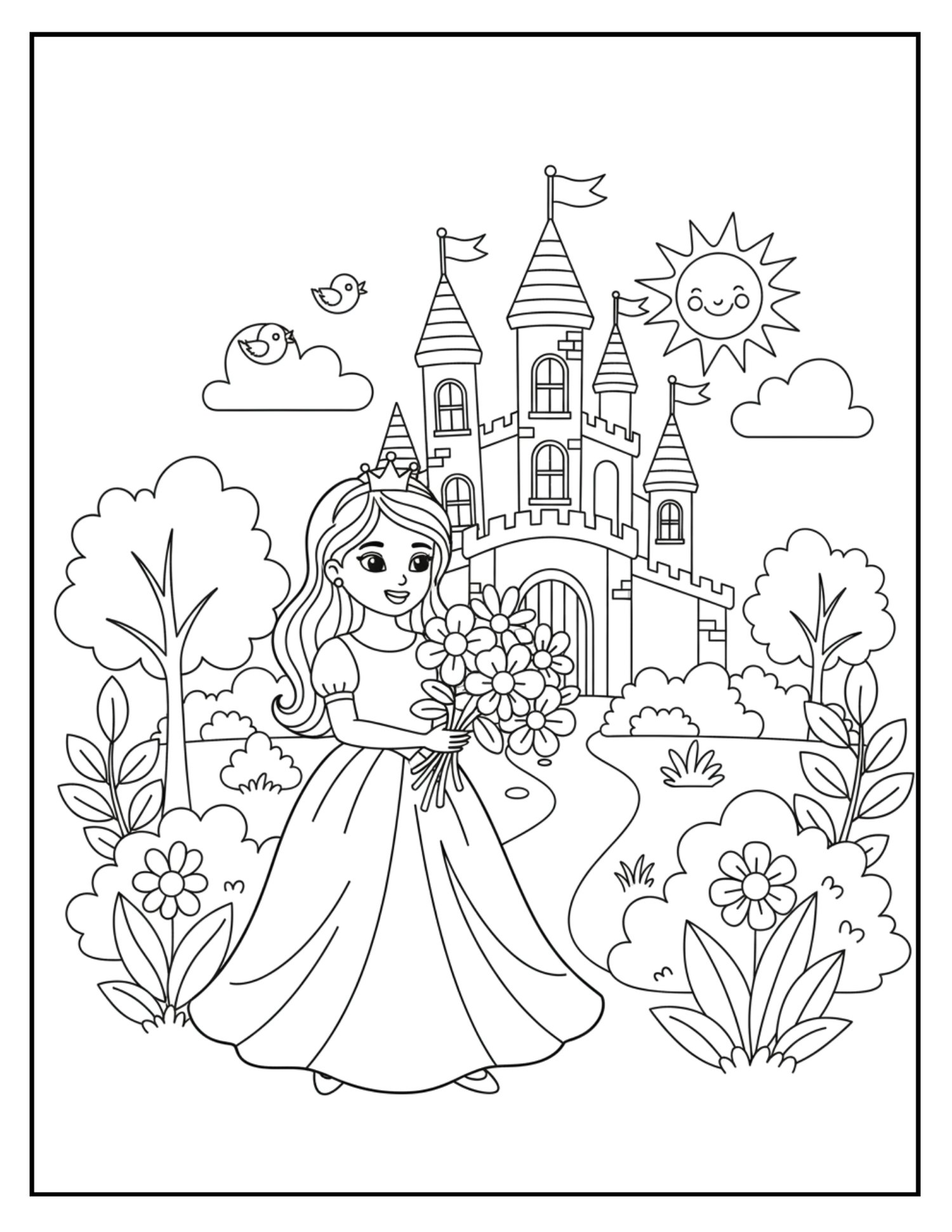
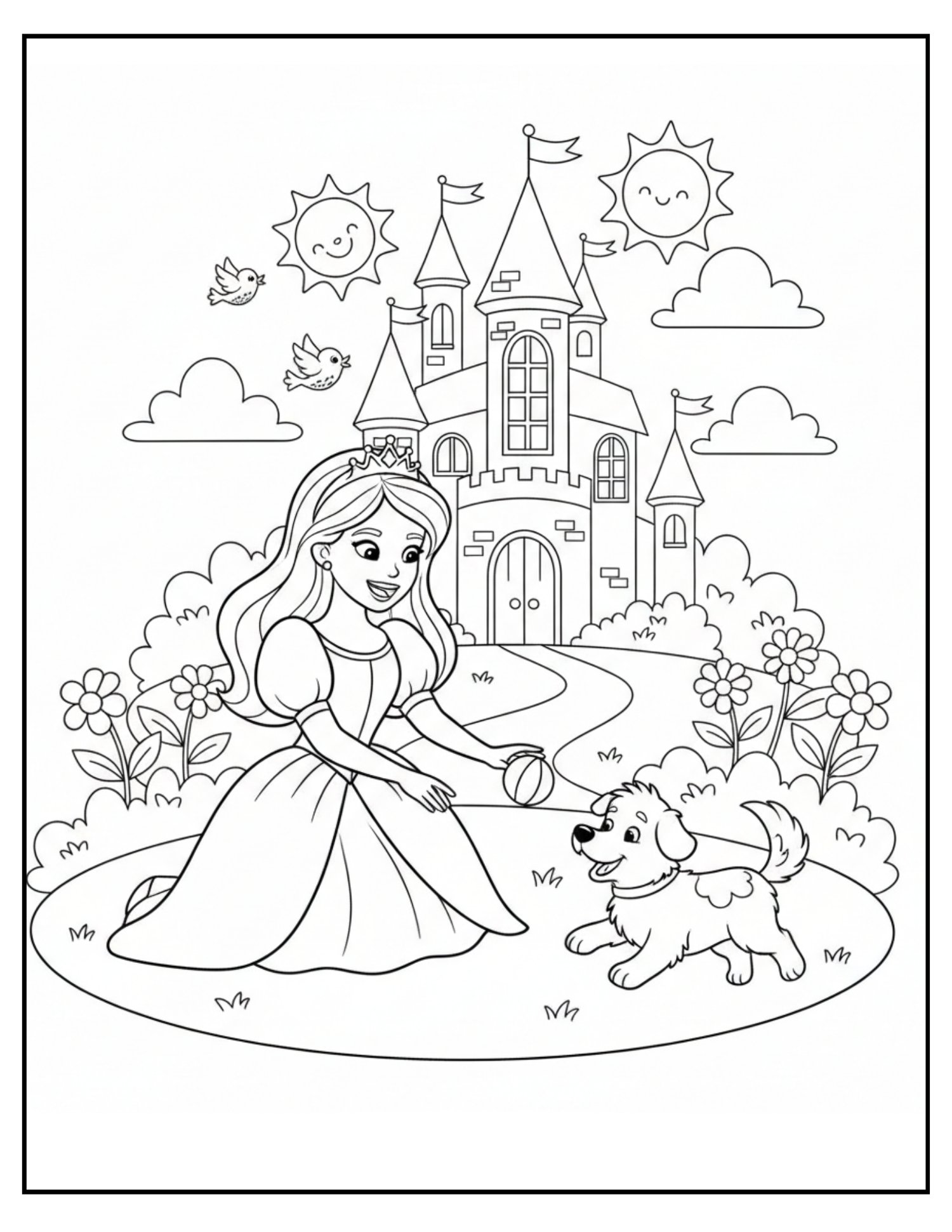
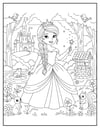
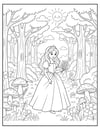
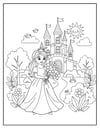
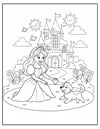
Spark your little one's imagination with Whimsical Wishes, a charming coloring book designed specifically for toddlers and preschoolers. Join our kind-hearted princess on a magical journey through her royal world—from the sparkling halls of her palace to the enchanted depths of the forest.
Each page features bold, extra-thick outlines and large, simple shapes, making it easy for tiny hands to stay within the lines while building confidence and motor skills.
What’s Inside the Kingdom:
- Royal Moments: Watch the princess prepare for the ballroom and wave goodbye from the palace gates.
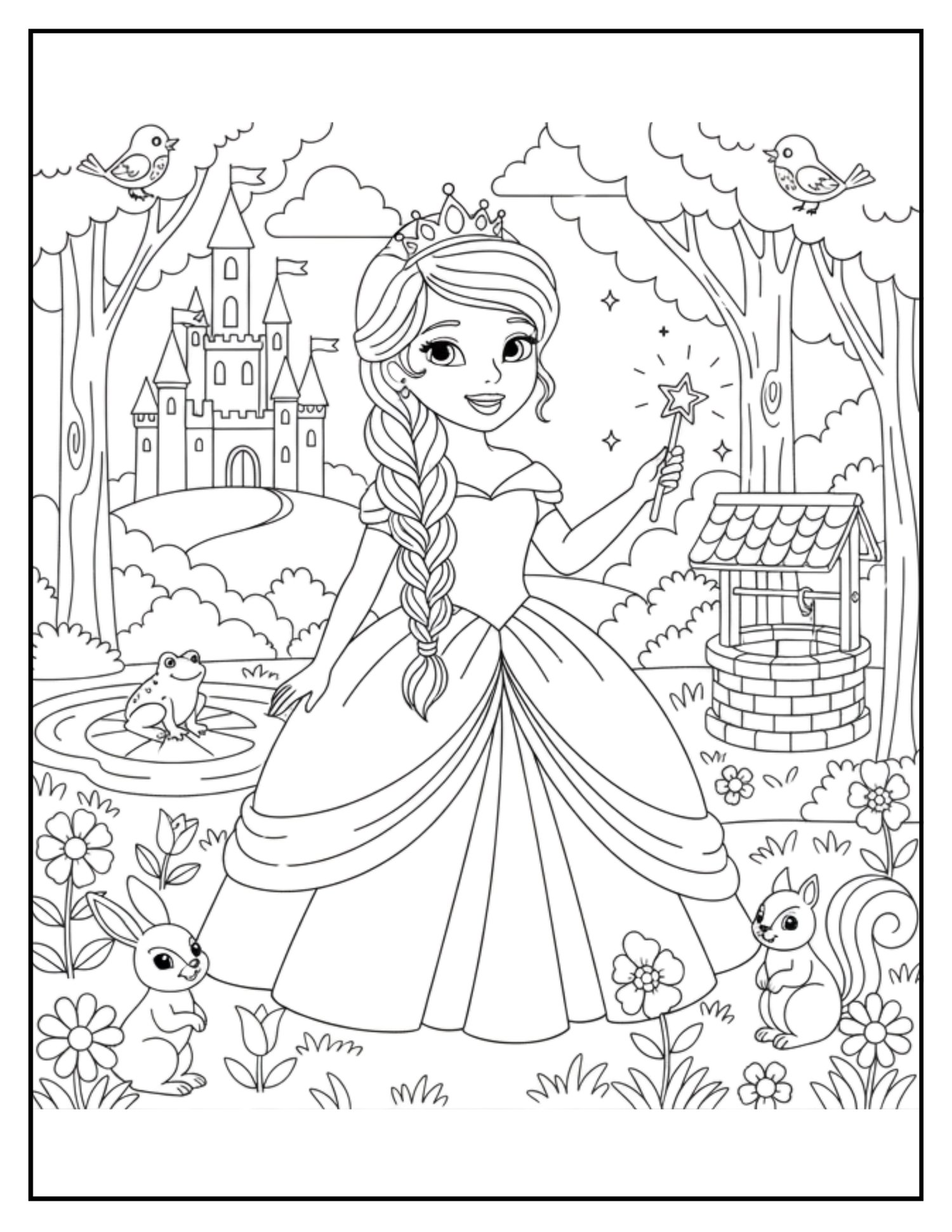
- Magical Friends: Meet the wise Fairy Godmother, a friendly prince, and a cast of woodland creatures including chirping birds and playful squirrels.
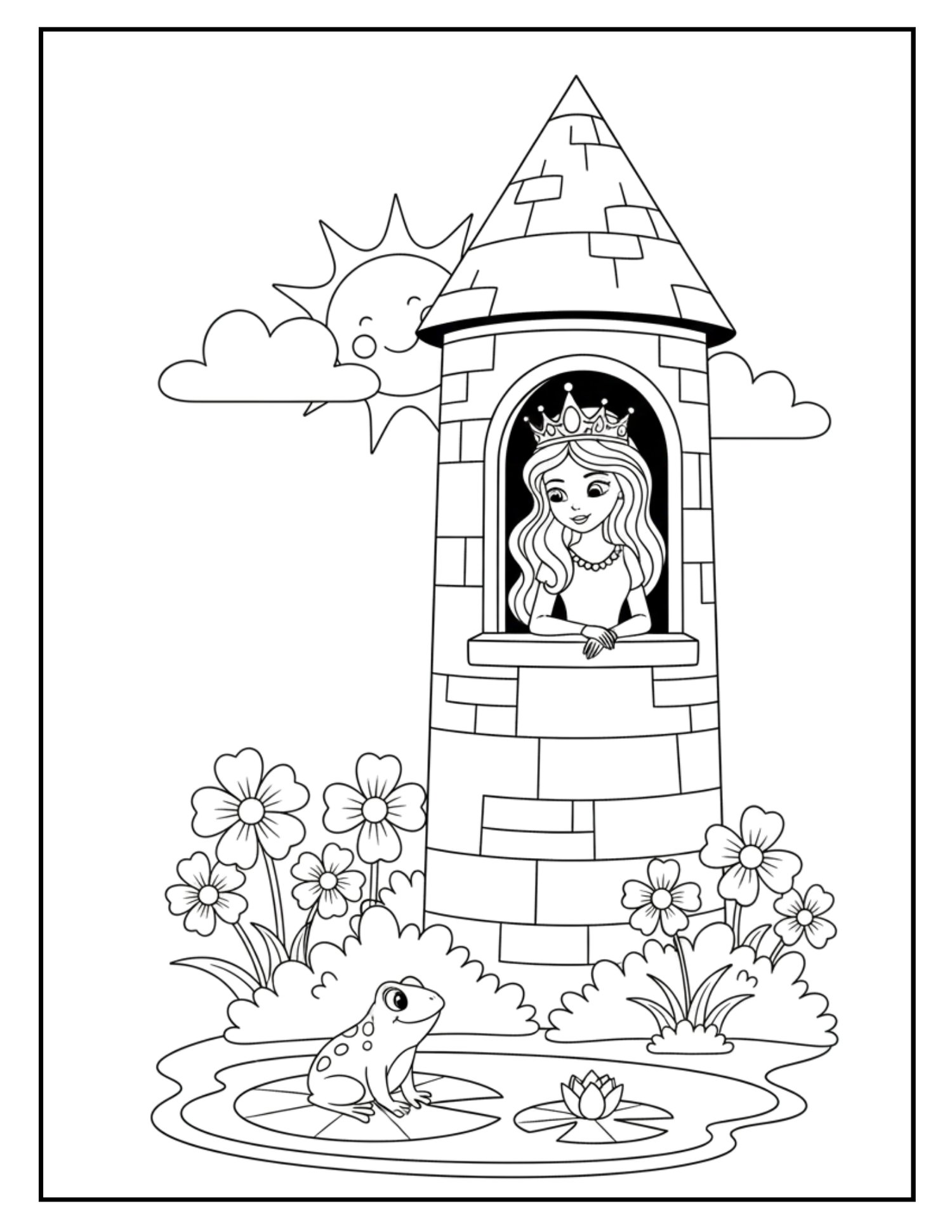
- Enchanted Settings: Explore a blooming royal garden, a cozy tower window, and a magical wishing well.
- Toddler-Friendly Design: No complex patterns or distracting shading—just clean, high-contrast art perfect for crayons, markers, or finger paints.
Whimsical Wishes is more than just a coloring book; it’s an invitation to dream, create, and explore a world where every wish can come true.
Note: This coloring book features unique, high-quality illustrations that are AI-generated, ensuring a consistent, clean, and professional style across every page to provide the best experience for young artists.
- Digital files provided upon purchase.
- This product is delivered electronically.
- No physical materials are included.
Printing Your Digital Download
Thank you for your purchase! To get the best results from your digital file, please follow these simple steps:
- Download on a Computer: For the best experience, download and save your files to a desktop or laptop rather than a mobile device.
- Use Adobe Acrobat: Open your PDF using the free Adobe Acrobat Reader for the most accurate colors and layout.
- Print Settings: * Scale: Always select "Actual Size" or "100% Scale" in your printer settings. Choosing "Fit to Page" may distort the dimensions.
- Quality: Set your printer to "High Quality" or "Best" for crisp lines and vibrant colors.
- Paper: For best results, we recommend using a heavier weight paper (like cardstock) or high-quality matte paper.
Colors: Please note that colors may vary slightly depending on your monitor settings and printer calibration.