


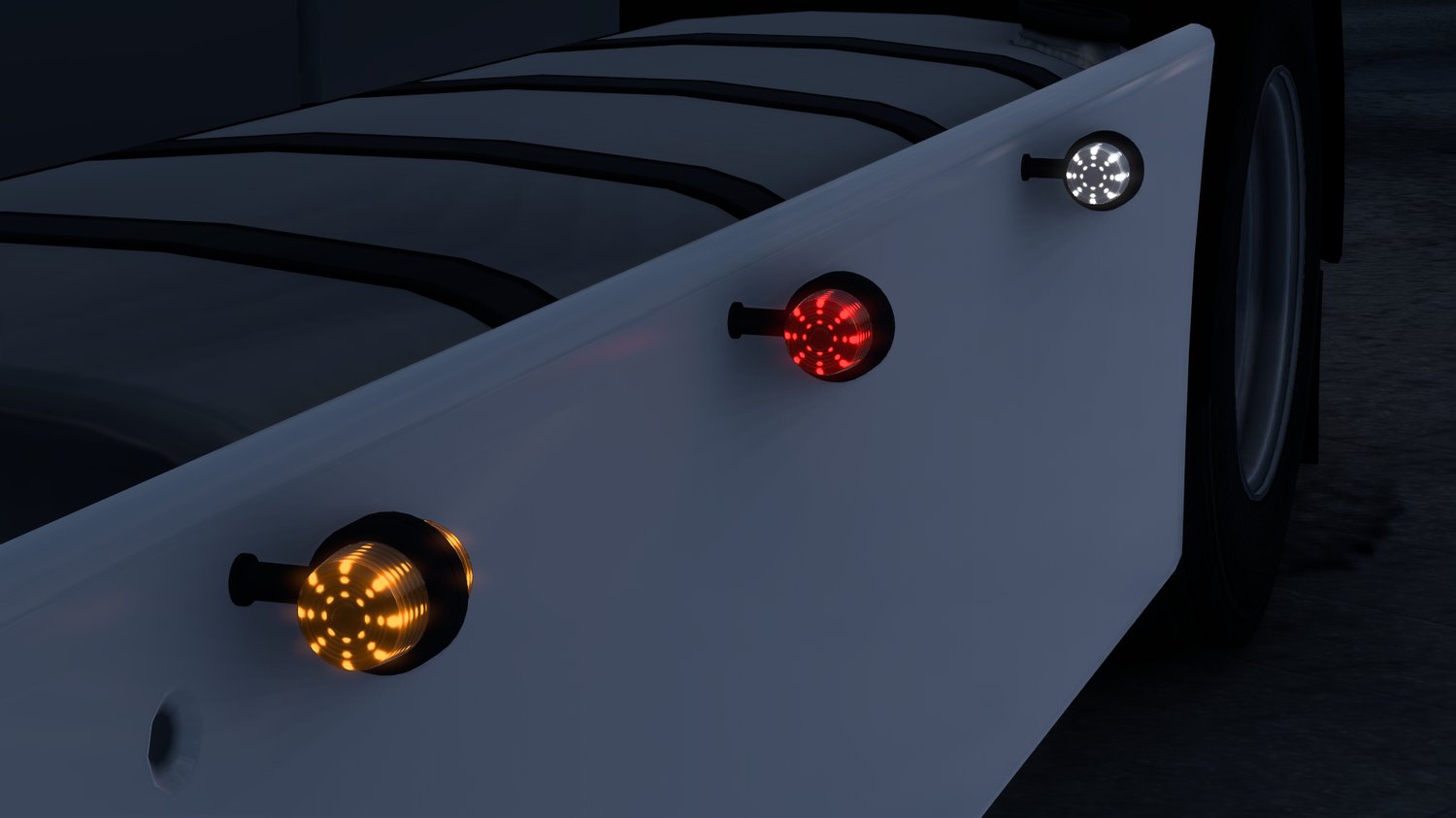
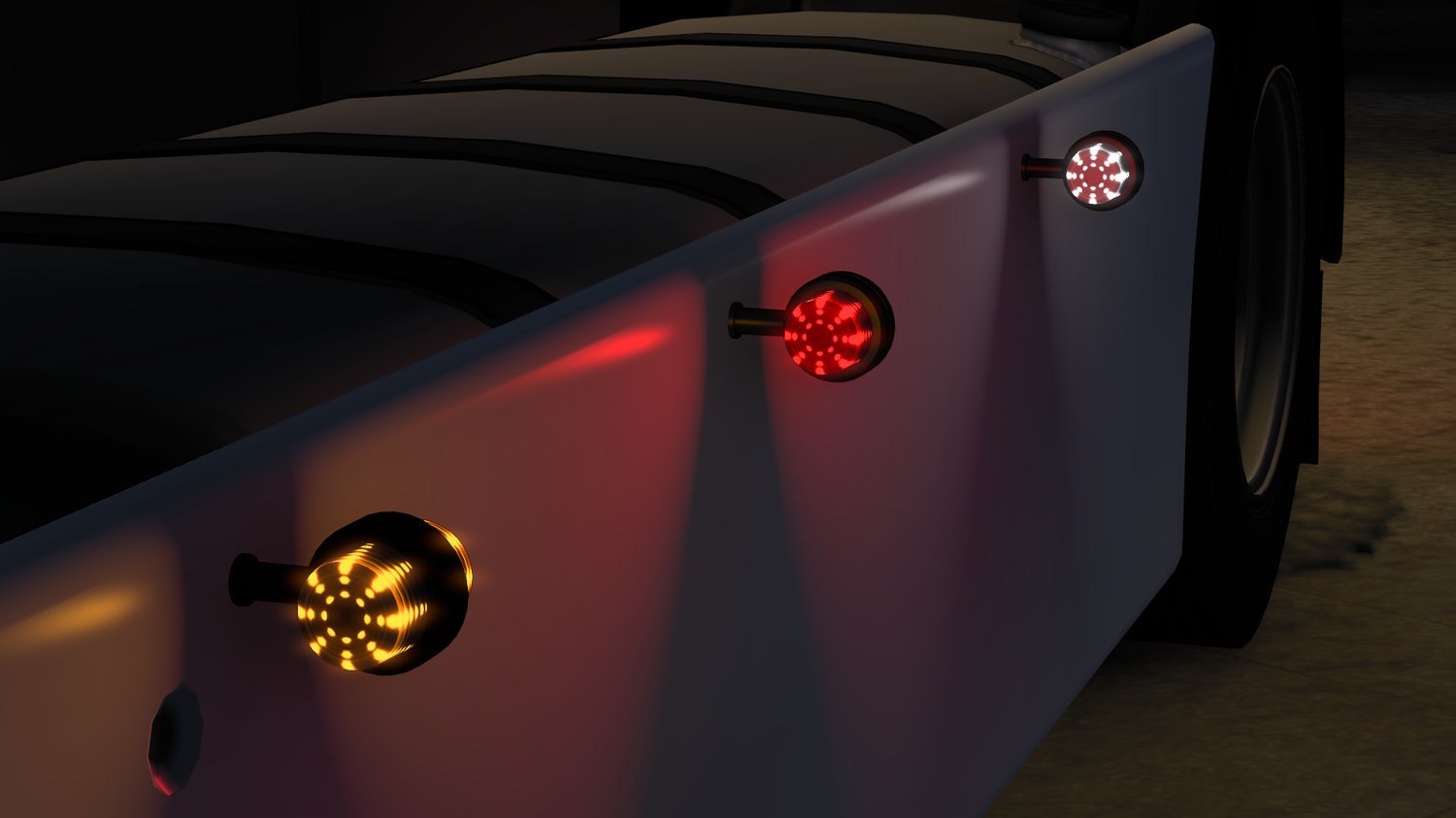
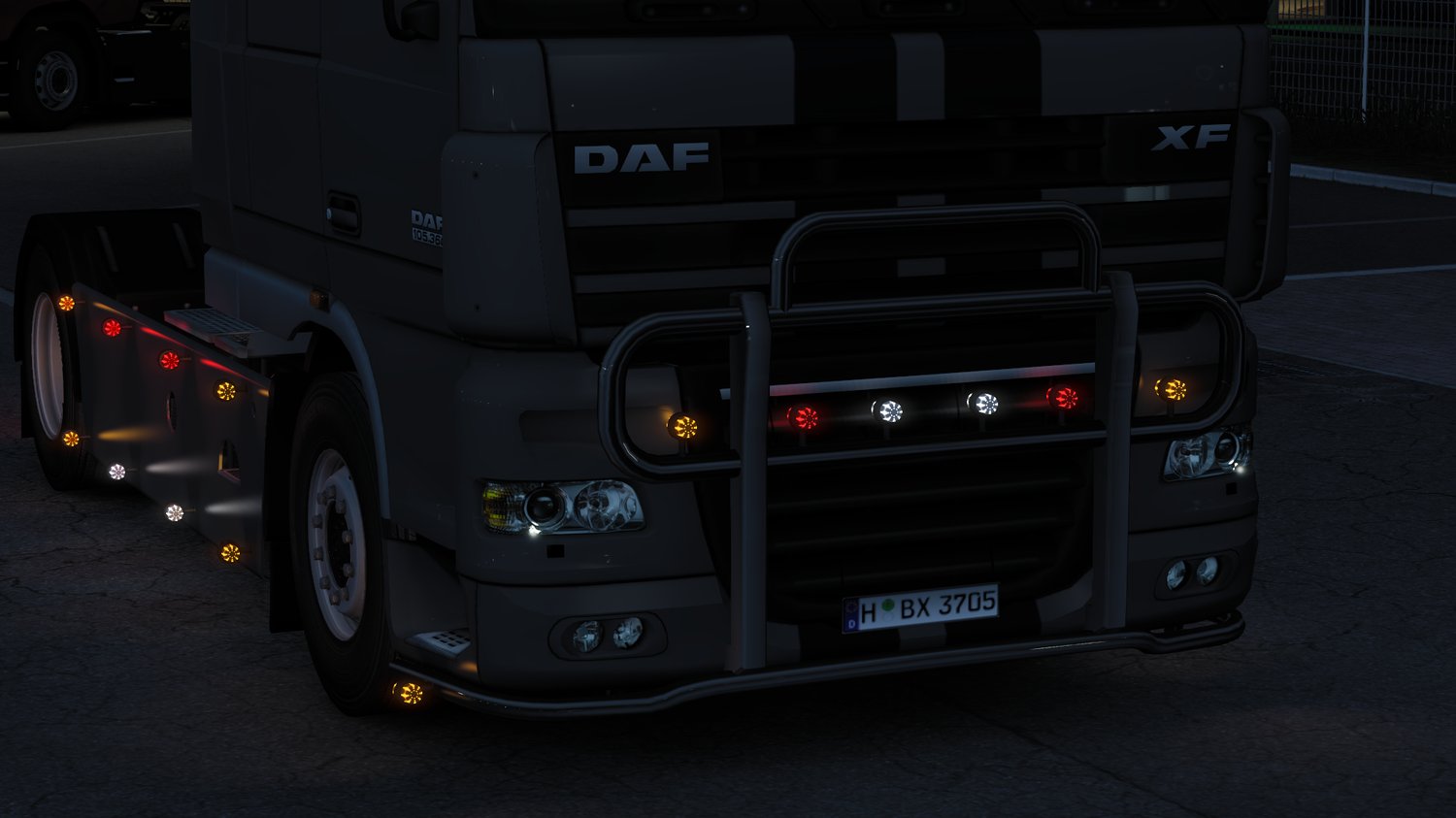

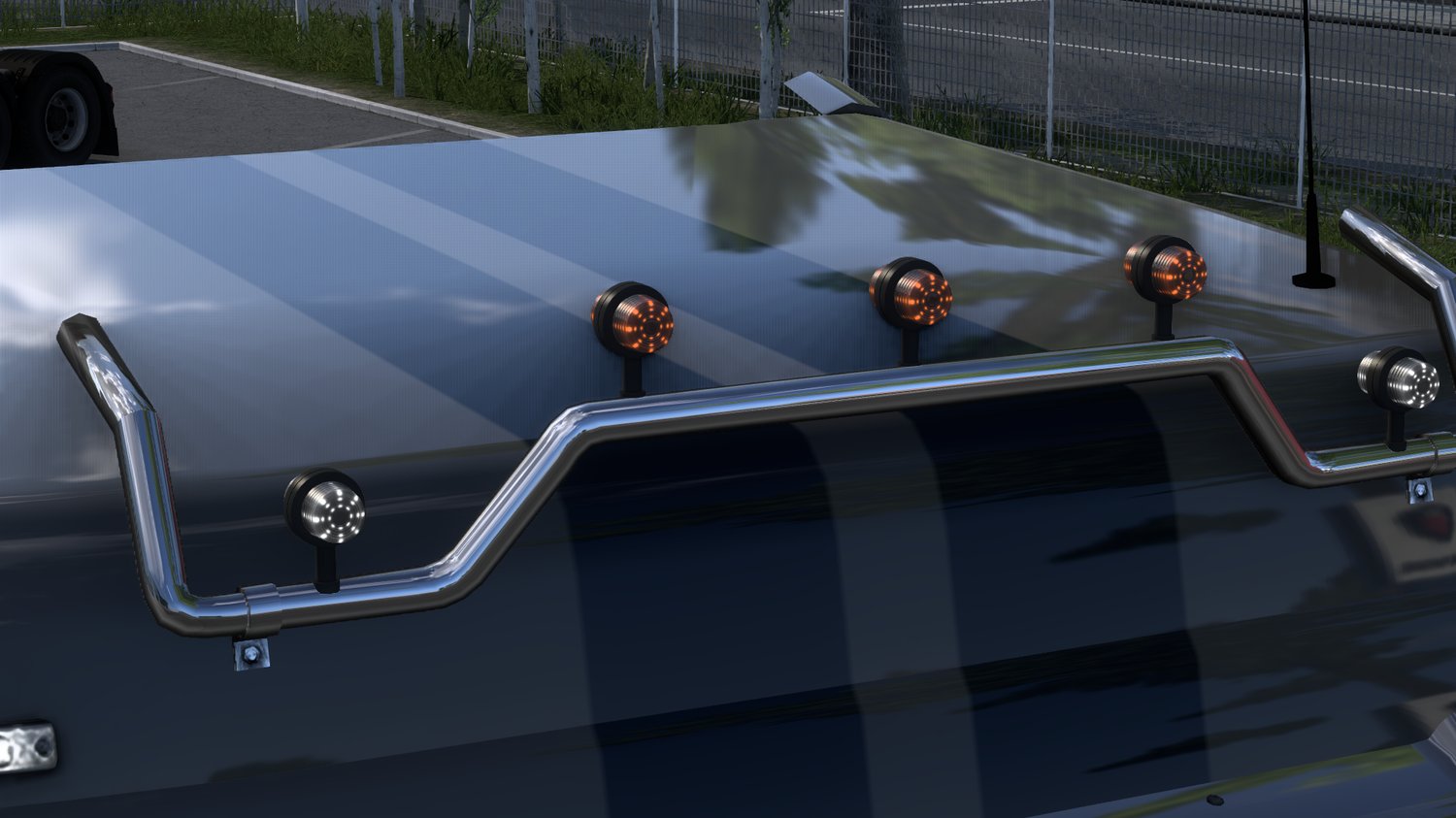
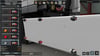
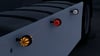

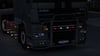

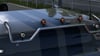
Side Marker LED Pack [ETS 1.55]
MOD INSTALLATION
This mod contains two files:
Side Marker LED Pack DEF → Place ABOVE in Mod Manager
Side Marker LED Pack BASE → Place BELOW in Mod Manager (DO NOT edit or unpack)
IMPORTANT:
- The DEF file is open for editing. You may customize the light definitions (like names).
- DO NOT change any model path lines that link to the base file. If you do, the lights will NOT appear or may cause a crash.
- The BASE file is locked to protect the 3D models and original content. It must stay untouched.
HOW TO INSTALL:
1. Copy both `.zip` files into your Euro Truck Simulator 2 `mod` folder.
Example: `Documents/Euro Truck Simulator 2/mod`
2. Launch the game.
3. In Mod Manager:
- Activate `Side Marker LED Pack DEF` first (higher in the list).
- Activate `Side Marker LED Pack BASE` second (below the def).
4. Enjoy the custom lights in-game!
CREDITS:
- Mod created by HishamGT5