


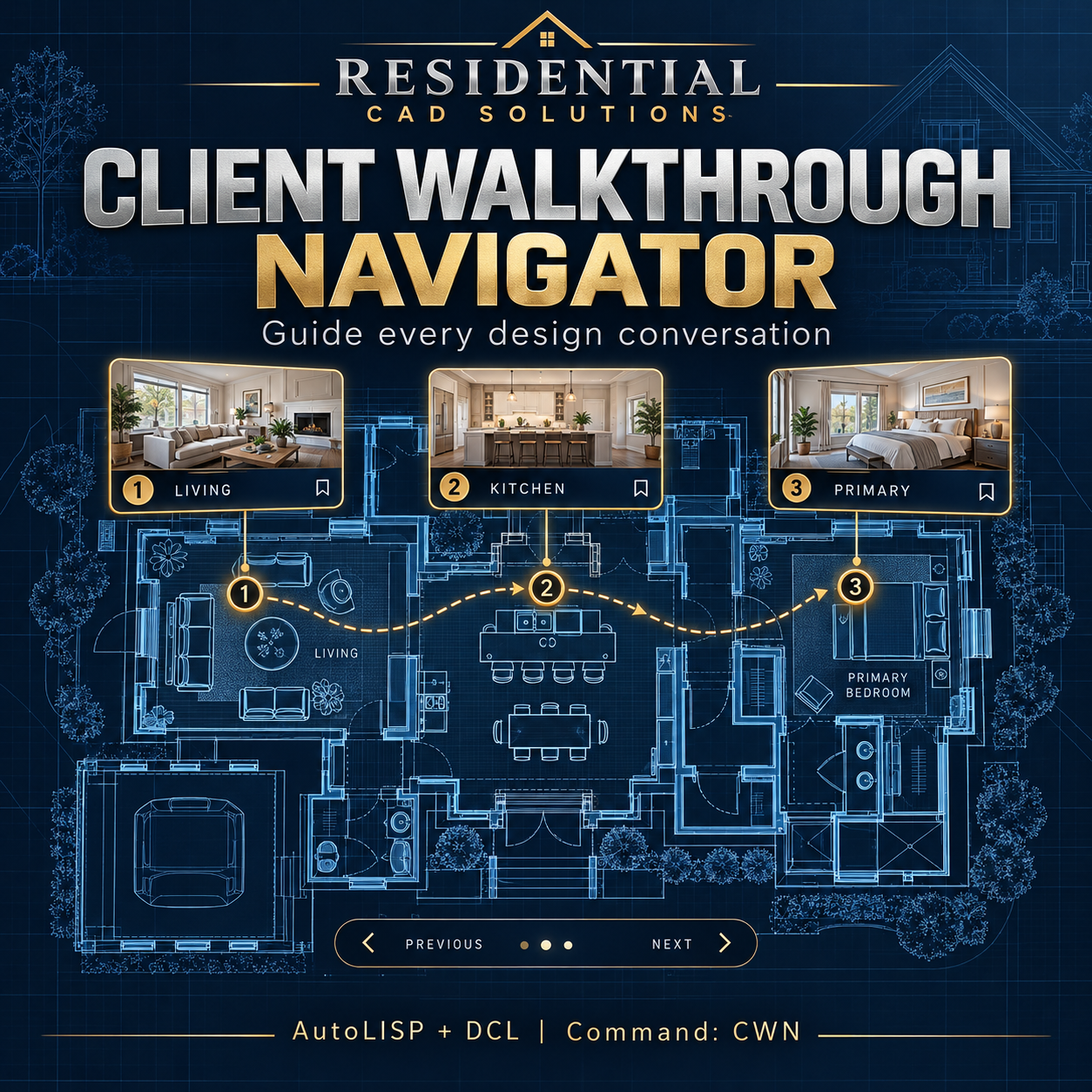
Client Walkthrough Navigator
Client Walkthrough Navigator
Guide every design conversation with organized views and clear talking points.
Client Walkthrough Navigator helps you turn an AutoCAD drawing review into a structured, room-by-room presentation. Save views, arrange your presentation order, and keep discussion notes connected to each stop.
Features include:
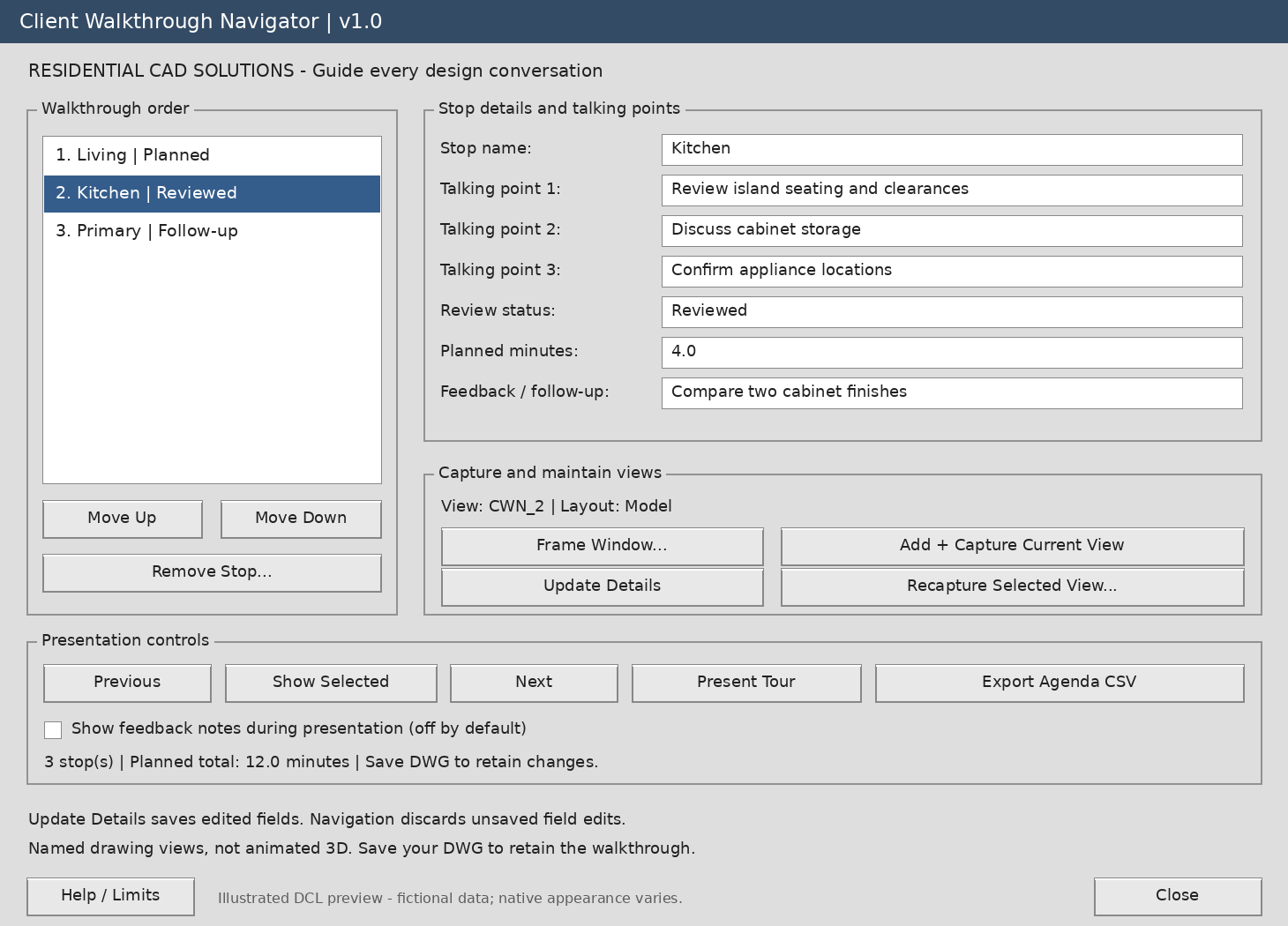
- Saved presentation stops: Capture drawing views for rooms, details, and project features.
- Room-by-room talking points: Record three discussion points for each stop.
- Flexible presentation order: Move stops up or down to match your meeting agenda.
- Simple navigation: Use Previous, Next, and Show Selected to move between views.
- Presentation mode: Guide the review with Next, Previous, Repeat, and Finish controls.
- Review tracking: Assign Planned, Reviewed, Follow-up, or Approved status manually.
- Discussion planning: Enter estimated minutes and see the total planned presentation time.
- Feedback notes: Record follow-up items, with feedback hidden during presentations unless enabled.
- CSV agenda export: Export your ordered stops, talking points, and feedback.
- Drawing-based storage: Retain walkthrough records and named views when you save the DWG.
Your download includes:
Editable LISP and DCL files, installation instructions, a fictional sample DXF drawing, a testing checklist, and a matching gray dialog preview.
Main command: CWN
Additional commands: CWPLAY, CWNEXT, CWPREV, and CWHELP
Designed for Windows AutoCAD with AutoLISP, Visual LISP/ActiveX, and DCL support, targeting AutoCAD 2002 and later. AutoCAD runtime compatibility has not yet been verified.
Please note: This utility organizes native drawing views; it does not create animated 3D tours, video, or narration. Talking points appear at the command line. Model-tab and paper-space captures are supported; capture inside floating layout viewports is excluded. Exported agendas include feedback notes.
Keep your presentation organized—from the first room to the final discussion.