
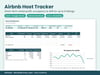
Airbnb Host Tracker Spreadsheet – Excel & Google Sheets
Short-term rental tracker for hosts: stays, platform fees, net payout, occupancy, ADR, expenses and profit per listing. Excel and Google Sheets.
See the real profit of your short-term rental. Log each stay once — nights, platform fees and net payout calculate themselves, and the monthly report shows occupancy, ADR, RevPAR and profit for every listing.
★ WHAT YOU CAN DO
• Up to 6 listings and 800 bookings a year
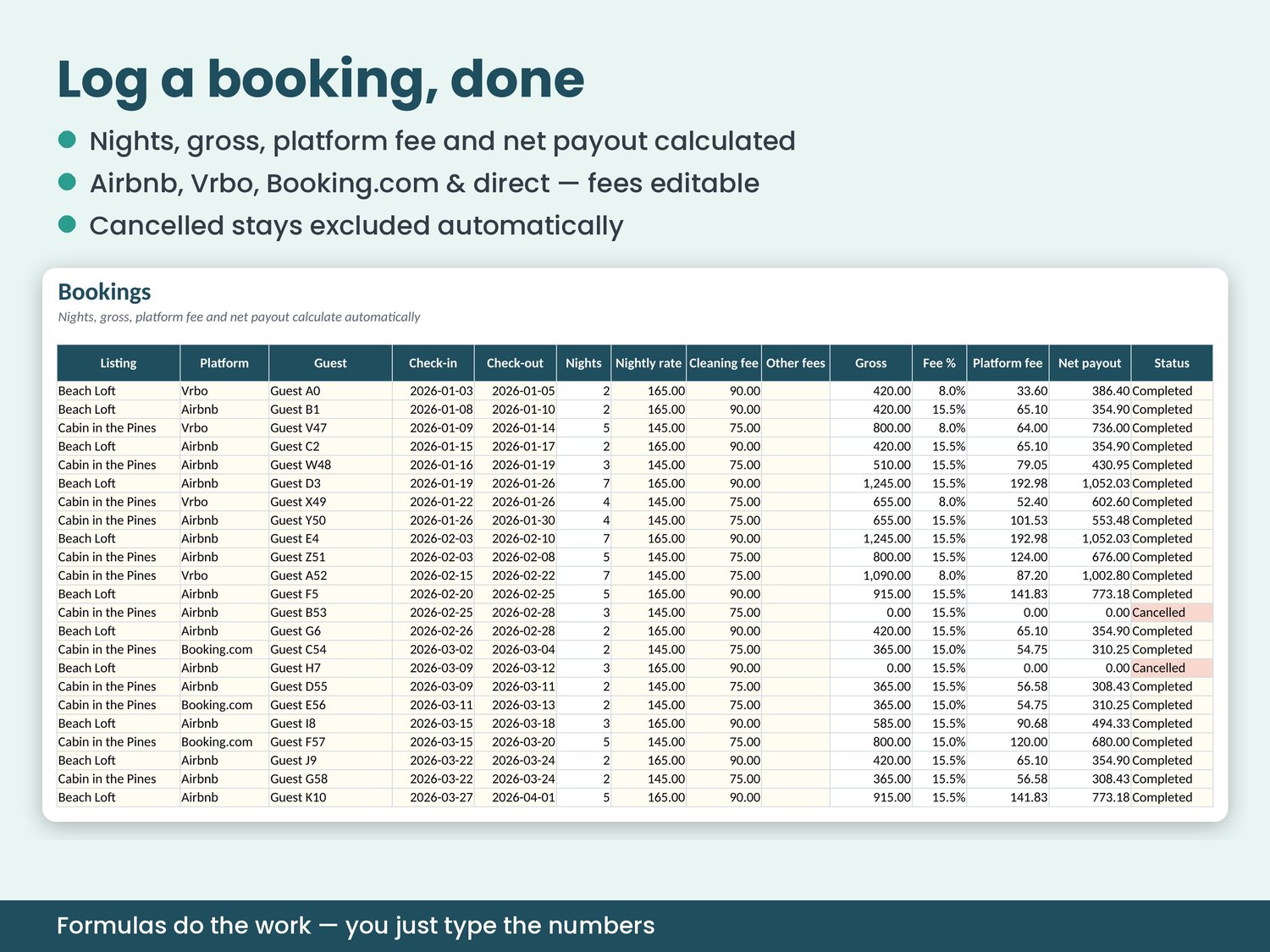
• Airbnb, Vrbo, Booking.com, direct and other — host fee % editable per platform
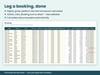
• Bookings: nights, gross, platform fee and net payout automatic; cancelled stays excluded
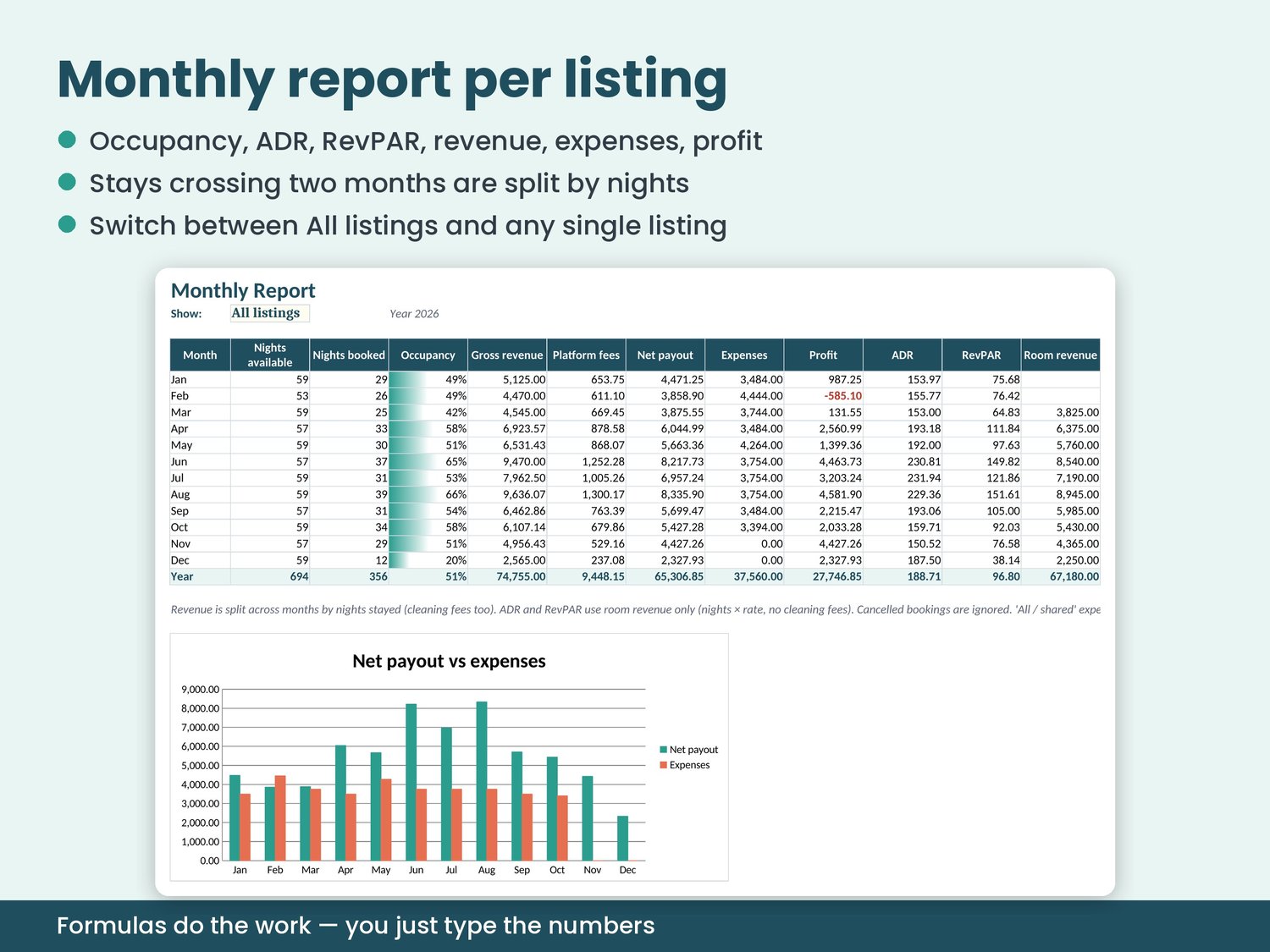
• Stays that cross two months are split by nights, so each month is accurate
• Expenses by listing or 'All / shared' with 14 editable categories
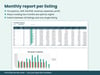
• Monthly Report: occupancy, ADR, RevPAR, revenue, fees, expenses and profit — for all listings or one
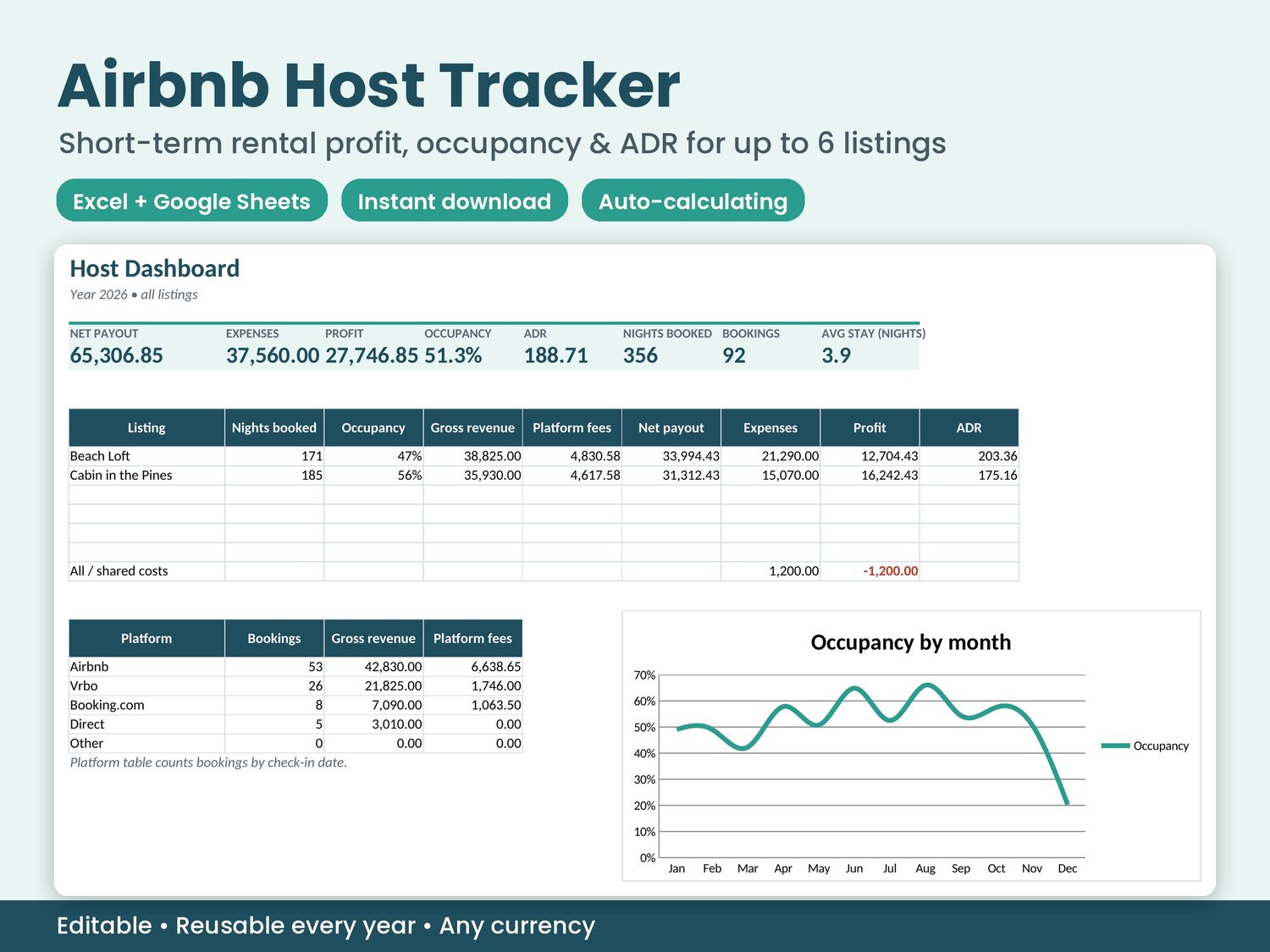
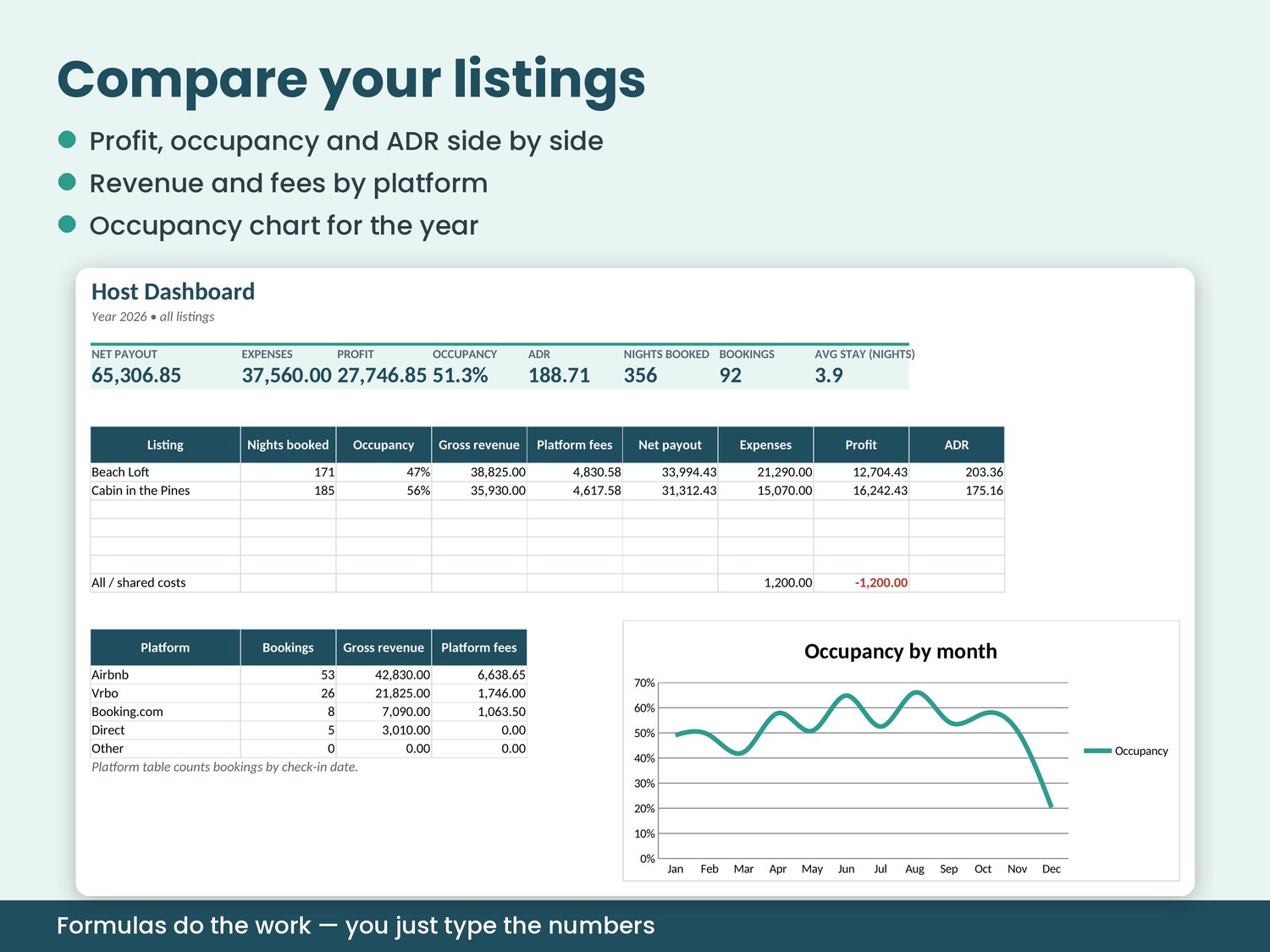
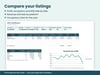
• Dashboard: listing comparison, revenue and fees by platform, occupancy chart
• Works with any currency
★ WHAT YOU GET
• 1 Excel file (.xlsx) — works in Microsoft Excel and Google Sheets
• 1 PDF Quick-Start Guide (set up in 10 minutes)
• Sample data included
★ HOW IT WORKS
1. Buy and download the files instantly — you'll also get the download link by email.
2. Open in Excel, or upload to Google Drive → Open with Google Sheets.
3. Follow the Quick-Start Guide.
★ GOOD TO KNOW
• This is a DIGITAL product. No physical item will be shipped.
• Desktop/laptop recommended. Phones work with the free Google Sheets or Excel app.
• Works in Excel 2016 or newer, Excel for Mac/online and Google Sheets. No macros.
• If a file doesn't work and we can't fix it, we'll refund you.
• Single-business use. Please don't share or resell.
• Not affiliated with or endorsed by Airbnb, Vrbo or Booking.com.
• A record-keeping tool, not tax advice.
Questions? Use the Contact button on our store page — we reply within 1 business day.
Designed by our store; we used AI-assisted tools during development. Every formula was tested by us.