

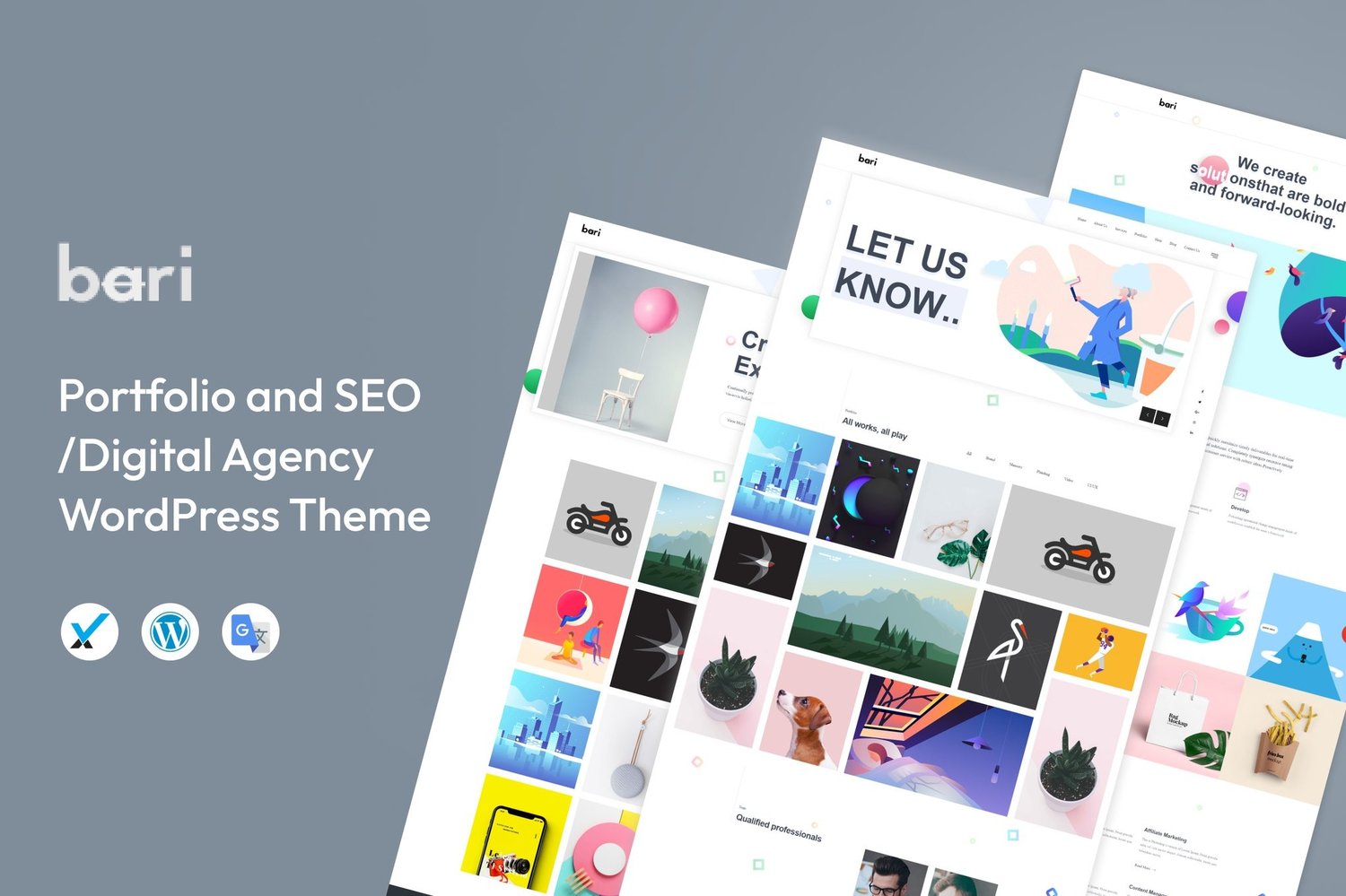
Bari Portfolio & Digital Agency WordPress Theme Download
On Sale
$5.00
$5.00
Transform Your Content Writing Services Online
Introducing Bari, the ultimate WordPress theme designed specifically for content writing services websites. With its simple and clean design, coupled with a modern layout style, Bari is perfect for content service agencies, writing agencies, social media agencies, digital marketing agencies, and more. This template kit is optimized for use with the free Hello Elementor theme and is compatible with most themes that support Elementor.
Key Features:
- Elementor Free: No upgrades required! Bari utilizes free plugins for all its functionality, making it accessible for everyone.
- Modern Typographic Design: Impress your visitors with sleek and contemporary layouts that enhance your content.
- 14+ Ready-to-Use Templates: Benefit from a wide variety of pre-built templates designed to meet all your website needs effortlessly.
- Fully Responsive Layout: Ensure your website looks stunning on all devices, from desktops to mobile phones.
- Fully Customizable: Easily customize your site using the drag-and-drop visual builder for a unique look that matches your brand.
Included Templates:
- Home
- Services
- Pricing
- Help
- Order Service
- Service Detail
- Contact
- Reviews
- Blog
- Post
- Metform Contact
- Metform Request Quote
- Header
- Footer
- Global Styles
How to Use Template Kits:
- Install and Activate the Plugin:
- Navigate to Plugins > Add New in WordPress.
- Install and activate the required plugin.
- Download Your Kit File:
- Make sure NOT to unzip the file.
- Upload Template Kit:
- Go to Elements > Installed Kits and click the Upload Template Kit button. You can also import automatically by linking your Elements subscription under Elements > Template Kits.
- Install Required Plugins:
- Look for the orange banner at the top and click Install Requirements to load any plugins the kit needs.
- Import Global Kit Styles:
- Click import on the Global Kit Styles first and then import one template at a time (these will be found under Templates > Saved Templates in Elementor).
- Create a New Page:
- Go to Pages and create a new page. Click Edit with Elementor.
- Click the gear icon at the lower-left of the builder to adjust page settings (choose Elementor Full Width and hide the page title).
- Import Templates:
- Access the gray folder icon to reach the My Templates tab and import the page you'd like to customize.
- Customize Headers and Footers:
- If you have Elementor Pro, customize headers and footers under Theme Builder.
Further Support:
For assistance, visit Elementor > Get Help in the WordPress menu.
Setup Global Header and Footer:
- Import the Header and Footer Template through Appearance > Header Footer.
- If prompted with a wizard, you can click Next without any action.
- Title the header, keep Entire Site selected, and toggle Activation to On.
- Click the gray Edit Content button to enter the builder.
- Click the gray folder icon to select the header template, pick your menu in the nav element, and click Update.
- Repeat for the footer.
Attributes:
- Support and Updates: Documentation and updates are included; personalized support is not provided.
- File Types: HTML, CSS, JS.
- Additions: Retina ready and fully responsive for a stunning visual experience.
- Compatible With: Elementor.
- Compatible Versions: Elementor 3.10.x.
- Commercial License: Perfect for personal and business use alike!