
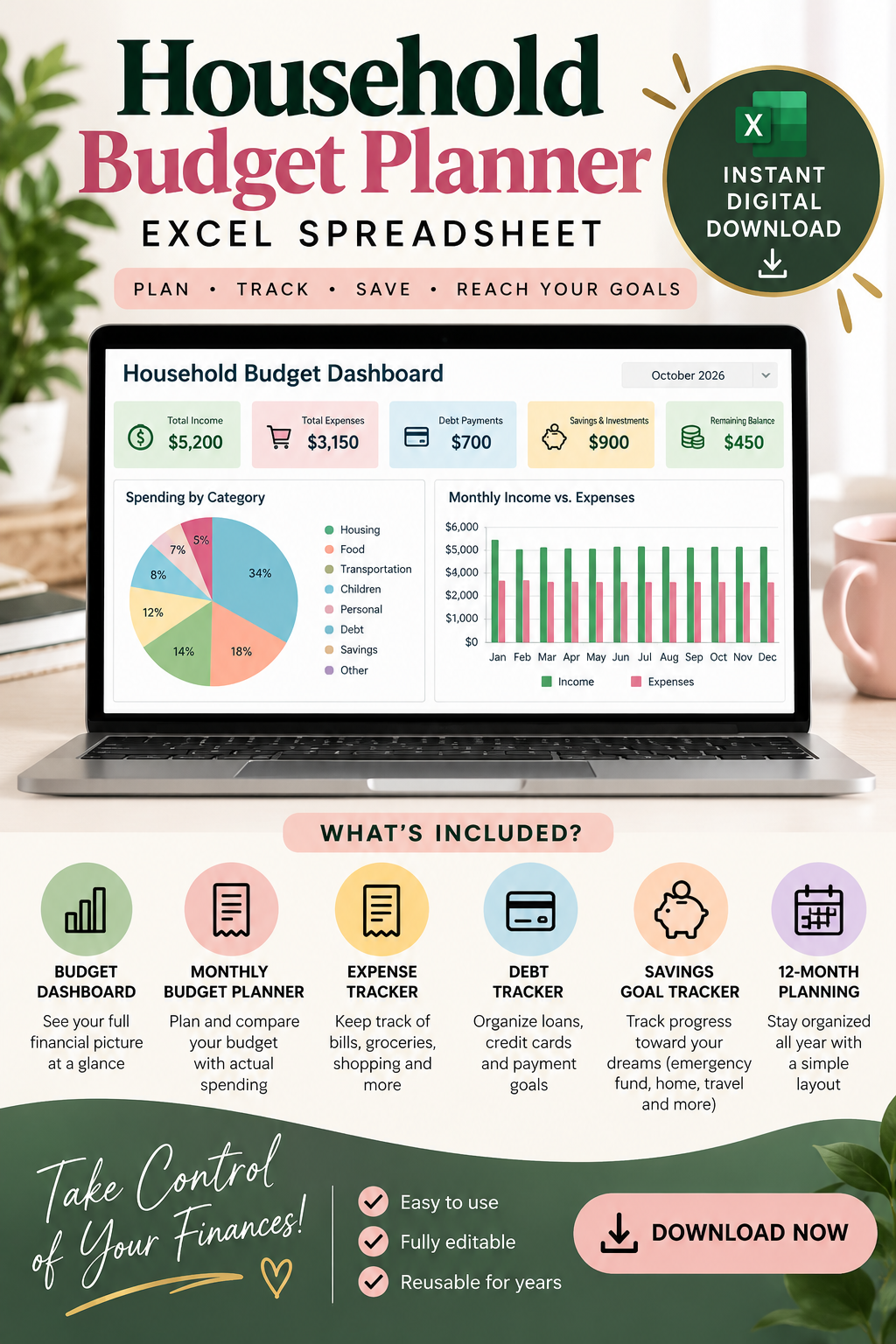
Household Budget Planner | Excel Spreadsheet | Digital Download
On Sale
$5.00
$5.00
HOW TO ACCESS YOUR BUDGET PLANNER
Thank you for your purchase! ❤️
Follow these simple steps to download and start using your Excel Household Budget Planner.
STEP 1: Download Your File
Click the Download button to save your Excel file.
- You can also check your email for your purchase confirmation and access instructions.
STEP 2: Open Your Budget Planner
💻 On a Laptop or Desktop (Recommended)
- Locate the downloaded file in your Downloads folder.
- Open it using Microsoft Excel.
- If prompted, click Enable Editing.
- Start entering your income, expenses, and savings.
📱 On an iPhone or Android
- Download the Microsoft Excel app from the App Store or Google Play Store.
- Open the Excel app and sign in if required.
- Locate your downloaded budget planner in your phone's Files or Downloads folder.
- Open the file using Microsoft Excel.
- Tap Edit or Enable Editing if prompted.
- Start entering your financial information.
STEP 3: Save Your Progress
- Save your file regularly to avoid losing your information.
- You can save it directly to your device or Microsoft OneDrive.
- Make a backup copy before making major changes.
IMPORTANT INFORMATION
✅ Compatible with Microsoft Excel.
✅ Accessible on laptops, desktops, tablets, and smartphones.
✅ Automatically calculates totals using built-in formulas.
✅ Reusable for tracking your household finances.
✅ No advanced Excel knowledge required.
For the best experience, we recommend using a laptop or iPad/tablet. Some features may be easier to navigate on a larger screen.
NEED HELP?
If you experience difficulty accessing your file, please contact us for assistance.
Thank you for supporting our digital products! ❤️