

Subscription Tracker Spreadsheet - Google Sheets & Excel Template
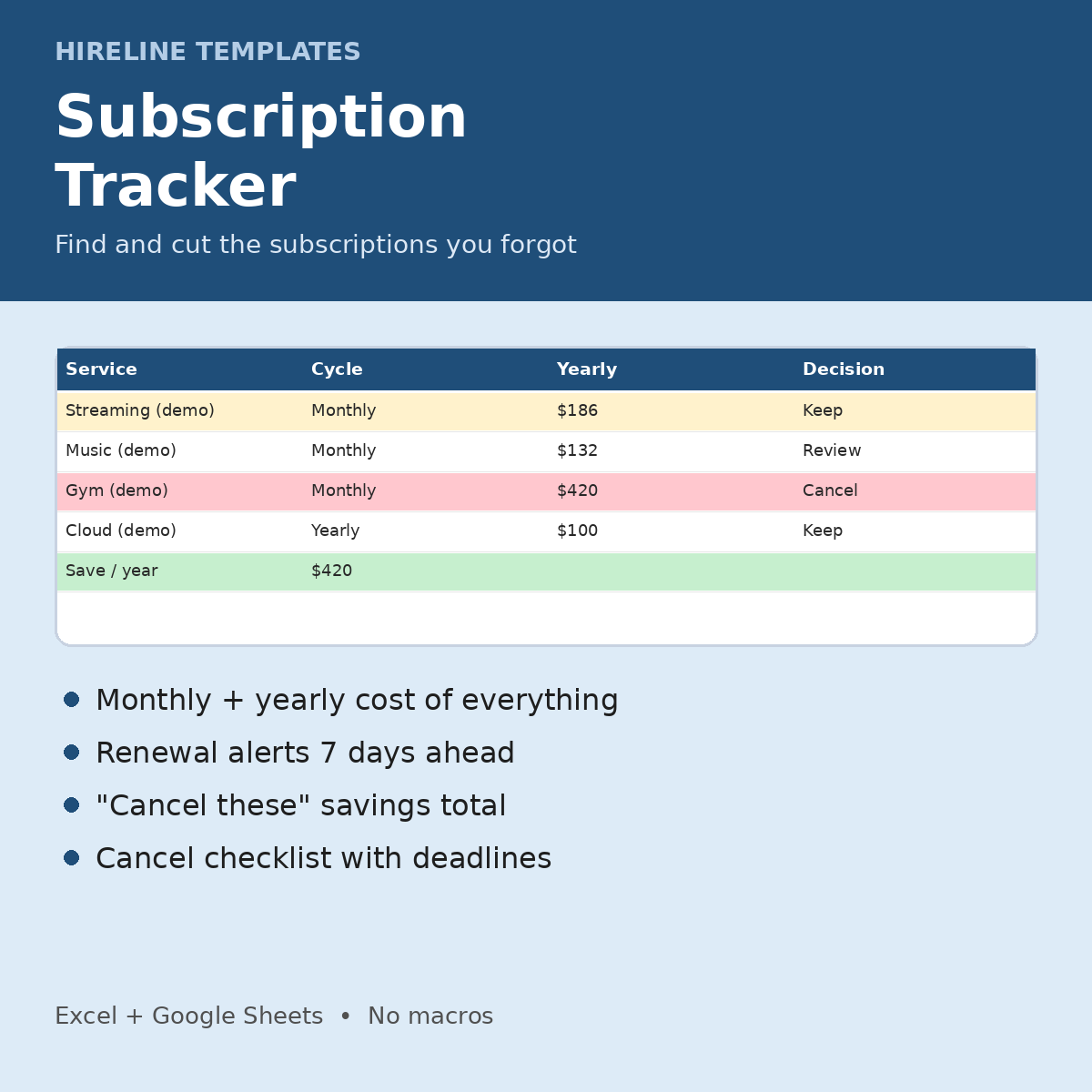
For anyone surprised by recurring charges: list every subscription and see what it costs per year and what cancelling would save.
What you get
- Subscriptions (up to 99): Service, Category dropdown, Cost, Billing Cycle dropdown, Next Renewal, Payment Method, Decision (Keep/Review/Cancel/Cancelled), with Monthly Cost, Yearly Cost and Days to Renewal calculated. Renewals within 7 days are highlighted.
- Dashboard: active subscriptions, total per month and per year, savings per year if you cancel the "Cancel" ones, already saved, renewals in the next 7 days, number marked Review, monthly cost by category, and a pie chart
- Cancel Checklist: how to cancel, cancel-by date, proof saved, Done?. Rows turn red within 3 days of the cancel-by date and green when done.
- Instructions tab + 1-page Start Here PDF. Fictional DEMO rows (highlighted yellow) show how it works. Delete them to start.
How it works
1. Open the .xlsx in Excel or save it as a Google Sheet.
2. Add each subscription with its cost, billing cycle and next renewal.
3. Mark each one Keep, Review or Cancel.
4. Use the Cancel Checklist to finish cancelling before the deadline.
Works in Excel and Google Sheets (upload the .xlsx to Google Drive, then File > Save as Google Sheets). No macros, scripts or add-ons. A file you keep: no subscription or app account.
Who it's for: anyone trimming their budget or surprised by recurring charges.
FAQ
- Does it connect to my bank? No. You type entries in, and nothing is shared.
- Is it a subscription? No. You pay once.
- Questions? hirelinetemplates@mail.grokbot.com
Job hunting too? Track every application free with the Job Application Tracker Lite: https://payhip.com/b/2HqLW