
User Access Review Workbook
Run access reviews your auditor will accept, without an identity governance platform.
A free Excel workbook for small IT, security, and compliance teams that run user access reviews (certifications) in spreadsheets. Paste in account extracts from each system and your HR roster; every row is checked against the same rules, so reviewers start with the access that matters instead of a wall of usernames.
What it catches
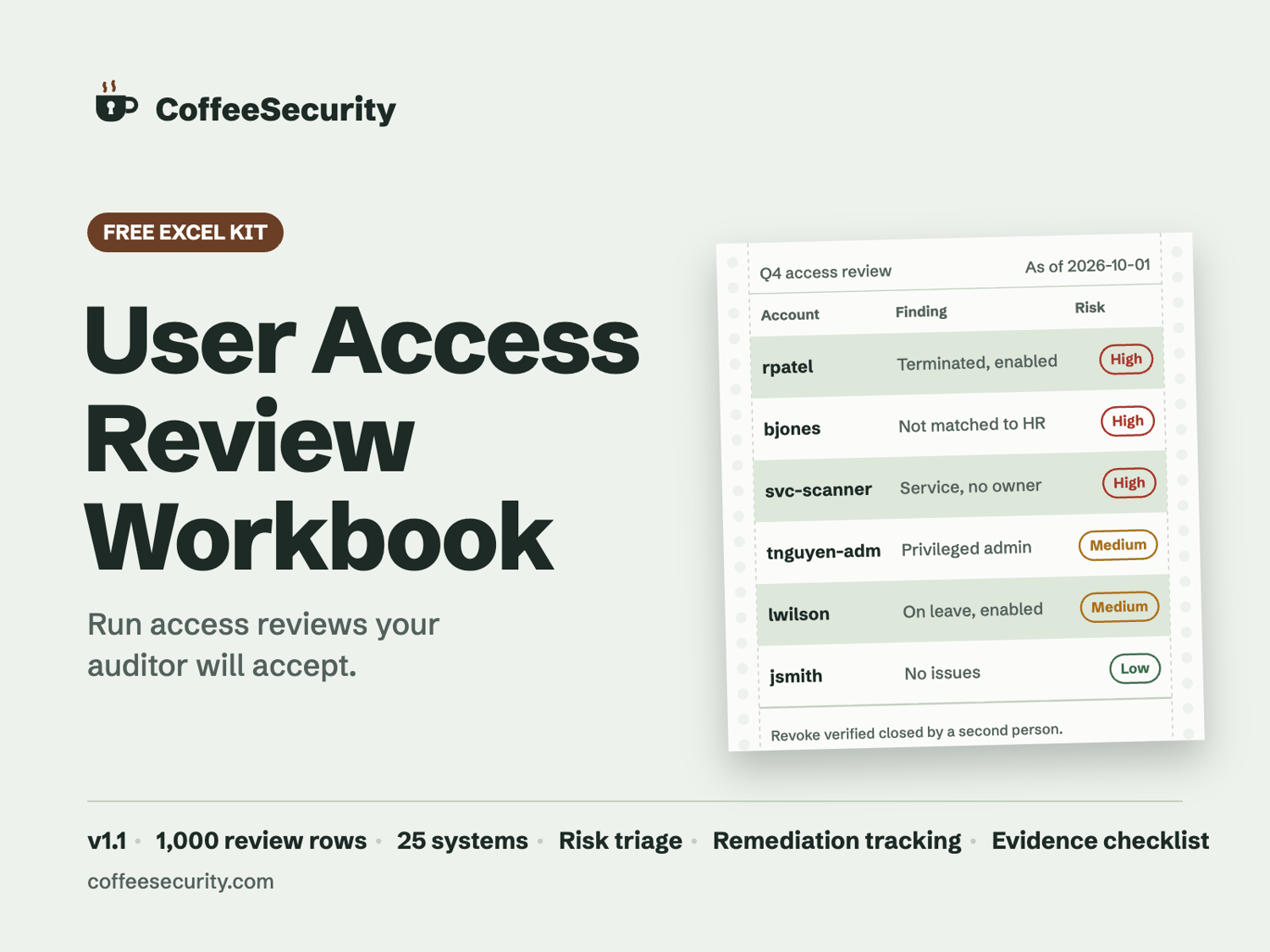
- Terminated, account enabled: HR says they left, the system says they can still sign in.
- Not matched to HR: no person behind the account. Alternate accounts like jdoe-adm map to their owner, so they don't show up as false alarms.
- No account owner: service, shared, and test accounts nobody is accountable for.
- Privileged or inactive: admin rights, stale logins, never-used accounts. Both together is High.
- Population problems: duplicate rows, systems outside your scope list, totals that don't match the source system.
- Missing or invalid inputs: flagged as Incomplete instead of quietly scored Low.
Built for the audit, not the demo
- A provably complete population: record each source system's account total and see the variance before reviewers start.
- Decisions that hold up: a record only counts as done with a final decision, reviewer, justification, and date. Self-reviews and open escalations block the close.
- Changes verified, not just ticketed: every revoke tracks who made the change and a different person who confirmed it, with remediation SLAs and an evidence checklist.
What's inside
- Start Here guide, Setup, HR Roster, Review, Dashboard, Evidence, and Comms tabs
- Capacity: 1,000 review rows, 25 systems, 5,000 HR rows
- Pre-filled with 20 sample rows so you can see every flag in action, plus a reset checklist
- Commonly mapped requirements: HIPAA Security Rule, SOC 2 (CC6.2, CC6.3), NIST SP 800-53 (AC-2, AC-6(7)), PCI DSS v4.0.1 (7.2.4, 7.2.5.1), ISO/IEC 27001:2022 (A.5.18)
Format: Excel (.xlsx), v1.1 (October 2026). Vendor-neutral, built from public frameworks and hands-on IAM experience. Flags are triage rules applied to the data you paste in, not proof of compliance on their own.
License: Free for internal use at your organization. Please don't resell or redistribute; share coffeesecurity.com instead. Provided as-is, without warranty.