

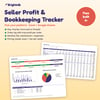

Etsy Seller Spreadsheet: Bookkeeping & Profit Tracker for One Platform, Excel & Google Sheets
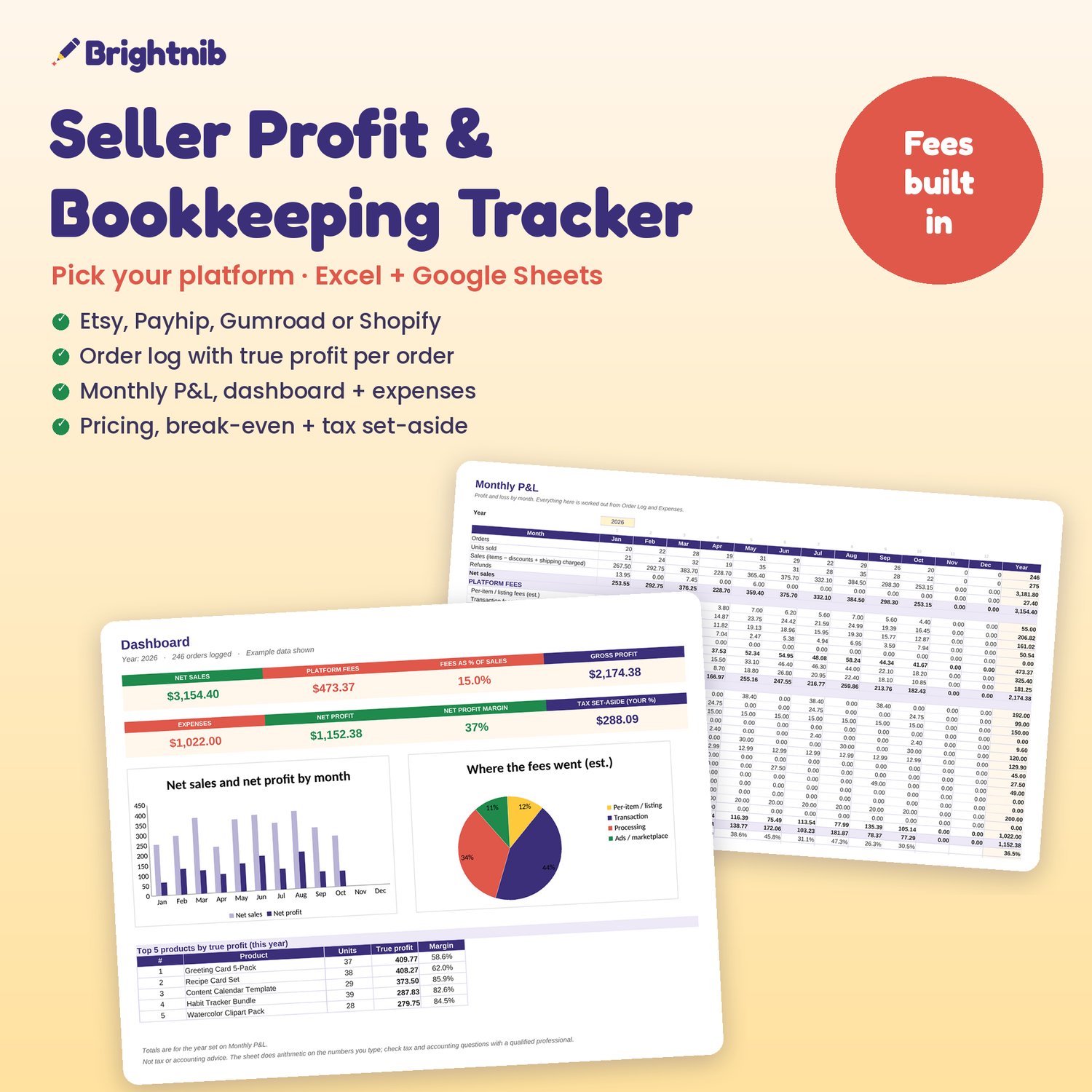
Etsy seller spreadsheet for one platform: track every fee and the true profit on every order, month and quarter. Etsy, Payhip, Gumroad, Shopify or custom fees.
Know the true profit on every order. Pick the platform you sell on (Etsy, Payhip, Gumroad, Shopify or your own custom fees) and the tracker works out the fees, costs and profit for each order, month and quarter.
WHAT'S INSIDE (11 tabs)
• Start Here: setup steps, a color key and how to clear the example data
• Fee Settings: choose your platform from a dropdown. Every fee is editable, and a library lists other published plans. Fees were checked on each platform's own fee and pricing pages in October 2026 (Stripe's and PayPal's for Payhip card fees); check your own account, as fees change.
• Products: up to 50 products with item cost, plus units sold, sales and true profit per product
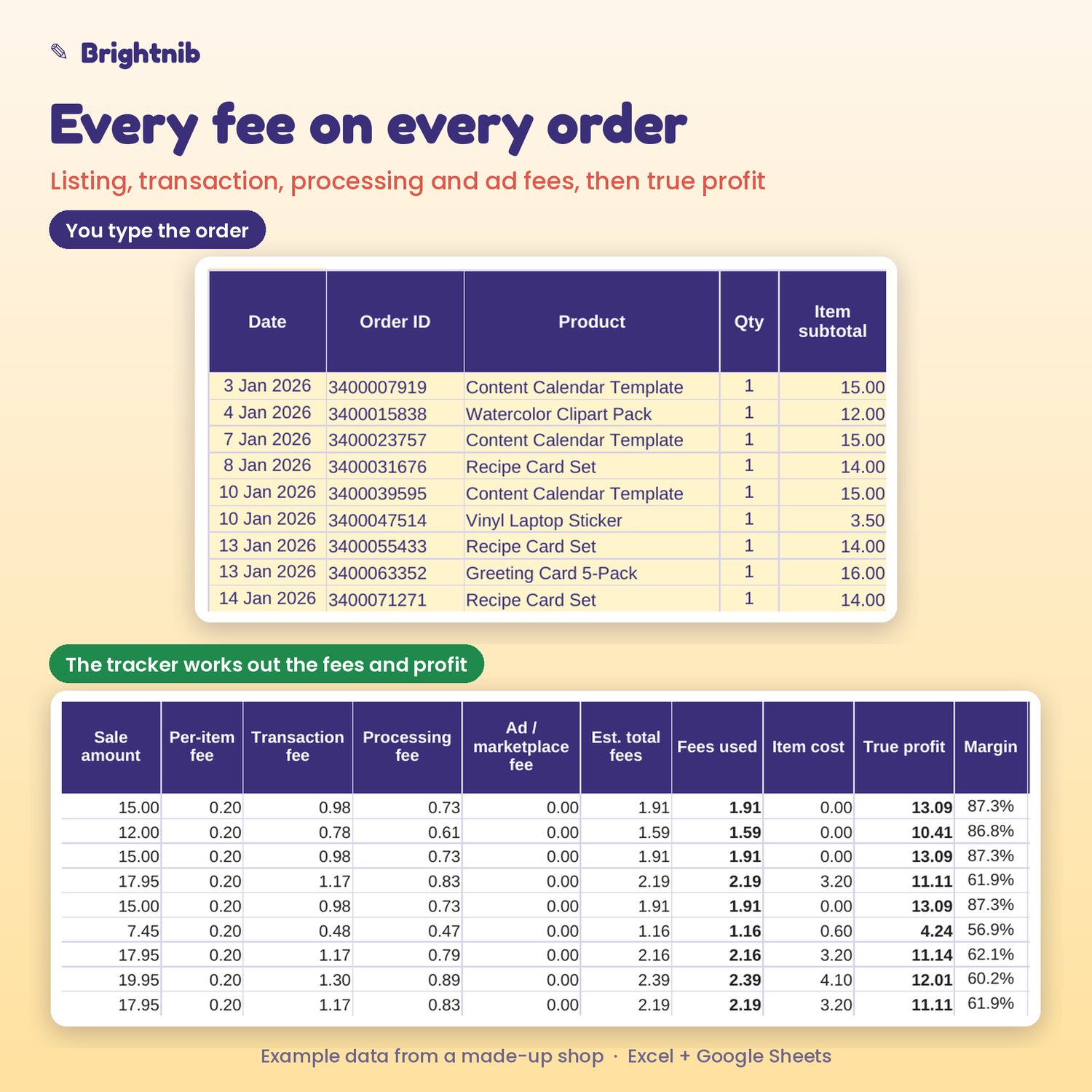
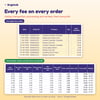
• Order Log: 1,000 rows with a per-order breakdown of per-item/listing, transaction, processing and ad fees, then true profit and margin. You can type the fee from your platform report instead.
• Expenses: 400 rows with 14 categories
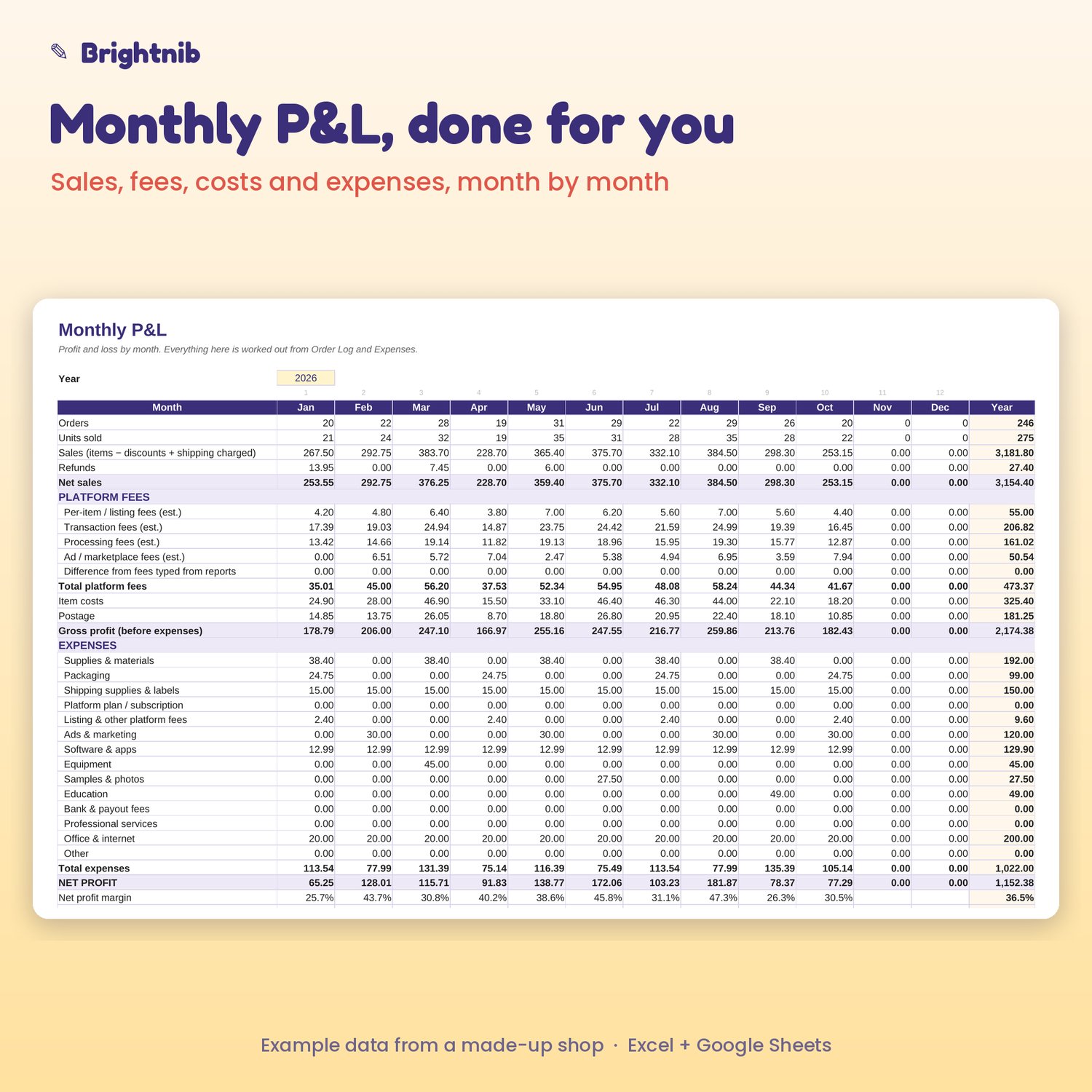
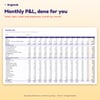
• Monthly P&L: sales, refunds, each fee type, item costs, postage, gross profit, expenses by category, net profit and margin for every month
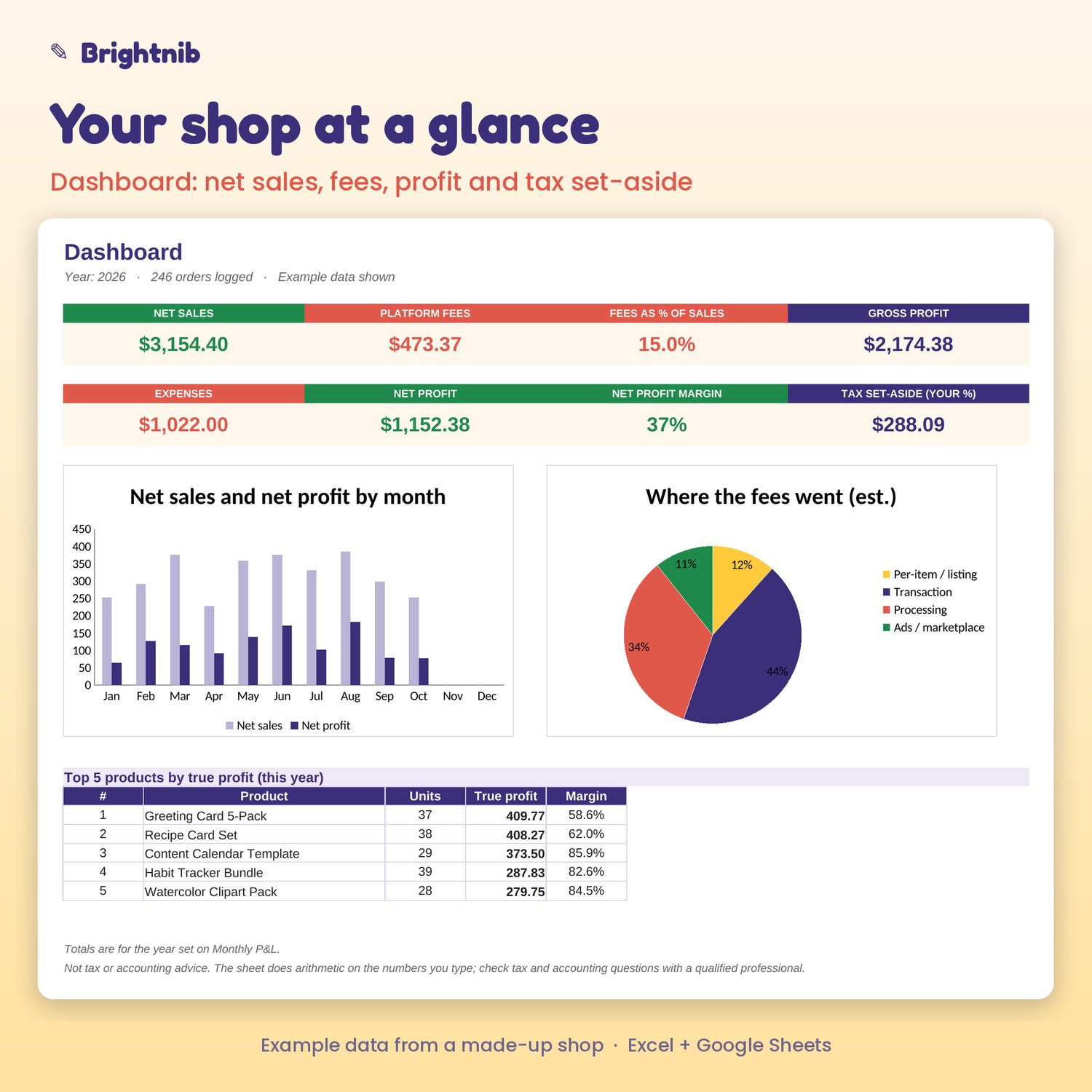
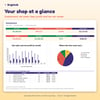
• Dashboard: 8 totals, a monthly chart, a "where the fees went" chart and top 5 products
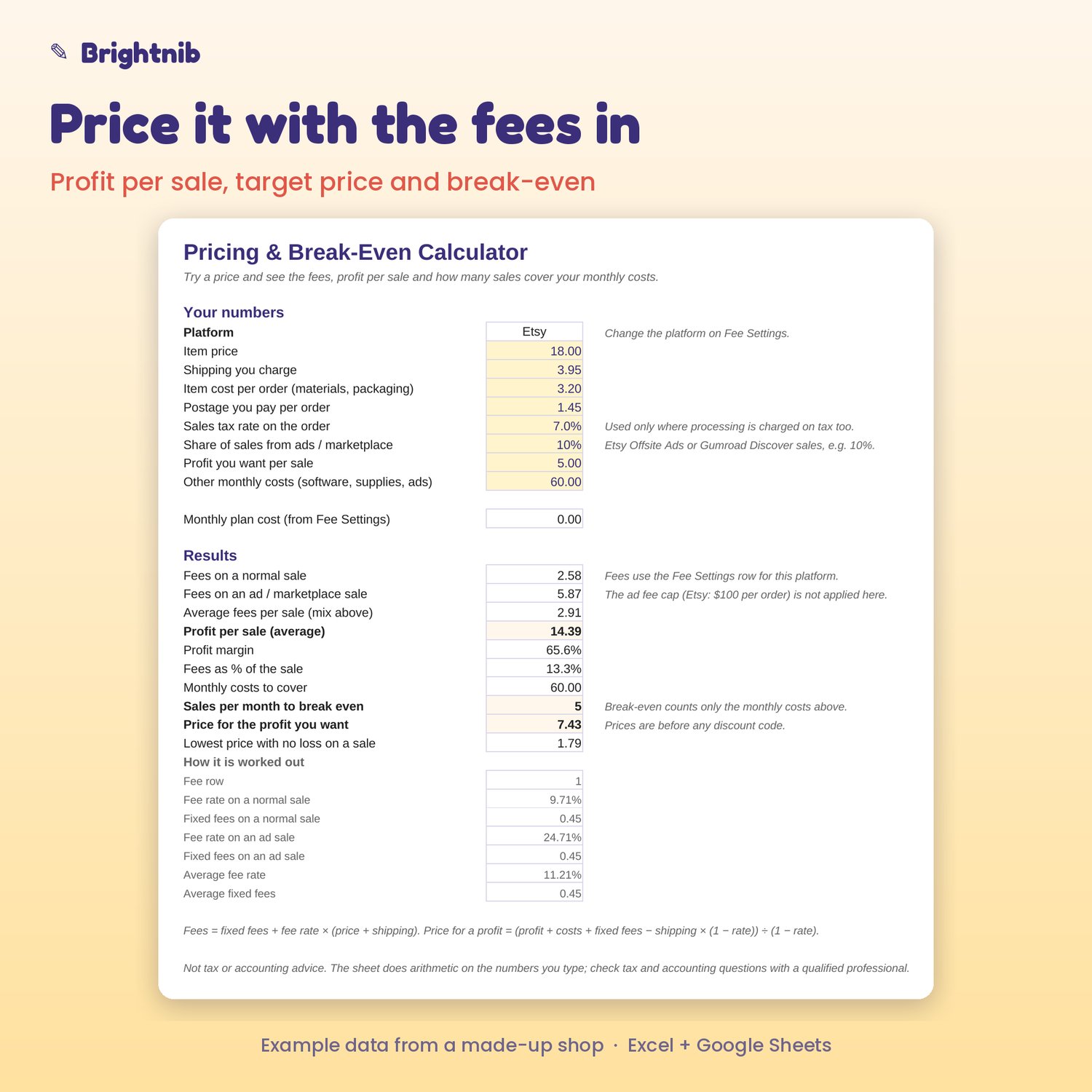
• Pricing & Break-Even Calculator: fees and profit per sale, the price for the profit you want and the sales per month that cover your monthly costs
• Tax Set-Aside: pick your own percentage and see an amount to put aside for each quarter
• Paste CSV + Import Review: paste your platform's order export, match the columns once (Shopify and Payhip start pre-matched to their documented column names), then copy the cleaned rows into the Order Log
HOW YOU USE IT
• Excel / LibreOffice: open the .xlsx and start on the Start Here tab.
• Google Sheets: start a blank spreadsheet, then File → Import → Upload, choose the file and pick "Replace spreadsheet". The 2-page PDF guide walks you through it.
• Comes filled with clearly labeled example data from a made-up shop.
• Plain formulas only: no macros, no add-ins, no links to other files.
GOOD TO KNOW
• Instant digital download (zip with the .xlsx and a PDF guide). Nothing is shipped.
• Fees are estimates from the presets you set, based on published US fees. Edit them to match your account.
• Not tax or accounting advice. The tax set-aside tab only does arithmetic with the percentage you choose.
• Not affiliated with Etsy, Payhip, Gumroad or Shopify.
• For personal use in your own shop. Please don't share or resell the file.
Sell in more than one place? The Multi-Platform Seller bundle tracks all four platforms in one file.