
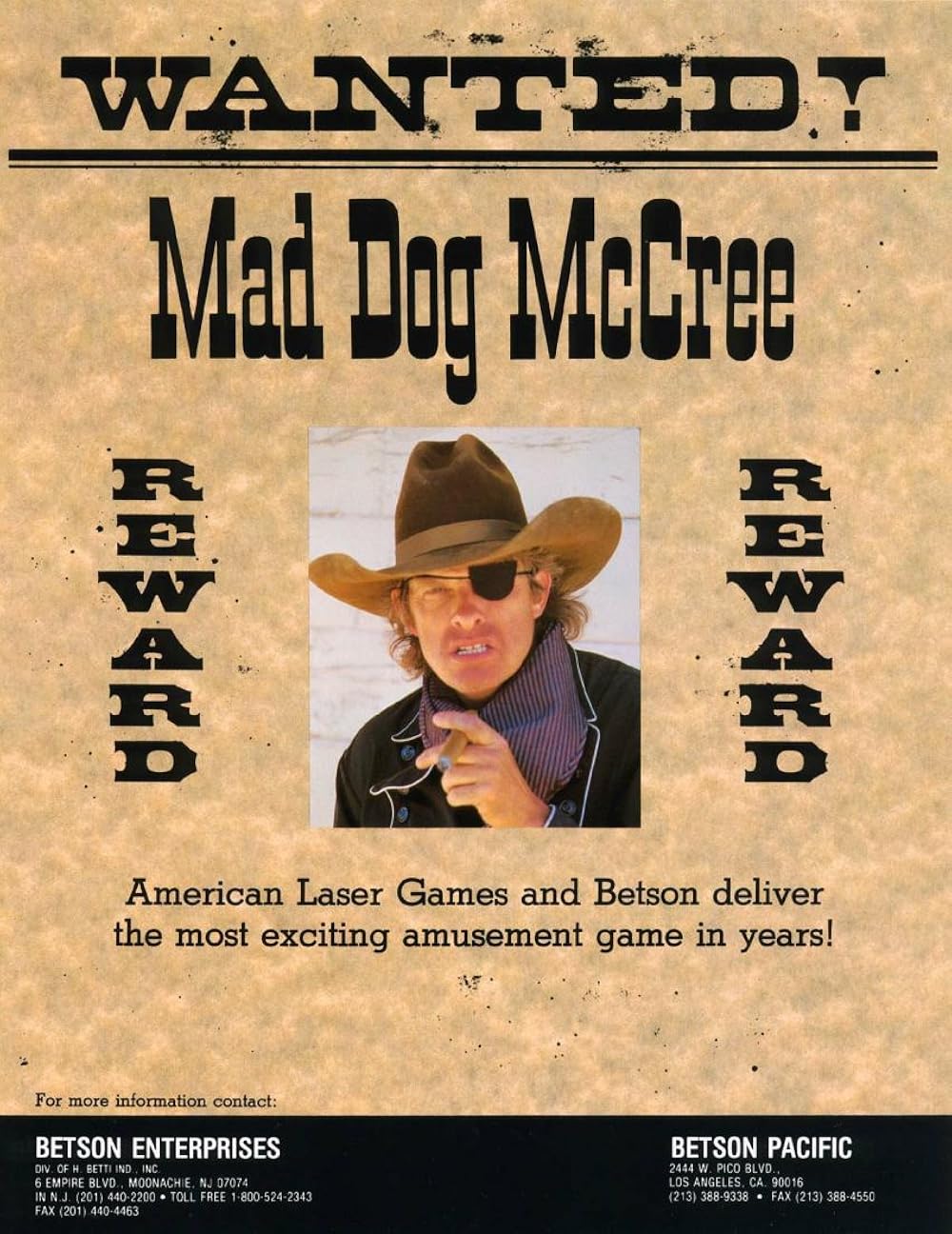
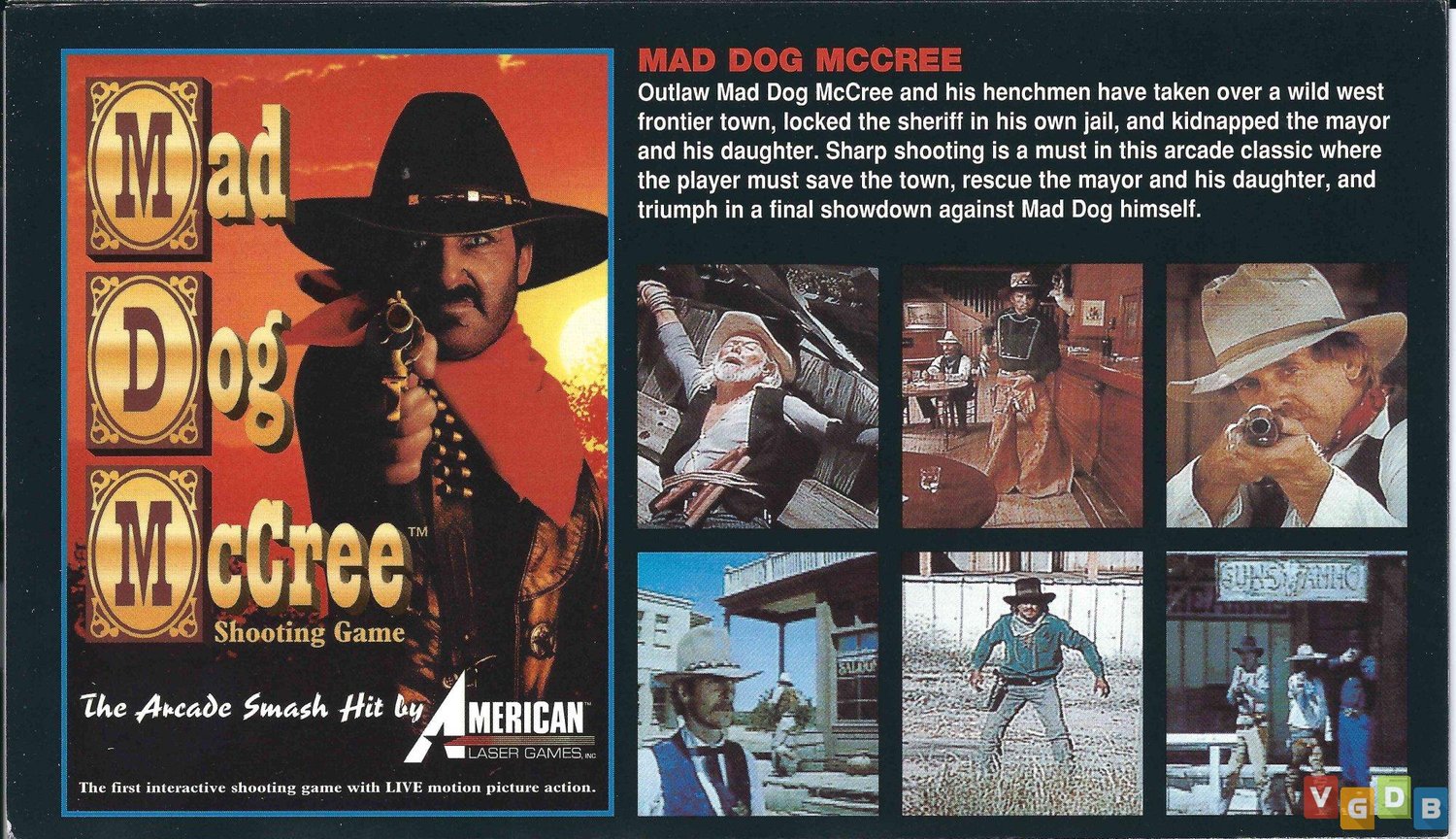
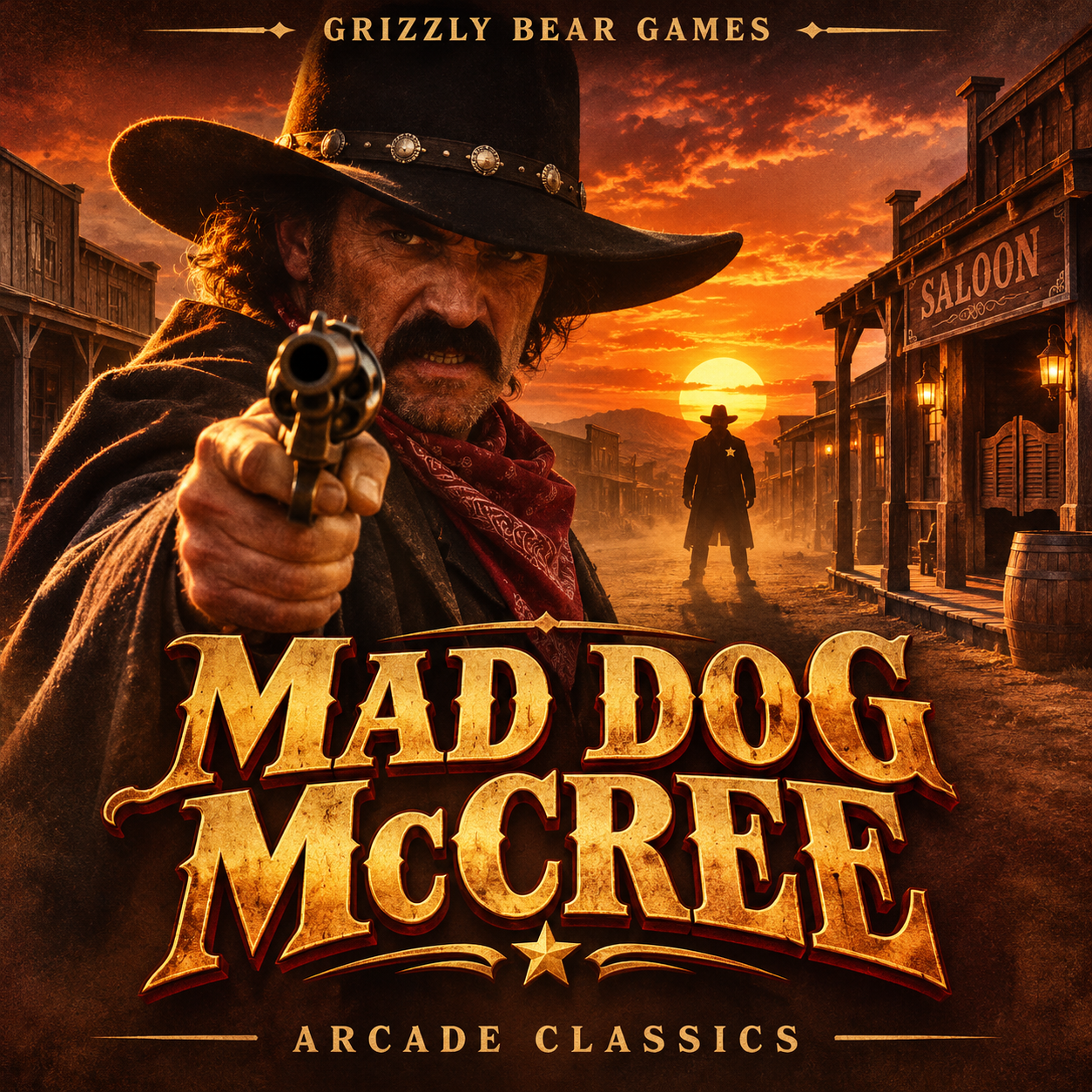
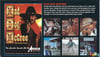

Mad Dog McCree | Grizzly Bear Games
The saloon doors swing open. The street falls silent. Your next shot counts.
Step into a dusty frontier town and face Mad Dog McCree in a live-action arcade shootout. Real actors, quick reactions and Wild West showdowns bring back the feeling of standing in front of a 1990s arcade cabinet. Read the scene, pick your target and find out how far your reflexes can take you.
BRING THE ARCADE HOME
Rediscover an often-overlooked arcade classic: distinctive characters, short bursts of action and that familiar “one more try” feeling. Whether you grew up with 1990s arcades or are discovering them now, this is a chance to explore a different kind of game.
HOW TO DOWNLOAD AND PLAY
1. Complete your purchase and open the Payhip download page.
2. Download the game ZIP and keep your assigned license key.
3. Extract the entire ZIP into a folder on your Windows PC. Do not run it from inside the archive.
4. Open Grizzly.exe from the extracted folder.
5. Enter the product license key if prompted, then launch the game.
Keep all supplied folders and files together.
PC FRIENDLY RETRO GAMING
Enjoy classic arcade design without chasing the hardware demands of a modern blockbuster. An older or entry-level Windows PC may be suitable, depending on its graphics, drivers and video playback support. Exact minimum requirements and compatibility across all PCs have not been verified.
YOUR AIM, YOUR SETUP
Compatible PC lightguns or a Wii Remote with a sensor bar can be used for aiming when configured to provide suitable mouse/pointer input. The device must be connected, mapped and calibrated in Windows first; supporting software or drivers may be required. Accessories are not included, and native plug-and-play support for every device is not promised.
ABOUT THIS DOWNLOAD
Digital game package for Windows. The supplied launcher keeps the starting process in one place; first-time activation or controller setup may still be needed. Cover artwork is a promotional illustration, not an in-game screenshot.