
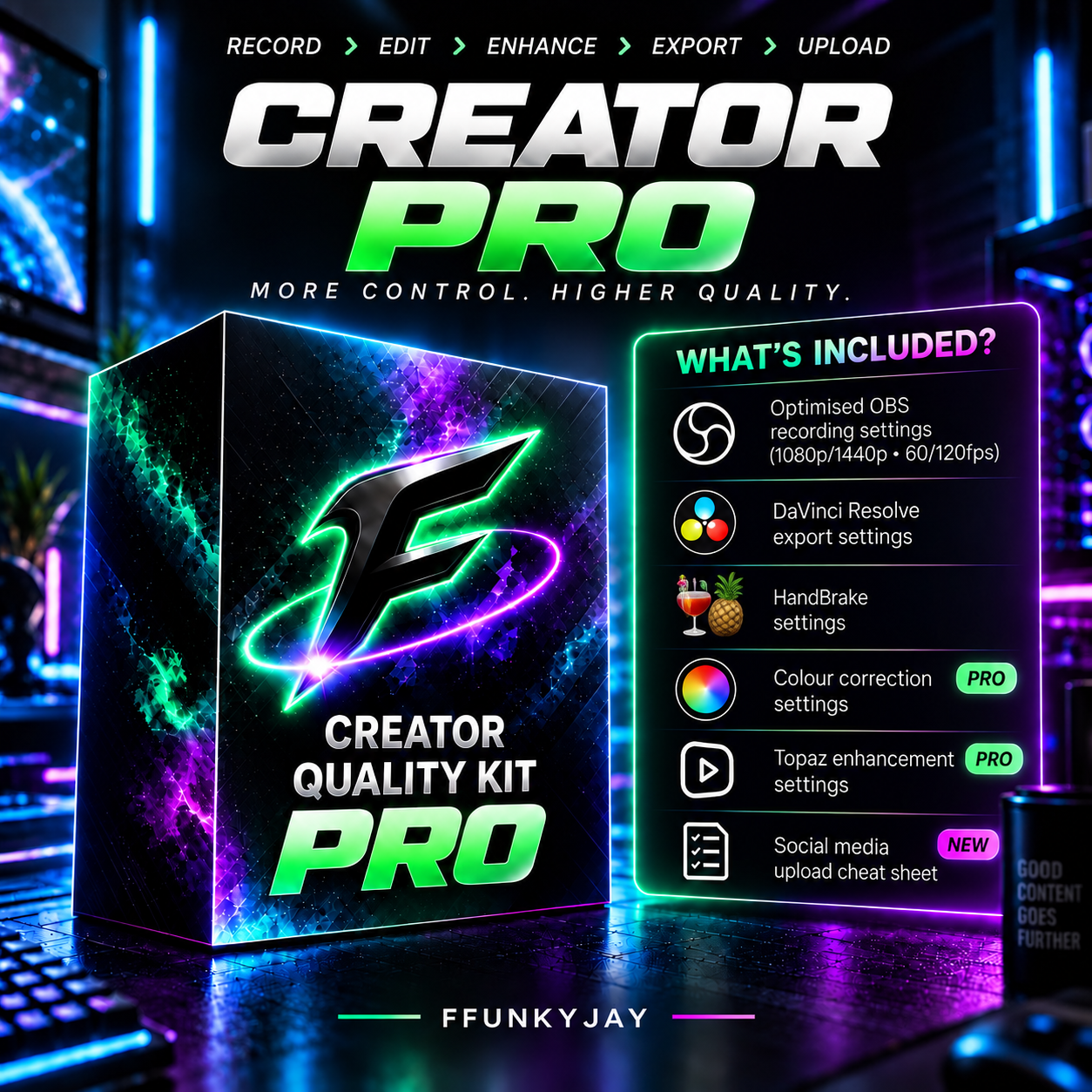
Creator Quality PRO
CREATOR PRO - Advanced Quality Kit
(all purchases will receive a discount coupon on future upgraded tiers with a discounted price difference of their respected upgrade cost)
Creator PRO takes the Creator Essentials workflow further with higher-resolution and high frame rate recording options, advanced export settings, Topaz enhancment, Handbrake, Colour Correction presets and a guided workflow built for creators who want more contol over how their content looks.
Enhance your footage, apply ready made colour correction created by myself just for you, optimise your final export and follow the included upload workflow
📦 WHAT'S INCLUDED
🎥Optimised OBS Recording Settings -
Choose the recording Settings that suits your PC and content
You will recieve a 'What Settings Should I Use?' quick guide explaining which config is right for you
🎞️ DaVinci Resolve Export Settings -
Don't capture high quality content only to destroy the quality during export.
Includes my recommended Davinci Resolve Export Configuration for producing high quality finished content.
🎨Colour Correction Presets -
Give dul washed out content more life without having to build a grade from scratch.
This kit provides you with a full tutorial on how to import my colour correction presets created by myself to give your content a cleaner more cinematic appearance.
🟩 Topaz Enhancment Settings -
The kit also provides you with Topaz Enhancment settings for improving details and clarity before your final upload.
The file includes exactly what values to change for your clip as well as the recommended export settings.
🍍 HandBrake Settings -
Take more control over your finished file with the included HandBrake configuration.
You will receive the settings used to preserve quality and reduce Tiktok + Instagrams compression after uploading.
🎁 BONUS -
I have also included a step by step walk through recorded by me showing you how to actually use parts of my workflow.
Il show you how to
- Import and apply the CC created by me
- Add motion blur
- Add and adjust sharpness
So rather than buying a folder of settings and being left to figure it out yourself, you can watch the process and follow along
📲 BONUS - Social Media Upload Cheat Sheet -
Your upload doesnt end when you export.
You will also recieve a quick reference upload cheat sheet showing the recommended way to upload your finished content to Instagram + Tiktok
🆚 WHY CHOOSE PRO OVER ESSENTIALS?
Creator essentials is designed for creators who want a straightforward simple recording and editing workflow.
Creator PRO is for creators who want to take things further.
Want a simple quality boost?
Choose Creator Essentials
Want the complete advanced workflow?
Choose Creator Pro
⚠️ REQUIRMENTS + IMPORTANT INFORMATION
NVIDIA GPU recommended for the included NVENC configurations
THIS DOES NOT INCLUDE DLSS5 QUALITY
OBS studio, DaVinci Resolve, Handbrake + Topaz software are not included with this purchase. Some features demonstrated may require paid versions of the respective software.
Results may vary depending on your PC hardware, source footage, game, editing choices and the processing/compression performed by individual social-media platforms.
No settings pack can prevent Tiktok, instagram, YouTube or other platforms from subsequently processing or compressing an uploaded video.